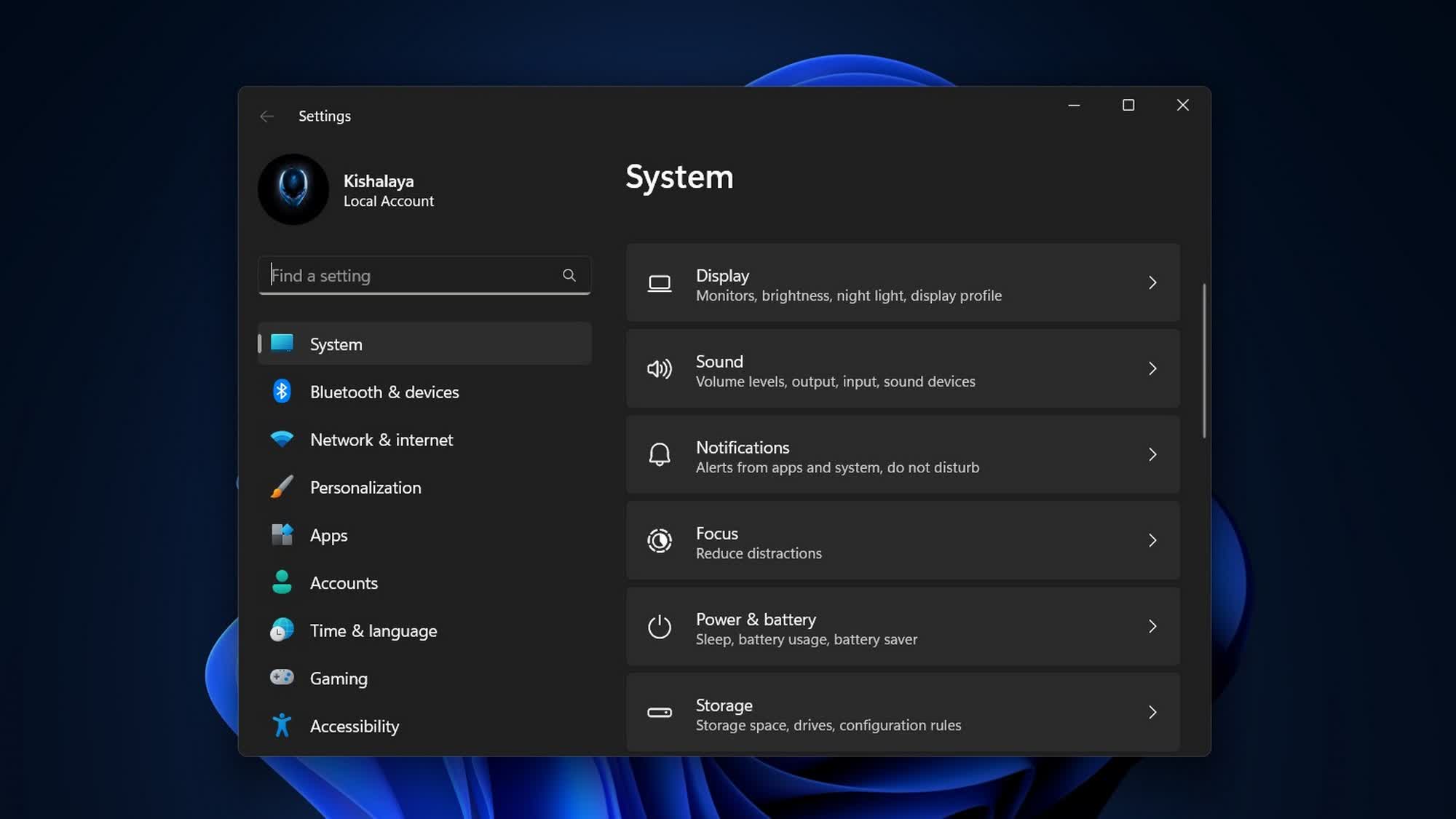
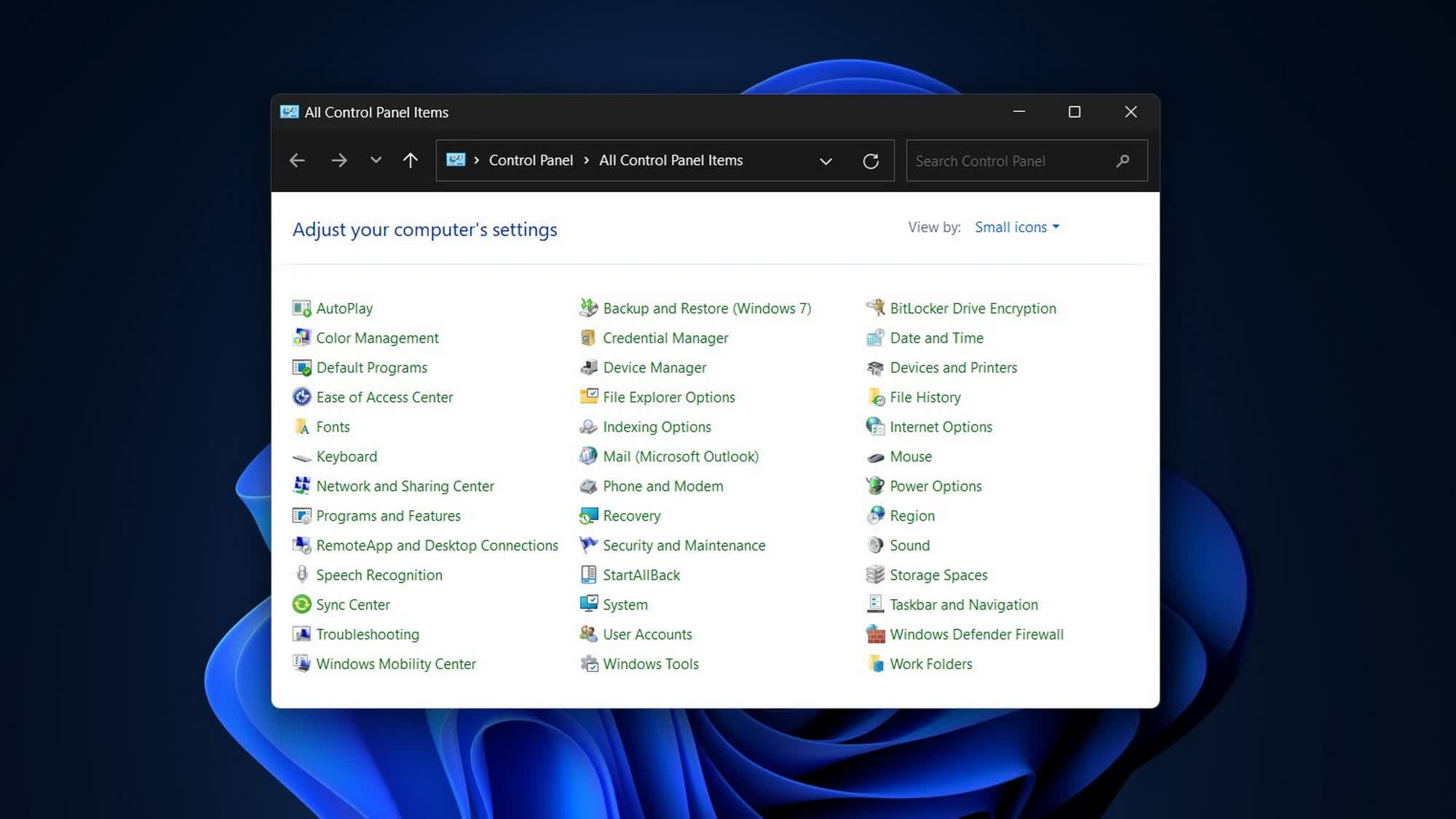
The big picture: A senior Microsoft engineer has confirmed that the company plans to phase out the Windows Control Panel in favor of the more modern Settings app in the near future. He added that File Explorer and the Start Menu will also receive a UI overhaul and performance improvements over the next few months, beginning with the April update next week.
Speaking to Windows users on X this week, Microsoft's Director of Design, March Rogers, said the company is working to address several UI issues across Windows 11. To that end, all settings options are being consolidated in a single location, ensuring users will no longer need to switch between the Control Panel and the Settings app for basic tasks such as configuring networks or printers.
– March Rogers (@marchr) April 6, 2026
Rogers revealed that the migration process is taking time because the Control Panel contains many different device and driver configuration options, and engineers are ensuring that nothing breaks while migrating those settings. He added that the Settings app pages are being redesigned for improved clarity and better dark mode compatibility.
Users can also expect several other changes as part of Microsoft's renewed focus on speed, stability, and performance, including a more coherent UI experience across Windows 11. Following years of complaints about bugs, interface issues, and lag, the next few updates are expected to deliver more polish and improved usability rather than introducing major new features.
Some of the changes expected to roll out this month include updated account dialogs with dark mode support, Copilot integration for Narrator on all devices, additional options in pen settings for the pen tail button, voice typing support for renaming files in File Explorer, and other thoughtful additions aimed at improving the overall user experience.
Rogers also reiterated that File Explorer is receiving a major overhaul, with improvements to its UI, performance, and reliability. The Start Menu is receiving a similar update, featuring a notable performance boost, improved search indexing, and bug fixes. Microsoft is also modernizing the classic Command Prompt, incorporating several features from the open-source Windows Terminal.