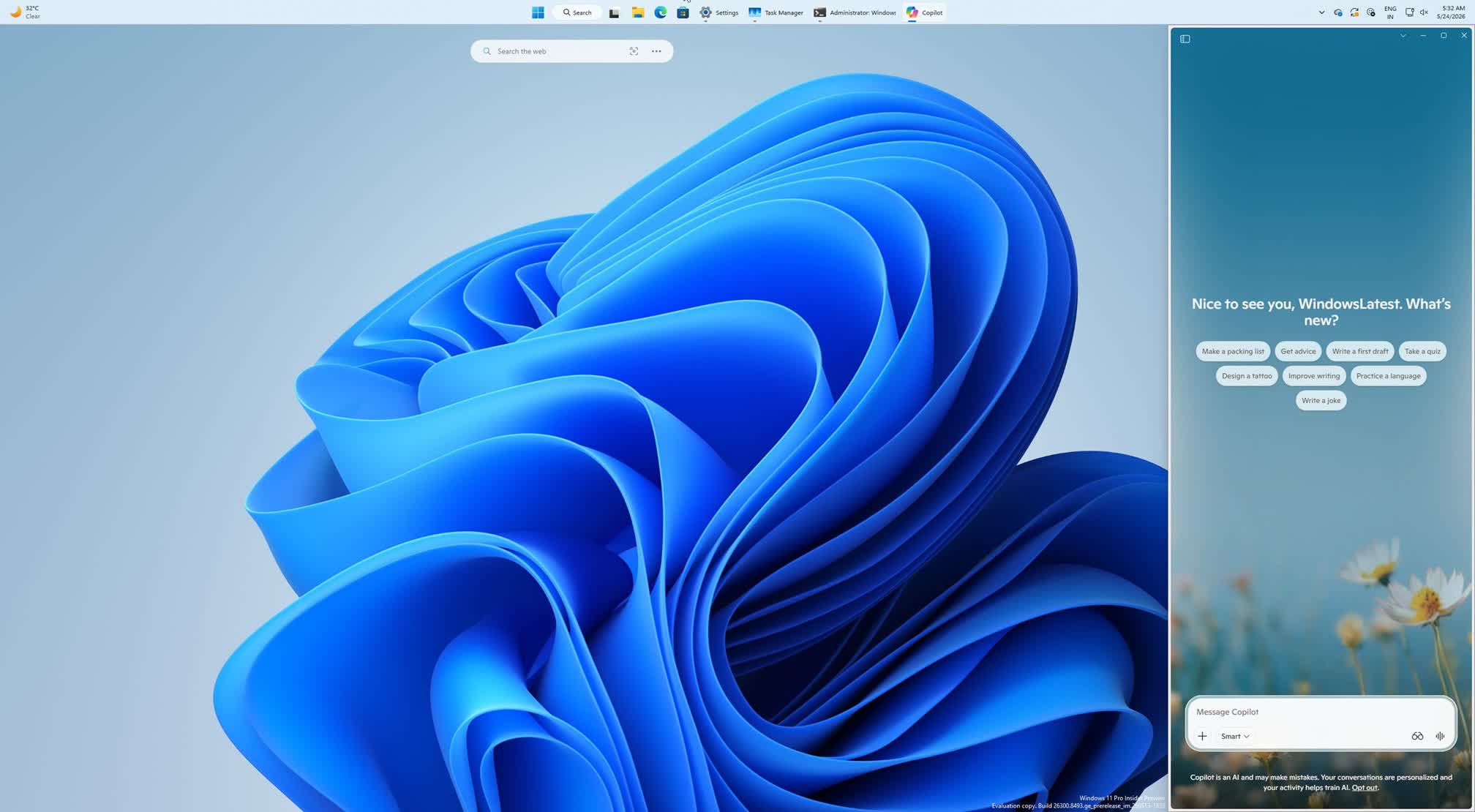
In context: Windows users have made their frustrations clear over Microsoft's relentless push to embed Copilot throughout the operating system, yet the chorus of complaints has failed to persuade the company to cut back on its Copilot shenanigans. The latest experiment sees a docked Copilot sidebar that can be pinned to the edge of the Windows desktop, significantly cutting into the screen space available to other applications.
Granted, the core Copilot experience remains unchanged in the latest update, but according to Windows Latest, a new drop-down menu on the title bar introduces four snapping options, letting users dock the assistant to the left or right edge of the screen or keep it in a standard resizable window. The existing picture-in-picture mode carries over as well.
While docking Copilot could have obvious appeal for heavy users, the main trade-off is the reduced desktop space for other apps. On an ultrawide or multi-monitor setup that trade-off is manageable, but on a typical 15-inch, 16:9 laptop display the loss of screen real estate is harder to ignore.
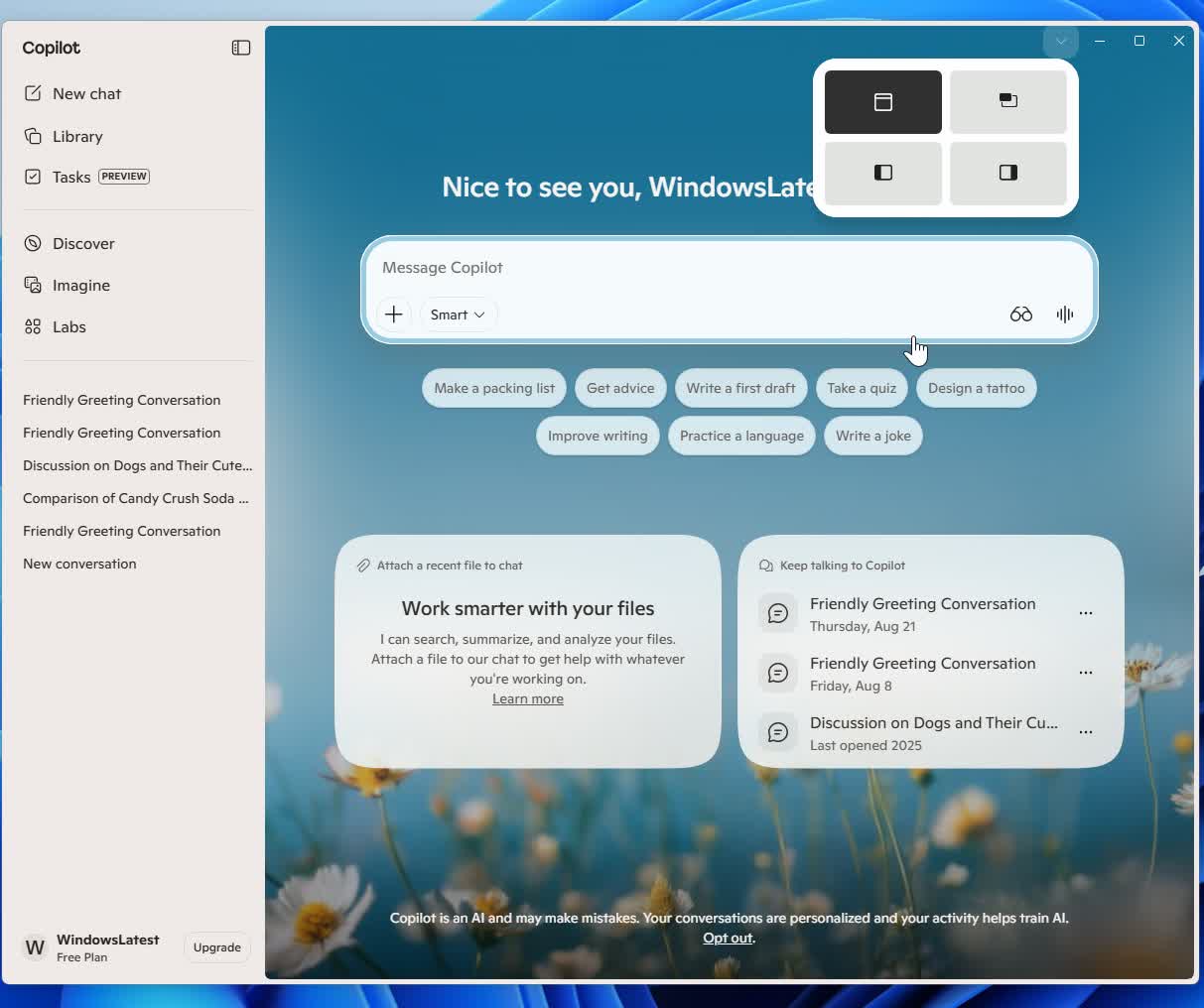
Thankfully, Copilot still launches in a floating window by default, meaning users can simply overlook the docking option entirely. Whether Microsoft leaves that default in place is another matter, given that the company seems desperate for its AI assistant to gain traction and it's willing to bother some of its vast Windows user base to do so.
That said, user resistance has extracted some concessions. Just last week, Microsoft confirmed it would allow remapping of the dedicated Copilot key on newer Windows laptops. The company has also reportedly halted efforts to integrate Copilot into Windows notifications and the Settings app following major pushback from users.
Those changes appear to reflect a broader recalibration in Microsoft's Windows strategy, with renewed emphasis on improving system stability and addressing longstanding bugs over half-baked features that users never requested. While no one expects Microsoft to abandon its Copilot ambitions, users are hoping that whatever comes next earns its place in the OS by being genuinely useful, not just imposed on them.
Image source: Windows Latest