

The Unarchiver is designed to handle many more formats than Archive Utility, and to better fit in with the design of the Finder. It can also handle filenames in foreign character sets, created with non-English versions of other operating systems. I personally find it useful for opening Japanese archives, but it should handle many other languages just as well.
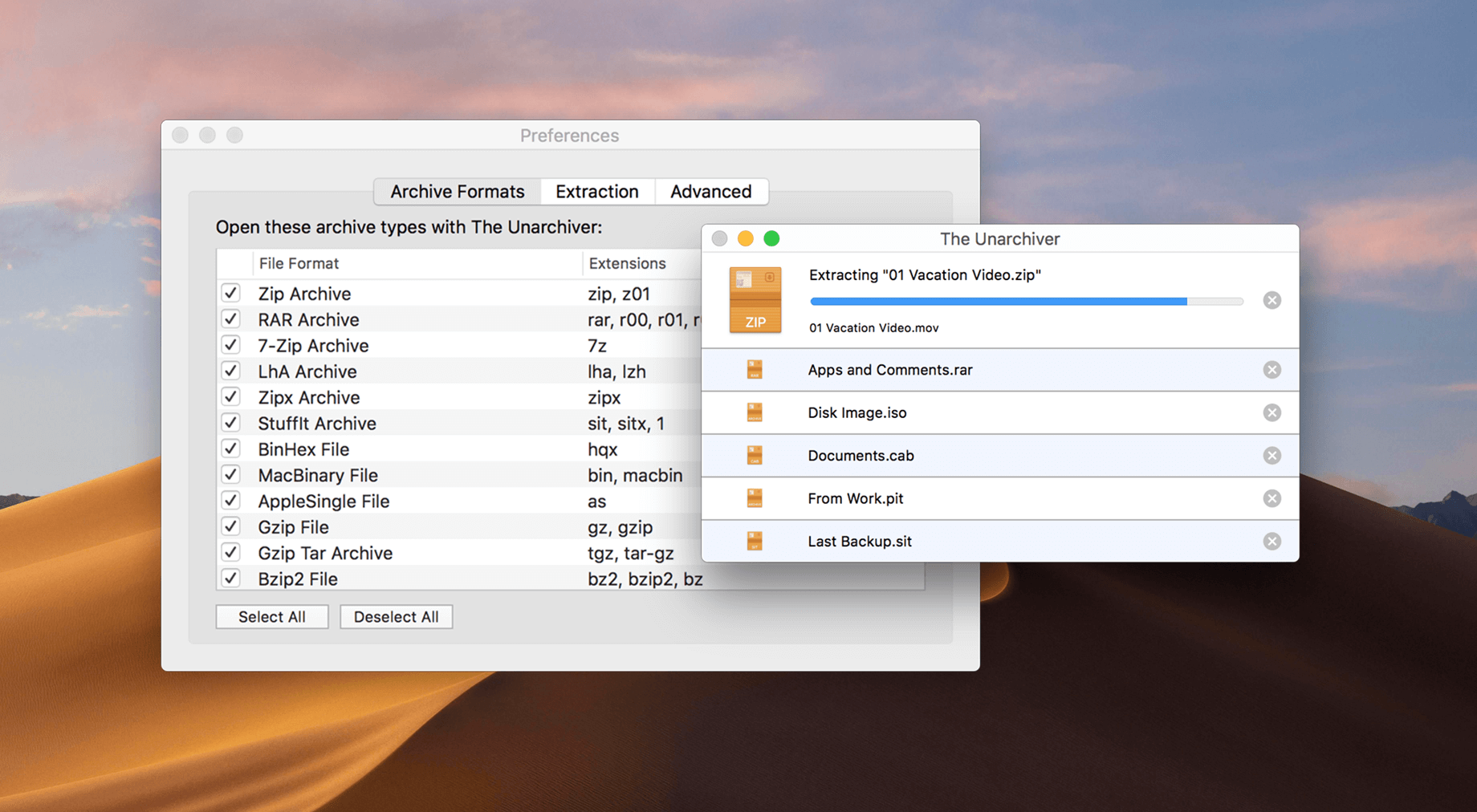
It is very simple to use and install - simply copy it into your Applications folder, or wherever else you might prefer, and then set it as the default program for archive files. This can be done either from the preferences panel in the program itself, or in the Finder.
Supported file formats include Zip, Tar-GZip, Tar-BZip2, RAR, 7-zip, LhA, StuffIt and many other old and obscure formats. See the supported formats page for a more complete list of supported formats.
What's New
- Minor bugs and known crashes
Previous Release Notes:
We want to enhance your experience with The Unarchiver, and your feedback is crucial to our improvement process. That's why we've introduced a Survey and Product Usage Analytics in this latest update.
Share your thoughts by participating in the survey, or reach out directly at [email protected]
Changes
- The "Stand with Ukraine" message has been replaced with the Survey invitation.
- Product Usage Analytics has been added to help us understand how you use our app.
- Our Privacy Policy and Terms of Use have been updated to reflect these changes.
- We've made minor updates to the Settings for a better user experience.
- The minimum macOS version requirement is now 10.13.
- Russian localization has been removed.
We appreciate your participation and support in helping us improve The Unarchiver.

