
Our top gaming monitor recommendations come from extensive testing and deep-dive reviews across a wide range of gaming displays. This comprehensive overview pulls together our favorite picks in every major category: 4K, 1440p, ultrawide, high-refresh-rate, and 1080p.
For this update, we've reorganized things around price tiers, from flagship models at the high end to solid choices for budget-minded buyers, plus a few standout niche options. If you're looking for suggestions based on specific display types, the recommendations below should still help you zero in on what matters most to you, making this a great place to start.
Every monitor listed here has gone through rigorous hands-on testing. Nearly all of them have full reviews either on TechSpot or over at Monitors Unboxed on YouTube. Whatever your gaming setup looks like, this guide is packed with reliable picks to help you land the right display.

- Best Overall (4K OLED)
- Best Premium
- Best Mid-Range
- Best Value HDR
- Best Value
- Extreme Refresh Rate
- Best Ultrawide
Best Overall (4K OLED)
Asus ROG Strix OLED XG32UCWMG 32"

The best gaming monitors you can buy right now are 4K OLEDs, something we've been saying for more than a year. They typically come in 32-inch or 27-inch sizes. We lean toward the larger models for the added immersion, but either way, you're getting a top-tier gaming experience.
What puts these displays ahead of everything else is the mix of speed, resolution, and overall image quality. The leading 4K OLEDs deliver 240Hz refresh rates, crisp high-resolution panels, strong feature sets, and consistently impressive real-world performance. OLED technology is exceptionally quick, producing the kind of motion clarity that makes fast-paced games look razor sharp. You also get the deep contrast and HDR capabilities that come from per-pixel lighting, true zero-level blacks, and a wide color gamut. The clarity, consistency, vibrancy, and contrast you get from an OLED panel can be genuinely stunning.
While there are plenty of good 4K OLEDs, the standout pick is the Asus ROG Strix XG32UCWMG. This 32-inch 4K WOLED runs at 240Hz, and what sets it apart is its excellent feature set. It uses a stunning glossy TrueBlack finish that outperforms QD-OLED glossy coatings and does a better job preserving black levels in any lighting environment. QD-OLED has a pesky problem of blacks appearing grey in brighter rooms, which is a complete non-issue on the WOLED-based UCWMG.
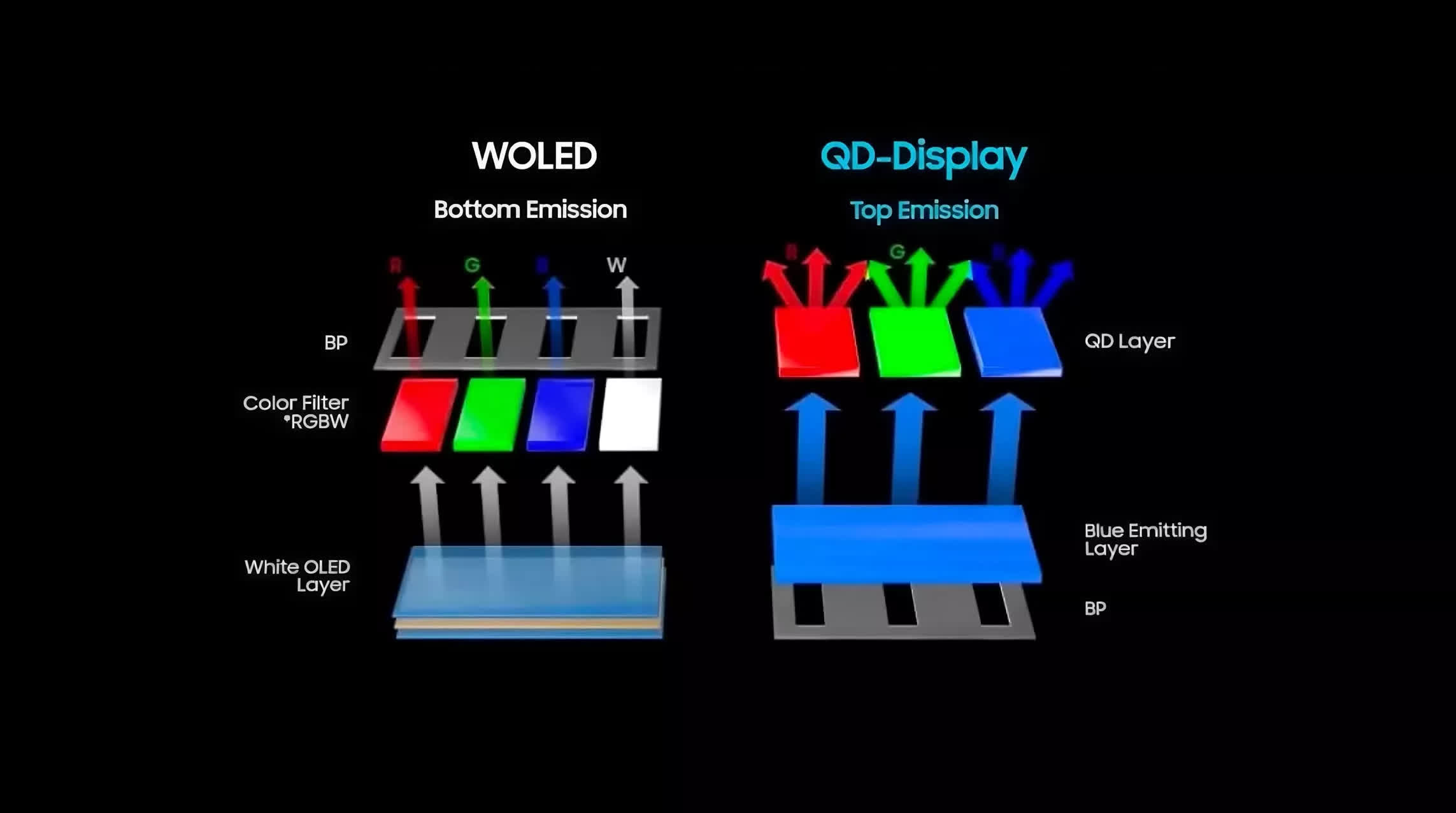
There are two other advantages to WOLED over QD-OLED. First, HDR performance is better thanks to more consistent brightness output: there's no panel dimming in bright scenes, and peak brightness still reaches 1,000 nits.
Second, 4K 240Hz WOLED panels offer a dual-mode feature that allows the monitor to run at 1080p 480Hz. This mode is super clear for competitive gaming and adds versatility for players who enjoy multiple genres. Asus also includes great features like a Neo Proximity Sensor, OLED Anti-Flicker mode, ELMB, and unlocked color controls.
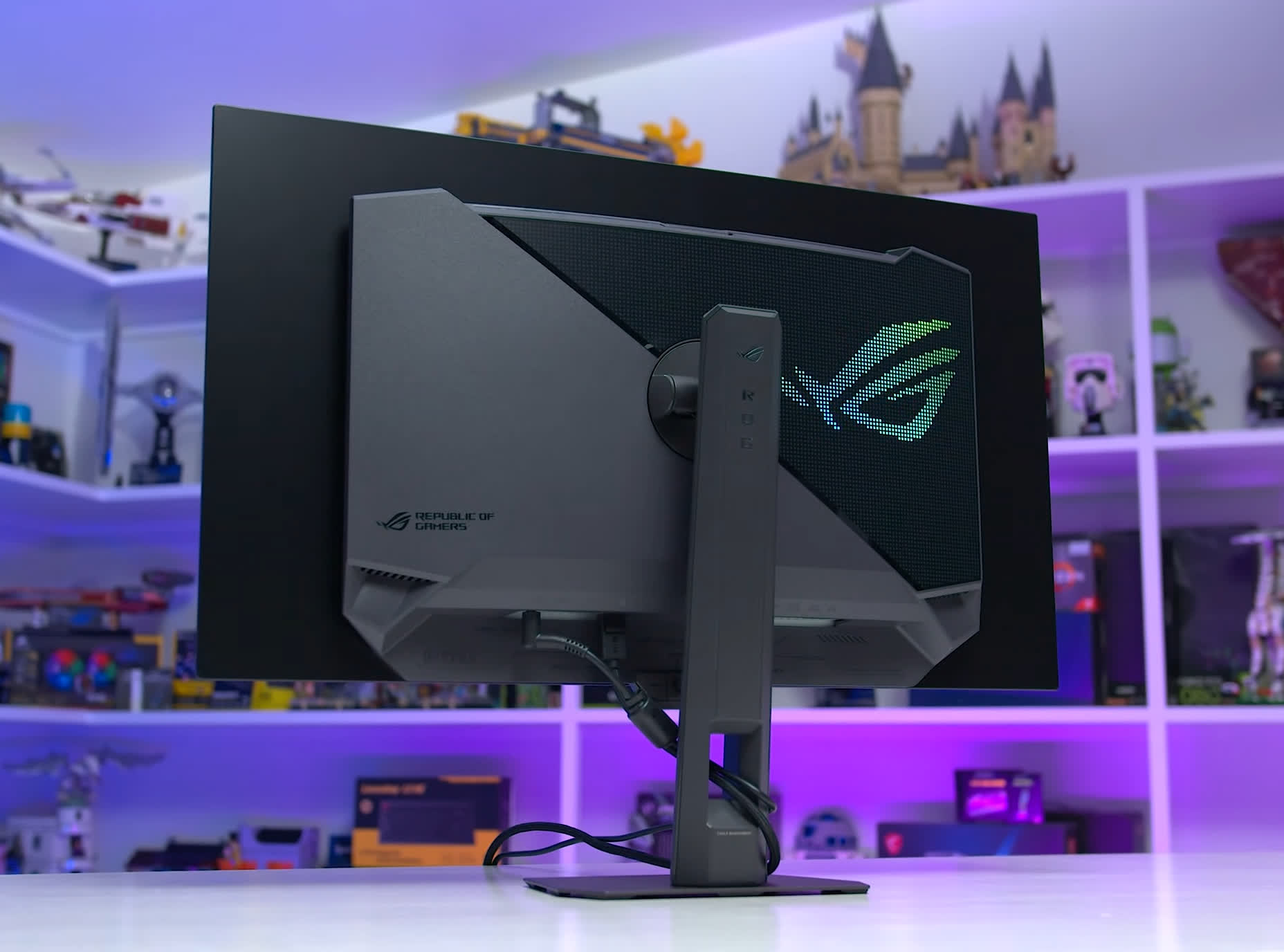
The catch, of course, is price. We were originally told the XG32UCWMG would land at $950, but tariffs have pushed the current price to $1,100. Meanwhile, the cheapest 240Hz QD-OLEDs start around $850, making this premium WOLED roughly 30% pricier. That's not unreasonable for a flagship display, but it definitely isn't the budget play.
Worthy Alternatives
Gigabyte Aorus FO32U2P and MSI MPG 321UPX
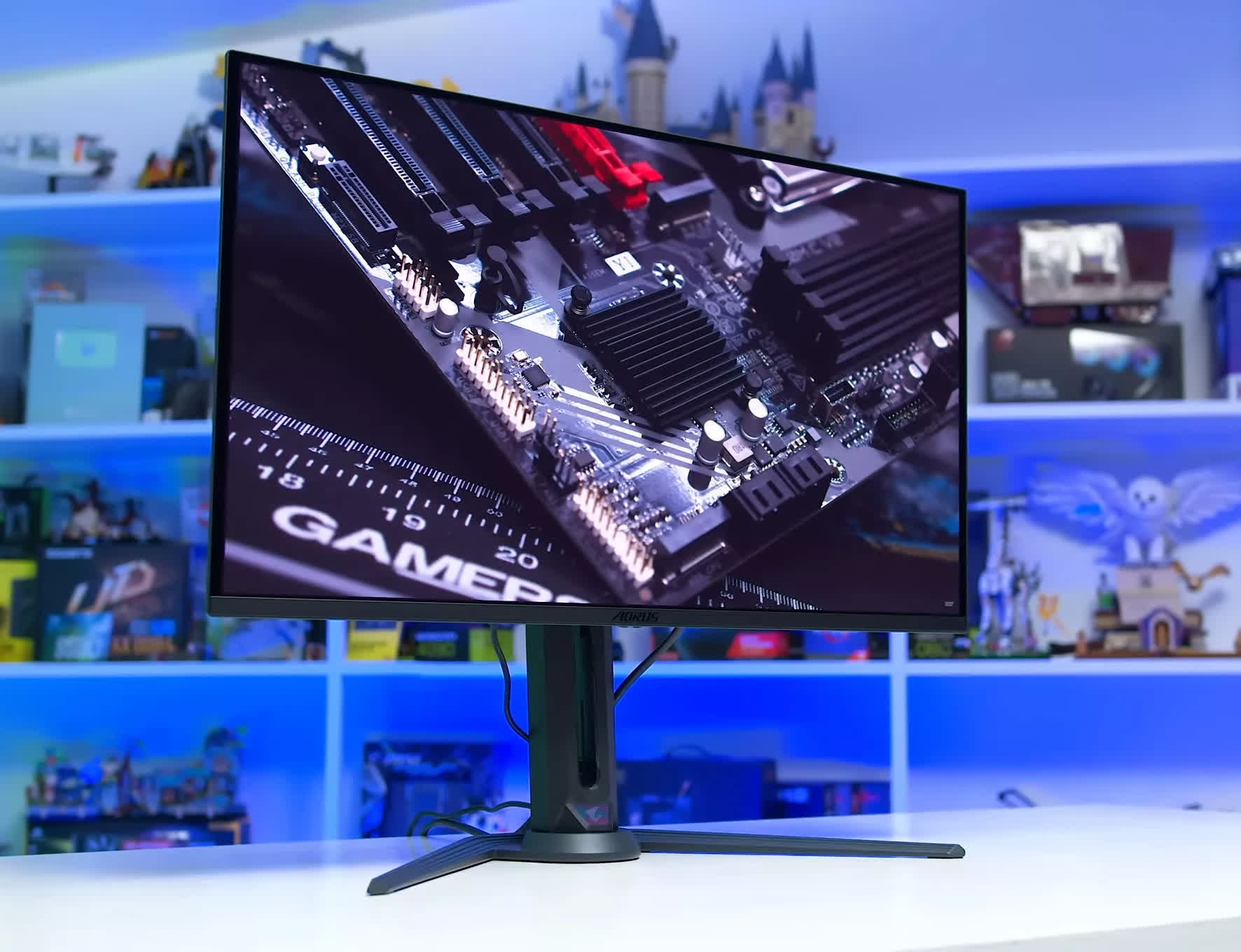
Gigabyte Aorus FO32U2P
If you're not looking to spend that much, a 32-inch 4K 240Hz QD-OLED is the smarter buy. Strong value picks include the MSI MPG 321UPX and Gigabyte's FO32U2, among a handful of others. The nice thing about going QD-OLED instead of WOLED is that the core performance is nearly identical – fast response times, excellent HDR contrast, and that signature OLED pop.
QD-OLED does offer some unique benefits: wider color gamut, higher color brightness, better handling of reflections, and stronger panel uniformity. But there are trade-offs compared to WOLED, like raised blacks in bright rooms and HDR behavior that can dim the panel during bright scenes. Still, the category is packed with options, competition is fierce, and prices keep sliding downward. We haven't tested a QD-OLED yet that we couldn't recommend.
27-inch OLED: Dell Alienware AW2725Q
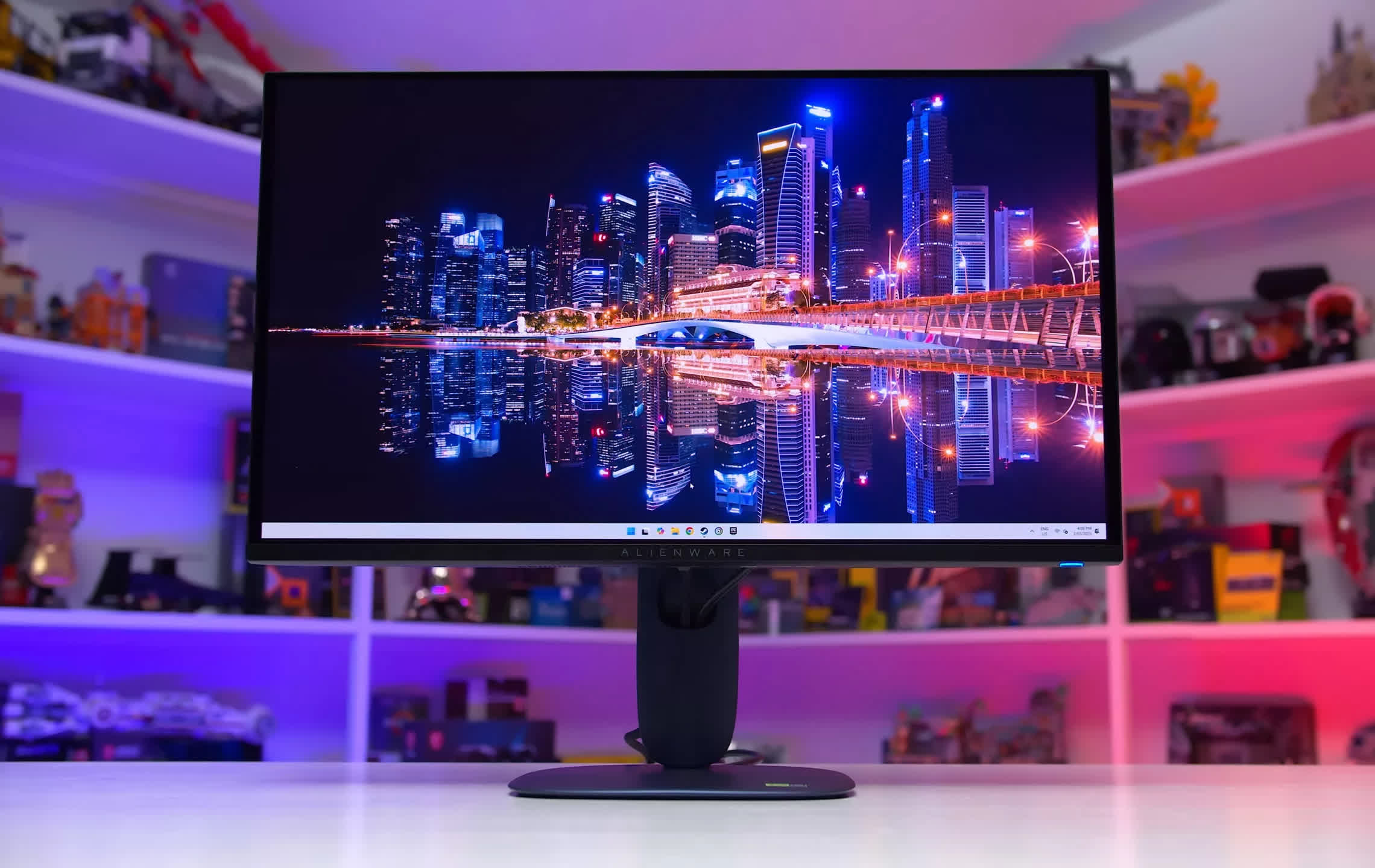
Dell Alienware AW2725Q
If a 27-inch screen fits your setup better, the 240Hz QD-OLED class is equally strong. The best pick in this size is the Dell Alienware AW2725Q, often the most affordable 27-inch 4K QD-OLED on the market. Its performance is in line with the rest of the field, so there's little reason to pay more for something else. It's bright, looks fantastic in HDR games, uses a glossy panel with deep blacks, and the main compromise is the lack of some higher-end features like a USB-C display input.
The AW2725Q tends to be an easy recommendation because its MSRP is $900, already lower than many competitors. More importantly, it regularly dips to $800 – or even $700 during sales. That makes it far cheaper than the next premium option, the Asus ROG Strix XG27UCDMG, a $980 display that rarely drops below $900. Asus does include perks like a Neo Proximity Sensor, KVM switch, and unlocked sRGB mode, but it's hard to justify spending 20 to 35% more compared to Dell's offering.
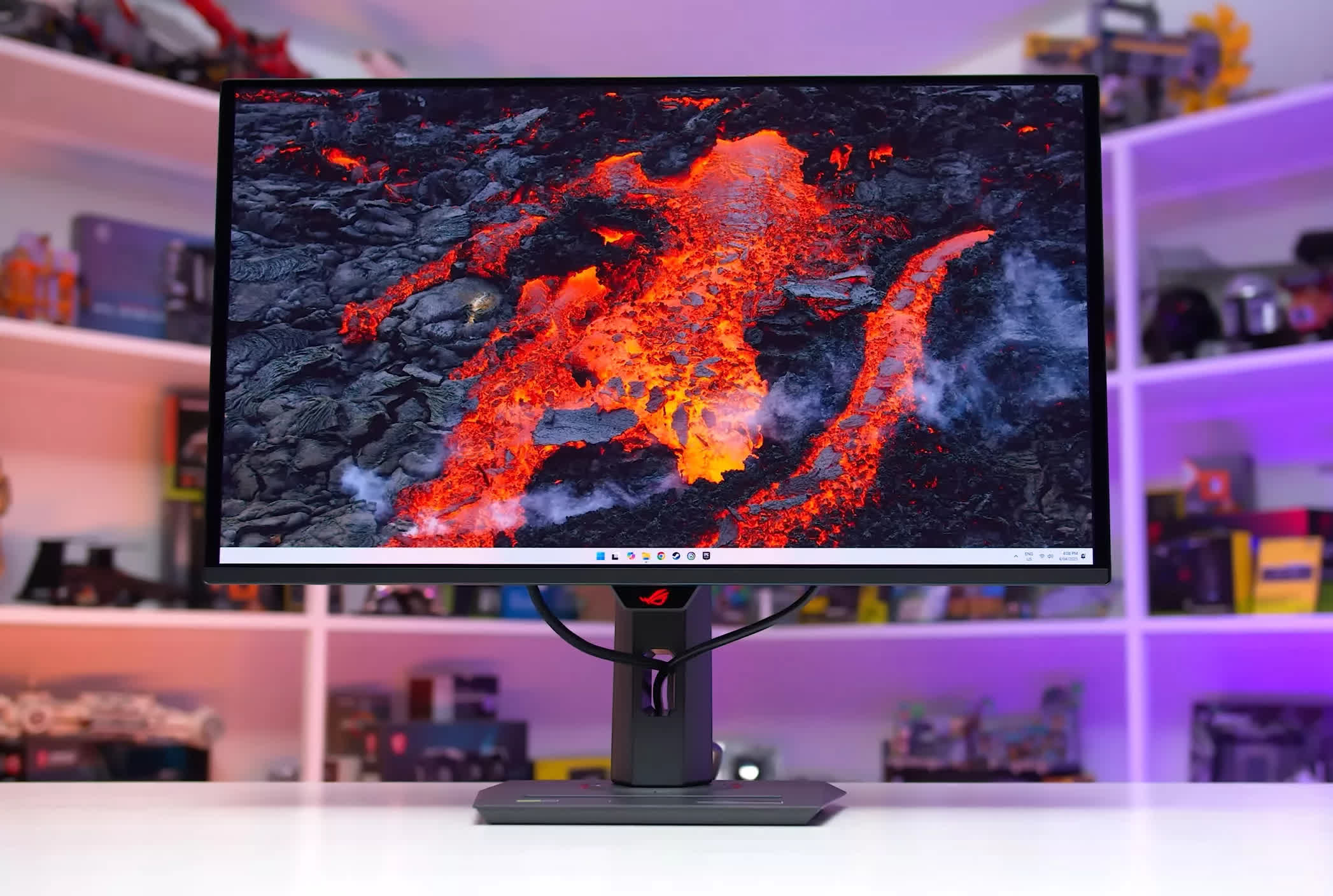
Asus ROG Strix XG27UCDMG
Like all OLEDs, these displays come with the possibility of permanent burn-in. For gaming-focused setups, this usually isn't a concern. But if you spend long hours on static desktop apps or productivity tools, an OLED might not be the ideal choice.
Best Premium Gaming (1440p OLED)
Asus ROG Strix XG27AQWMG | 4K mini-LED Options

If you have a budget of between $450 and about $700, these days you're getting a premium-class monitor. There are two main paths to consider: a great 1440p high-refresh OLED, or a higher-resolution 4K mini-LED LCD. Each option has strengths and weaknesses, and the right choice depends on your priorities and how you plan to use your monitor.
We would choose a 1440p OLED if the monitor were primarily for gaming. OLED has lightning-fast transition times and, in this category, higher refresh rates as well. Motion clarity is noticeably better than on LCDs, especially in fast multiplayer titles. OLED also offers per-pixel control, delivering deep blacks and excellent HDR contrast, while brightness on today's panels is solid.
We would choose a 4K mini-LED LCD if the monitor were for both gaming and desktop productivity. These panels still deliver bright, impactful HDR gaming, but they come with zero burn-in risk, making them a safer choice for long hours with static desktop apps. They also offer higher resolution and cleaner text rendering.
The best 1440p OLED option right now is the Asus ROG Strix XG27AQWMG, a 27-inch 1440p 280Hz display using a 4th-gen WOLED panel. We think it's the top pick thanks to its excellent TrueBlack Glossy coating, which maintains deep blacks in bright environments and provides superb clarity with no visible grain. The 4th-gen WOLED panel is also brighter than competing QD-OLEDs and avoids issues like HDR dimming during bright scenes or raised blacks in well-lit rooms. Text clarity is decent thanks to an updated subpixel structure, and color gamut coverage is wide. Asus rounds this out with a strong set of features.
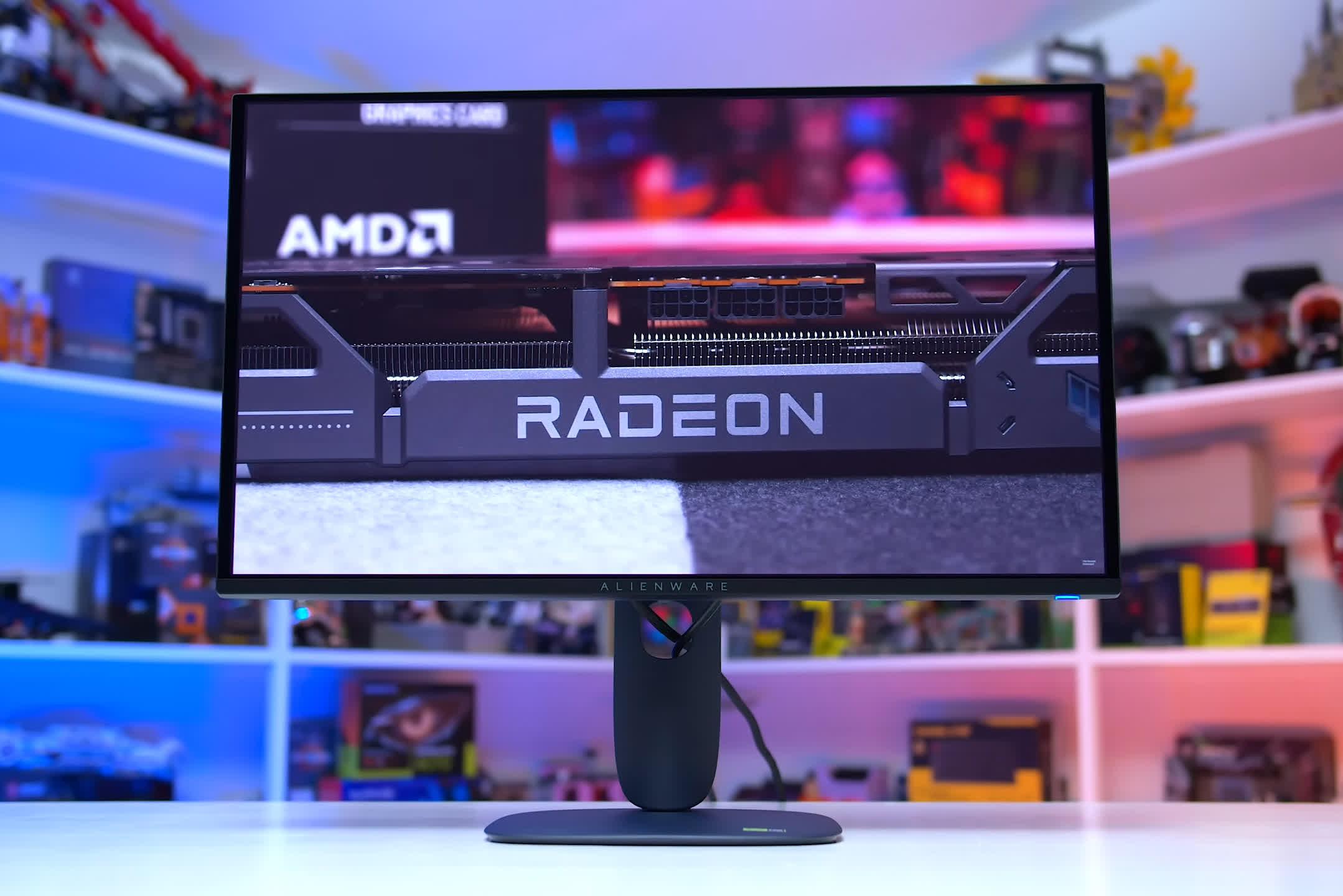
Dell Alienware AW2725D
The XG27AQWMG will be available soon at $600, which is very competitive for the performance you are getting. Another option worth a look is the Gigabyte MO27Q28G, which uses the same panel and is $50 cheaper. The main difference is that Gigabyte uses a matte coating, which handles reflections better, but overall we prefer the glossy finish on the Asus, so we'd pay the extra $50 for it.
If you want to save some money, 1440p QD-OLEDs can be great buys, especially if they undercut the WOLED models above. At around $500, we'd recommend the Dell Alienware AW2725D, a 27-inch 280Hz QD-OLED with excellent performance; in some regions, it offers even better value. Other options to consider include the MSI MAG 271QP X24, MSI MAG 273QP X24, and Gigabyte MO27Q2, all of which are 240Hz QD-OLEDs, compared to Dell's 280Hz.
4K mini-LED Options
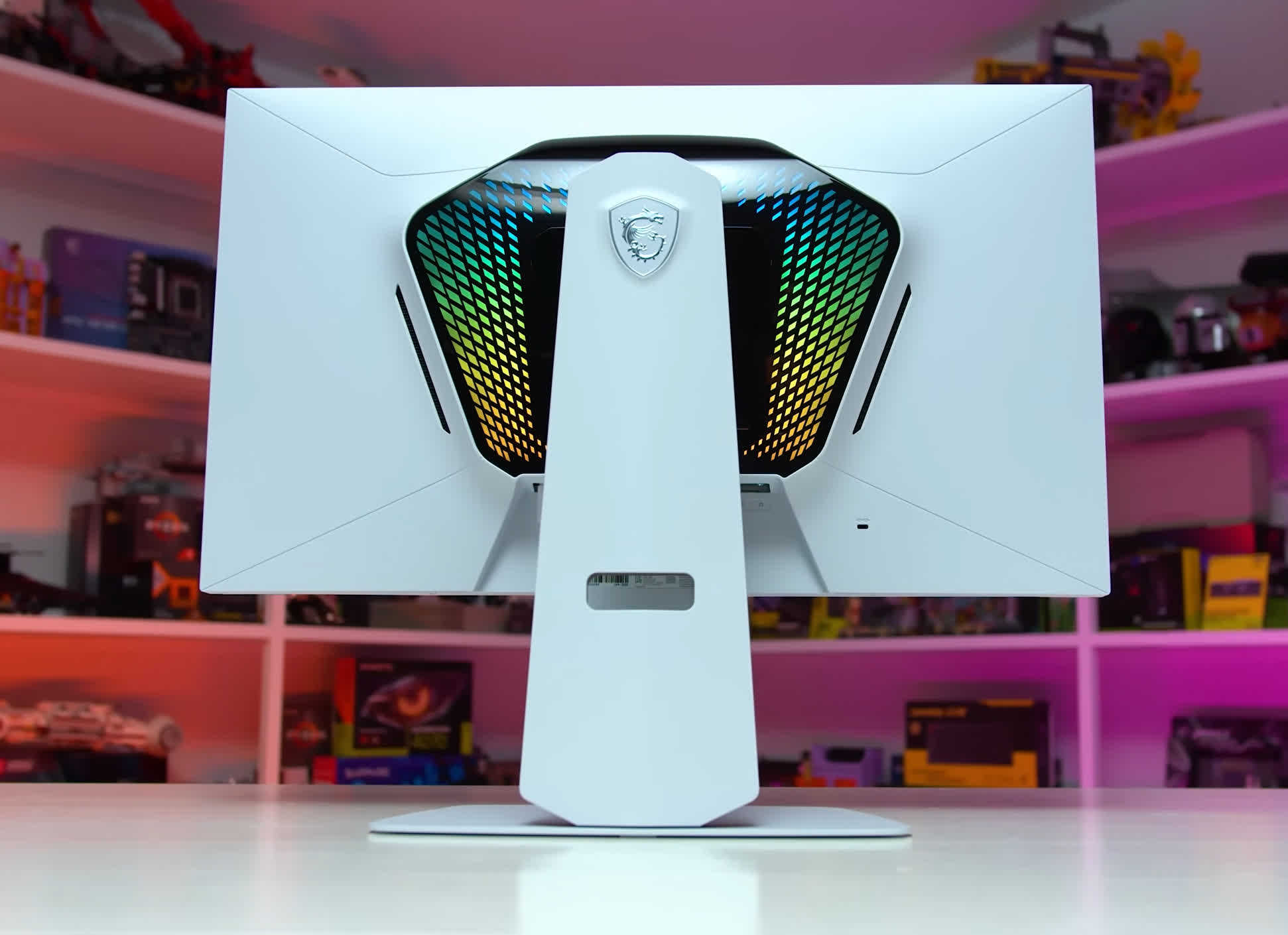
MSI MPG 274URDFW E16M
On the 4K mini-LED LCD side, there are three models we'd look at – each using the same panel. The MSI MPG 274URDFW E16M, AOC U27G4XM, and KTC M27P6 are all 27-inch 4K 160Hz IPS LCDs with 1,152-zone mini-LED backlights and support for a 1080p 320Hz dual-mode option. With full-array local dimming, these displays can produce true HDR, unlike "HDR" models without local dimming.
The 1,152 zones significantly boost contrast compared to SDR monitors, offering deeper blacks and solid control so bright and dark elements can appear on screen simultaneously. Brightness is also impressive: the KTC M27P6, in particular, hits more than 1,700 nits in real-world testing.
Motion performance is strong across all three. They use fast IPS panels, with tuning differences depending on the model. The KTC lands in the middle of the response-time range, while the AOC skews more toward 160Hz optimization. The 1080p 320Hz dual-mode option improves clarity for multiplayer games, giving these displays a lot of flexibility – they're well-suited for HDR single-player gaming, fast 320Hz competitive play, and productivity without burn-in concerns.
You can expect to pay between $400 and $500 for one of these mini-LED monitors. We don't have a strong preference among the MSI, KTC, and AOC options at current pricing. The MSI model sits at $500, the KTC at $470, and the AOC is expected to land slightly lower. All three are solid choices given their performance and feature differences; MSI and KTC include more features, while AOC is more basic. There's no clear winner, so the best pick ultimately depends on pricing in your region.
Best Mid-Range Monitor
Gigabyte M27UP 27"

OLED dominates the conversation at the high-end, but once you dip into the mid-range, 4K LCD gaming monitors become the clear recommendation. They're more affordable than ever, strike a great balance between work and play, and offer a meaningful upgrade for anyone coming from 1080p or 1440p. If you have about $400 to spend, this is where we would spend it.
The standout choice in this bracket is the Gigabyte M27UP. It's a 27-inch 4K 160Hz IPS LCD that also supports a dual-mode configuration, letting you switch to 1080p at 320Hz. Its MSRP is $380, but it frequently dips to $330, making it one of the strongest value plays among current 4K monitors.
The M27UP performs exceptionally well. It keeps pace with other 4K IPS LCDs we've tested, offering solid speed with a single overdrive mode, accurate calibration out of the box, a wide color gamut, and typical IPS contrast. The overall package hits a sweet spot for both gaming and productivity. The 1080p 320Hz dual mode increases motion clarity and responsiveness for competitive gaming, adding to the versatility of the package.
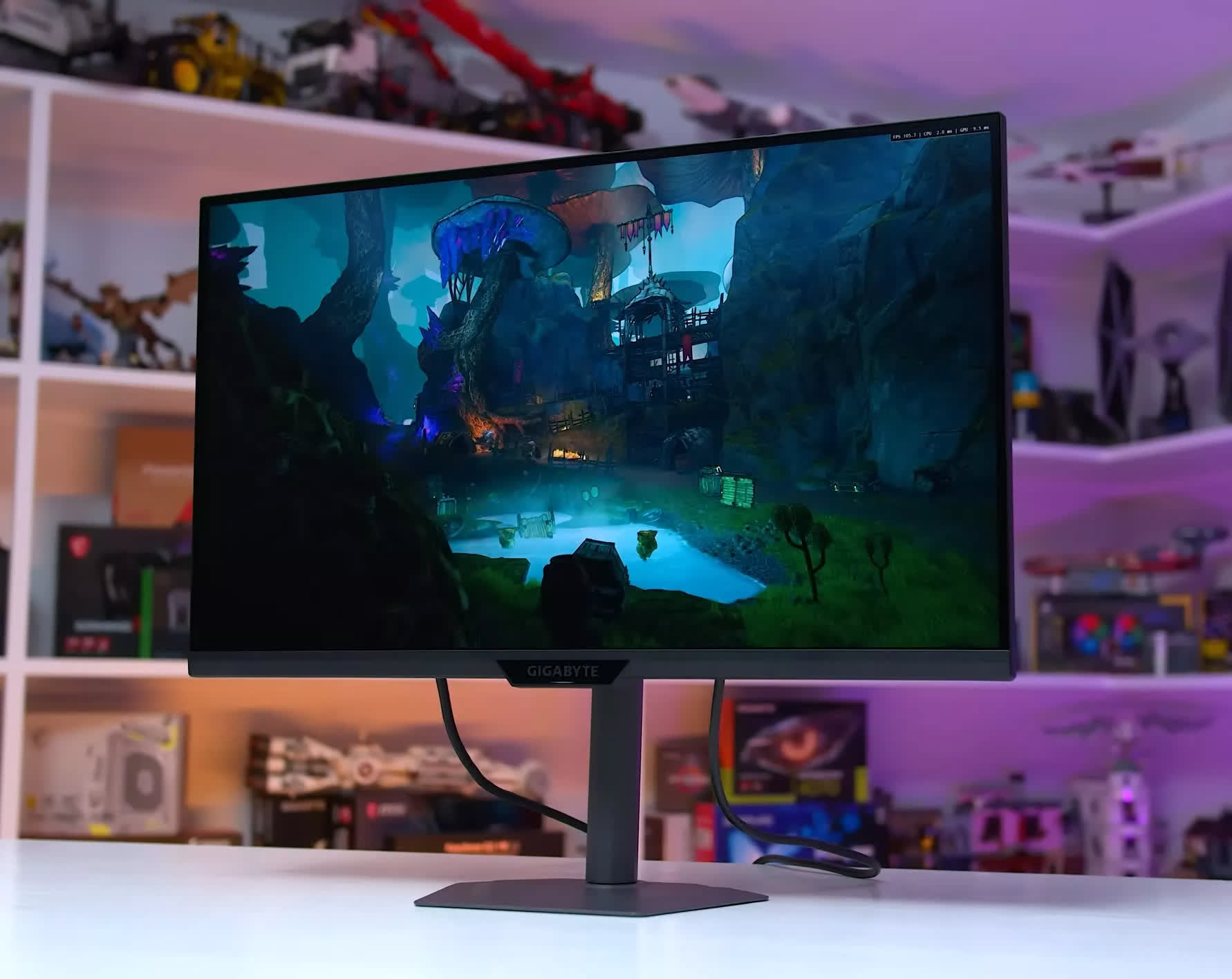
We generally don't suggest spending more than about $350 on a 4K LCD, since most models in this category deliver similar performance in both motion handling and color quality. With the M27UP already well-tuned and well-calibrated – and, in our view, sporting a clean design – there isn't much reason to pay extra for something labeled "premium." In most cases, you'll get the same experience for more money.
Alternatives Worth Considering
If the M27UP is sold out or priced poorly, there are a few solid alternatives. The closest match is the Asus ROG Strix XG27UCG, which often lands around $350 on sale. It performs nearly identically and supports the same dual-mode functionality, so the smarter choice is whichever model is cheaper at the moment.
The Asus XG27UCS is another option; it's similar to the UCG but drops the dual-mode feature, making it appealing only when priced lower. The LG 27GR93U is also worth considering, depending on regional pricing, and remains one of the better 27-inch 4K IPS LCDs on the market.
Mid-Range 32-inch Options
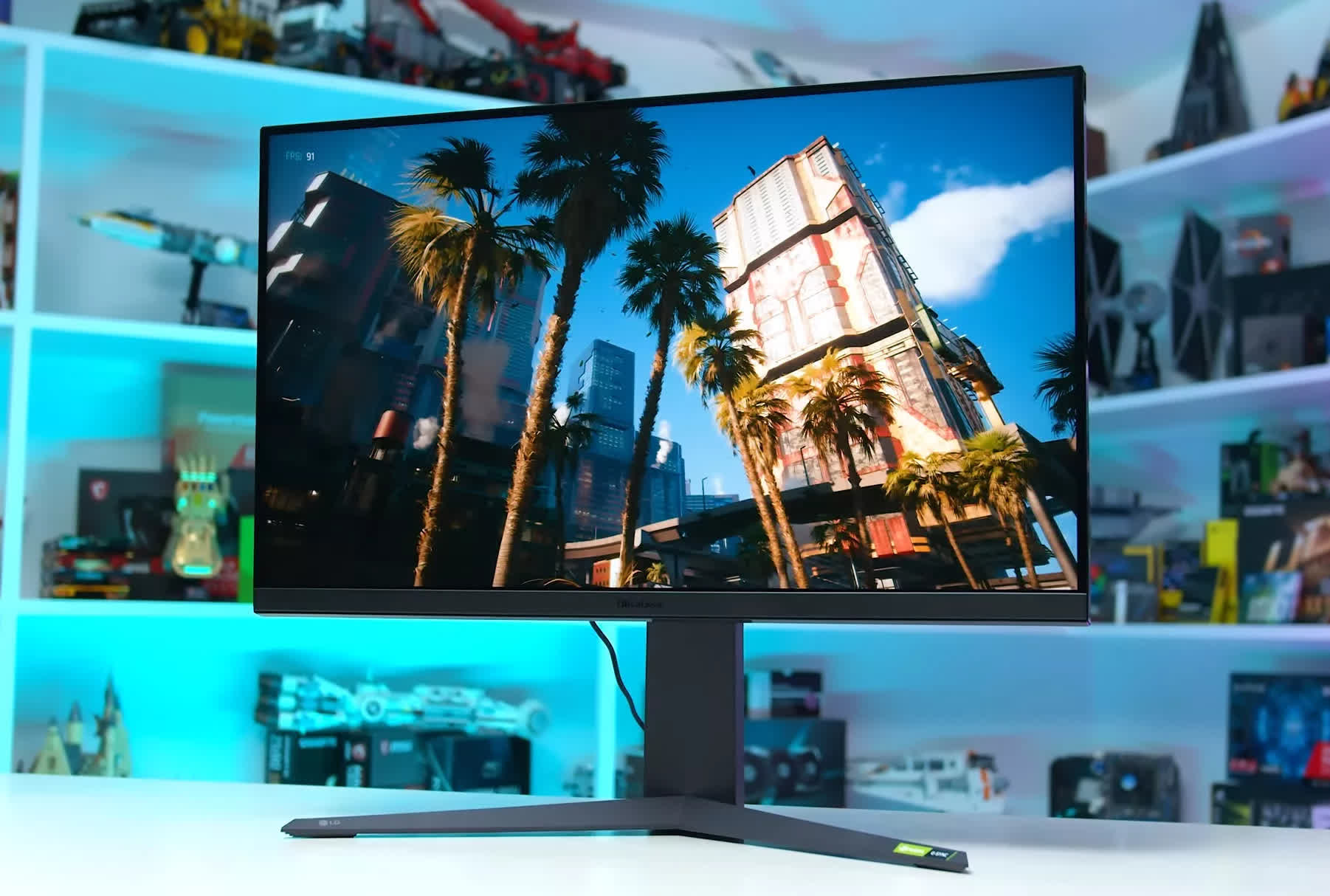
LG 32GR93U
It's also worth looking at 32-inch models in this range. While they're not quite as strong in value as the newest 27-inch options, the larger canvas can be a real upgrade for both productivity and gaming.
The LG 32GR93U is still an excellent pick (32-inch 4K 144Hz IPS LCD), and we'd put the Gigabyte M32UP on the list if it's priced close to it.
These bigger displays offer similar motion performance and color quality to the 27-inch versions, but they typically hover around the $500 mark, so you're paying a premium for the size bump. Still, the larger panel often makes the extra cost feel worthwhile.
Best Value HDR Monitor
AOC Q27G40XMN 27"

A lot of gamers want a monitor that can deliver real HDR, but they're not ready to cross the $500 line for an OLED. That's where mainstream HDR gaming displays step in. Right now, spending around $250 to $300 can still get you a surprisingly strong experience, especially if you mostly play single-player titles.
Our top pick in this segment is the AOC Q27G40XMN. It's a 27-inch 1440p 180Hz VA panel backed by a 1,152-zone mini-LED local dimming system. That's genuine HDR hardware, not the "HDR 400" badge you see slapped on cheaper edge-lit models. And it often drops to about $250.
With 1,152 zones, HDR scenes get far more precise lighting control than edge-lit displays can manage. The result: higher real-world contrast, deeper blacks and shadows, and peak brightness that crosses the 1,000-nit mark. Pairing a VA panel with this many dimming zones produces a legitimately strong HDR experience, with minimal blooming and excellent scene control. If you want a noticeable jump in image quality that goes well beyond SDR, the Q27G40XMN is the monitor to look at.
It's not a one-trick HDR panel, either. The 1440p 180Hz panel gives you a great resolution and refresh rate for today's games. Motion performance is solid for a VA... maybe not quite on the level of the fastest IPS hardware, but still clean, responsive, and mostly free of dark-smearing issues. Since this display is aimed at single-player HDR gaming in the first place, the motion experience it delivers is more than good enough.
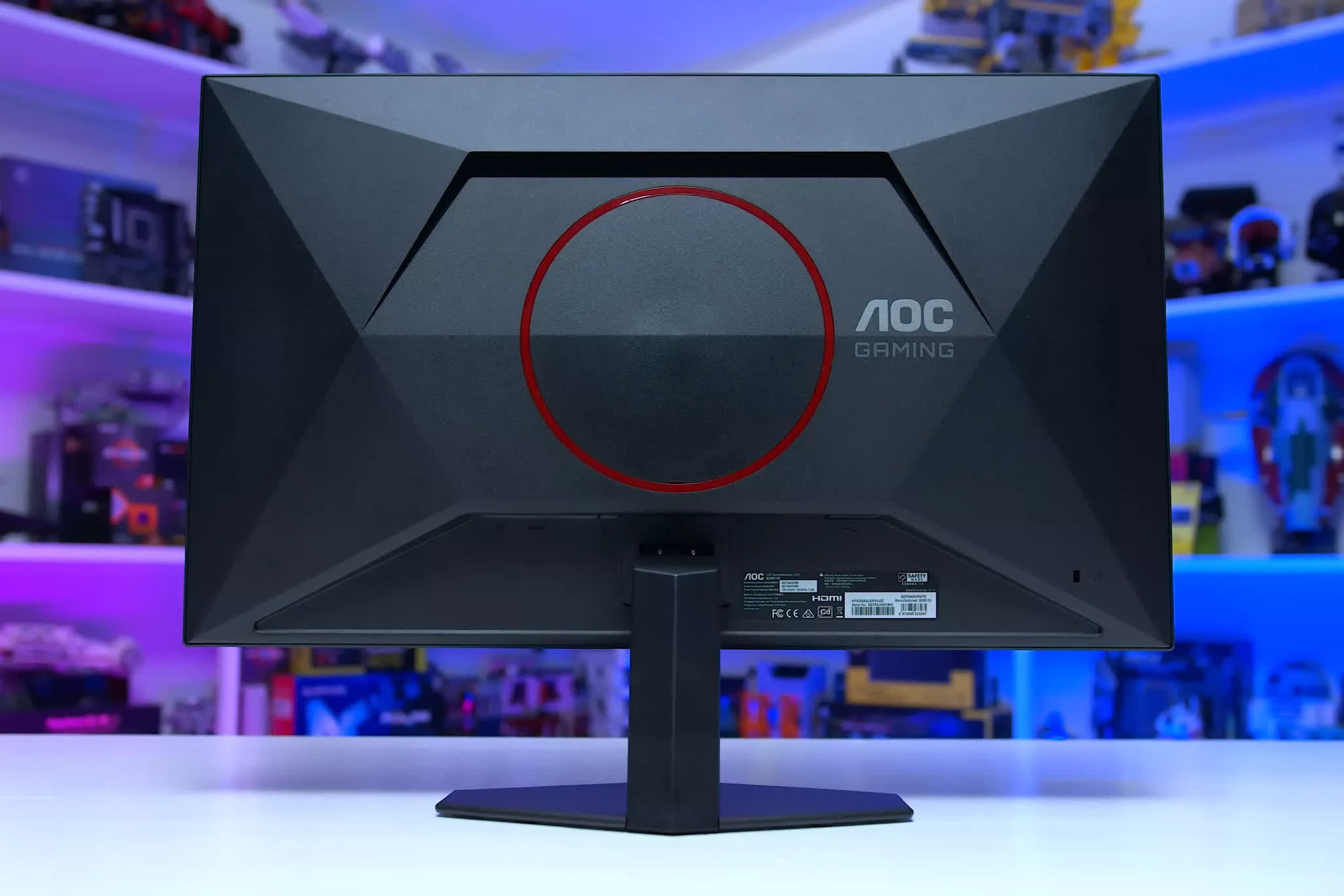
The G40XMN also avoids some of the pitfalls of other low-cost HDR gaming monitors. Flicker has been reduced compared to its predecessor, there's no pixel inversion problem, and both the SDR and HDR modes are sensibly tuned. The biggest drawbacks are its fixed-height stand and the narrow viewing angles typical of VA panels.
Some early units did show signs of poor firmware tuning, and because this model doesn't accept firmware updates, those early quirks couldn't be patched. We didn't run into any of those issues in our own testing, though other reviewers like Rtings did, so there's a bit of a panel lottery. Given that it has now been several months since launch, it's reasonable to assume most units on shelves today are the updated, properly tuned versions.
The Q27G40XMN is a great deal in the US and Australia, but unfortunately the monitor is not available in Europe, in which case the best option is the older version, the Q27G3XMN. This version has a lower number of backlight zones at 336, and isn't as well tuned for motion, so if both were available, we'd pick the newer G40XMN without hesitation. But the older model does have a better height-adjustable stand and slightly improved color accuracy, so the trade-off isn't entirely one-sided.
Best Value Gaming Monitor
MSI MAG 275QF 27"

If you're looking for an entry-level gaming monitor, we'd point you toward the lower-cost 1440p IPS LCDs on the market right now. They're not the absolute cheapest options (you can find 24-inch 1080p 144Hz IPS models for around $100), but spending a bit more for 1440p tends to be a far better long-term investment for your gaming setup.
Entry-level 1440p IPS LCDs typically land between $150 and $200, roughly 50% more than the bargain-tier 1080p panels. But that extra spend gets you a larger screen – 27 inches vs 24 – which is simply nicer for gaming, and a higher resolution with much better pixel density. The result is a noticeably better overall product, and the pricing makes sense: the screen area grows by about 25%, and pixel count jumps by roughly 80%.
Pricing in this category moves around a lot, so the best-value picks can change depending on the week. Generally, though, a few models stand out. A consistent option is the MSI MAG 275QF. The build is extremely basic and the fixed-height stand isn't great, but the panel performs well. You get an sRGB-only gamut, yet color accuracy is excellent. It runs at 180Hz with decent response-time tuning through the middle of the refresh range, offers wide viewing angles, and delivers the typical IPS LCD experience you'd expect. For around $160 to $180, it's a strong value – and in some regions, it's an even better one.
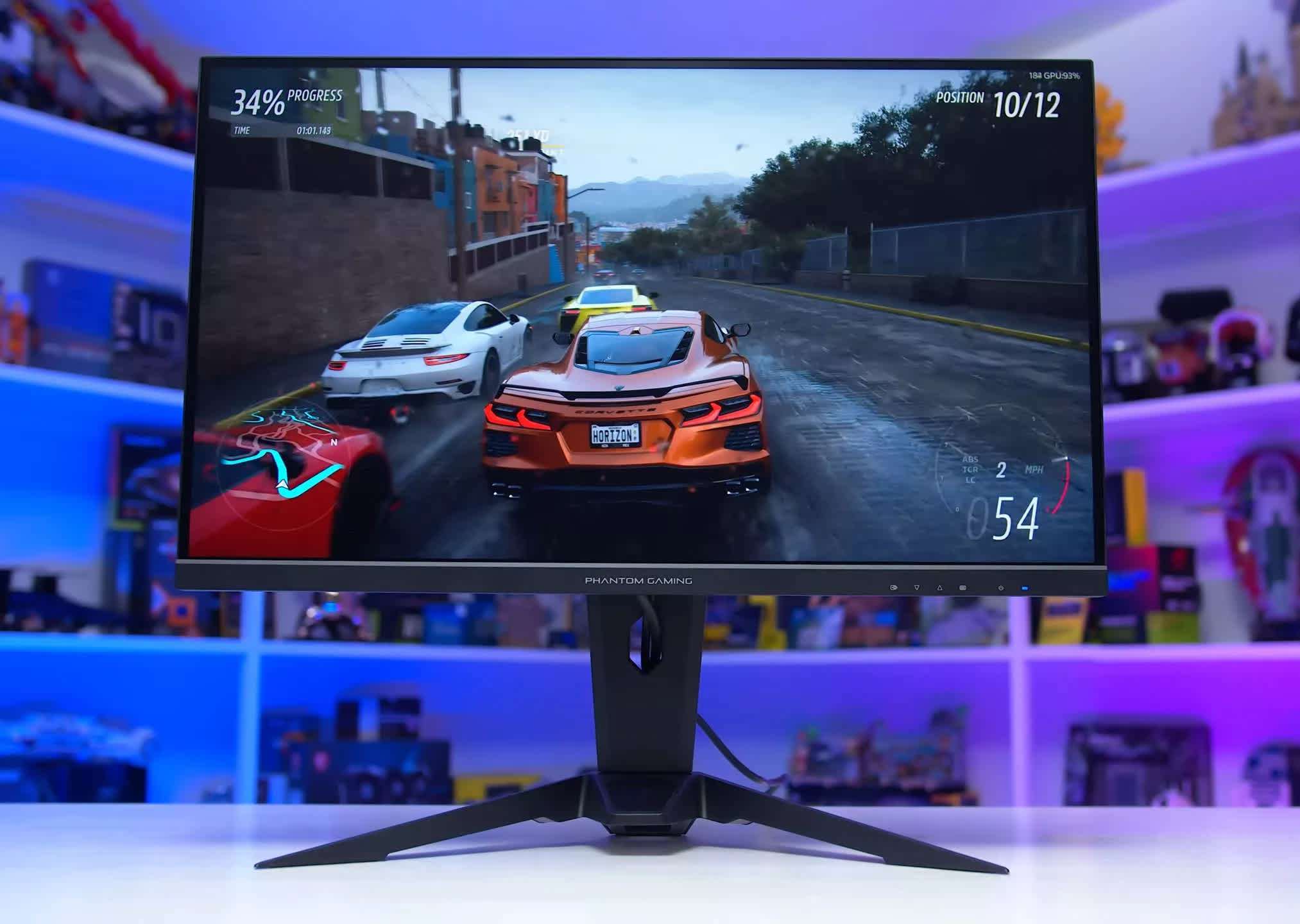
Asrock PG27QFT2A
We've also liked the Asrock PG27QFT2A, which uses a similar 1440p 180Hz IPS panel. It's not tuned as well as the MSI, but it's cheaper and includes an adjustable-height stand. These days, it sells for about $150, making it our pick for buyers working with the tightest budgets.
There's also a rotating cast of models that drift in and out of "good deal" territory. The Asus ROG Strix XG27ACS is usually too expensive for what it is (27-inch 1440p 180Hz IPS LCD with variable overdrive) since its regular price sits close to $300. At that level, you're better off stepping up to HDR or 4K. But a couple of times over the past year, it has dropped to around $200, and at that price, it's a steal.
It's the best-performing 1440p 180Hz LCD we've tested in terms of response times, with strong performance across the board. Whenever it hits the $200 range, it's absolutely worth buying.
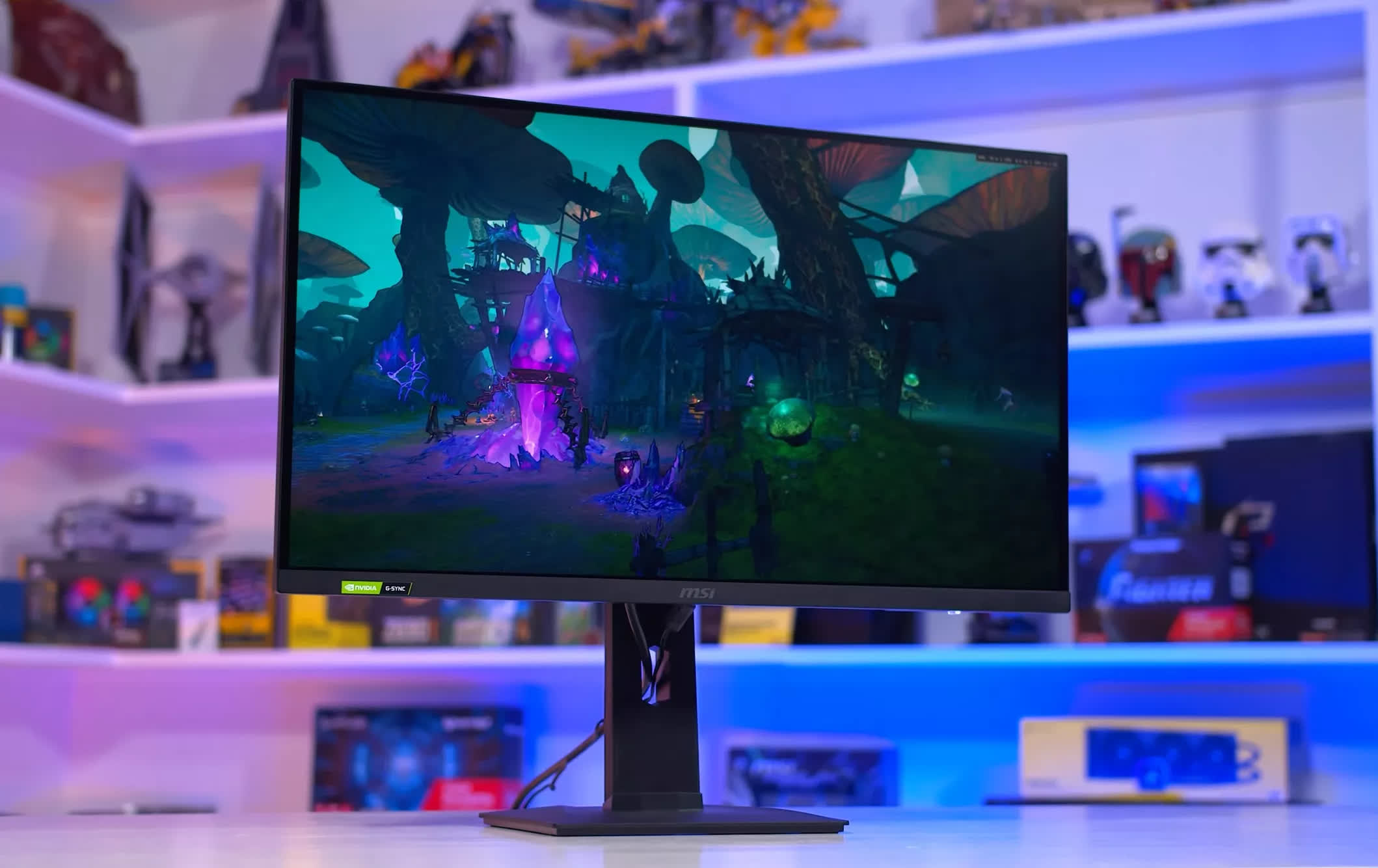
MSI G274QPF-QD
The MSI G274QPF-QD is a step up from the 275QF, adding a height-adjustable stand and a better panel with a very wide quantum dot color gamut. It's a 27-inch 1440p 170Hz IPS LCD that occasionally dips to $200 on sale, which makes it an excellent deal. We'd also keep an eye on pricing for the Gigabyte M27Q2 QD, especially when it hits $200 or below.
Finally, if you want a higher refresh rate without blowing your budget, the Gigabyte M27Q3 is worth a look. It's a 27-inch 1440p 320Hz IPS LCD that's just now rolling out globally, with a launch MSRP of $270 and early sale pricing in some regions that brings it closer to $220. It costs more than the other models mentioned here, but it delivers a higher refresh rate, a better design, and is usually a great "upgrade" pick for 1440p shoppers.
Best Extreme Refresh Rate Monitor
Asus ROG Swift OLED PG27AQWP-W 27"

We don't usually recommend ultra – high-refresh-rate monitors to most gamers. They're often pricey, and the benefits of these extreme refresh speeds tend to show up only in specific multiplayer titles. But if you're the kind of player who lives for fast-paced games and wants the absolute best motion clarity available, there are some genuinely impressive options out right now.
At the moment, we'd choose a 540Hz WOLED as the best all-around extreme-refresh-rate display. The model we've tested is the Asus ROG Swift PG27AQWP-W, a 27-inch 1440p 540Hz monitor built around a 4th-gen Primary RGB Tandem WOLED panel. It delivers exceptional motion clarity, excellent brightness, true HDR performance, and extremely low input latency.
There's even a 720Hz dual-mode option that pushes clarity further if you're willing to drop resolution – this mode runs at 1280 × 720. For context, motion clarity at 540Hz matches what you'd expect from an 800Hz LCD, and the 720Hz mode is comparable to an LCD running at over 1,000Hz, which doesn't exist today.
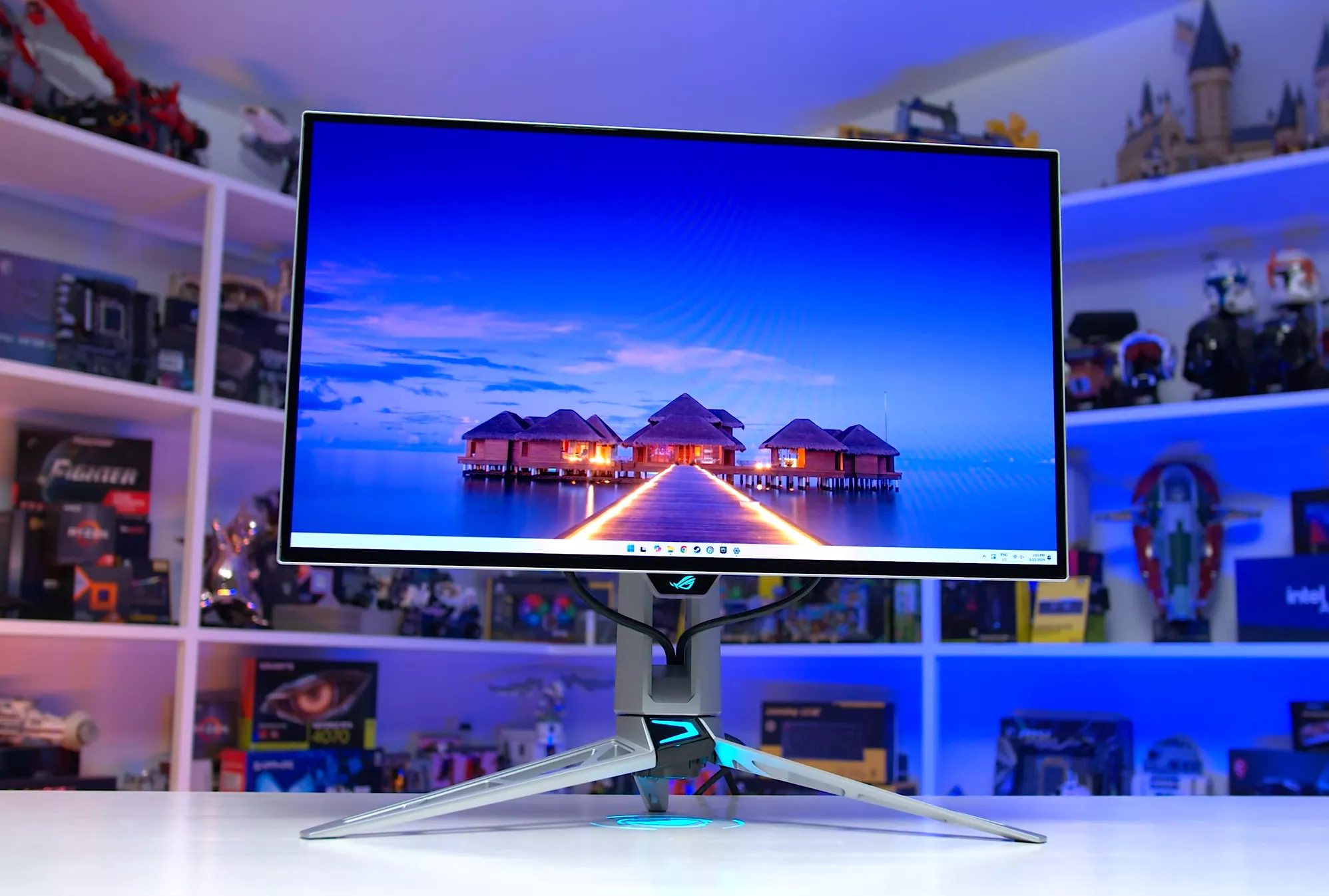
The main drawback is the price. The PG27AQWP-W launches at around $1,100, making it a major investment. If you're not consistently playing games above 300 FPS, it doesn't make sense to spend roughly 80% more on this model compared to a 280Hz WOLED that uses a nearly identical panel.
Worthy Alternatives
If price is a concern, a 500Hz QD-OLED offers a more affordable path. It isn't as feature-packed or as polished as the Asus WOLED, but motion clarity at 1440p is very close. If that's your main reason for buying a high-refresh display, a QD-OLED could be the smarter buy. Our recommendation here is the MSI MAG 272QP X50, which comes in at $750 – a big savings compared to the PG27AQWP-W.
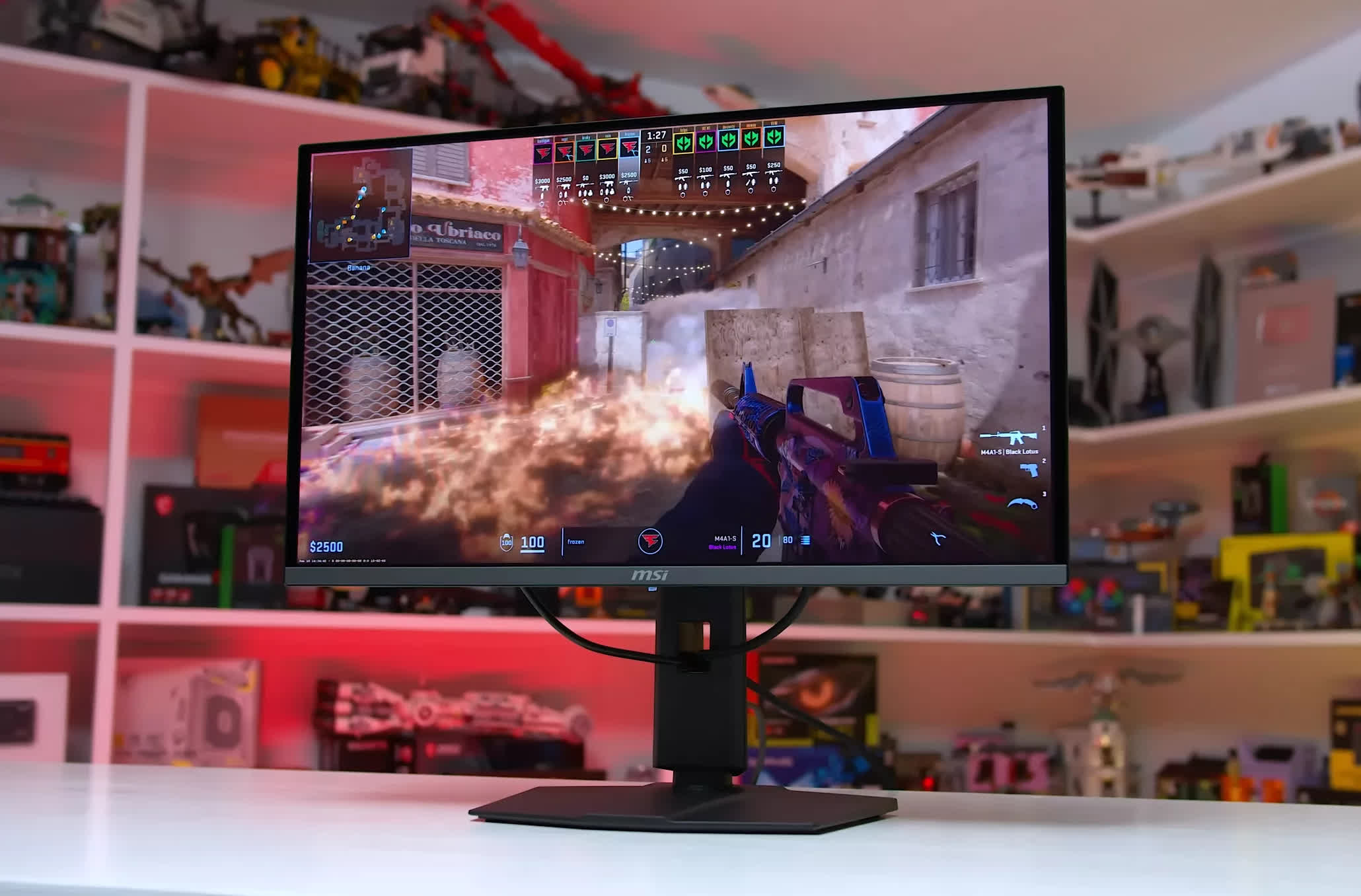
MSI MAG 272QP X50
For motion-clarity purists, there's one step beyond OLED: elite backlight-strobed LCDs. These displays are far less flexible and need to be run in specific configurations to achieve their best results, but if ultimate clarity is the only thing that matters, they're worth considering – as long as you understand the trade-offs.
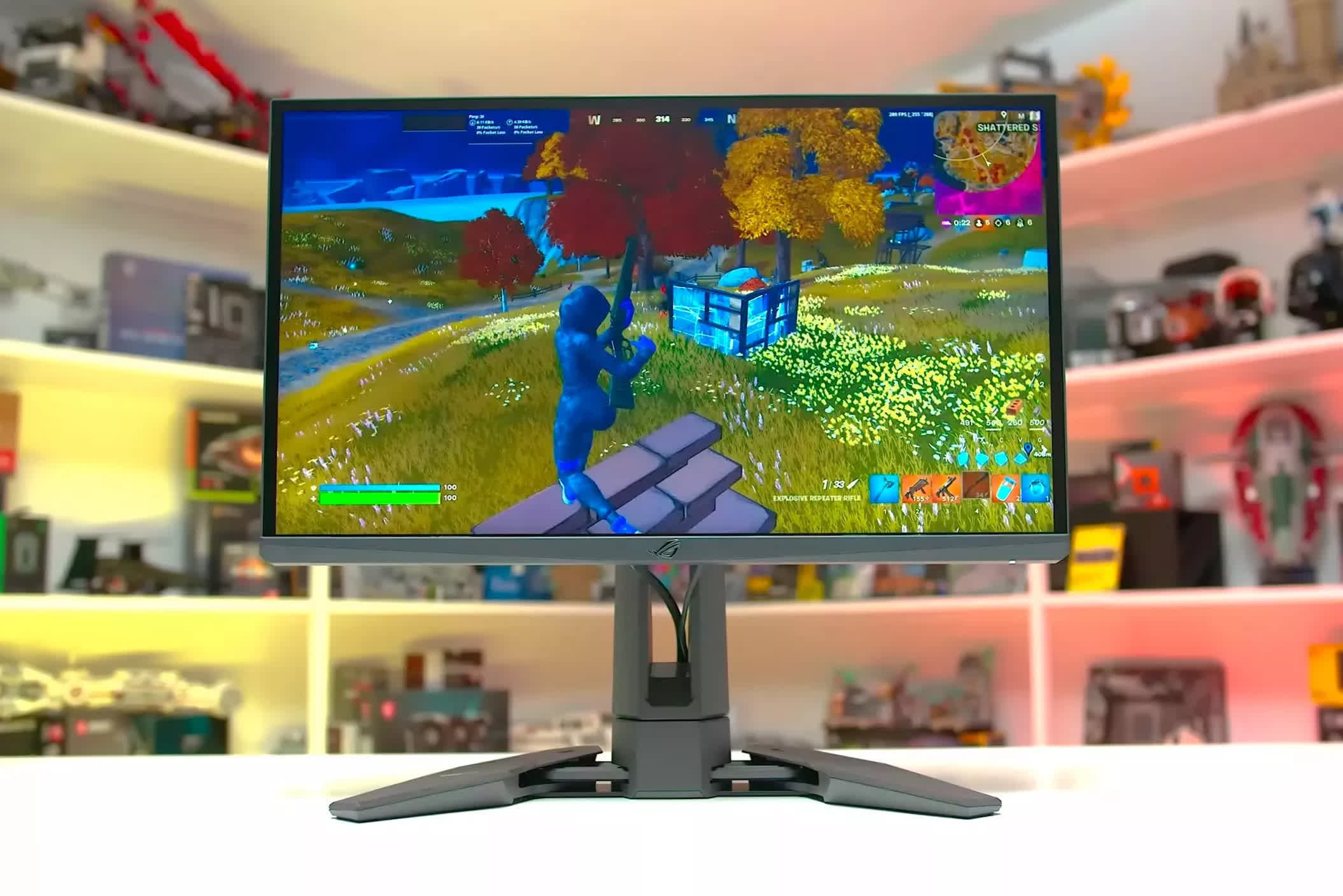
Asus ROG Swift Pro PG248QP
The best strobed LCD is the Asus ROG Swift Pro PG248QP, a 24-inch 1080p TN LCD with a 540Hz refresh rate. Its ULMB2 backlight-strobing system, combined with the extremely fast transitions of its TN panel, gives it better clarity than a 500Hz OLED in the fastest scenarios. It's expensive at over $800, and increasingly hard to find, making it very much an enthusiast product.
The trade-offs are significant. You only get this level of clarity at a fixed refresh rate, there's no HDR support, the panel is relatively small and limited to 1080p, and you get the usual TN drawbacks like narrow viewing angles and low contrast. This is a true min-max display: motion clarity is unmatched, but nearly everything else is compromised. If that aligns with what you want, the PG248QP – and similar monitors like the BenQ XL2566K – are worth considering.
Best Ultrawide Monitor
LG Ultragear 45GX950A 5K2K 45" Curved

If you're looking for the best ultrawide monitor available today, we'd narrow it down to two OLED options. At the very top of the stack is the LG 45GX950A, a massive 45-inch 5120 × 2160 WOLED panel running at 165Hz. It's absolutely enormous and highly immersive, providing the ultimate experience for single-player gaming and simulators.
Compared to earlier 45-inch ultrawide OLEDs, this model is easy to recommend because the higher resolution and improved pixel density finally fix the soft, blurry text issues those older panels had. Motion performance is excellent thanks to OLED's near-instant response times, and HDR looks fantastic with per-pixel dimming, high contrast, and strong brightness. It also supports dual mode, letting you switch to 2560 × 1080 at 330Hz for better clarity in competitive multiplayer games.
We're still not big fans of the aggressive 800R curve, though an adjustable-curve version is reportedly on the way. And it's undeniably expensive: the panel launched at $2,000 and now sits at around $1,500, making it the priciest display in this entire guide. It's a superb monitor, but the cost limits it to high-end buyers.
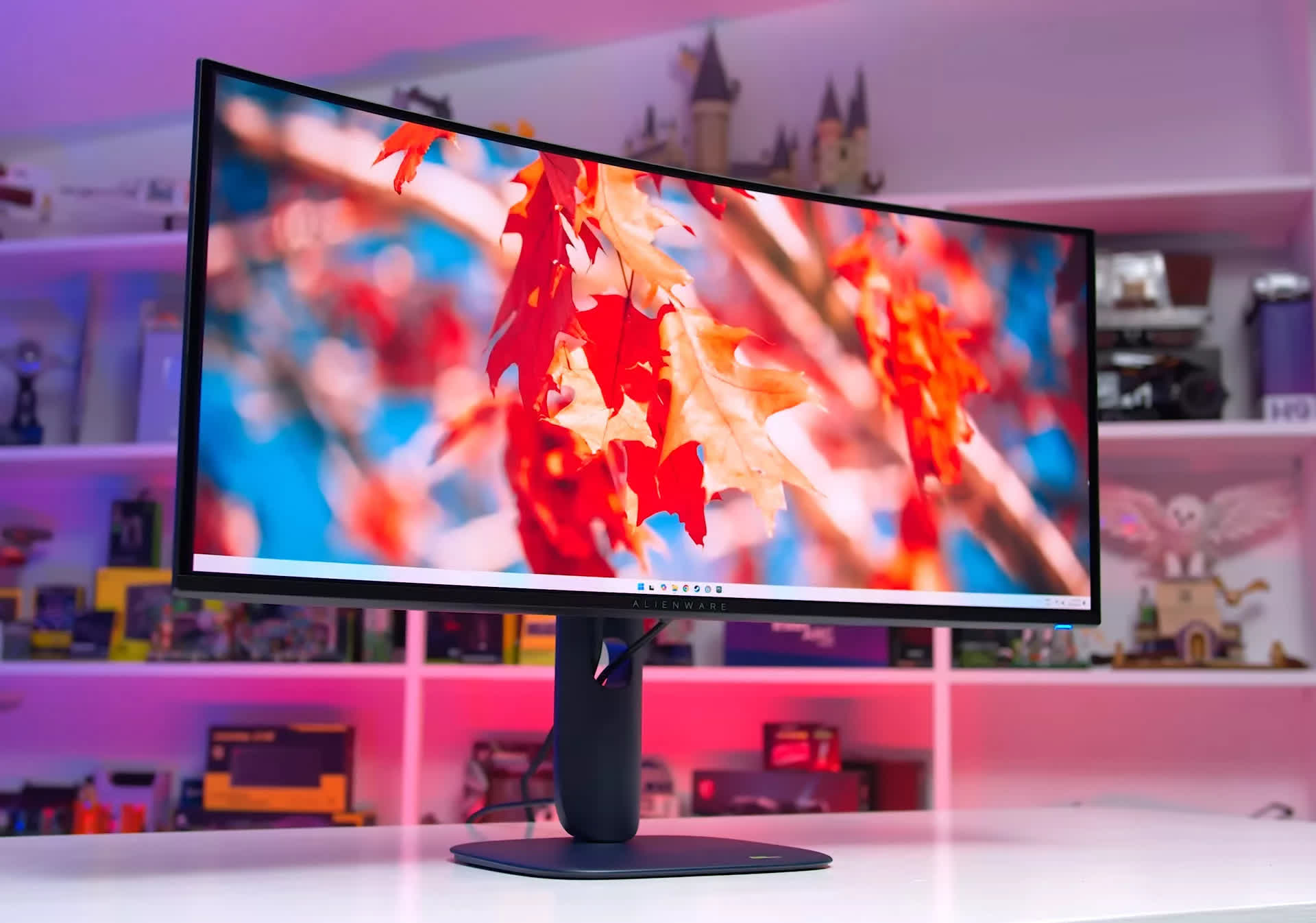
Dell Alienware AW3425DW
For something more attainable, we'd recommend the Dell Alienware AW3425DW. This 34-inch 3440 × 1440 QD-OLED runs up to 240Hz, offers excellent tuning and color accuracy, and brings all the OLED advantages we've come to expect. It's essentially a cleaner, more modern version of the AW3423DWF we've been recommending for a while. At $700 to $800, it's hard to point you toward anything else in this size and class.