The takeaway: A recent social spat highlights the conflicting priorities between Microsoft and open-source projects such as VLC. The universal media player is having issues dealing with MP3 audio files, and the most likely culprit is Redmond's end-point antivirus software.
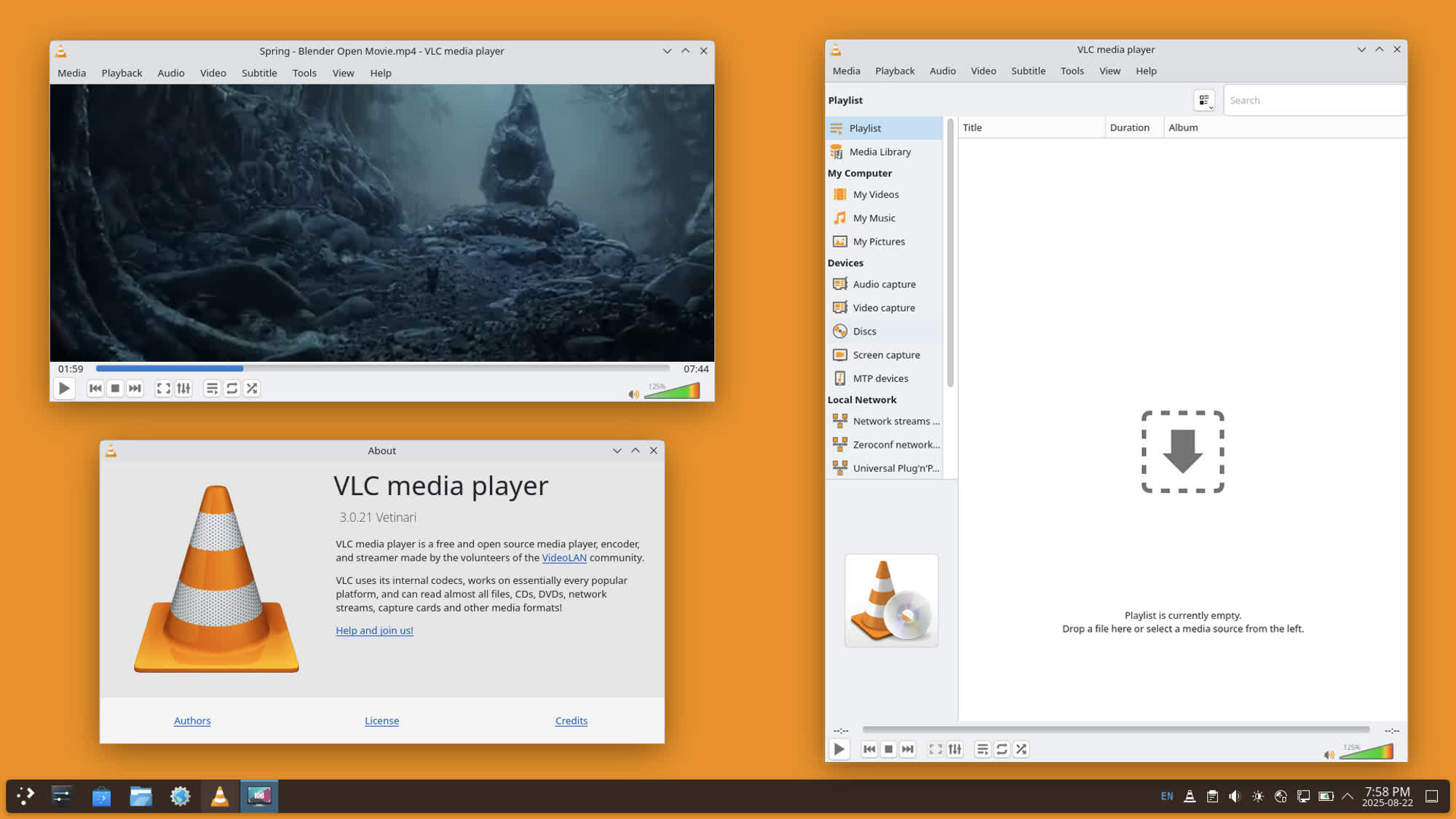
Is VLC media player taking tens of seconds to load an MP3 file just because open-source software development is now in an embarrassing state? Jonathan Blow, designer of puzzle games Braid and The Witness, accused the VideoLAN team of doing a very bad job with VLC programming. The VideoLAN team eventually pushed back on the accusation, blaming Microsoft and Windows Defender instead.
In a recent social post, Blow said he was going to switch from VLC to Microsoft Media Player because the former took 33 seconds before playing an MP3 file. Blow's view is that open-source projects are inherently flawed, while a media player programmed by Microsoft – which has never been known for its expertise in the field to begin with – is now a better alternative to one of the most popular pieces of software on the planet.
According to recent figures provided by VideoLAN, VLC has been downloaded more than 6 billion times on Windows, Linux, Android, macOS, and everything in between. The tool supports six different CPU architectures and numerous hardware-accelerated GPUs, while also providing a lot of additional features like media conversion, recording, internet streaming, IPTV, and much more.
– Jonathan Blow (@Jonathan_Blow) August 12, 2026
As confirmed by VideoLAN, the particular issue experienced by Blow is likely related to a known bug in Microsoft Defender. Redmond's endpoint antimalware service is now routinely targeting the plugin cache in VLC's installation folder, putting the cache file in quarantine and causing the player to delay its normal loading times.
Reinstalling VLC or simply regenerating the plugin cache should solve the issue. "Calling open-source software embarrassing when it is a Windows update that broke it is quite disrespectful," VideoLAN said.
When it comes to false positives and annoying behaviors with legit third-party software, Microsoft Defender is often the first culprit you can safely blame. The VLC plugin cache bug is a well-known issue at this point, with users trying several different solutions to make Defender and VLC finally coexist in peace. Using different antivirus software like Bitdefender Antivirus Free is also a great way to make Defender issues disappear – something I can personally vouch for.
As some users pointed out, using a video player such as VLC to listen to MP3 files doesn't sound like the most sensible idea to begin with. Furthermore, switching to the "worst media player on the market" (Microsoft Media Player) instead of modern MP3 players such as Foobar2000 is definitely an "embarrassment."
A Windows Defender bug is making VLC take 30 seconds to open an MP3 file


