Logitech K980 Signature Slim Solar+ keyboard can run on indoor light - no sun required

midian182

Posts: 11,620   +175
Staff member
In a nutshell: The idea of a solar-powered keyboard might sound good in practice, but concerns over battery life and actually getting enough sunlight to power the device put a lot of people off. But with Logitech's K980 Signature Slim keyboard, those fears are alleviated by its ability to run on any light source and last for four months.
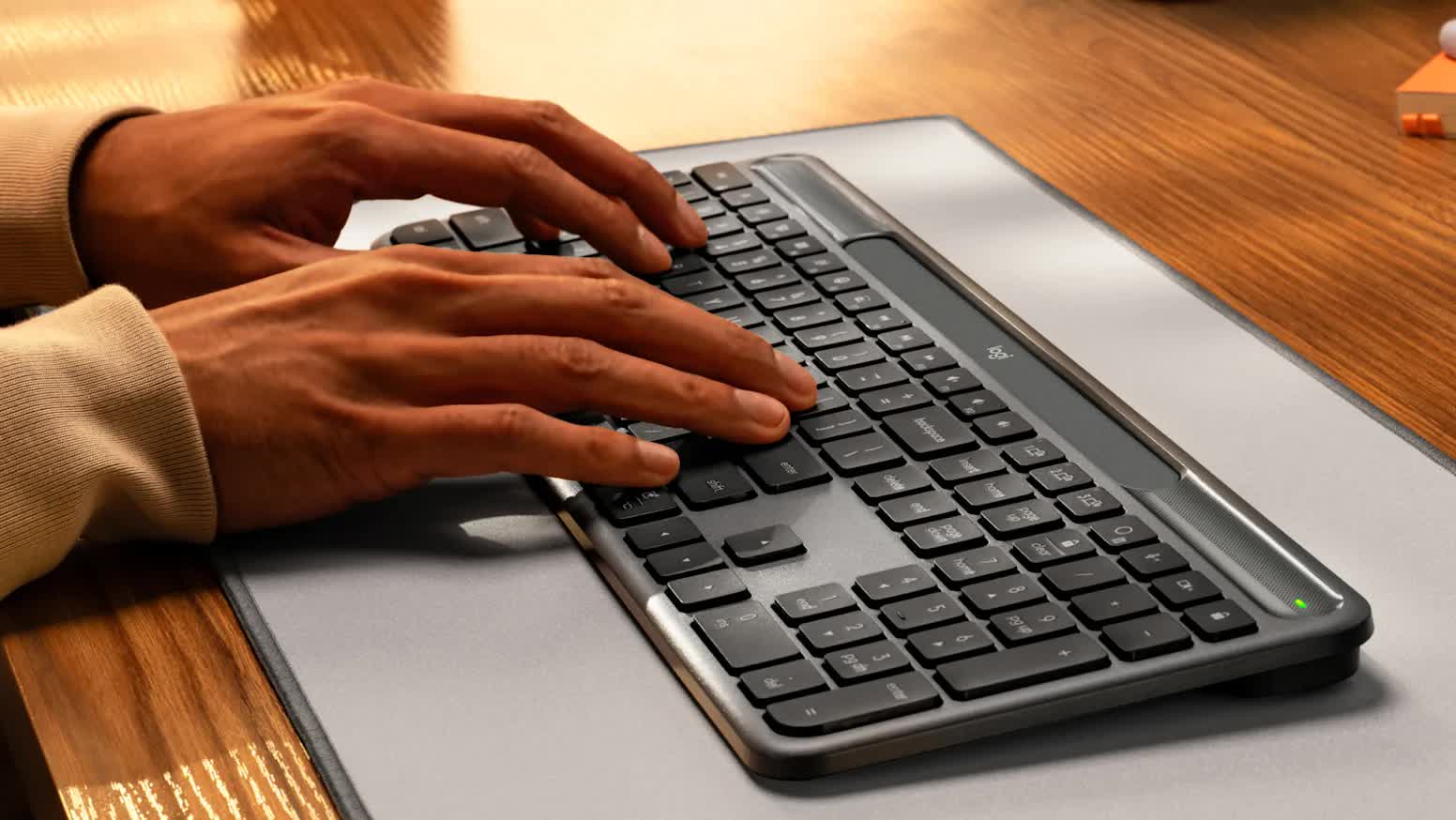
Priced at $99, the Signature Slim Solar+ K980 is another wireless keyboard from Logitech. The company has been making these solar-powered keyboards for over a decade now, most of which have been well-reviewed.

The K980, however, is a little different from its predecessors. It uses a technology called Logi LightCharge. This combines a solar strip on top of the keyboard with a rechargeable battery, and the best part is that is can be powered by both sunlight and artificial light. This means you can charge it using any available light (200 lux or higher) in a room.
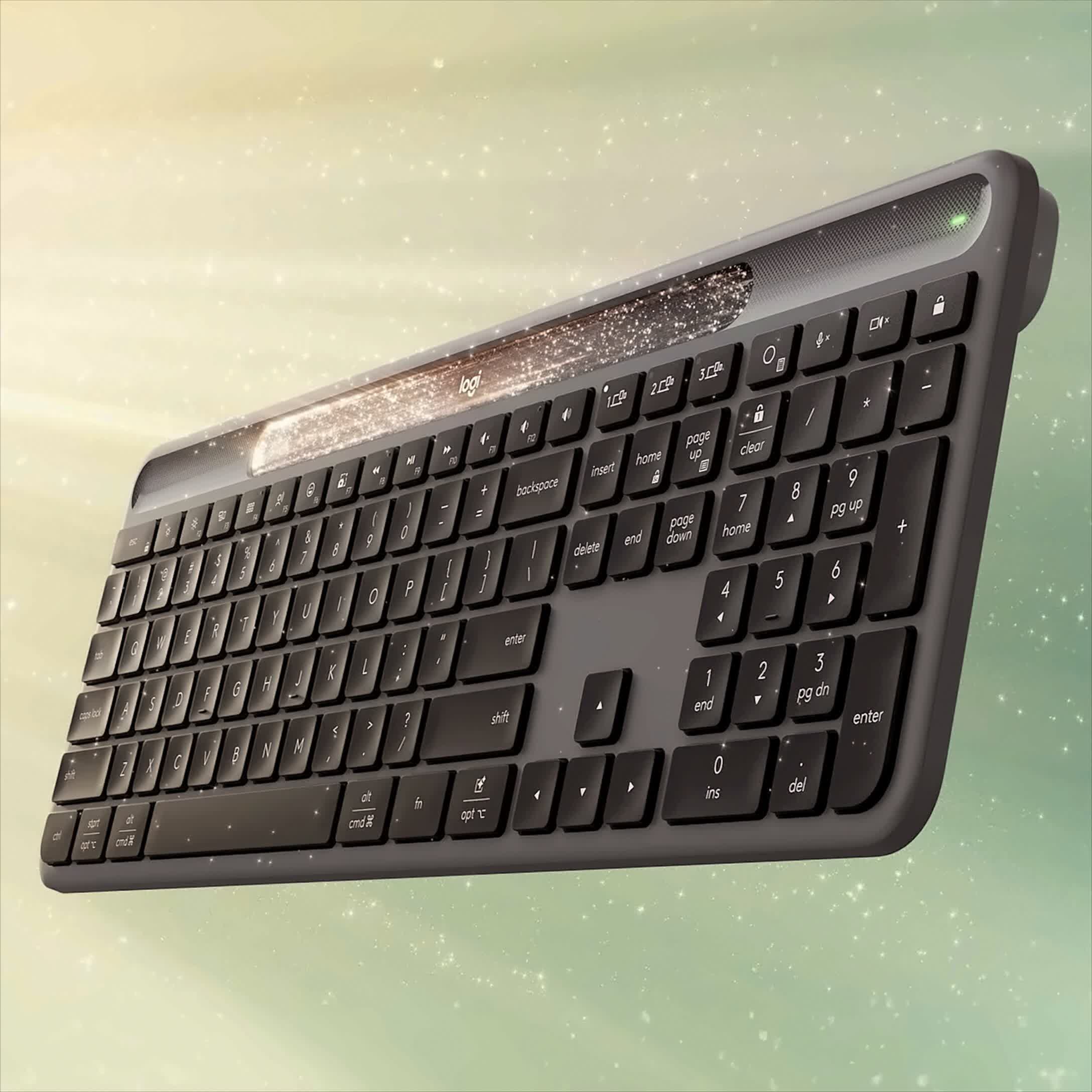
Logitech also says that once fully charged, the K980 can be used in complete darkness for up to four months. That sounds quite amazing, though it's unclear whether that means it can be used constantly for four months or it can hold its solar power charge for that length of time.

A Logitech spokesperson told The Verge that the battery is user replaceable as it's encased in a plastic casing, with spare parts supplied by iFixit. It's not something you'll be doing often if Logitech's claim that the battery has a 10-year lifespan is accurate.
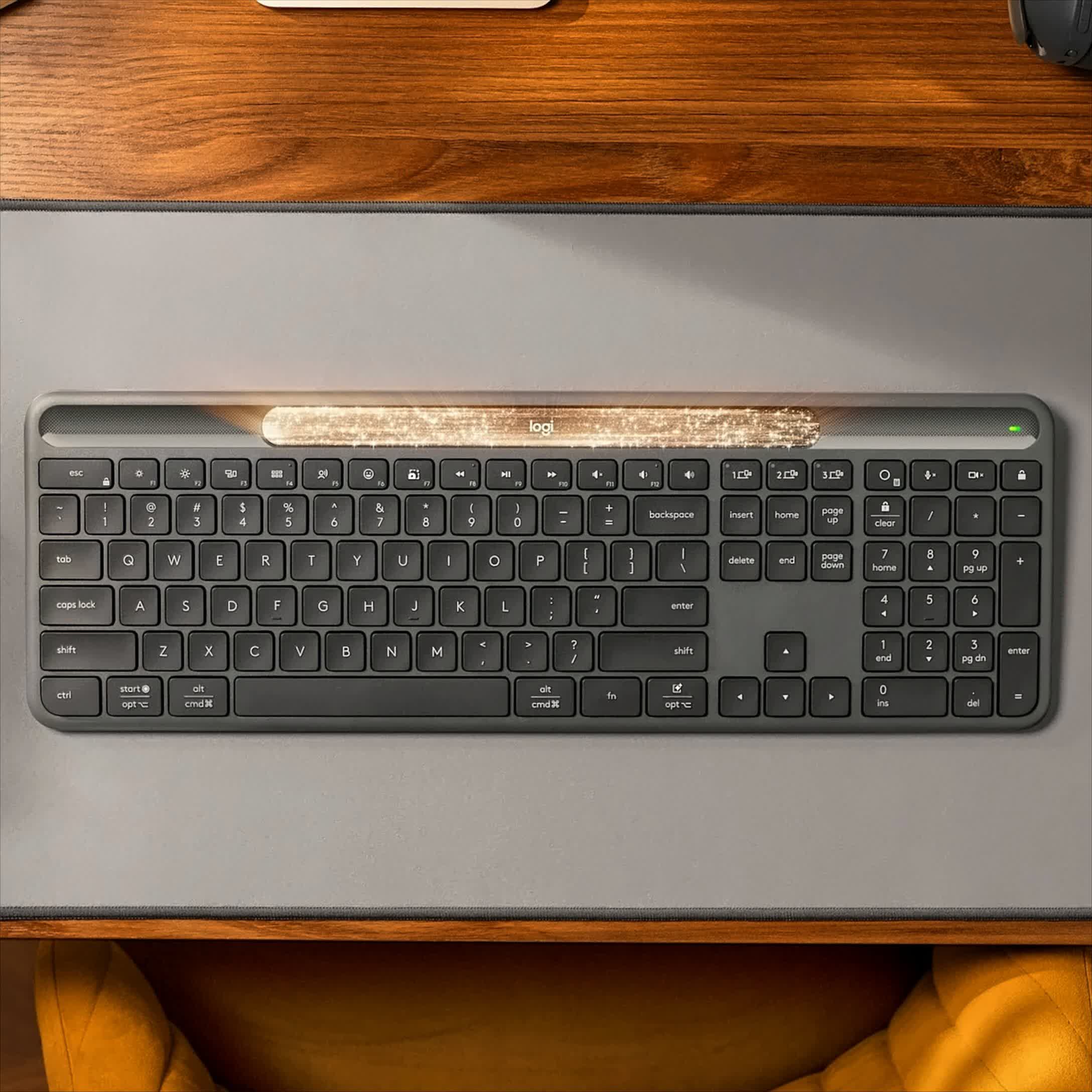
The solar-powered aspect of the keyboard is obviously its main selling point. The K980 is otherwise a fairly typical full-sized, office-style slim keyboard measuring 5.63 in x 16.96 in x 0.8 in and weighing just over 24 ounces.

The keyboard uses scissor-switches and can connect to up to three multi-OS devices using Bluetooth – it's able to move between each one using Easy-Switch keys. There's a Logi Options+ app that lets you program the keyboard's action key, too. This is also where you can decide which AI tool launches when you press the AI launch key.

There's no lighting on the K980, not even Caps Lock or battery indicators, allowing the battery to last longer. It also lacks any ports – charging is done by solar-power only.

In addition to the $99 model (available in black or white), there is a $109 business version that come with a USB-C receiver. There's also a North America-only model designed for Macs, priced at $99.

Permalink to story:

 
This would be fantastic for those houses with Green-designs...

Or...you could just do what I do and plug your keyboard/ mouse into your computer for uninterrupted power.
 
My current favorite is the HP 725. Like this one, it's also multi-device, but it also comes with a USB dongle in case you need that (handy when need to enter BIOS or something), comes with a USB-C charging port and can be charged in 3 minutes. And it looks and feels great, too.

At $69 it's hard to beat.
 
The original one from 10 years ago worked on indoor light. I had one on my desk at HPE. It never ran out of juice.
 
My current favorite is the HP 725. Like this one, it's also multi-device, but it also comes with a USB dongle in case you need that (handy when need to enter BIOS or something), comes with a USB-C charging port and can be charged in 3 minutes. And it looks and feels great, too.

At $69 it's hard to beat.

I was looking as HP and Lenovo keyboards a week ago, but still bought an(other) MX Keys, simply for the shape of the keycaps. Flat keycaps don't do it for me.
 
I still miss their rechargeable wireless keyboard with a touchpad so I could control my HTPC from my couch… if this included a trackpad, it would be perfect.
 
This feels like a natural evolution for wireless keyboards. A four month battery life plus charging from regular room light means you can basically forget about charging entirely, which is a huge quality of life upgrade.
 
While it's a nice tech, the keys placement is still like 200 years old?
I went with split column staggered ergo keeb and never going back to this abomination. Shocking how simple is to actually help your posture and typing habit by getting a right tool for your job.
 
While it's a nice tech, the keys placement is still like 200 years old?
I went with split column staggered ergo keeb and never going back to this abomination. Shocking how simple is to actually help your posture and typing habit by getting a right tool for your job.
That key placement is what 99% of the market buys? So like why would they ever choose that design? Like OMG!
This would be fantastic for those houses with Green-designs...

Or...you could just do what I do and plug your keyboard/ mouse into your computer for uninterrupted power.
I've never understood the fascination of wireless keyboards at desks. The PC is RIGHT THERE! PLUG IT IN!

So many secretaries with Logitech wireless keyboards right next to their desktops complaining their batteries went dead again.....
 
I've never understood the fascination of wireless keyboards at desks. The PC is RIGHT THERE! PLUG IT IN!

So many secretaries with Logitech wireless keyboards right next to their desktops complaining their batteries went dead again.....

Wrong. Many like me have at home or workplace several users for a PC, and each like their freedom to move the keyboard and mouse. I have a keyboard and mouse from this company and at best I charge them 1 or 2x / year, never needing to stop as it works charging.

So... No, no excuse to stop working.
 
That key placement is what 99% of the market buys? So like why would they ever choose that design?
Yes, the very key placement which was engineered to reduce typing speed, the one which put the most used keys away from home row to make typing more complex (and which is the main culprit for RSI), the one, which made row stagger to accommodate mechanical levers not jamming that much without any remorse for user's ergonomic. The same key placement which was moved directly from outdated mechanical typewriters to computers just to use cheap workforce already trained on that layout. This key placement which do not care about natural shape of your hand nor fingers length. The very design which makes your 2 strongest fingers whole purpose to mash a single space key. At least you can decide if you want to mash it with left or right thumb.

The one pushed on you from childhood, so you don't even know the difference, so you just keep using it without understanding. The one which makes market save tons of money so they don't even have to improve because dumb masses are to get it anyway, same as fizzy drinks or sitcoms or cat videos or GaMiNg cHaIrS with rgb lights....

yup, that one.
 
Back