The Best Windows Screenshot and Screen Capture Tools

I use Snag-It and I'm not into publishing or creating documentation. I like it because it's cross-platform (Windows/Mac) and it wasn't mentioned, but it keeps all your "Snags" in a library that you can keep on OneDrive, for instance, so that all your computers have access to the library of "Snags". I have years and years of screenshots saved there. You can also modify your "Snags" with highlighting, blur, or whatever, and can always get back to the original "Snag" by undoing those changes any time. I only wish they would support iPhone so I can see my "Snags" there.
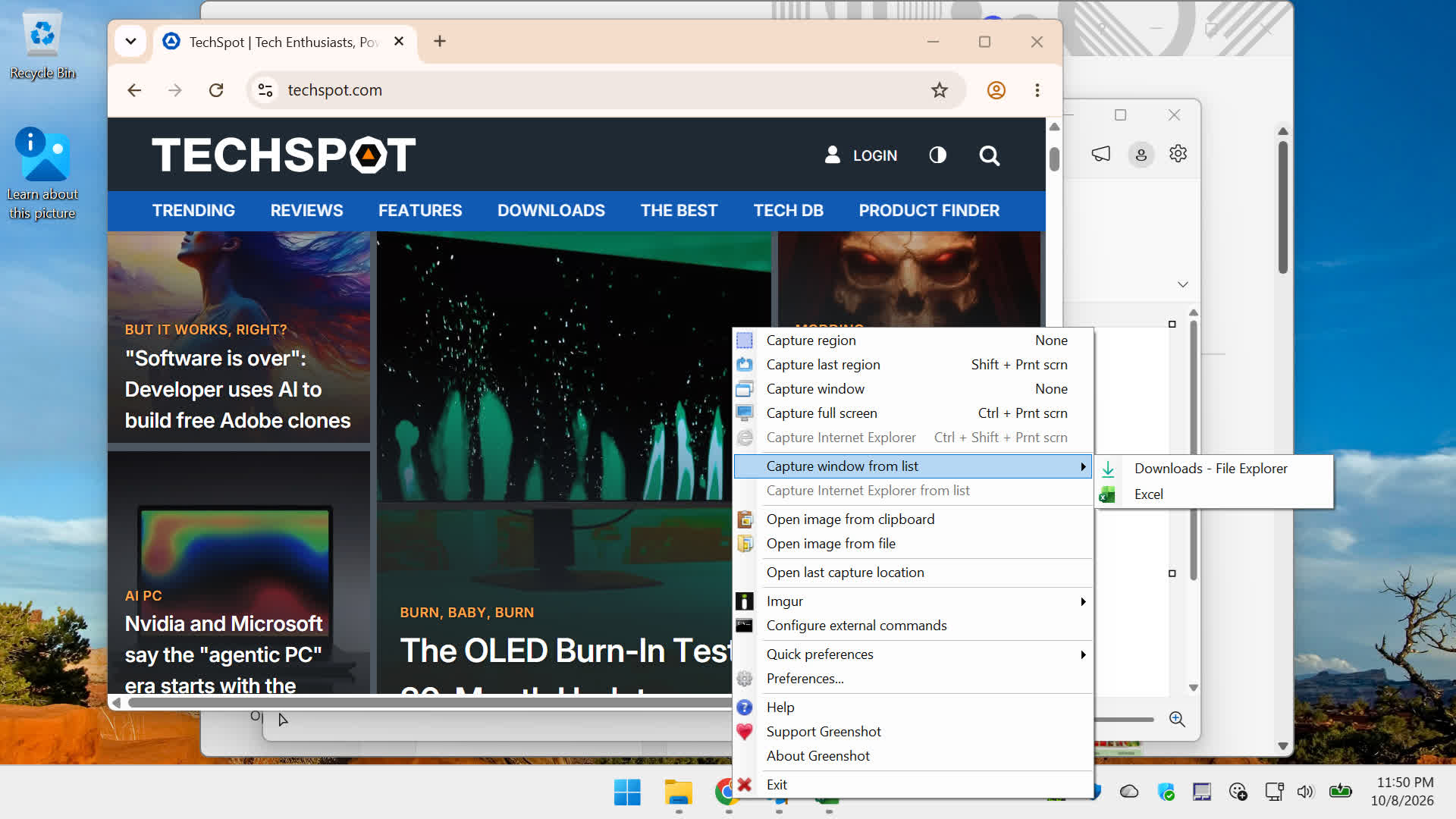
 
I spend a couple of hours most days helping peeps on the Adobe forums and have used Greenshot for some years. It’s all too easy to get complacent so I am going to check out most of these apps. The clincher for me is sharing. No problem with still images that can be pasted directly from the clipboard but I would love to be able to share video with needing to upload to YouTube.
 
Firefox has great build in "screenshot" functionality. It is just there in the right-click menu should you need it.

It of course only works with something you look at in Firefox, but it is really clever. Not only will it let you select freely or a specific element on a web page should you like, you can also do a shoot of something that is larger than what can be shown on your screen. Like say there is webpage you want a screenshot of and it is like 5000 pixels tall, you can still grab that in one go.
 
Back