Does the Nvidia App really hurt gaming performance? We benchmarked its background app, overlay, recording, and filters to see what affects frame rates and whether it is worth keeping installed.
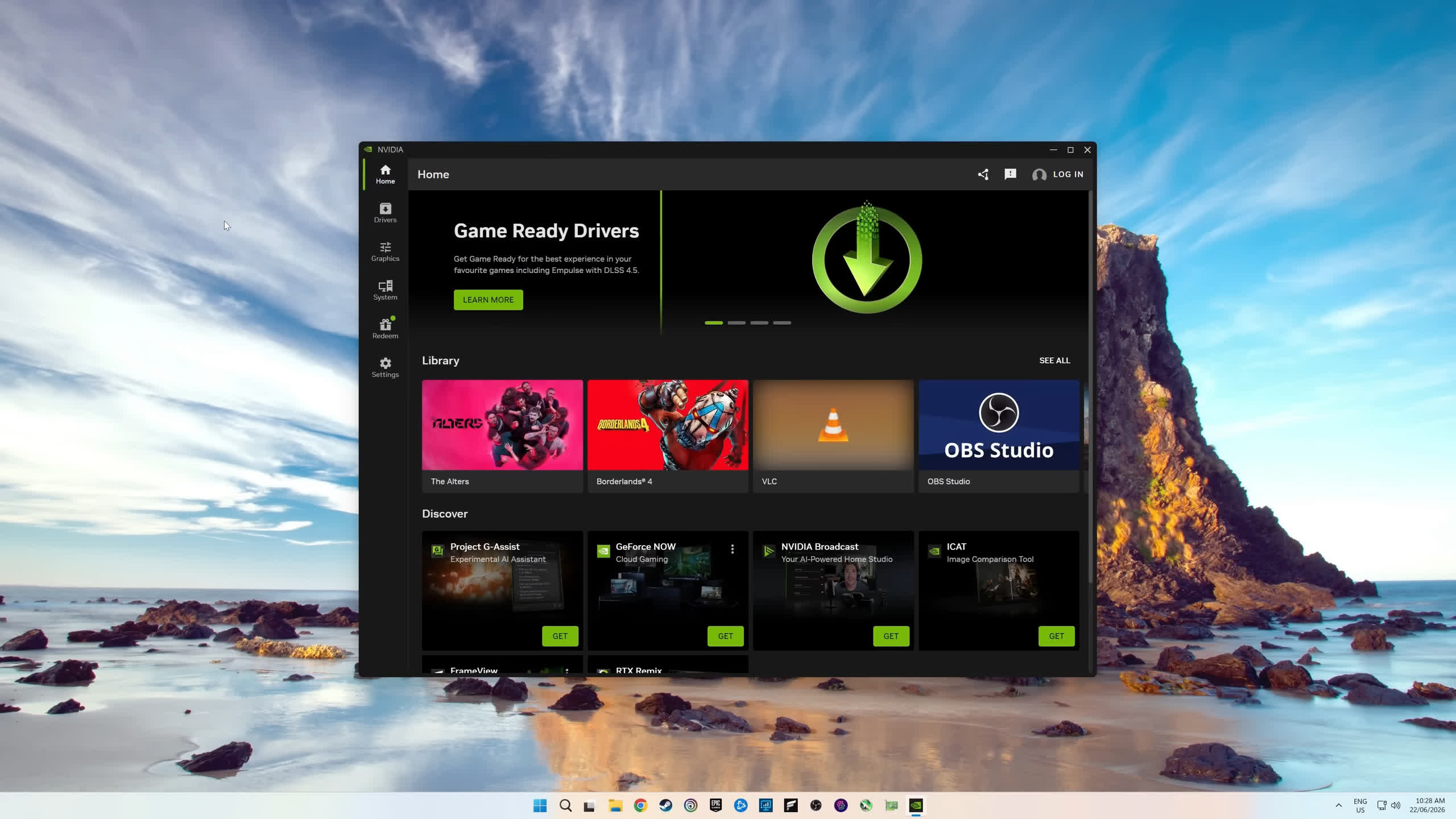
Does the Nvidia App really hurt gaming performance? We benchmarked its background app, overlay, recording, and filters to see what affects frame rates and whether it is worth keeping installed.


I hate Nvidia App because of the way it changes game graphic settings according to whatever algorithm they use. I want to setup my game settings and stay like that until I change them.
Impact on performance, idk I had the app installed for like 5 minutes until I removed it.


There are no AMD drivers in linux... you have open source mesa drivers, integrated with kernel.I always say, gamers are like kids. They will look for something to complain about. I personally prefer AMD drivers, especially in Linux, but the problem is that the AMD overlay is not always supported in games. For example, Forza 6 hates AMD overlay, so I have to use their crappy in-game fps meter. Even some older games hate AMD overlay.
I always say, gamers are like kids. They will look for something to complain about. I personally prefer AMD drivers, especially in Linux, but the problem is that the AMD overlay is not always supported in games. For example, Forza 6 hates AMD overlay, so I have to use their crappy in-game fps meter. Even some older games hate AMD overlay.
No, ty.
I don't like someone's malware running in the background, eating CPU cycles for nothing and harvesting data.
In case you have to use it for some reason, if you use dedicated internet security software, which you should, you should take care to block outbound connections for NVIDIA's malware. This should save you from numerous annoyances, such as unsolicited downloads (the app, if left unchecked, just downloads data all the time hogging one's internet connection) and of course prevent the "app" from transmitting your data back to the Leatherman's servers.
No, ty.
I don't like someone's malware running in the background, eating CPU cycles for nothing and harvesting data.
In case you have to use it for some reason, if you use dedicated internet security software, which you should, you should take care to block outbound connections for NVIDIA's malware. This should save you from numerous annoyances, such as unsolicited downloads (the app, if left unchecked, just downloads data all the time hogging one's internet connection) and of course prevent the "app" from transmitting your data back to the Leatherman's servers.

Cool. It's cool that you measured it.
However, when I enable the stats overlay, D2R starts randomly stuttering. And when I don't, it doesn't.
I guess I'm imagining things.
Cool. It's cool that you measured it.
However, when I enable the stats overlay, D2R starts randomly stuttering. And when I don't, it doesn't.
I guess I'm imagining things.

It really does, or canNvidia App does not change a thing in terms of game settings unless you actively optimizes the game. This is a manual process.
I don't like someone's malware running in the background, eating CPU cycles for nothing and harvesting data.
No it does not. You don't know what you are doing then. Nvidia App don't change game settings unless you change settings for that exact game. Never once this has been the case. 100% requires user action.It really does, or can
I'm playing Dying Light 2 and every time I start the game it sets DLSS to balanced and frame gen to 4. I shut off frame gen and set DLSS to quality, but when I play the next time its back to DLSS balanced and x4 frame gen. Everytime.