After 30 months and 8,000 hours of deliberate abuse, our 4K QD-OLED monitor has measurable burn-in, lower peak brightness, and visible wear. Here's how bad it looks in daily use.
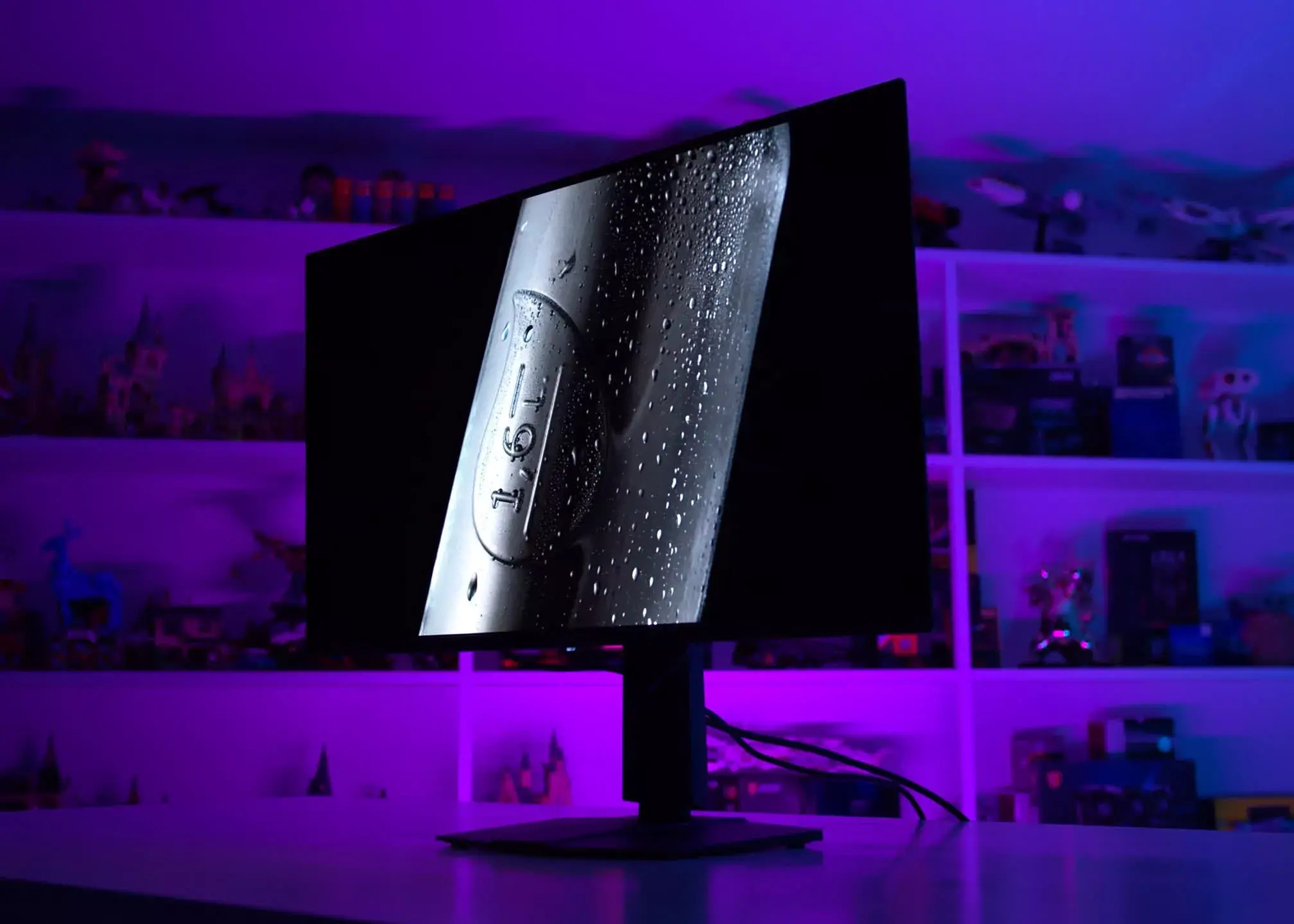
After 30 months and 8,000 hours of deliberate abuse, our 4K QD-OLED monitor has measurable burn-in, lower peak brightness, and visible wear. Here's how bad it looks in daily use.

 .

Now that's what I'd call a "long term" test.Good now return it and see if MSI will honor their 36 months burn it warranty.

 ) realistic burn-in test alongside Tim's, with my Alienware AW3423DW - the world's first QD-OLED gaming monitor. It's nearly 4.5 years old, and has been used about 6 hours every day on average for mixed use. Nearly 10,000 hours in total, according to the service panel.
As it should be. 4+ years ago I had to make the CSS code work in Firefox myself. Back then there was no AI to help either so I had to do everything by hand, but I've had the same feature for 4+ years and it's great. Tab bar and sidebar are hidden until I hover over it. Then I can interact with it and it hides only when I move the mouse away. Im still on an LCD tho.My main browser, Vivaldi, recently added an auto-hide feature to everything: the tabs on top, the bookmarks on the side, and the taskbar. A quick hover in the right place brings each one back individually, and only while you're actively using it! Good stuff
Unfortunately, noYou also have to remember that they are improving OLED longevity with every new generation.

Are you using all the mitigation techniques or you leaving the monitor on with those static elements/icons/ apps/signs for prolonged periods of time. Before I upgraded to my 48 inch c6 for pc enthusiast gaming I was using the cx for 6 years with no burn in image retention. I even played with the maximum brightness vivid mode ( but I did use all other mitigation techniques) Dark mode, black color desktop, rotation of icons once on a while, rotating statics monitoring data, not using yellow as a color on the statistical data etc etc.Using an LG C5 EVO as a monitor for a year. Burn-in of static elements are way more noticeable than with this monitor. I'm guess less aggressive maintenance routines.