Windows 11 is getting faster, smoother, and more "console-like" for gaming

DragonSlayer101

Posts: 951   +13
Staff
Something to look forward to: Microsoft has announced plans to roll out major Windows 11 updates next year to make the operating system "faster, more portable, and more visually immersive" for gamers. The company also detailed how the Xbox Full Screen Experience on the ROG Xbox Ally improved Windows handhelds and enhanced Windows gaming across devices.
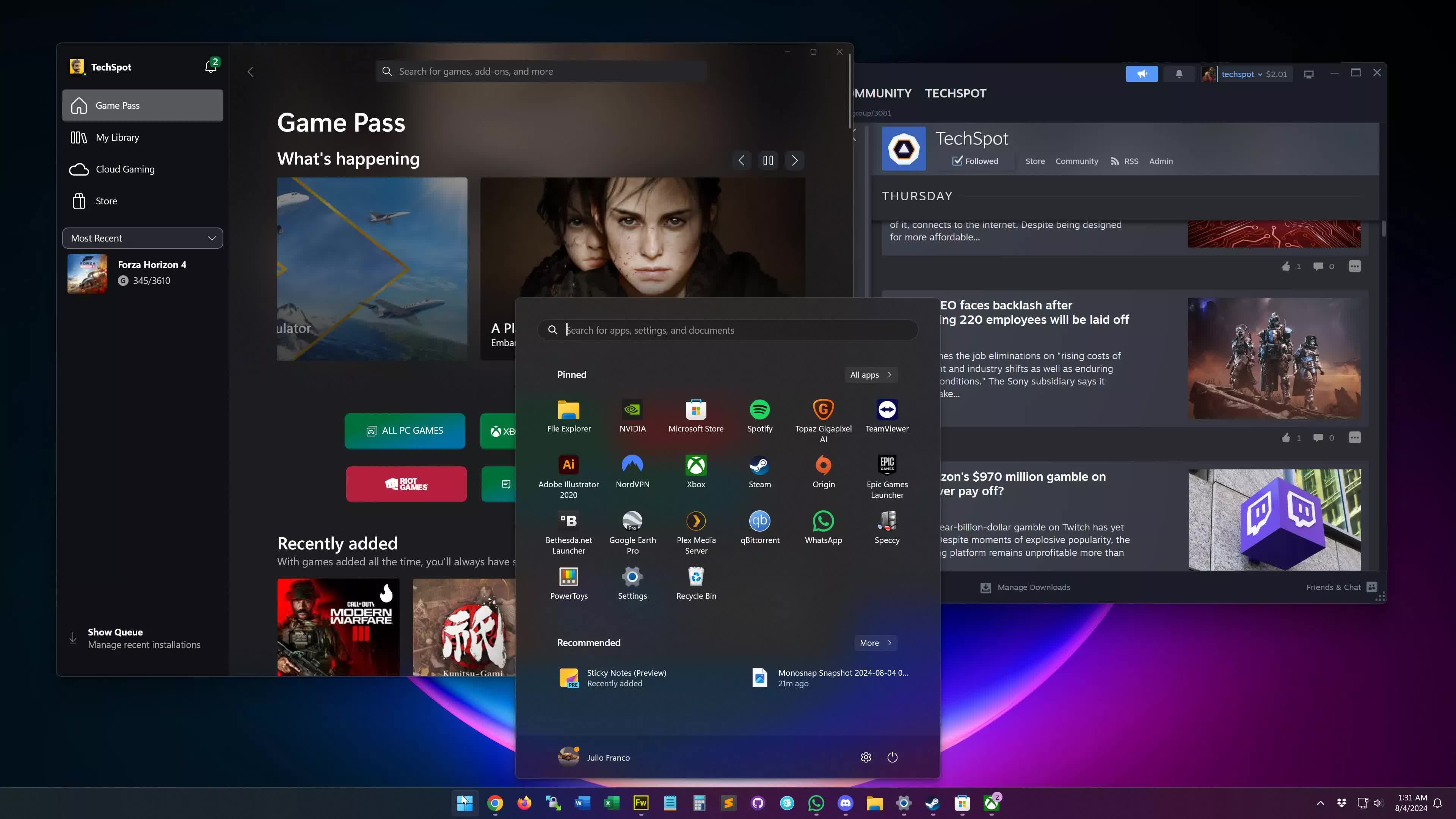
In a new post on the Windows Experience Blog, Microsoft revealed it is optimizing several key Windows 11 components for faster gaming performance. As part of the plan, developers are focusing on improved background workload management, better power and scheduling efficiency, graphics stack refinements, and updated drivers.

Microsoft noted that these improvements will free up background resources, allowing apps and games to run more smoothly in the foreground. The company added that its ultimate goal is to deliver a "console-like experience" on Windows.
One way Redmond aims to improve gaming on Windows handhelds is by expanding its Advanced Shader Delivery (ASD) feature to ROG Xbox Ally devices. This technology preloads game shaders during download, enabling supported titles to "launch faster, run smoother, and use less battery."

According to data published by Microsoft, ASD reduced first-run load times by more than 80 percent in Avowed and 95 percent in Black Ops 7. The company is adding ASD support to more games and working to integrate it with a wider range of hardware and storefronts in the near future.

Microsoft expanded the Xbox Full Screen Experience beyond handhelds last month, rolling it out to additional laptops, desktops, and tablets. It's now available in preview for Windows and Xbox Insiders on Windows 11 desktops, laptops, and 2-in-1s, with broader availability planned for next year.
Another notable update is expanded compatibility for the Prism emulator, which runs x86-64 software on Arm. Microsoft said Prism now supports AVX and AVX2 instruction set extensions, boosting compatibility and performance for emulated games.

Finally, Microsoft confirmed that its AI-based Auto Super Resolution upscaling technology, designed to make DirectX games look sharper and run smoother at lower resolutions will soon be available on all devices. The feature originally debuted on Snapdragon-powered Copilot laptops and will reach the Xbox Ally X with a public preview in early 2026.

Permalink to story:

 
"hey copilot, can you optimize this code for me? *Random piece of windows source code*".

With how Microsoft has been handling windows development for quite some time now I expect more bugs.
Want to optimize for games, strip out all telemetry and get windows 11 to run on say 2GB of RAM machines. Or at the very least shut it all down when a game is launched.

Have a look at the kernel code, the Linux kernel pretty much always has the windows kernel beat when it comes to CPU intensive task and it caters to far more architectures which normally comes at a performance penalty. There must be performance left on the table there somewhere.

It might be too much to ask from the thousands of developers that been taking decades now to overhaul the settings panel and the network adapter adapter settings window still looks eerily similar to the windows 95 one.
 
Why should I care, I can get a console experience with Bazzite, or actual proper OS experience with tumbleweed or any other large distro. It is already more than Windows is doing. How to call it? Corpo oriented, greed based experience? 'Can't remove preinstalled bloatware' experience? No, thanks.
 
Windows 11 is one of the worst operating systems Microsoft ever crated! If, I install 24H2, on my HP desktop , and it will NOT reboot! I, have to roll back to use the operating system! It's, pathetic!
 
I'll believe it when I see it. At least they are finally acknowledging what an awful job they have done with the OS over the last 5 years but I really doubt they have the ability to fix it any more. For every employee with good intentions there's another 5 AI agentic marketing monetization morons wanting to shoehorn more screen-shot based modelling and advertising into the OS's every virtual orifice.
 
I've just run an AI debloat powershell script on my computer - completely disabling all AI features, telemetri and loads of other background processes that reports back to Microsoft for no other reason than to spy on you - that alone reduced windows memory use by almost 3gb. They don't have to do alot to make it faster and smoother..all it took was a powershell script.
 
Any popular OS is gonna end up bloated in the end, as more people latch onto it, needing it to do more and more for security or other features.

windows is inevitable.
 
Yeah, tell me about it. The OS is feeling heavier and heavier with each "feature update".
In Microsoft doublespeak slower is faster, more clicks and white space is modern.

Only better hardware speeds up Windows 11, although optimations like disabling animations helps a bit. Resuming from hibernation also helps 11. Hibernation was not needed on SSDs in 10.
 
This won't make up for recall, no local accounts or just being a shitty OS.it might distract from it, but the stuff MS is doing goes WAY beyond just performance and a bad GUI
 
Do you think they will fix the taskbar by adding back toolbars and also allowing you to move the taskbar to different sides of the screen?
 
At this point whatever they do with their OS is irrelevant. People move on a long time ago and won’t be going back to Windows. Users forced to use it at work and school but increasingly businesses move away from Microsoft’s platform as well which leaves only governments at use. However these as well scrapping Windows out unless they US allies with hands tied but even these heavily modify this spyware tool to deny it its intended use.
Microsoft is a big beast and it will take some time for a fall to accelerate to be noticed but it is safe to say they already finished and the end of that process is logical Chapter 11.
 
Do you think they will fix the taskbar by adding back toolbars and also allowing you to move the taskbar to different sides of the screen?
StartAllBack does that. Hell, StartAllBack is the only thing that makes Windows 11 usable to me.
 
I've just run an AI debloat powershell script on my computer - completely disabling all AI features, telemetri and loads of other background processes that reports back to Microsoft for no other reason than to spy on you - that alone reduced windows memory use by almost 3gb. They don't have to do alot to make it faster and smoother..all it took was a powershell script.

Just a quick question. The script you ran was it from the article on this site: (techspot I mean)

This PowerShell script promises to remove every AI feature from Windows

The reason I ask is because when I clicked on the link for the quick guide I got a huge full page warning from Malwarbytes browser control. I think it's probably a false positive.

I added a few details in post #3 of the above topic on this site, under Windows 11 section. Thanks!


Edit: Above is a direct link to my post on this site regarding the likely false positive.
 
Last edited:
Microsoft can't afford to drop their data skimming components. This could get interesting.

Gaming on Windows 11 is like driving on ice - moving quickly but with zero control.

I have full control and full performance with Windows 11. Let me guess, you play old games on old hardware and is a casual gamer with no knowledge of how hundreds of frames look on 240+ Hz OLED.

Maybe Linux gaming is for you then.
 
... faster, smoother, and more "console-like" Windows ...

Are they going to remove all telemetry, spying and AI crap and all of those 1000+ services run by default?
I have to see it to believe.
 
Just a quick question. The script you ran was it from the article on this site: (techspot I mean)

This PowerShell script promises to remove every AI feature from Windows

The reason I ask is because when I clicked on the link for the quick guide I got a huge full page warning from Malwarbytes browser control. I think it's probably a false positive.

I added a few details in post #3 of the above topic on this site, under Windows 11 section. Thanks!


Edit: Above is a direct link to my post on this site regarding the likely false positive.
It is a false positive - most likely triggered from the fact that the script that edits to the registry.
It's disheartening that you have to use third party powershell scripts to disable "features" you don't want.
Windows - for the sake of a computer you only use for office applications, browsers and gaming could be 1 fifth of the size and use less than half the memory if Microsoft didn't impose such massive data gathering for the sole purpose of selling your data
 
The only way MS could increase performance on their buggy W11 labyrinth of a code is to stop all the shenanigans in the background and then game devs could actually use the full resources of the hardware.
 
Yeah, tell me about it. The OS is feeling heavier and heavier with each "feature update".
It's always been that way. Windows 95 fit on 13 floppy discs. ~18-MB. 11 v.25H2 is a 6.2-GB installer. Sure it's gone from 16 to 64 bits, but I think most old code is commented out and not removed. So much bloat. Vistas sidebar is still in the registry. Amazing.
 
Back