

WPS Office Free comes with many innovative features, including a paragraph adjustment tool, and multiple tabbed feature. It also has Office to PDF converter, automatic spell checking and word count features.
For a limited time:
Get Microsoft Office for just $39 – includes all the essentials like Word and Excel, in addition to Outlook, Access, Publisher, and OneNote. That's 70% off the regular price. Available for Windows and macOS.
Does WPS Office Free show ads or limit features over time?
Users report that, while many core functions remain free, increasing numbers of features become locked behind paid tiers, and the free version often displays ads or prompts to upgrade.
Is WPS Office Free reliable for opening and editing Excel and Word-style files?
WPS offers strong compatibility with Microsoft Office. The spreadsheet, word processor, and presentation modules open and edit .xlsx, .docx, and .pptx files smoothly, maintaining most formatting and formulas.
How well does WPS Free preserve formatting, comments, and markup when exchanging files with Microsoft Word?
For simpler documents and standard markup, preservation is decent: text, basic styling, and comments often survive the transfer. But in more complex files (with heavy formatting, nested styles, or macros), discrepancies or layout shifts can occur.
Do I need to log in to use WPS Office Free?
Recent releases of WPS Office often require an account login to access all free features or cloud services. Earlier versions allowed offline use without signing in.
Features
- Includes Writer, Presentation and Spreadsheets to fulfill all of your document needs in one complete productivity suite.
- View, edit and create almost any document type - all fully compatible with Microsoft Office. And the best part: it is 100% free
- Save documents to PDF and send them through email right from WPS Office. Added built-in PDF reader to open PDF documents in WPS Writer.
- Writer comes with dozens of formatting tools and spell check so you can easily create professional documents.
- The easy to use paragraph layout feature is a drag-and-drop feature allows you to adjust each paragraph naturally. Simply by moving your mouse, you can change the location, spacing, and indentation of a paragraph.
- Our Section Navigation tool makes it a piece of cake to jump between, and edit sections. Quickly access Cover Pages, Content Pages, and your Head and Footer, or Split Sections and Delete Sections.
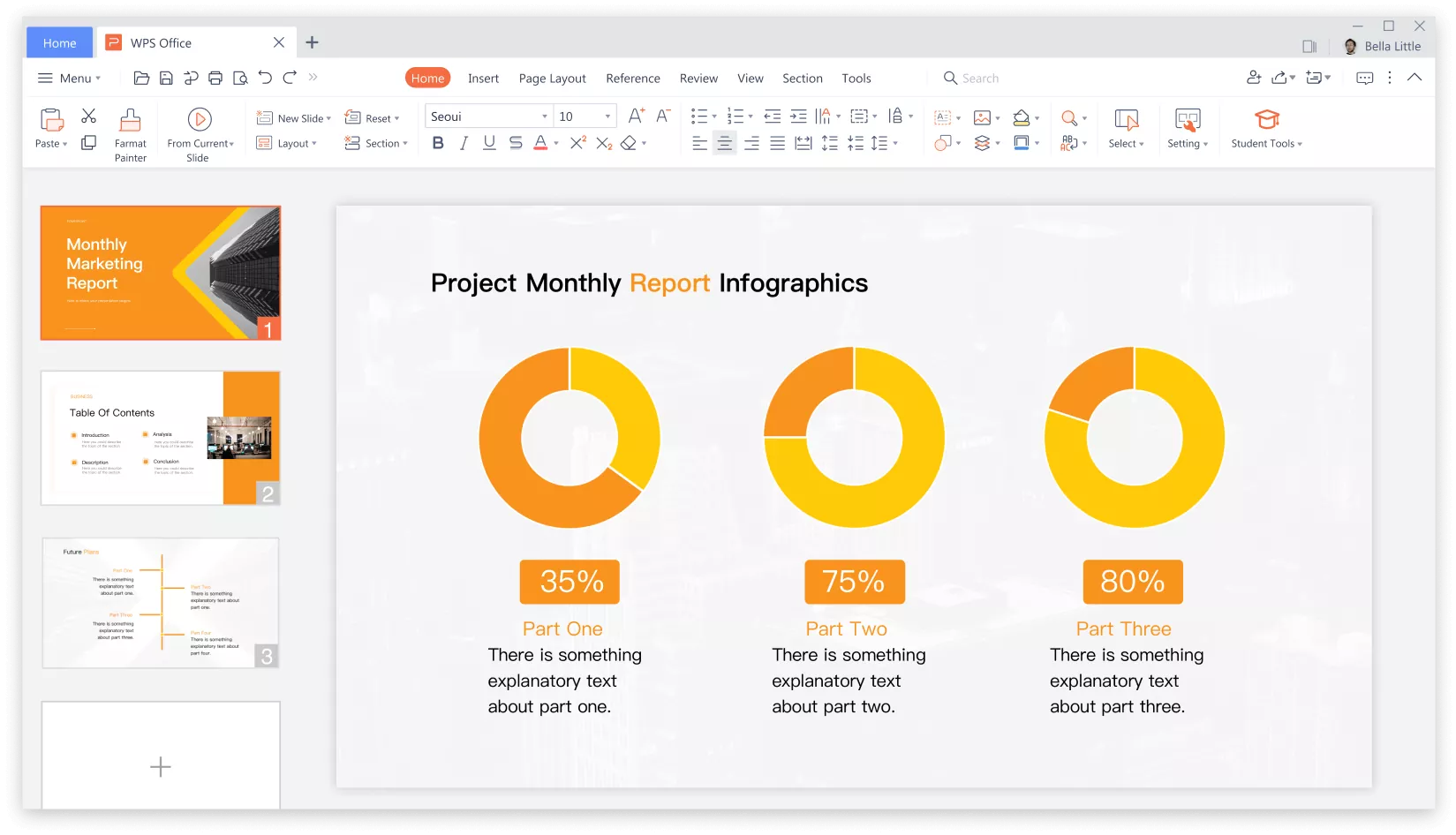
- Create beautiful presentations with animation effects, audio, video, photos, and much more.
- Presentation meets your custom demands for text format. Easily set font, font size, color and more for your master slide.
- Presentation saves you time and effort by inserting pictures on multiple slides at once.
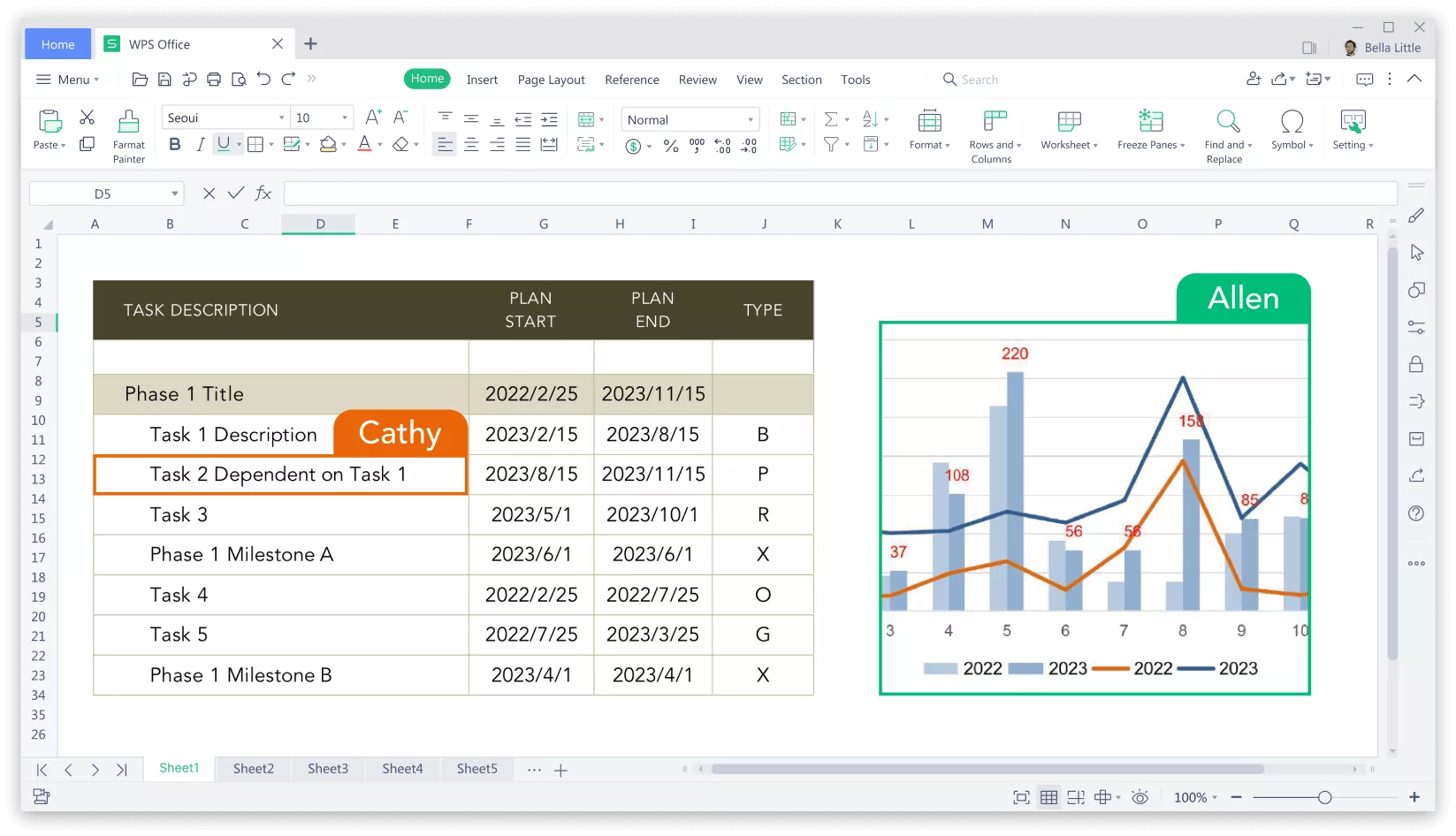
- Need to create a home budget? WPS Office is loaded with templates and tools to help you create any type of spreadsheet.
- The Highlight Duplicates Feature automatically rejects duplicate values in multiple rows and columns to help you quickly find and correct duplicate data.
- WPS Exclusive: The Reading Layout feature lets you quickly check data across the same row and column.
What's New
- Android version updated to 18.18.2
Batch PDF Printing
- Now you can print multiple documents at once to avoid spending lots of time printing documents one by one. What's more, you can also choose to apply print settings in batch or separately.
Rotate text in Spreadsheet
- Now you can use the quick rotation button in the Home tab to rotate your text diagonally or vertically.
Mail merge in Writer
- If you see a pop-up dialog box that says "WPS Writer cannot open the Data Source." when using the mail merge feature, please click "Need Help?" to get support.
User experience improvements
- Stability improvements and bug fixes.
