

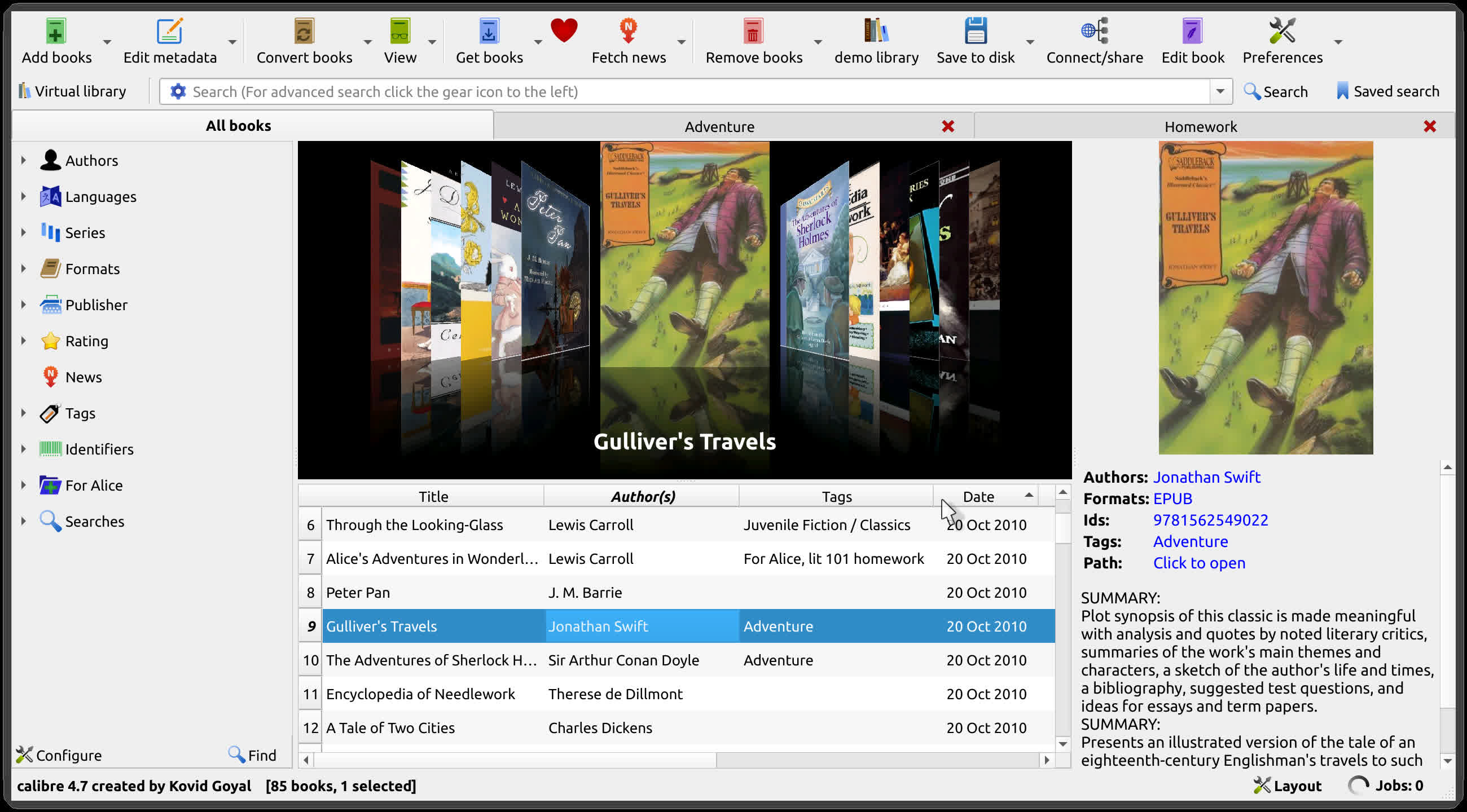
Calibre is an e-book library manager. It can view, convert and catalog e-books in most of the major e-book formats. It can also talk to many e-book reader devices. It can go out to the Internet and fetch metadata for your books. It has a cornucopia of features divided into the following main categories:
- Library Management
- E-book conversion
- Syncing to e-book reader devices
- Downloading news from the web and converting it into e-book form
- Comprehensive e-book viewer
- Content server for online access to your book collection
Is Calibre an e-book reader?
No, Calibre is an e-book manager in which you can organize existing e-books into virtual libraries, displaying, editing, creating and converting e-books, as well as syncing e-books with a variety of e-readers.
Can I write an e-book with Calibre?
Yes. Calibre can turn your personal documents to e-books or create them from scratch. It has automatic style helpers and scripts generating the book's structure.
Which devices does Calibre support?
Calibre is compatible with almost any e-reader, phone or tablet, as well as Windows, Mac and Linux devices. You can transfer your e-books from one device to another in seconds. Calibre will send the best file format for your device, converting it if needed, automatically.
What formats does Calibre support conversion to/from?
Calibre supports the conversion of many input formats to many output formats such as:
- Input Formats: AZW, AZW3, AZW4, CBZ, CBR, CB7, CBC, CHM, DJVU, DOCX, EPUB, FB2, FBZ, HTML, HTMLZ, LIT, LRF, MOBI, ODT, PDF, PRC, PDB, PML, RB, RTF, SNB, TCR, TXT, TXTZ
- Output Formats: AZW3, EPUB, DOCX, FB2, HTMLZ, OEB, LIT, LRF, MOBI, PDB, PMLZ, RB, PDF, RTF, SNB, TCR, TXT, TXTZ, ZIP.
Can Calibre read RSS feeds?
Yes, Calibre can deliver news to your device from hundreds of news sources or any RSS feed.
Does Calibre offer cloud storage for my library?
Calibre doesn't offer cloud storage, but it does integrate with most major cloud providers, including Google Drive, Dropbox, and OneDrive. This way, you can set up your eBook library in the cloud and access the content from your phone or tablet.
What's New
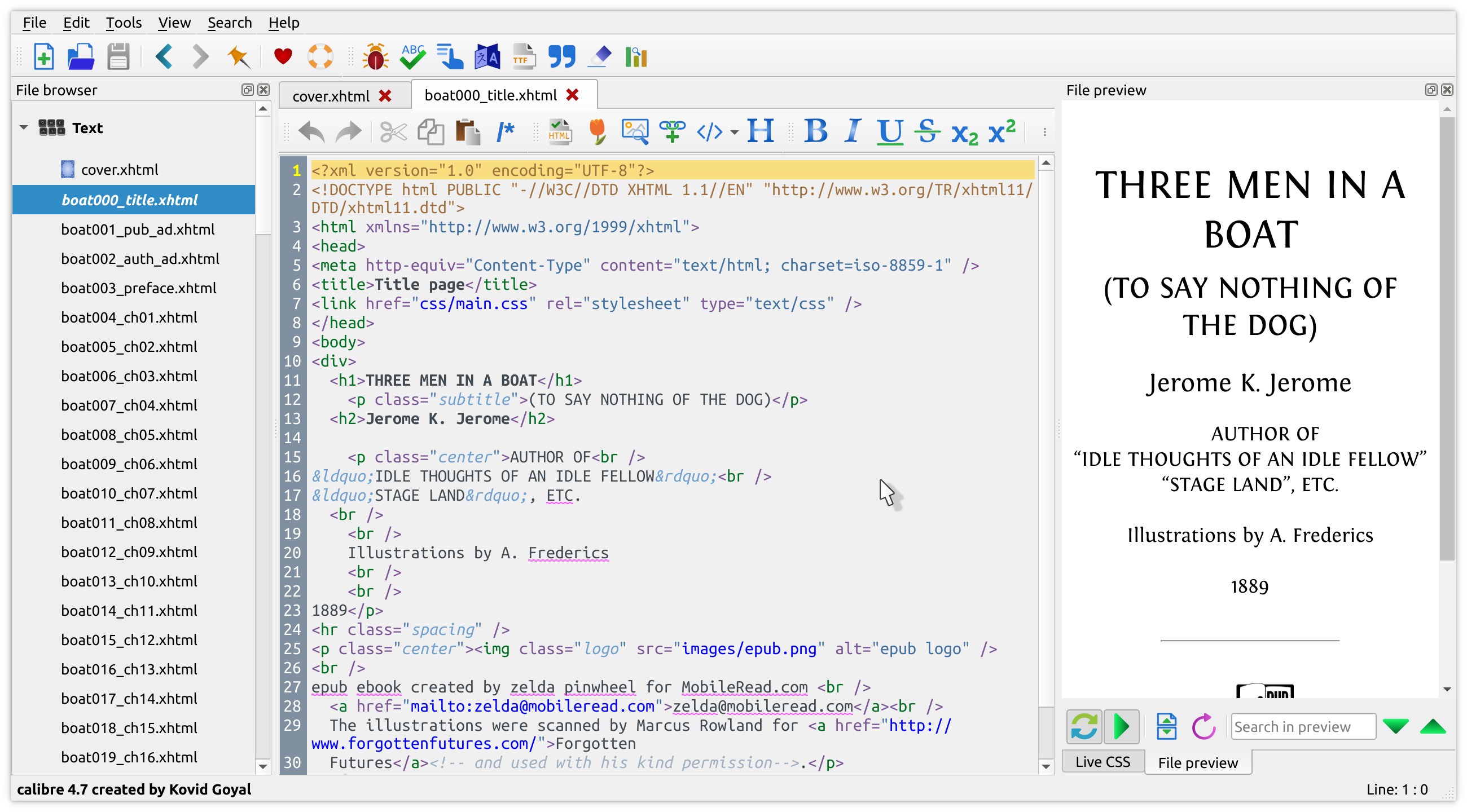
New features
- A "Create your own adventure" writing game – interactive storytelling with an AI managing the world you create
- This is a little different from the usual run of calibre features. It started out as a way to test the AI backends in calibre but turned into something fun to use. As always with AI features its completely optional and not even loaded unless you explicitly run it. Go to Preferences->Toolbars & menus and add the "Create your own Adventure" to the main toolbar to use it
- E-book viewer: Highlights panel: Allow selecting multiple highlights and right clicking to change their style. Closes tickets: 2167215
- Cover grid: Allow choosing which corner of the cover emblems are placed on in Preferences->Look & feel->Cover grid->Layout. Closes tickets: 2167194
- E-book viewer: An optional button to add to the sidebar to easily switch between saved window sizes, add it by right clicking the sidebar and choosing customize. Closes tickets: 2166717
- E-book viewer: When creating highlights with notes, show the notes as a tooltip when the mouse hovers over the highlights. Controlled via the setting to hide mouse over tooltips in the Miscellaneous section of the viewer preferences. Closes tickets: 2159668
- A new CLI flag to add and delete a book from a specified path in the system temp dir when running calibre.exe
Bug fixes
- E-book viewer: Fix Read Aloud stopping at some full screen images. Closes tickets: 2165923
- E-book viewer: In flow mode when using Read Aloud be more robust about keeping the selected text visible. Closes tickets: 2165439
- Edit book: fix a regression that caused an error when using the test box in the snippets dialog
- Edit book: Preferences: Fix moving and deleting toolbar icons from plugins not working
- Fix landmarks being lost when upgrading a book to EPUB 3
- DOCX output: preserve hyperlinks across styled text runs
- DOCX Input: Fix an error when the input document has numbering without any styles
- calibredb embed_metadata: Fix skipping books with no covers. Closes tickets: 2167294
- Edit book: Spell check: Fix words with a typographic single apostrophe not being correctly checked
- Windows: Fix calibre not starting in Alberta Canada because of a new timezone
- Windows: Cover grid: Fix changing the background color not working
- Content server: Sanitise supplied conversion options
- OpenRouter: Fix models that only output images not text not being listed
New news sources
- Briefing Service by Jordan Shelley
Improved news sources
- The Week
- Bloomberg
- Global Times

