

The first thing to remember is that Krita is a 2D paint application while other programs such as Photoshop are designed for image manipulation. This means that the other programs may have more features than Krita in general- but Krita has tools that are relevant to digital painting.
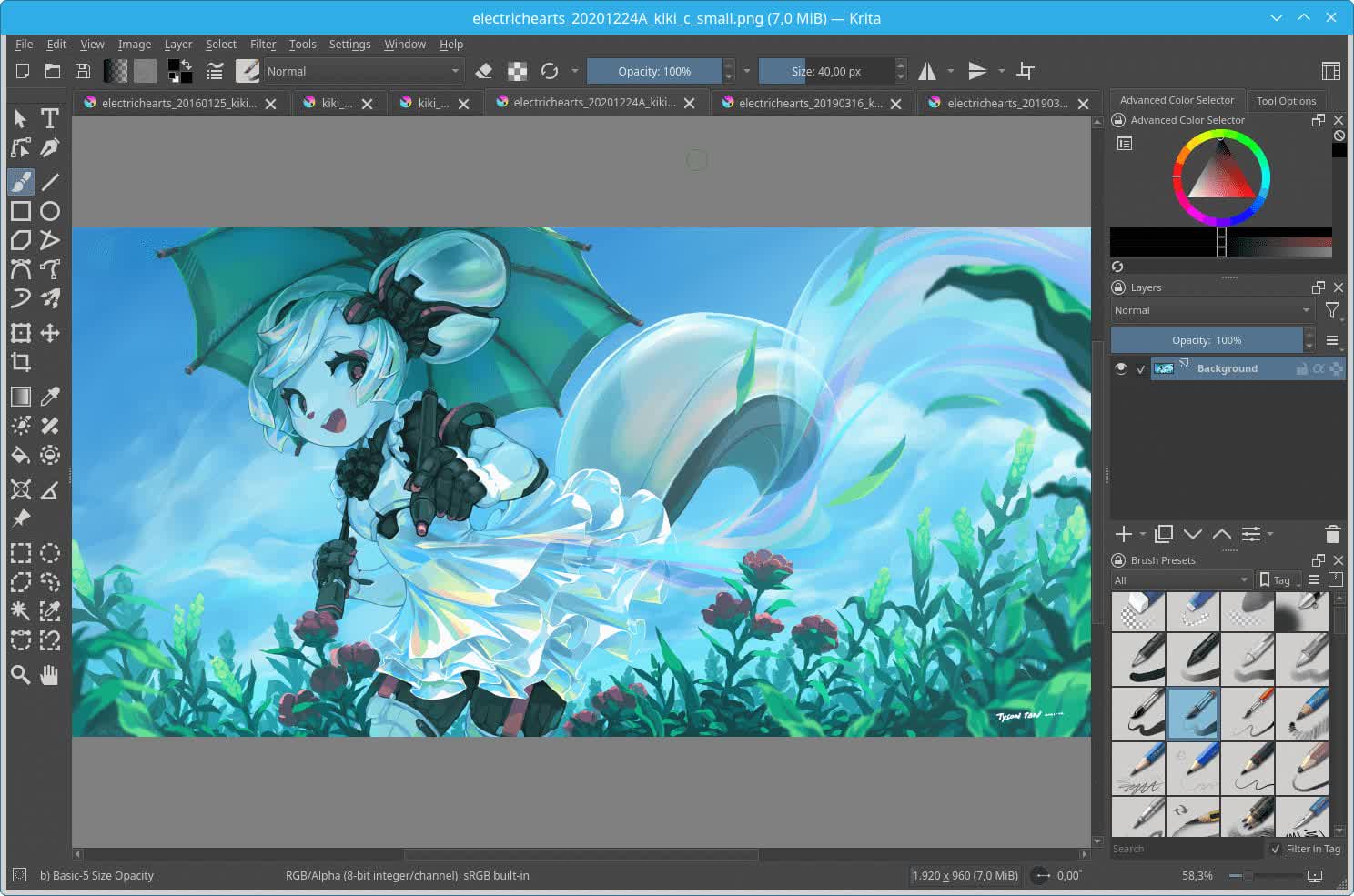
The tools are designed for concept art, creating comics, and textures. If you use a feature that isn't listed, make a quick video tutorial and let us know. We'll put it up to share with everyone.
What are the main differences between Krita and other digital art programs?
Many artists appreciate Krita for its strong brush engine, painting-first workflow, and support for stylus features like tilt and rotation. Compared to apps centered on photo editing, it focuses more on illustration, concept art, and comics. It also offers professional features like HDR painting, wrap-around mode for textures, and animation tools without the heavy subscription overhead.
Why do brushes look pixelated or blurry when I zoom out?
Krita prioritizes performance when scaling, so it may downsample strokes while zoomed out. The actual brushstroke detail is preserved; it just won't render fully at smaller zoom levels to keep navigation fluid. Exported artwork or viewing at 100% scale will show the correct sharpness.
Is Krita good for animation and how far can you take it?
Its timeline-based workflow supports frame-by-frame animation, onion skinning, camera moves, and audio playback. It's widely used for animatics, short loops, and 2D hand-drawn animation. While it isn't a full production pipeline tool with rigging or vector bones, it's capable of polished traditional animation and illustration-focused styles.
Features
User Interface
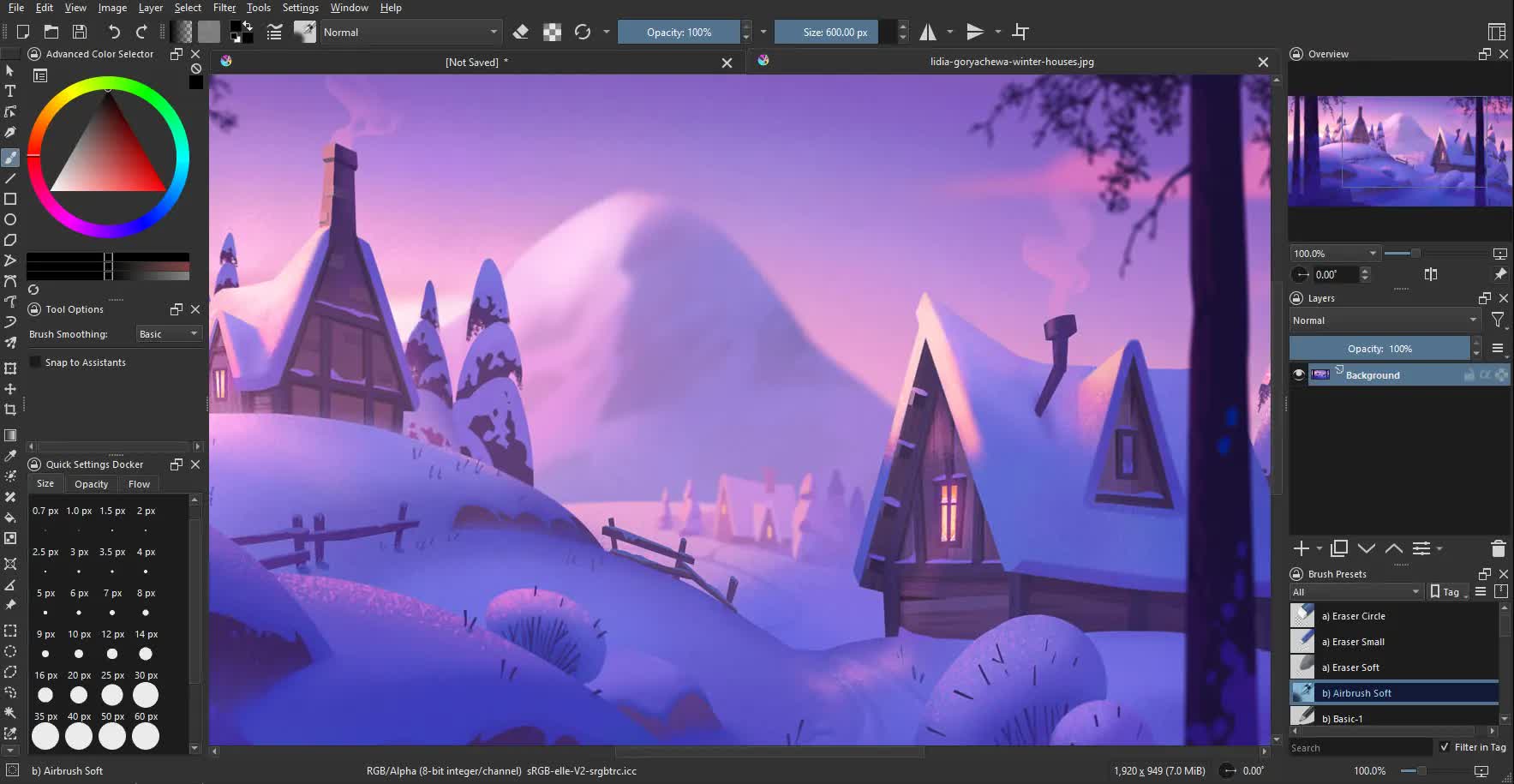
An intuitive user interface that stays out of your way. The dockers and panels can be moved and customized for your specific workflow. Once you have your setup, you can save it as your own workspace. You can also create your own shortcuts for commonly used tools.
Brush Stabilizers
Have a shaky hand? Add a stabilizer to your brush to smoothen it out. Krita includes 3 different ways to smooth and stabilize your brush strokes. There is even a dedicated Dynamic Brush tool where you can add drag and mass.
Pop-up Palette
Quickly pick your color and brush by right-clicking on the canvas. You can also use Krita's tagging system to swap out the available brushes that are displayed. The ring outside of the color selector contains the most recently used colors. These settings can be configured through the preferences.
Brush Engines
Customize your brushes with 9 unique brush engines. Each engine has a large amount of settings to customize your brush. Each brush engine is made to satisfy a specific need such as the Color Smudge engine, Shape engine, Particle engine, and even a filter engine. Once you are done creating your brushes, you can save them and organize them with Krita's unique tagging system.
Wrap-around mode
It is easy to create seamless textures and patterns now. Press the 'W' key while painting to toggle wrap-around mode. The image will make references of itself along the x and y axis. Continue painting and watch all of the references update instantly. No more clunky offsetting to see how your image repeats itself.
Resource Manager
Import brush and texture packs from other artists to expand your tool set. If you create some brushes that you love, share them with the world by creating your own bundles. Check out the brush packs that are available in the Resource area.
Updated Tablet Support for Windows, Linux and macOS
We finally managed to bring together the code we wrote for supporting tablets on Windows (both Wintab as Windows Ink), Linux and macOS with the existing code in our development platform, Qt. This has improved support for multi-monitor setups, more tablets are supported and a host of bugs with tablets have been resolved. This was a huge amount of work!
Note: we needed to patch Qt to make all of this work. The patches have been upstreamed but might not yet be integrated by your linux distribution. Until that happens, you might need to use the Linux AppImage instead of Krita as built by your distribution.
HDR Painting
HDR Animation created in Krita by Agata Cacko
Krita has been able to work with HDR images since 2005, but it's now possible to view your HDR image in HDR, on supported hardware. You can now not only save your HDR image in .kra or OpenEXR files, but also extended PNG. With the right version of FFMPEG you can even create animations in HDR! Having the correct computer setup for this can be rather complicated, so head to the documentation to see what is involved. HDR display is only available on Windows 10.
If you have HDR enabled, the Small Color Selector Docker has an extra "nits" slider that allows you to change the brightness of a specfic color.
Improved brush speed performance with vectorization and lock-free programming
Two of our 2018 Google Summer of Code students sped up Krita with programming techniques called lock-free hashmap for managing the pixel data (Andrey Kamakin) and GPU vectorization (Ivan Yossi). The lock-free hashmap should improve Krita's speed with multithreading, the chart shows the performance gains based off your CPU core count. Vectorization for the Gaussian and Soft-brush tips optimizes Krita by taking advantage of your processor's ability to do similar calculations really quickly, the gif above showing the speed difference for the gaussian brush tip.
The left axis on the graph is time in milliseconds. You can see the painting operations go from 1.5 seconds down to about 1 second with the lock-free hashmap. The blue line shows how Krita previously worked.
Improved Color Palette Docker
An improved color palette from one of our Google Summer of Code students for 2018 --- Michael Zhou. It is more stable as well as some of the following changes:
- Instead of an entry-based docker, a rows and column based docker.
- It can hold empty entries, which is useful for organizing.
- Stable drag and dropping of colors.
- Easy adding in entries by clicking them in the docker.
- Right-clicking removes an entry.
- Palettes can be put into the KRA file.
- You can press the folder icon to open a palette editing dialog where you can set a palette to be stored in the document or resource-folder.
What's New
Today we're releasing Krita 5.3.4 and 6.0.4, containing many bugfixes and improvements across the board. It also finally brings video exports to Android, which means you can now render animations and timelapses from the recorder. Apart from that, Arkady Flury has been improving Krita's icons at a steady rate. Thanks! Also of note: the GIMP XCF file import plugin has been removed. The plugin relied on a third party library that is no longer maintained and had many security issues.
Changelog
- Don't allow to record images that are too big (2^29spixels)
- Fix recorder export when some frames are missing
- Disable long-press on canvas widgets (Bug 525361)
- Fix layer thumbnails scaling when using display scaling
- Fix openening large exr files
- Fix writable resource path validator (Bug 521186)
- Fix channel flags when converting the image's color space
- Fix a rare crash when creating a new image on Windows (happens when the user holds a key while creating the image)
- Fix a crash when a python plugin specifies an invalid action path
- Fix resetting native touch gestures on configuration change
- Fix issues with adding resource bundles and resources on Android
- Fix a crash when "First Frame" shortcut is used when a file with a linked audio track is open. (Bug 524212)
- Fix the recorder interrupting using tools (Bug 488472)
- Fix potentional crashes with some fonts (Bug 523857)
- Do not warn the user about active global selections masks when exporting a file
- The comic manager plugin received several fixes for memory leaks and improved epub export
- Support to render animations and export timelapses on Android.
- Additional bundles in the Android supporter subscription: the latest SK3 pencil bundle, as well as the earlier SK1 and SK2 bundles.
Read the complete release notes here.
