

GOG Galaxy 2.0 allows you to combine multiple game libraries into one and connect with your friends across all gaming platforms, consoles included, but it's up to you which features you want to use.
Can I keep offline backup of games outside of GOG?
Yes. You can download offline installers for safekeeping, then install them and register the games through Galaxy to enable features like achievements and cloud saving.
Can I install games manually or download offline installers instead of using Galaxy?
Yes, you can. By using the "Download Offline Backup Game Installers" option through your GOG account. That lets you download the installer files and manually run them, rather than rely solely on Galaxy for installation.
Is there a simple way to manage extras such as soundtracks, wallpapers, and manuals?
Yes. Opening a game's details page and using the "Download All Extras" option is the most reliable method. It ensures all bonus content downloads at once instead of requiring you to fetch items manually.
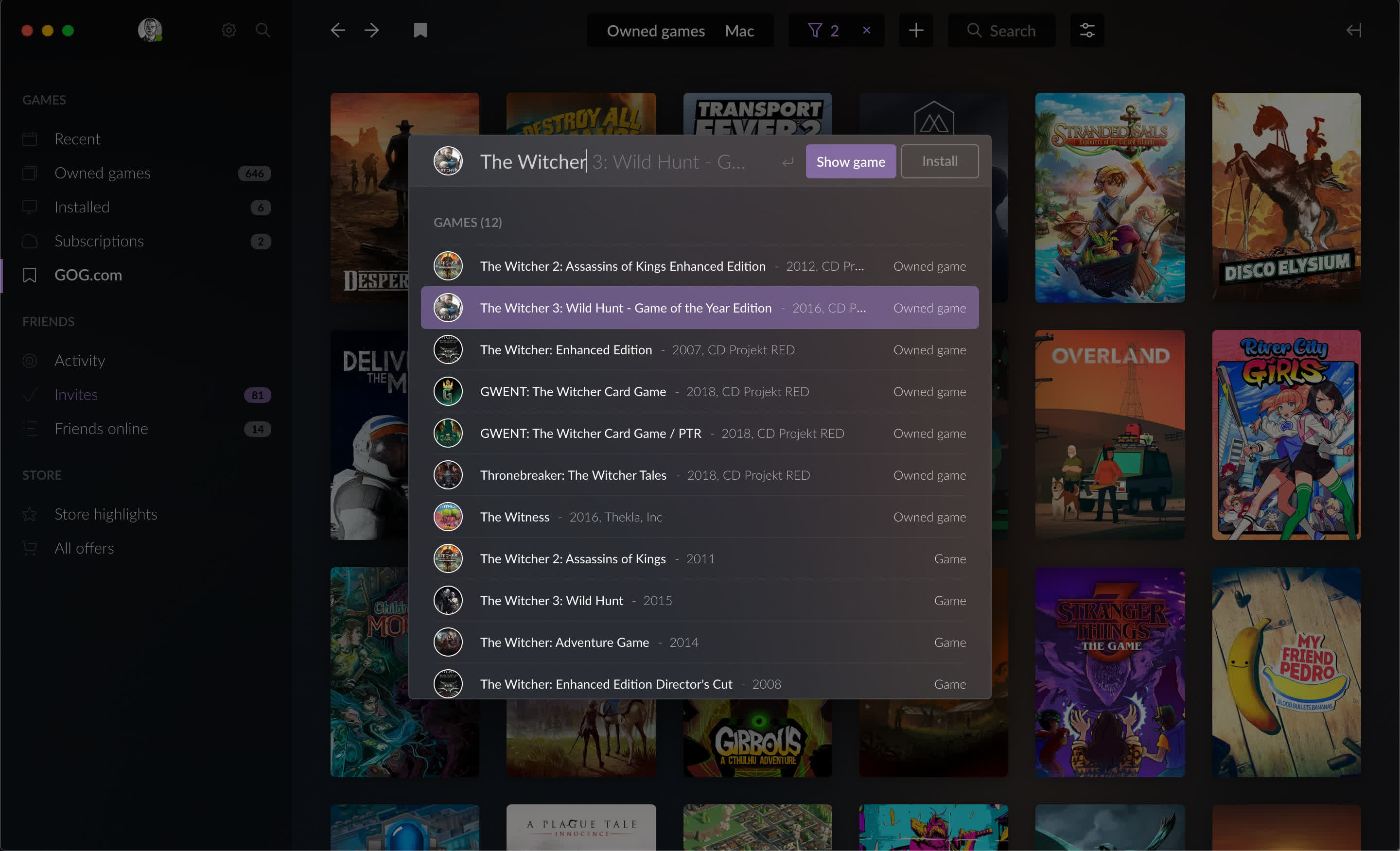
Is Galaxy worth using if I don't care about social features or integrations?
Yes. Even without integrations, Galaxy offers automatic updates, cloud saves for supported games, achievements, a clean library view, and easy access to extras.
Should Galaxy stay running while I play?
It isn't required, since GOG games are DRM-free, but keeping the client open ensures features like cloud saves, achievements, and playtime tracking remain accurate.
What are some alternatives to GOG Galaxy?
Some popular alternatives to GOG Galaxy include Steam, which offers the largest library and the most complete feature set; Playnite, a customizable all-in-one manager for unifying all your launchers; and Heroic Games Launcher, an open-source option with strong multi-platform support. Many players also use the Epic Games Launcher for its regular free titles and discounts.
Features
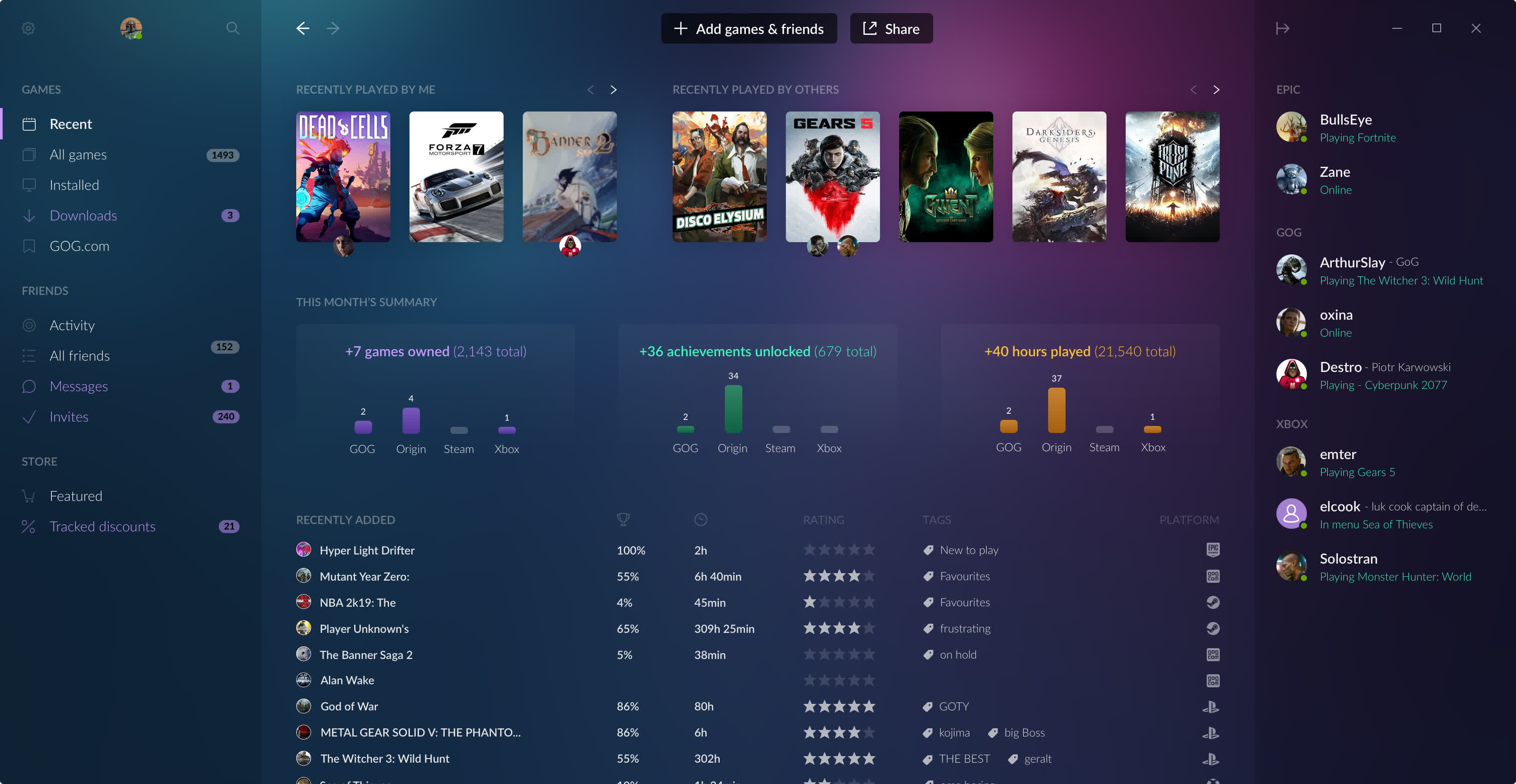
One-click install
- Prefer convenience? Install any GOG.com game with a single click, and it will forever stay up to date. As soon as the game is installed, it's ready to play.
Backup copy download
- Want to backup your purchases? We get it. For all games, you can download a DRM-free backup installer that you can save to an external disk, drive or cloud.
Offline support
- It's up to you when and how to play your games. GOG Galaxy will always work without an internet connection, and so will your games.
Rollback
- Sometimes game updates break things. Thanks to the built-in Rollback feature, you can restore your game to prior states with just a single click.
Optional auto-updates
- Don't like being forced to update? In GOG Galaxy you can turn off auto-updating for any game and receive notifications when new updates are available.
In-Game Features
Multiplayer & matchmaking
- GOG Galaxy-powered multiplayer games offer matchmaking and online play. In new and classic games alike, meet other players and make friends... or enemies.
Achievements
- Complete challenges laid out by the developers, experience more of the game, win bragging rights or just do it for the sake of your inner completionist.
Game-time tracking & stats
- For nearly every GOG game you can now track your play time. Additionally, select GOG Galaxy-powered games will offer extra stats or in-game leaderboards.
Crossplay
- Crossplay-enabled games offer online play between GOG and Steam. Because where you buy your games shouldn't prevent you from playing with friends.
Game overlay (soon)
- See notifications for new messages, requests or achievements, check on your progress and chat with friends... All that without leaving the game.
Community Features
Friends list
- Add people you like to your friends list. With a single click you will see if they're online, what are they playing, start a new chat or invite them to a game.
Online chat
- Our new chat is not limited to the Client. No matter if your friends are on GOG Galaxy or on the GOG website, you can chat with them in real time.
Game inviting & joining (soon)
- Enjoy playing games with great company? Galaxy-powered multiplayer games will allow you to invite friends from the game, or to join their games from the Client.
Small details can sometimes make the biggest difference
Choose your features
- Don't like achievements or chat? Just as the Client is optional, so are its features. Turn off the ones you don't care about, leaving only what's important to you.
Privacy
- We deeply respect our users, so we've also built GOG Galaxy to respect your privacy. We don't track your personal data... we don't even look for it.
App notifications (soon)
- Keep the Client running and you'll be first to know whenever your wishlisted game is discounted, or when a new friend, game or chat invite is received.
Constantly optimised
- We believe that the client application should be as lightweight as possible, and with every version we will do our best to decrease its CPU and memory footprint.
Always optional
- Beyond all these features, the Client will never be mandatory. That's great motivation for us - we want to make it so good, you'll actually want to use it.
What's New
- Windows version updated to 2.0.100.1
- macOS version updated to 2.1.6.26
Rollback
- Sometimes game updates break things. The Rollback feature is here, allowing you to restore your game to any earlier version just a single click. Game updates are now not just optional, but also reversible.
New installation options
- Control the installation process. You can now view required disk space, select your language, modify the installation path, and more.
Streamlined navigation
- Use the Back and Forward buttons across the entire app to easily navigate between your installed games, the store, and the library.
Friend search
- Find other users easily using their email address or GOG.com username, then add them to your friends with just one click.
Better performance
- The new update decreases RAM and CPU usage across the board. The app will now launch faster and take advantage of GPU acceleration on Windows, and App Nap support on Mac.
HiDPI support
- Enjoy proper HiDPI scaling and a retina-ready UI for exceptionally high-resolution displays.
Pause and resume
- You can now pause the download and installation process at any time, without ever losing your progress.
Compact sidebar
- See more of your library and the store with a new, compact sidebar. If you prefer the old look, you can always go back.
And more...
- Double click to launch a game instantly from the sidebar, view available languages and space requirements, accept new invites directly from the friends list, and so much more...

