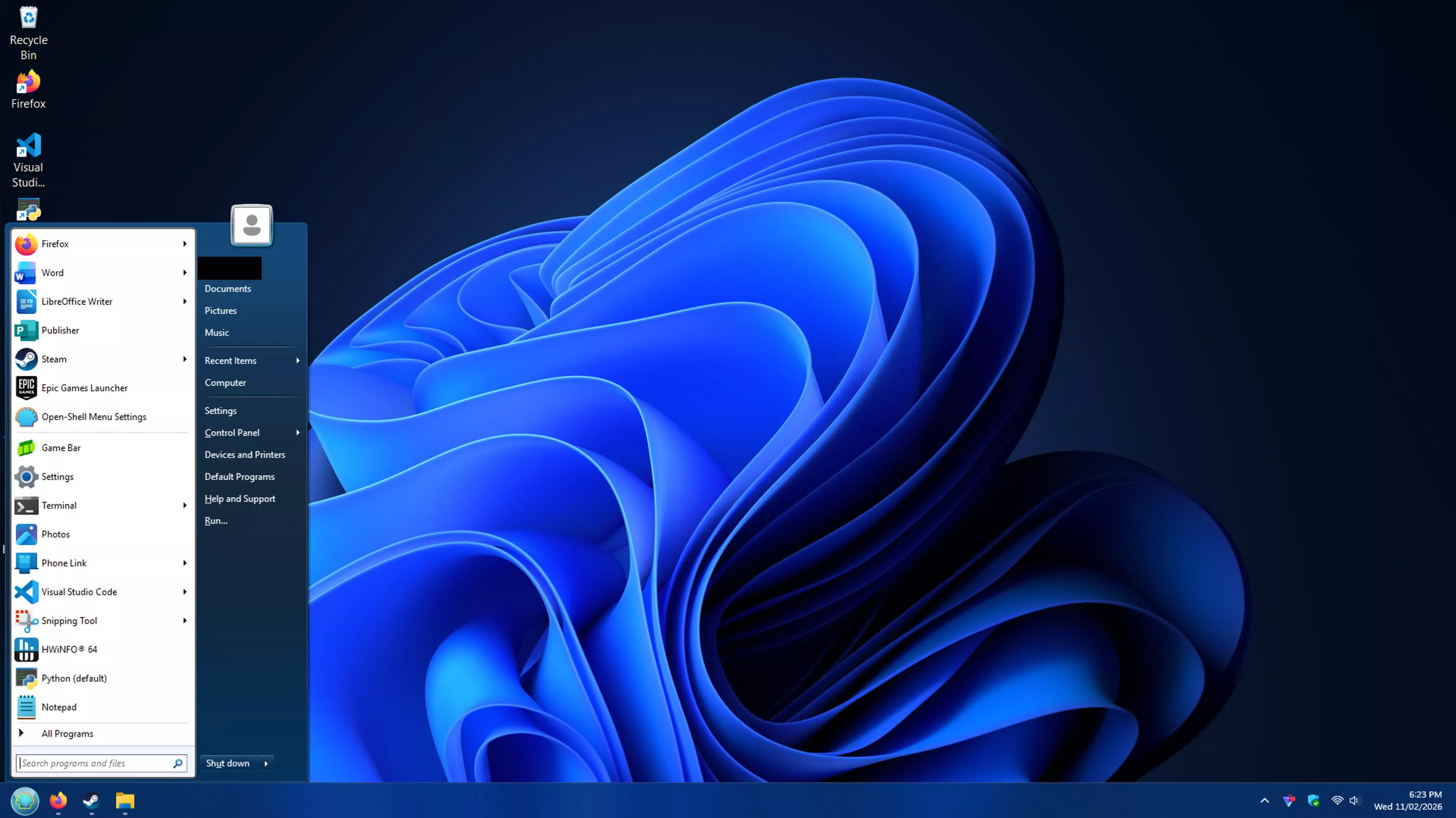
Open-Shell restores classic Windows features removed or redesigned in newer versions of the operating system. Originally developed as Classic Shell, it allows users to replace the default Start menu with familiar layouts inspired by Windows 7 and earlier versions.
The software offers customizable Start menu styles, themes, and shortcuts, along with additional options for Windows Explorer. It's particularly useful for users who prefer the traditional Windows interface or want greater control over how they navigate their desktop.
Features
- Classic style Start menu for Windows 7, 8, 8.1, 10, and 11
- Toolbar for Windows Explorer
- Explorer status bar with file size and disk space
- Classic copy UI (Windows 7 only)
- Title bar and status bar for Internet Explorer
What's New
- Fix search auto-selecting wrong item before programs finish loading by @nnyj in #2451
- Update font face names in Japanese localization by @coolvitto in #2409
- Fix open/save file dialog getting stuck after Windows 11 update by @ge0rdi in #2457
Note for Arm64 users
- Recent Windows 11 on Arm64 may block setup due to previous incompatibility with the platform. If you encounter a message saying This application can't run on this device, just rename setup to something like OpenShell.exe and run again.