

Kalmuri is a free and portable screen-capture and recording tool for Windows that offers features like full-screen or area capture, screenshot and MP4 video capture, support for formats such as PNG, JPG, BMP, GIF (for images) and MP4 (for videos), OCR to extract text from images, floating-image previews, color picking, hotkey control, and even a built-in browser for webpage snapshots.
Kalmuri runs without installation and is suitable for USB use.
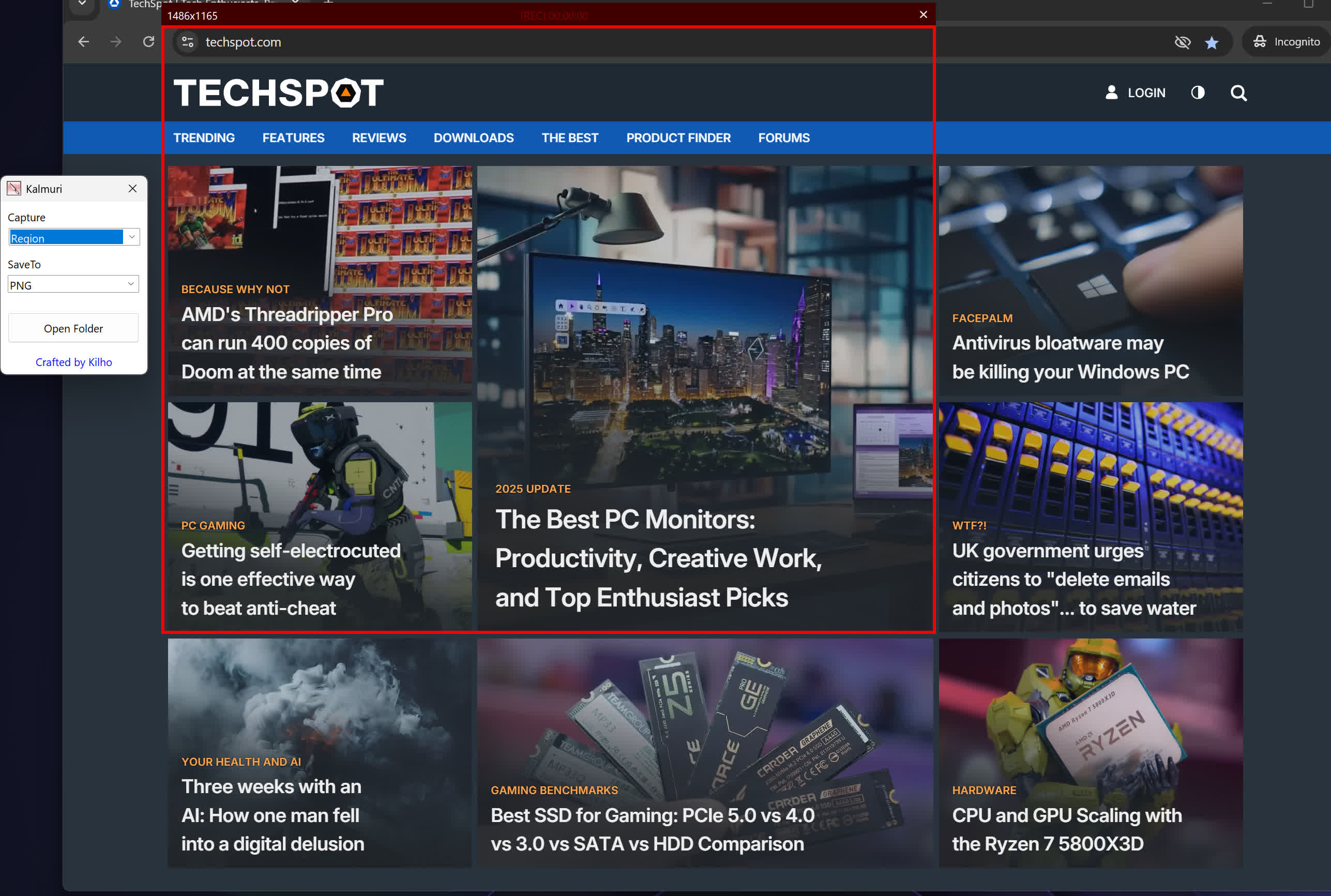
How do I record videos using Kalmuri?
To record video with Kalmuri, you choose the MP4 option from the output menu. In portable versions, you need to manually place an FFmpeg.exe file in Kalmuri's folder – once it's there, the program supports high-quality video recording as long as FFmpeg is recognized.
Can Kalmuri extract text from images?
Yes, Kalmuri includes OCR functionality. This enables text extraction directly from screenshots, making it easy to capture and reuse text from images without needing separate OCR software.
Features
- Video recording support (designation of whole screen and area)
- Whole screen, active program, window control, area application
- Support for PNG, JPG, BMP, GIF, MP4 file formats
- Support saving text with OCR functionality.
- Support floating image feature.
- Share the captured image on the web.
- Color extraction function
- Full web page capture
- Printer output
- Hotkey settings
- Adjustable via keyboard for area capture
- (Arrow key, Ctrl+Arrow key, Shift+Arrow key)
- File name format (sequential, datetime)
Usage
- After selecting the desired range and the format to save, press the hotkey to capture.
- (For the first time the hotkey is PrintScreen. It can be changed through the hotkey settings.)
- For the menu, click the right mouse button on the Kalmuri screen.
What's New
- Changed the main screen to show capture areas and save formats with icons
- Added ripple/highlight effects to show mouse click locations in recordings
- Added capture area/save format selectors and capture/recording buttons to the region window
- Added animated GIF/WebP recording and frame rate settings
- Added graphics card based screen capture and recording
- Added NVIDIA/Intel/AMD graphics card support for MP4 recording
- Refined alignment of video and audio at the start of recording
- Added region window color selection in settings
- Added a stop recording button to the main screen
- Enhanced image upload security and failure handling
- Fixed WebP save errors and empty file creation
- Fixed recording startup and status issues in some environments
- Improved screen capture and drag capture stability
- Prevented existing files from being overwritten during rapid consecutive captures
- Prevented OCR and configuration errors
- Improved duplicate application launch prevention
- Improved capture area size and position saving
- Enhanced overall application stability
- Fixed webpage capture failures and subsequent capture issues in some environments
- Fixed save folder selection issues in certain situations
- Improved web browser capture stability on certain computer configurations
- Fixed unintended capture area changes during screen recording
- Improved the recording indicator for a sharper and smoother appearance
- Improved OCR text saving reliability and Korean and special character compatibility
- Fixed an intermittent crash when using Area Capture
- Improved stability for Area Capture and screen recording
- Resolved a capture issue that could occur right after startup
- Improved folder selection behavior for older Windows versions
- Fixed issue where WebP quality setting was not saved
- Fixed rare memory error during drag capture on certain systems
- Added functionality to create the log folder if it doesn't exist
- Fixed duplicate creation of tray icon settings
