

File Converter is a very simple tool which allows you to convert and compress files using the context menu in windows explorer. It is open source (GPL v3), free and without any adds or data collection. The interface is designed to be as light as possible to keep the application easy to use.
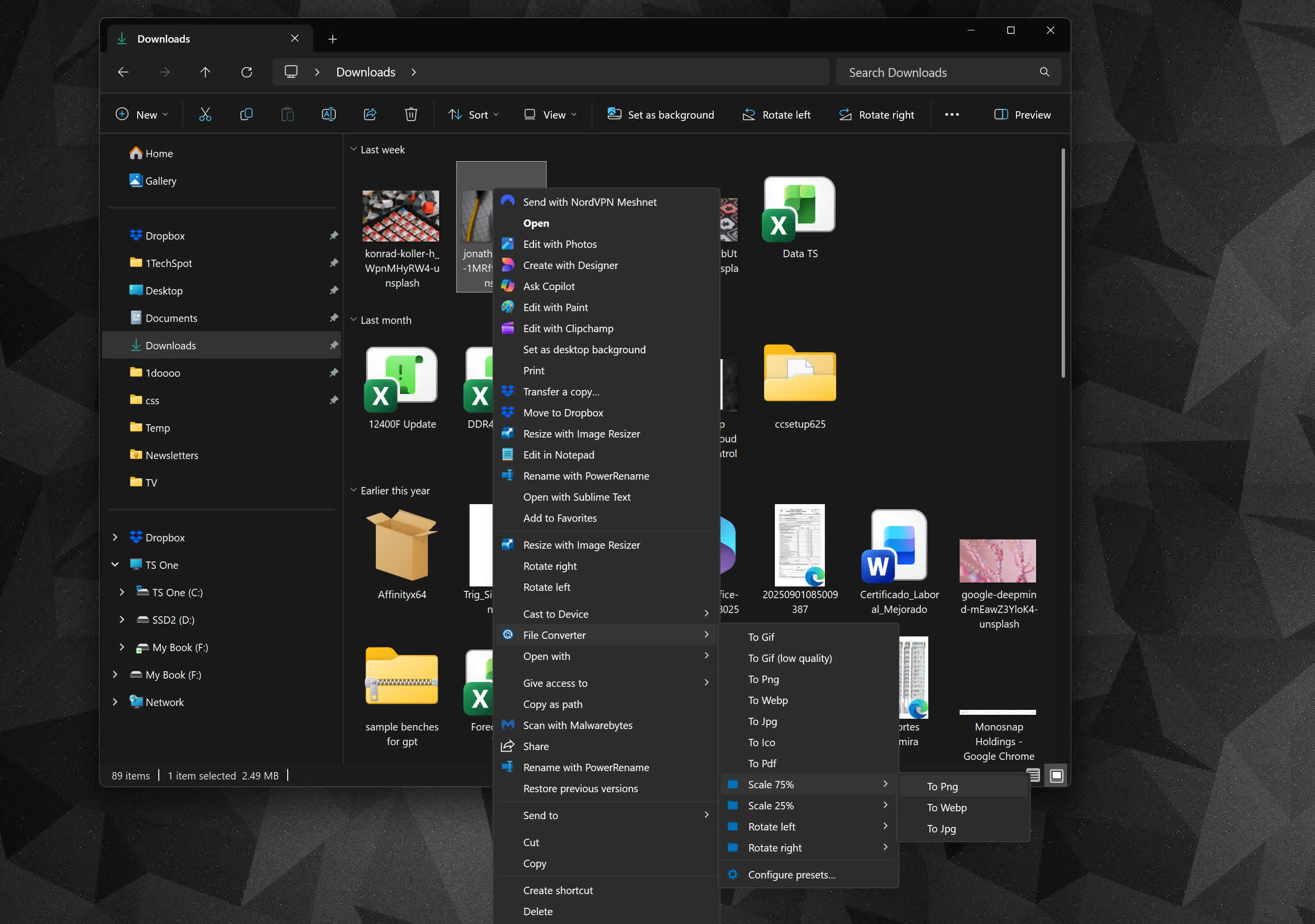
It supports a lot of different file formats:
Audio:
Compatible input formats:
- 3gp, 3gpp, aac, aiff, ape, avi, bik, cda, flac, flv, gif, m4v, mkv, mp4, m4a, m4b, mp3 mpg, mpeg, mov, oga, ogg, ogv, opus, rm, ts, vob, wav, webm, wma, wmv
Supported output formats:
- flac, aac, ogg, mp3, wav
Video:
Compatible input formats:
- 3gp, 3gpp, avi, bik, flv, gif, m4v, mkv, mp4, mpg, mpeg, mov, ogv, rm, ts, vob, webm, wmv
Supported output formats:
- webm, mkv, mp4, ogv, avi, gif
Image:
Compatible input formats:
- arw, bmp, cr2, dds, dns, exr, heic, ico, jfif, jpg, jpeg, nef, png, psd, raf, svg, tif, tiff, tga, webp, pdf, doc*, docx*, odt*, odp*, ods*, ppt*, pptx*, xls*, xlsx*
Supported output formats:
- png, jpg, ico, webp
Document:
Compatible input formats:
- doc*, docx*, odt*, odp*, ods*, ppt*, pptx*, xls*, xlsx*, arw, bmp, cr2, dds, dns, exr, heic, ico, jfif, jpg, jpeg, nef, png, psd, raf, svg, tif, tiff, tga, webp
* You need to have Microsoft Office installed and activated in order to convert Office documents.
Supported output formats:
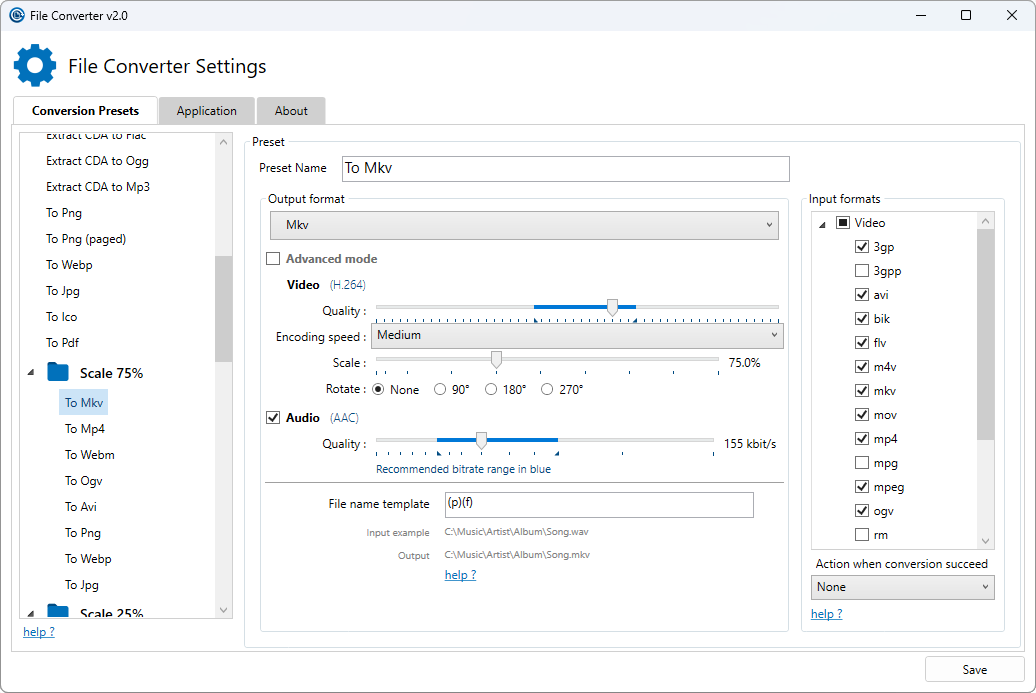
You can heavily customize the application in order to add / remove conversion presets in the files context menus or edit the existing one to change the conversion options.
