

Tiny Core Linux is an extremely lightweight Linux distribution designed to be fast, minimal, and highly modular. Instead of including many built-in apps, it gives you just the essentials: a kernel, basic tools, and a simple graphical interface. This lets you add everything else through extensions.
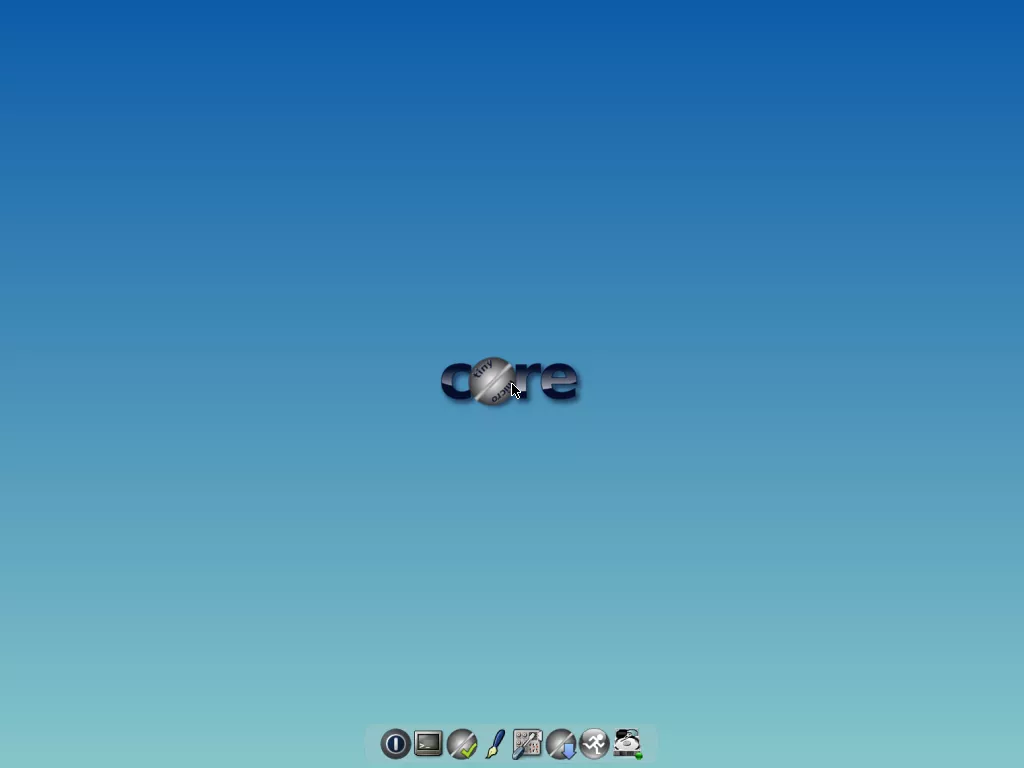
You can use Tiny Core without much technical knowledge, but, like any strong tool, Tiny Core becomes really useful if you know how to use it. Great starter skills could include command line usage, simple shell scripting, and Linux file and permission management, and some reasonably fast typing skills. If you aren't scared off yet, you need to know that there are some characteristics that make Tiny Core a really unique Linux distribution.
Who is Tiny Core Linux designed for?
Tiny Core Linux is ideal for users who want full control over their environment, people reviving very old hardware, or anyone needing a compact OS for USB installs, embedded systems, or specialized appliances.
How does Tiny Core stay so small?
Tiny Core only includes the essentials: the Linux kernel, BusyBox utilities, and a lightweight graphical interface. Everything else is installed through extensions, letting users keep the system lean.
Can Tiny Core Linux be used as a daily desktop OS?
Yes, but only for lightweight tasks or highly customized setups. It requires manual configuration and extension management, making it better suited for enthusiasts rather than typical desktop users.
TinyCore becomes simply an example of what the Core Project can produce, an 16MB FLTK/FLWM desktop.
The user has complete control over which applications and/or additional hardware to have supported, be it for a desktop, a netbook, an appliance, or server, selectable by the user by installing additional applications from online repositories, or easily compiling most anything you desire using tools provided.
Features
- Very Small. At 10 megabytes, Tiny Core is 1/400 to 1/100 the size of the most widely used operating systems in the world (even compared to most Linux distros). That makes Tiny Core flexible enough to be stored and run from usb sticks, a just-about-full CD, or even embedded devices. hardware.
- Linux. Tiny Core uses the Linux Kernel and a set of command-line (text interface) tools including busybox.
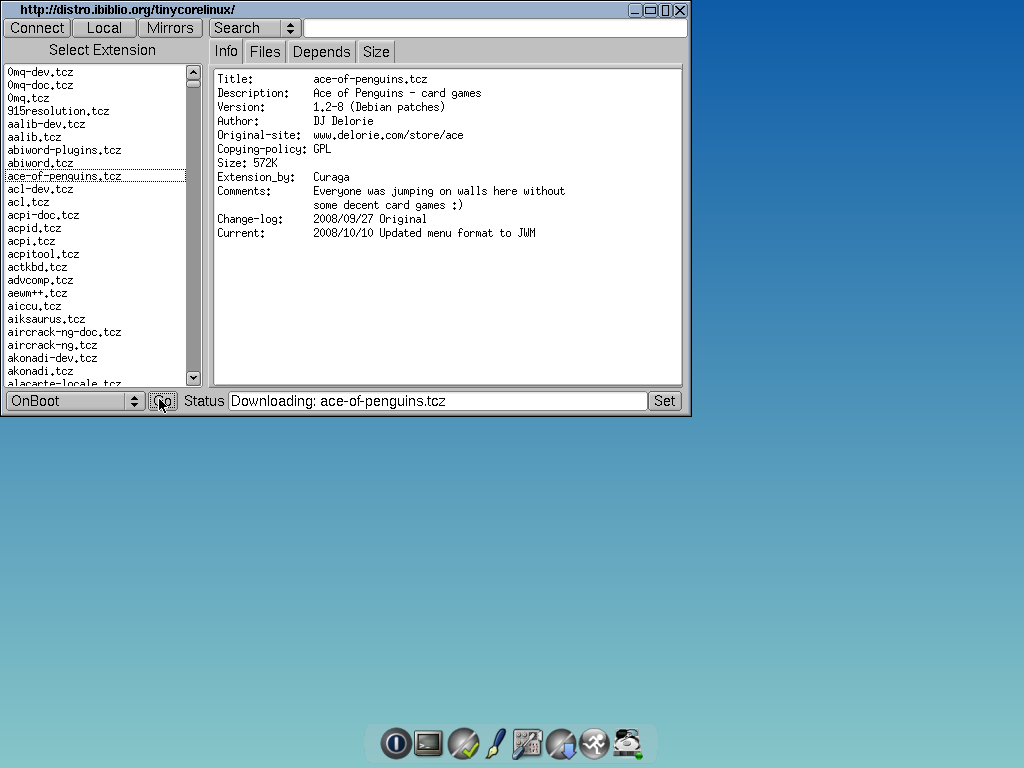
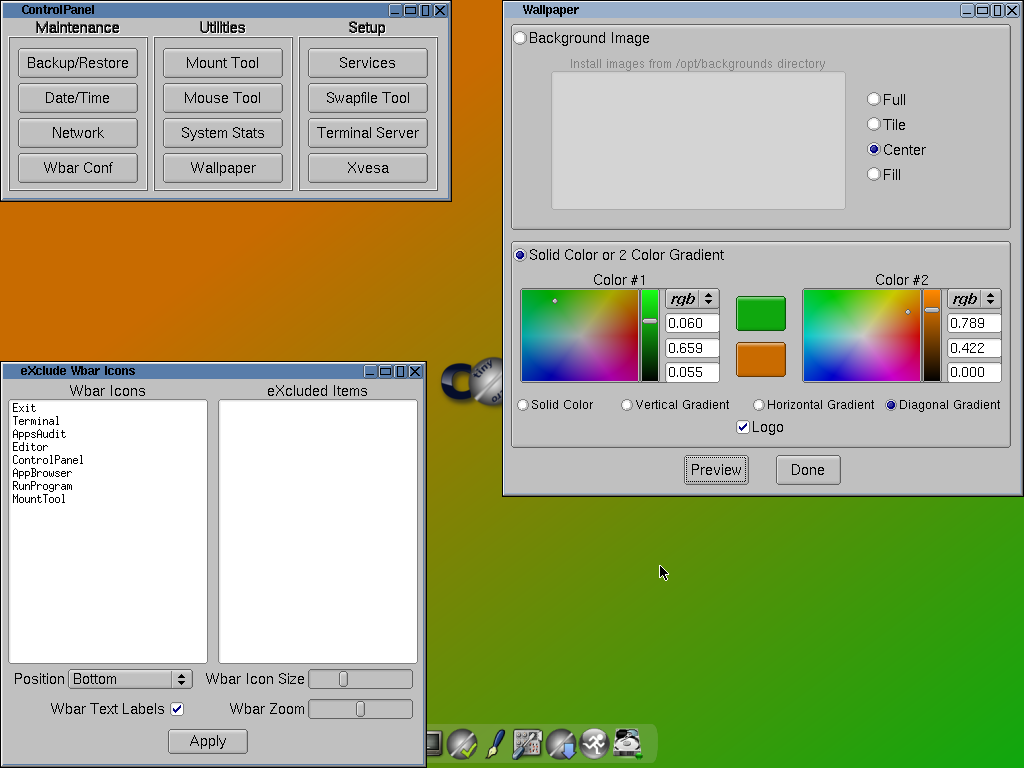
- A GUI Desktop. Tiny Core has a flexible and fully-customizable Graphical User Interface Desktop. Mouse, keyboard, and screen support basically works out-of-the-box thanks to FLWM, the FLTK Desktop. You can also quickly install and try out a variety of other desktops and interfaces including Fluxbox, XFCE, OpenBox, IceWM, Joe's WM, LXDE, and others.
- Minimal. Tiny Core does not 'ship' with most end-user software. Instead, Tiny Core lets you quickly and easily compare, select, download, and install your preferred web browser, word processor, music player, and other software.
- Unusually Stable. Every time Tiny Core loads, it is brand-spanking new. That means Tiny Core just doesn't get a blue screen. Instead of installing programs into the system file space and risking damage to the system files, Tiny Core uses program 'extensions' that are re-prepared at each reboot ... and they are prepared fast.
- Unusually Fast. Unlike most operating systems, the Tiny Core can run completely from RAM. Individuals with RAM to spare can even use Tiny Core to load and run their programs from RAM (you didn't know your computer could run Open Office and Firefox so quick). Experienced users can still install Tiny Core to disk, but Tiny Core can run in 48 megabytes of RAM ... or less.
- Internet ready. Tiny Core almost always finds your network card right right away. You'll be adding applications and tools after an unusually quick boot. You can even come back here and ransack the forums if you find you need help.
- Available even smaller. Linophiles that get things done without a GUI can get the MicroCore, a version of Tiny Core without X that is under 7 MB.
- An open source community. Tiny Core is under active community development, led by a team of really dedicated people. You can find answers and ask questions in the forum, add your own experiences to the wiki, help add extensions (programs) to the Tiny Core Repository, and read enough Tiny Core to make your head spin.
What's New
- update kernel to 6.18.35
- update zsync - thanks to @GNUser
