

PDFgear is powerful software for working with PDF files. It offers a wide range of features, including easy viewing, editing, chatting, annotating, page managing, converting, OCR, and protecting PDF files.
PDFgear aims to make software easy and affordable for everyone. We know many PDF tools are either too expensive or hard to use. After years of work, we created PDFgear – a simple, powerful PDF solution that works across all platforms.
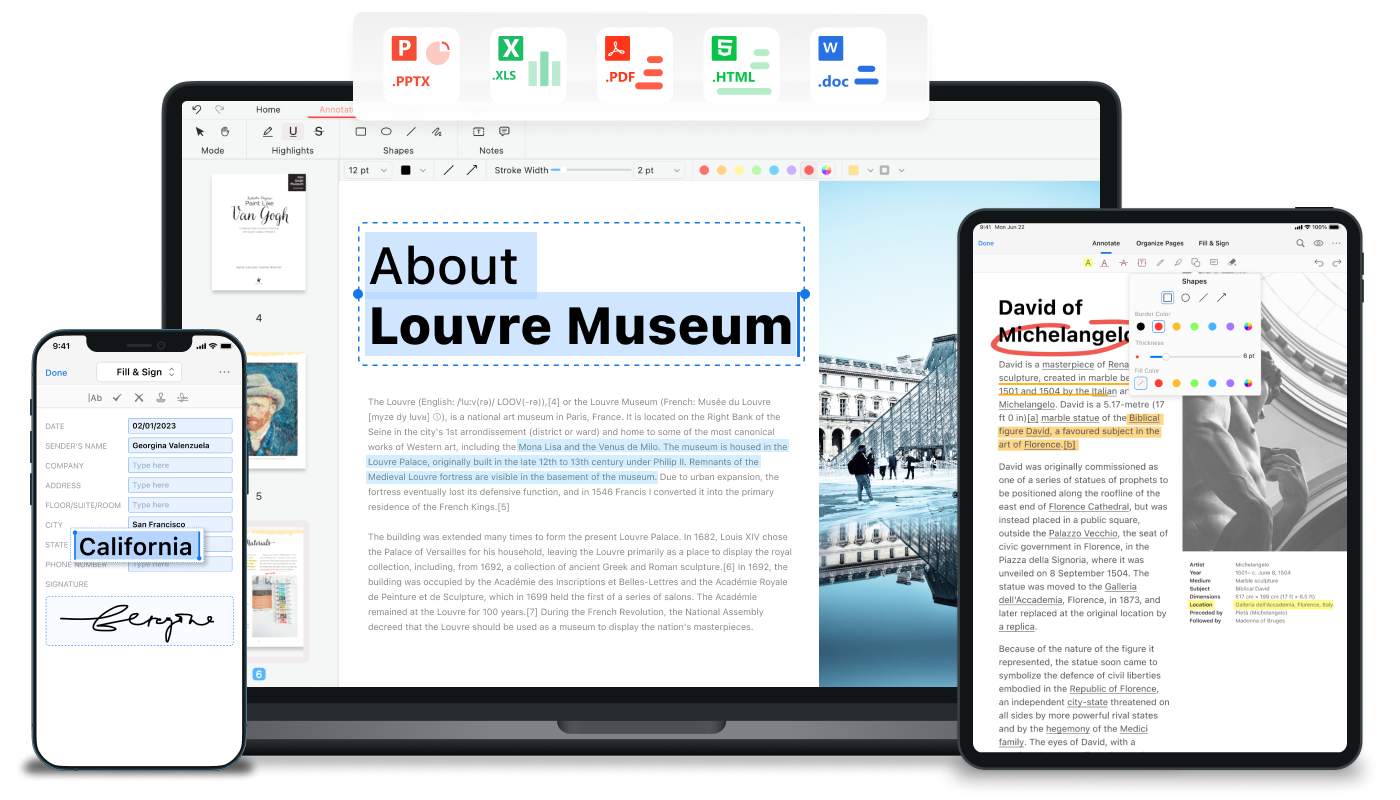
What sets PDFgear apart is the Copilot feature powered by ChatGPT. It brings intelligence to your document and simplifies operations in PDFgear by simply chatting with Copilot.
How does PDFgear compare to Adobe Acrobat?
While PDFgear does not offer every advanced enterprise feature found in premium tools, it covers the most commonly used PDF functions exceptionally well. For everyday needs such as editing text, filling forms, compressing files, or converting PDFs, it performs reliably and often faster.
Is PDFgear really free?
PDFgear is genuinely free to use for core features like PDF editing, conversion, merging, splitting, and annotation. Users are not required to create an account, and there are no page limits, watermarks, or trial expirations. This makes PDFgear especially appealing compared to many PDF tools that restrict functionality behind subscriptions.
Does PDFgear work offline, or does it require an internet connection?
PDFgear's desktop apps can be used fully offline for most tasks, including editing, converting, and organizing PDFs. An internet connection is only required for optional features like cloud-based AI assistance.
Features
- PDFgear Copilot: The AI-powered document dialogue function – rapid and precise.
- PDF Editor: Edit a PDF like in Microsoft Word. Both texts and images are able to be edited.
- AI OCR: Use the OCR feature to recognize and extract every text in documents.
- PDF Converter: Convert PDF to multiple file formats.
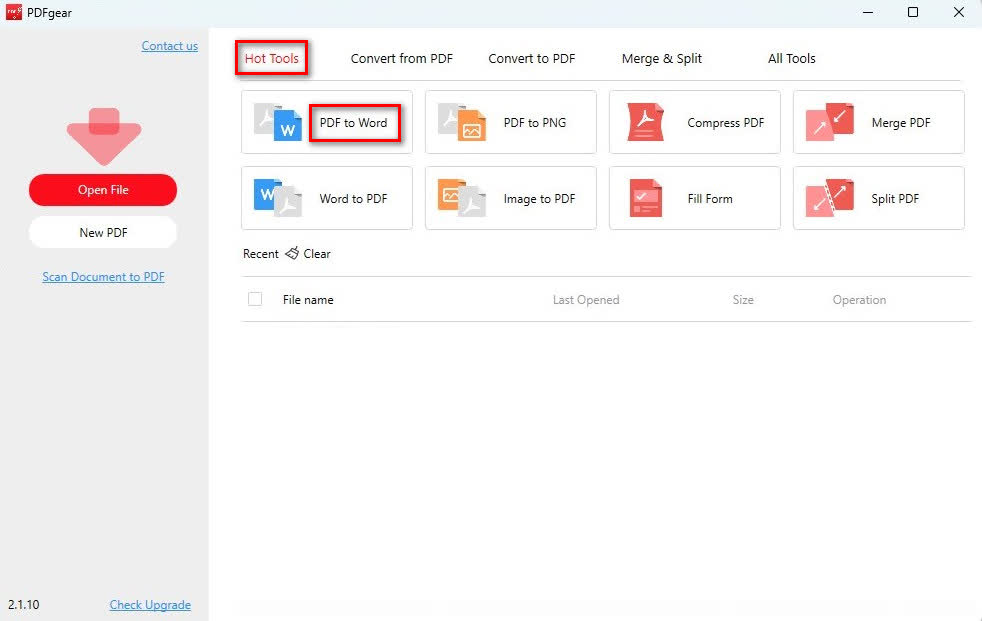
- PDF Creator: Easily generate PDFs from various file formats.
- PDF Reader and Viewer: All-round/Customized reading modes and settings will bring a pleasing reading experience. Dark mode is also supported for an eye-caring viewing experience.
- Annotation and Markup Tools: for adding notes, highlights, comments, or drawing shapes.
- PDF Form Filler: Effortlessly fill interactive PDF forms with accurate and organized information.
- Page Organizer: Simply rotate, extract, delete, insert, and crop PDF pages with simple clicks.
- Share PDF File: Convenient sharing features for PDF files.
- Hyper PDF Compressor: PDFgear operates in batch mode, achieving a 90% compression ratio.
- Manage PDFs: Check and modify the properties of PDFs for easier management
What's New
- Added multilingual support for secure esign and request signature workflow, making secure document signing accessible in more languages.
- Fix bugs
- Disable auto-layout for annotations
- User guide
- Fill Form
- Digital Signature

