

Developer Wiaam Suleiman recently released Doom Screen Saver, a lighthearted project that turns Doom into a fully functional Windows screen saver. Everything the tool needs is packed into a single .scr file, a portable format that remains in use for modern versions of Windows, even if it has long since faded from the spotlight.
Instructions
- Download and unzip the file, right-click "DOOM Screen Saver.scr" and select Install.
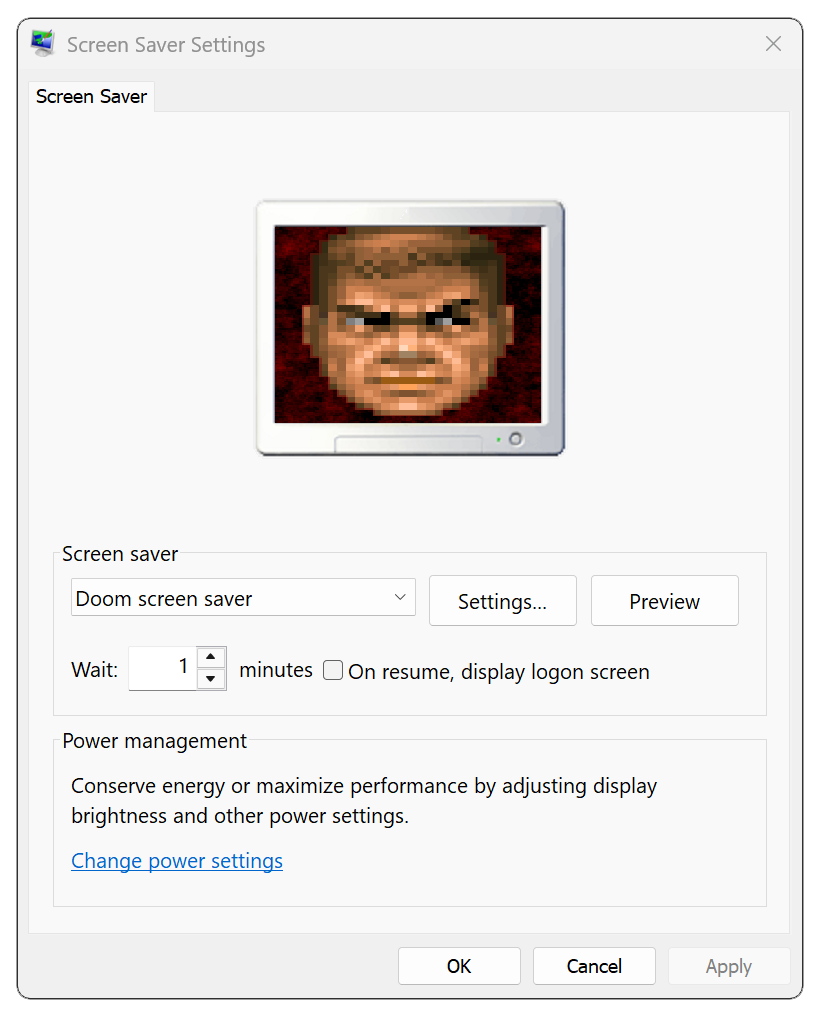
Screen savers were originally created to prevent screen burn-in issues on CRT and plasma computer monitors, but they have been largely overlooked in the LCD era. Thanks to the growing popularity of OLED displays, the concept is seeing a quiet resurgence of sorts because light-emitting films made by organic compounds suffer from the same burn-in issues as older monitor technologies.
Doom Screen Saver is built on Doom Retro, a newish open source port of id Software's foundational shooter conceived to follow a minimalist approach in tech upgrades and graphics bell and whistles. Originally based on the Chocolate Doom project, Doom Retro is still being developed and updated on a frequent basis.
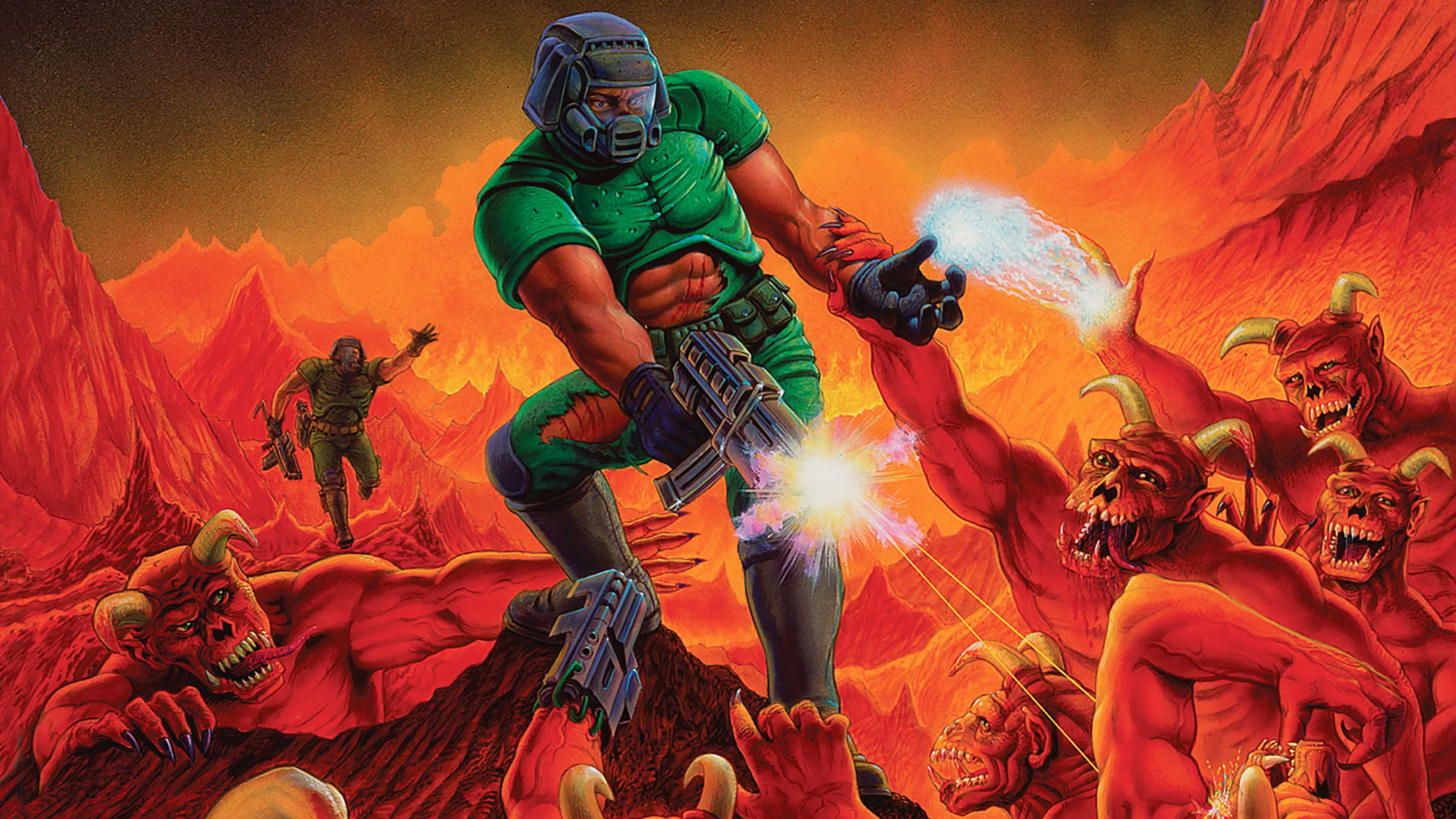
To further reduce the risk of burn-in, Suleiman stripped away Doom's traditional HUD. In its place, the screen saver occasionally displays the familiar "Doomguy" face, which periodically switches sides to avoid lingering static elements. Doom Screen Saver can play for hours, cycling through the entirety of Episode 1, Knee-Deep in the Dead, from the original shareware DOS release.
Features
- HUD has been removed to prevent screen burn-in. Animated DOOM guy switches sides periodically for the same reason.
- Everything is contained in one .scr file. EVERYTHING!
- Very easy on CPU cycles, will not burn your CPU.
- Settings window to control Audio options.
