

Dedicated to making your workflow more seamless. Search everything from applications, files, bookmarks, YouTube, Twitter and more. Flow will continue to evolve, designed to be open and built with the community at heart.
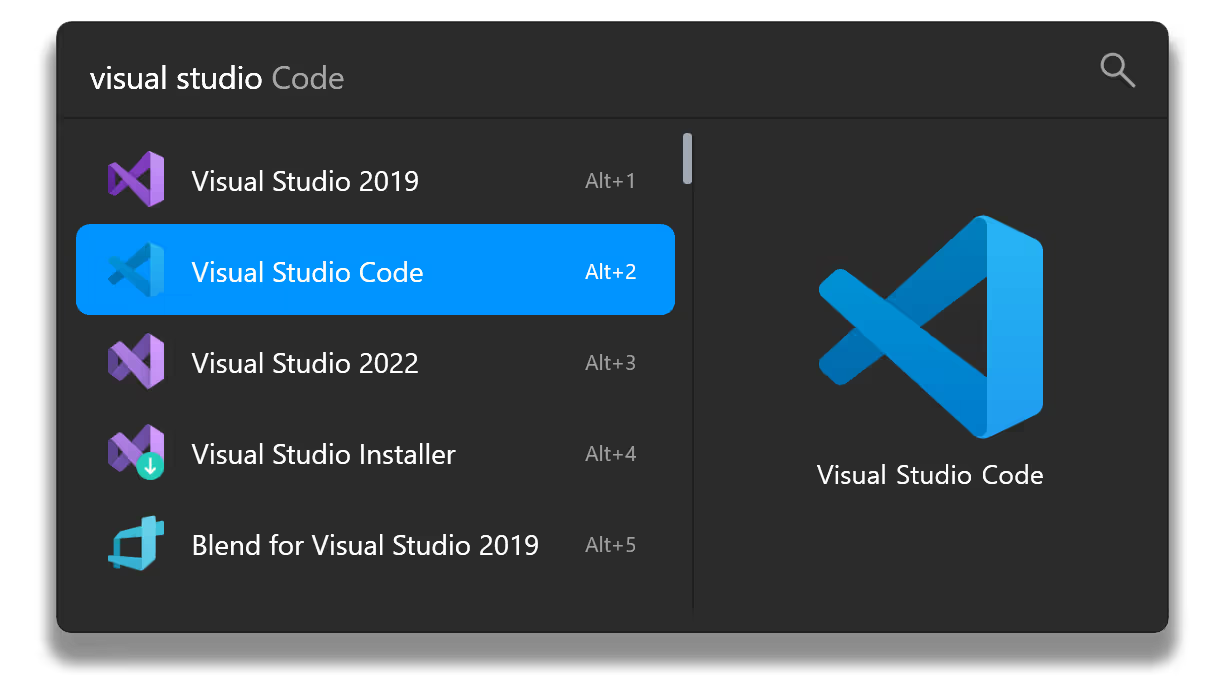
Start Flow Launcher instantly with a customizable hotkey (Alt+Space by default).
Features
- Applications & Files
- Search for apps, files or file contents.
- Supports Everything and Windows Index.
- Supports search using environment variable paths.
- Web Searches & URLs
- Browser Bookmarks
- System Commands
- Provides system related commands. shutdown, lock, settings, etc.
- System command list
- Calculator
- Do mathematical calculations and copy the result to clipboard.
- Shell Command
- Run batch and PowerShell commands as Administrator or a different user.
- Ctrl+Shift+Enter to Run as Administrator.
- Explorer
- Save file or folder locations for quick access.
- Windows & Control Panel Settings
- Search for Windows & Control Panel settings.
- Dialog Jump
- Search for a file/folder and quickly jump to its path in the Open/Save As dialog window.
- Use Alt+G to quickly jump the Open/Save As dialog window path to the path of the active file manager.
- Drag & Drop
- Drag a file/folder to File Explorer, or even Discord.
- Copy/move behavior can be changed via Ctrl or Shift, and the operation is displayed on the mouse cursor.
- Priority
- Prioritize the order of each plugin's results.
- Preview Panel
- Use F1 to toggle the preview panel.
- Media files will be displayed as large images, otherwise a large icon and full path will be displayed.
- Turn on preview permanently via Settings (Always Preview).
- Use Ctrl++/- and Ctrl+[/] to adjust search window width and height quickly if the preview area is too narrow.
- Customizations
- Window size adjustment, animation, and sound
- Color Scheme (aka Dark Mode)
- There are various themes and you also can make your own.
- Date & Time Display In Search Window
- Display date and time in search window.
- Languages
- Supports languages from Chinese to Italian and more.
- Supports Pinyin search.
- Crowdin support for language translations.
- Portable
- Fully portable.
- Type flow user data to open your saved user settings folder. They are located at:
- If using roaming: %APPDATA%\FlowLauncher
- If using portable, by default: %localappdata%\FlowLauncher\app-
\UserData - Type open log location to open your logs folder, they are saved along with your user settings folder.
- Game Mode
- Pause hotkey activation when you are playing games.
- When in search window use Ctrl+F12 to toggle on/off.
- Type Toggle Game Mode
- Plugins
- Support wide range of plugins. Visit here for our plugin portfolio.
- Publish your own plugin to Flow! Create plugins in:
- SpotifyPremium
- Steam Search
- Clipboard+
- Home Assistant Commander
- Colors
- GitHub
- Window Walker
- and more!
What's New
Bug fixes
- Fixed Firefox bookmark loading when profiles.ini uses different line endings.
- Reduced error log noise by treating missing shortcut descriptions as debug messages instead of errors.
- History results now appear on startup when the "Show History Results in Home Page" option is enabled, even if the home page is turned off.
- Context menus on the home page now open with the right arrow and show up-to-date options.
- Flow will now take keyboard focus on Windows startup (when not hidden), so you can type in the search box right away.
- Fixed an issue that could leave outdated data in settings or other stored files when saving a new version with shorter JSON content.
- Improved shell command handling for quoted paths and multi-word arguments. Command history now properly preserves your original input.
- Quoted commands now run correctly in the Windows CMD shell, and command launching via Windows Terminal is more reliable.
- Improved URL support for browser, file, about:, and data: links. Removed insecure ftp:// support.
- Improved URL matching for local and private IP addresses, including IPv6 support.
- Updated translations
- More reliable full screen detection on Windows with reduced chance of crashes.
- Fixed a bug that could set the app to the wrong language on startup.
- Search via acronyms has been fixed to properly work with results that contain numbers.
