

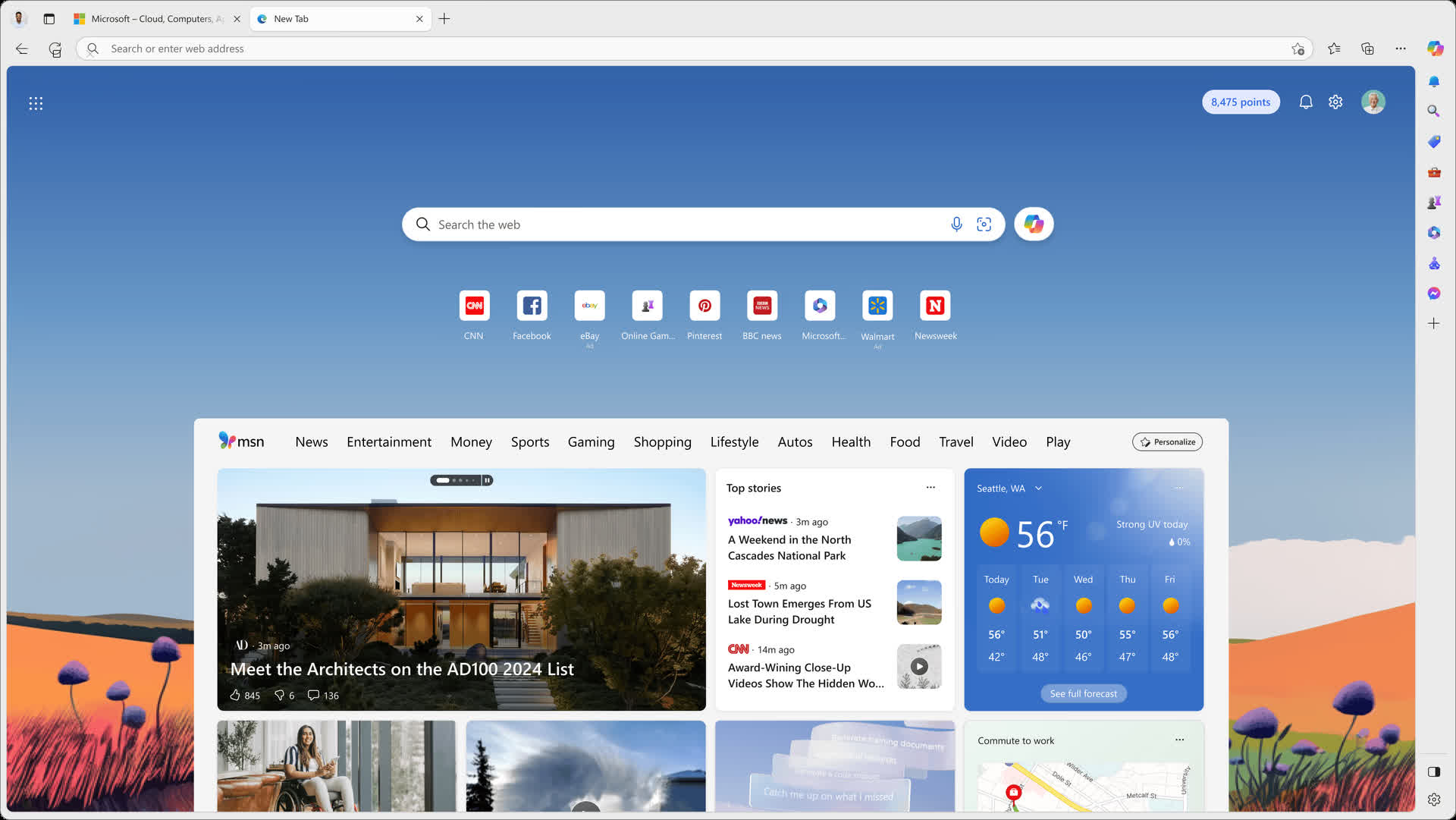
Microsoft's browser provides a fast, secure, and modern web experience. Browse the web anywhere with one seamless experience from your phone to your computer and other signed-in devices. Microsoft Edge is also a safe browser that gives you the tools to protect your privacy and security online.
How does Edge compare to Chrome and Firefox in terms of performance and usability?
Edge is built on the Chromium engine, similar to Chrome, and often offers comparable or better performance, especially regarding memory usage. It also supports Chrome extensions and includes features like vertical tabs and a built-in PDF viewer. However, some users prefer Firefox for its open-source nature and privacy features.
Is Microsoft Edge too bloated with unnecessary features?
Some users feel that Edge has become cluttered with features like the sidebar, shopping tools, games, and Microsoft Rewards integration. While these features can be disabled, the default experience may seem overwhelming to those seeking a minimalist browser.
Why does Microsoft Edge keep running in the background even after I close it?
Many users have reported that Edge continues to run in the background despite disabling settings like "Startup Boost" and "Continue running background apps when Microsoft Edge is closed." This issue can be particularly noticeable when using multiple profiles, where extensions from closed profiles may remain active.
Can Edge block autoplay media?
Yes, Microsoft Edge lets you block all the autoplay media by heading to edge://settings/content/mediaAutoplay and selecting "Block" from the drop-down menu. You can also add exceptions to websites using the "Add" tool in site permissions.
Why is Edge a Microsoft browser you should actually use?
Microsoft Edge is a well rounded browser based on Chromium with four key advantages:
- It offers solid integration with Windows and other Microsoft services, which allows for more direct communications between programs and thus a more fluent workflow.
- Performance and battery savings are improved upon Chrome and other Chromium-based browsers.
- You can access all Chrome extensions giving you a world of options to customize the browser.
- It adds enhanced privacy settings and track prevention measures that give you control over almost all aspects of the information you share. Microsoft promises that while using InPrivate tabs, your browsing and search data aren't saved on your device and any data collected will not be tied with your Microsoft account.
Features
Compose
With the power of AI, you can effortlessly transform your ideas into polished drafts, saving valuable time and ensuring the right tone, wherever you write online. Compose is available only with Copilot in the Edge browser. To open Compose, click the Copilot icon in the upper-right of Edge, and then click Compose at the top of the Copilot sidepane. Simply click the Re-generate draft button on the bottom of your draft, and Compose will rewrite it. You can also type input at the bottom of the Preview box, and have Compose rewrite your draft based on that feedback. To go back to your previous draft, click the Back button.
Making the web a better place for everyone
We've adopted the Chromium open source project in the development of Microsoft Edge to create better web compatibility for our customers, and less fragmentation of the web for all web developers.
Investing in open source
We've also started making contributions back to Chromium in areas like accessibility, touch, ARM64 and others. Our plan is to continue working in Chromium rather than creating a parallel project. We're working directly with the teams at Google, and we're looking forward to working even more with the open source community. To learn more about our contributions, see our Microsoft Edge "Explainers" on GitHub and check out our source code release.
We're listening!
The Microsoft Edge team wants to hear from you. In December we asked visitors to this site "if you could change one thing about the web, what would it be?". We've read your answers and have some thoughts to share. Head over to the Microsoft Edge Insider Forum to see what the community is saying about this and other topics.
Microsoft Edge now uses Mica material
Mica is an opaque, dynamic material that incorporates theme and desktop wallpaper to paint the background of long-lived windows such as apps and settings. You can apply Mica to your application backdrop to delight users and create visual hierarchy, aiding productivity, by increasing clarity about which window is in focus. Mica is specifically designed for app performance as it only samples the desktop wallpaper once to create its visualization. Mica is available for UWP apps that use WinUI 2 and apps that use Windows App SDK 1.1 or later, while running on Windows 11 version 22000 or later.
What's New
Microsoft Edge supported operating systems for macOS. Microsoft Edge version 150 is the last release that supports macOS 12 (Monterey). Microsoft Edge version 151 or later requires macOS 13 (Ventura) or later. For more information, see Microsoft Edge supported operating systems.
Migration to improved V2 architecture for Workspaces. Workspaces, introduced in Edge in 2022, allows users to create durable sets of tabs that can be saved and shared with others. In order to improve reliability and performance of this feature, the following changes are being made:
- Migrating data for saved Workspaces from OneDrive/SharePoint to Edge Sync service
- Removing the collaboration/share functionality of this feature
For organizations who have disabled Sync through policy, the existing v1 Workspace data will still be migrated to the new architecture. New v2 Workspaces created after migration won't sync across devices and will remain local to each device. This update occurs on a progressive rollout beginning in Edge Stable v145 and continues rolling out through Edge v150. For more information, see Getting started with Microsoft Edge Workspaces.
Sidebar app list is being retired. We're simplifying Microsoft Edge. The sidebar app list will be retired in the near future. New apps can no longer be added to the sidebar, and apps currently pinned in the app tower will be removed in a future update. Sidebar app policies will no longer be supported, and any configured sidebar app policies will no longer be applied. For more information, see Streamline access to your favorite sites and apps with Sidebar in Microsoft Edge.
Feature Updates
Clarify choices surrounding third-party cookie settings. Language under 'Settings > Privacy, search, and services > Cookies' is updated to better describe the choices users have when managing third-party cookies.
Sign in to Edge with a Google account. Users can now sign in to Microsoft Edge using a Google account in addition to a Microsoft account from the profile menu and Edge sign-in screen. Available for Windows and macOS devices. Admins can control availability of this feature using the NonMicrosoftAccountSignInEnabled policy. Note: This is a controlled feature rollout. If you don't see this feature, check back as we continue our rollout.
Intune MAM Protected Downloads. The protected downloads feature for Intune MAM now saves downloaded files to the 'Documents > Microsoft Edge > Downloads' folder in OneDrive.
Enterprise WebView2 runtime downgrade via DowngradeVersion policy. Starting with Microsoft Edge version 150, enterprises can actively use the 'DowngradeVersion' policy to downgrade WebView2 applications. Administrators can temporarily roll back specific applications to a previous WebView2 Evergreen Runtime version (N-1 or N-2) using the new 'DowngradeVersion' policy in msedgewebview2.admx. The policy allows enterprises to mitigate critical regressions by specifying per-application executable-to-version mappings. The Edge Updater installs the target version side-by-side, and the WebView2 Loader redirects targeted applications accordingly. Downgrades automatically expire with each new WebView2 release. Applications pinned to N-1 remain on the same version (now becoming N-2) and automatically update in the next release, while applications pinned to N-2 revert to the current Evergreen Runtime. The policy applies only to enterprise-managed devices (domain-joined or MDM-enrolled). For more information, see Microsoft Edge WebView2 Policy Documentation.
Update to the "View in File Explorer" feature. When the ConfigureViewInFileExplorer policy is enabled, the View in File Explorer feature can be used in SharePoint document libraries. Microsoft Edge has updated the feature to enforce additional validation and restrictions when triggered by webpages to improve security.
Security Update Alerts in the Edge management service. Administrators can choose a severity threshold and receive alerts when a new Microsoft Edge update includes security fixes that meet or exceed that level, including zero-day fixes. This helps organizations quickly identify updates that may require attention while avoiding unnecessary notifications for routine releases. Note: This experience is in public preview and is available by opting in to Targeted Release in the Microsoft 365 admin center. For more information, see Monitoring dashboard.

