

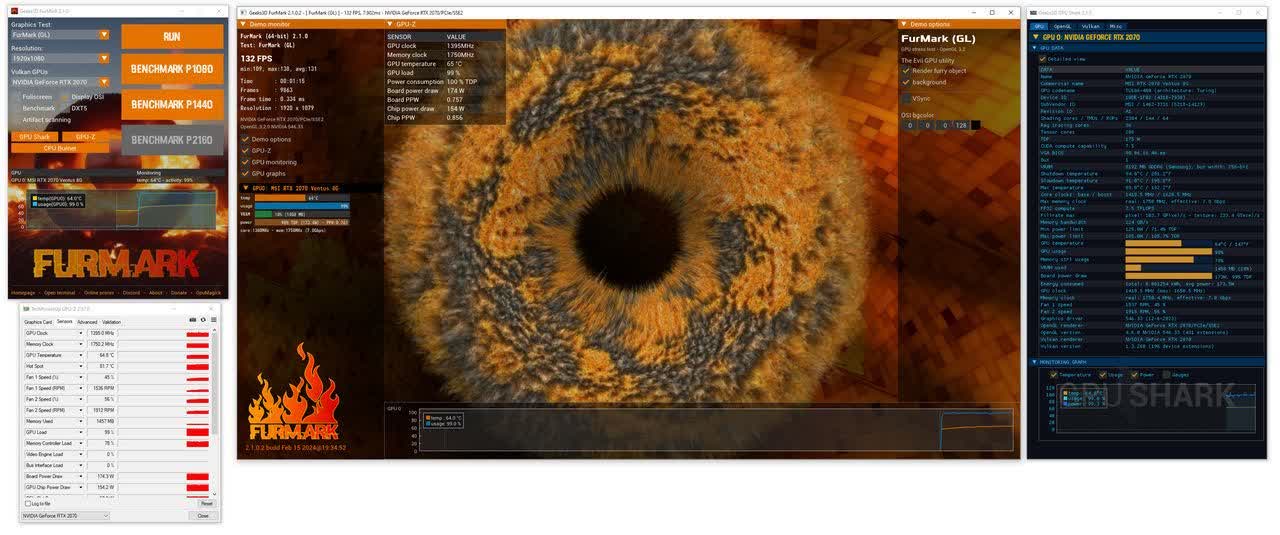
FurMark is a widely trusted GPU stress test built for enthusiasts, overclockers, and system tuners. It delivers a brutal, sustained load to expose thermal and stability limits, giving you a clear picture of your cooling performance and long-term reliability. Despite its intensity, it stays simple to run and produces repeatable, no-nonsense results.
Is FurMark safe to use on modern GPUs?
Generally speaking, FurMark is safe for modern GPUs equipped with adequate cooling and power delivery systems. However, it imposes an exceptionally heavy load, earning it the nickname "power virus."
Why doesn't my GPU reach maximum clock speeds during FurMark tests?
FurMark's intense workload can cause GPUs to hit power and thermal limits quickly, leading to throttling that prevents the GPU from reaching its maximum clock speeds. This behavior is by design to protect the hardware from damage. Therefore, FurMark may not reflect the GPU's performance under typical gaming scenarios, where such limits are less likely to be reached.
What are other software alternatives for hardware stress testing?
Many users recommend using benchmarking tools that simulate real-world gaming workloads for stress testing, too. Popular alternatives include:
- 3DMark (Time Spy, Fire Strike): Provides comprehensive performance metrics and stress tests.
- Unigine Heaven and Superposition: Offer real-time rendering tests that closely mimic gaming scenarios.
- OCCT: Includes various stress tests with error detection capabilities.
- Actual gameplay: Testing stability during extended gaming sessions can reveal issues that synthetic benchmarks might miss.
How long should I run FurMark for stress testing?
Opinions vary, but many users suggest that running FurMark for extended periods isn't necessary and could be detrimental. Short durations, such as 5 to 10 minutes, are often sufficient to assess thermal performance and identify immediate stability issues.
Features
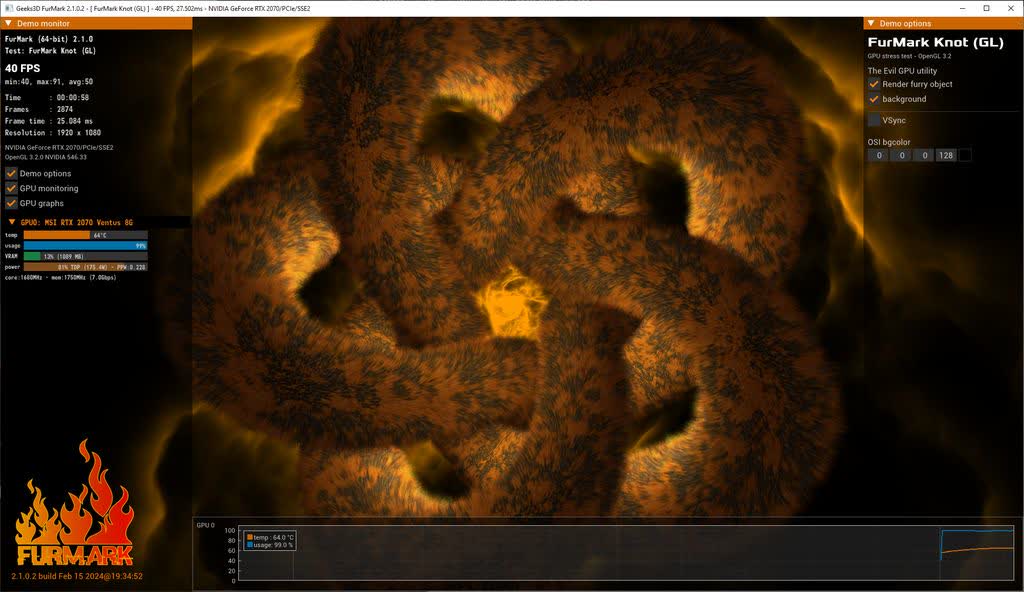
FurMark is an intensive OpenGL benchmark that uses fur rendering algorithms to measure the performance of graphics cards. Fur rendering is especially adapted to overheat the GPU and that's why FurMark is also a stability and stress test tool (also called GPU burner) for the graphics card.
The startup interface allows you to tweak the benchmark features such as:
- Benchmark mode or stability / burn-in test mode (for overclockers)
- GPU temperature monitoring and recording in a file
- Fullscreen or windowed for each type of run mode
- Window size selection (standard or custom)
- MSAA samples selection
What's New
- Fixed a bug in Vulkan plugin for Radeon RX 7000 Series and RX 6000 Series. RX 9070 / 9060 GPUs were not impacted by this bug.
- Updated with GeeXLab 0.66.2 libs.
Previous Release Notes:
- Fixed bugs in Vulkan plugin.
- Updated with GeeXLab 0.66.1 libs.
Previous Release Notes:
- Added AIB partner models names
- ASUS RTX 5080 Noctua OC
- MSI RTX 5080 Expert OC
- MSI RTX 5060 Gaming OC
- GIGABYTE RTX 5050 Gaming OC
- Zotac RTX 5070 SOLID
- Added monitoring for Raspberry Pi 5 GPU.
- Added support of AMD Radeon RX 9060, Radeon RX 7700, Radeon RX 7400 and Radeon PRO W7400.
- Added support of NVIDIA GeForce RTX 5090 D v2.
- Added support of Intel Arc Pro B50 / B60.
- Improved monitoring of Intel Arc GPUs on Linux with Xe driver and kernel 6.16+.
- Added PRESET:3440x1440. Command line param is --p3440x1440
- VRAM test: added 10GB and 32GB options: furmark -demo furmark-gl -furmark-vram-test-gb 10 furmark -demo furmark-gl -furmark-vram-test-gb 32
- commercial/AIB patner name: removed wrong VRAM value (typo) for ASUS RTX 3080 TUF Gaming OC.
- Updated with GPU-Z 2.68.
- Updated with GPU Shark2 2.10.0.
- Updated with GeeXLab 0.66.0 libs.
FurMark 2.9.0 Changelog
- Added commercial names:
- GALAX RTX 5090 D HOF
- SAPPHIRE RX 9060 XT Nitro+
- SAPPHIRE RX 9060 XT Pulse
- ASRock RX 9060 XT Steel Legend OC 16GB
- XFX RX 9060 XT Swift OC 16GB
- ASUS RX 9060 XT Prime OC 16GB
- Linux: added new command line option --x11-display-name
- To set the X11 display name. Support added in the GUI as well.
- Added support of NVIDIA GeForce RTX 5050 and AMD Radeon AI PRO R9700.
- Updated with GPU Shark2 2.9.0.
- Updated with GeeXLab 0.65.0 libs.
