

Winhance is an easy-to-use tool designed to help you debloat, optimize, and customize your Windows 10 or 11 system. It gives you control over your Windows experience by removing unwanted features, improving performance and allowing customization.
Which Windows versions are supported?
Winhance supports both Windows 10 and Windows 11 64-bit versions. It's regularly updated to ensure compatibility with the latest Windows updates and features.
Can I undo changes made by Winhance?
Yes, many features have toggle options that allow you to revert specific changes. The tool is designed to be non-destructive, giving you control over your system's configuration. However, some Windows apps and features cannot be reinstalled or reenabled after removal, but there are clear indicators about this in the GUI.
Features
Software & Apps Management
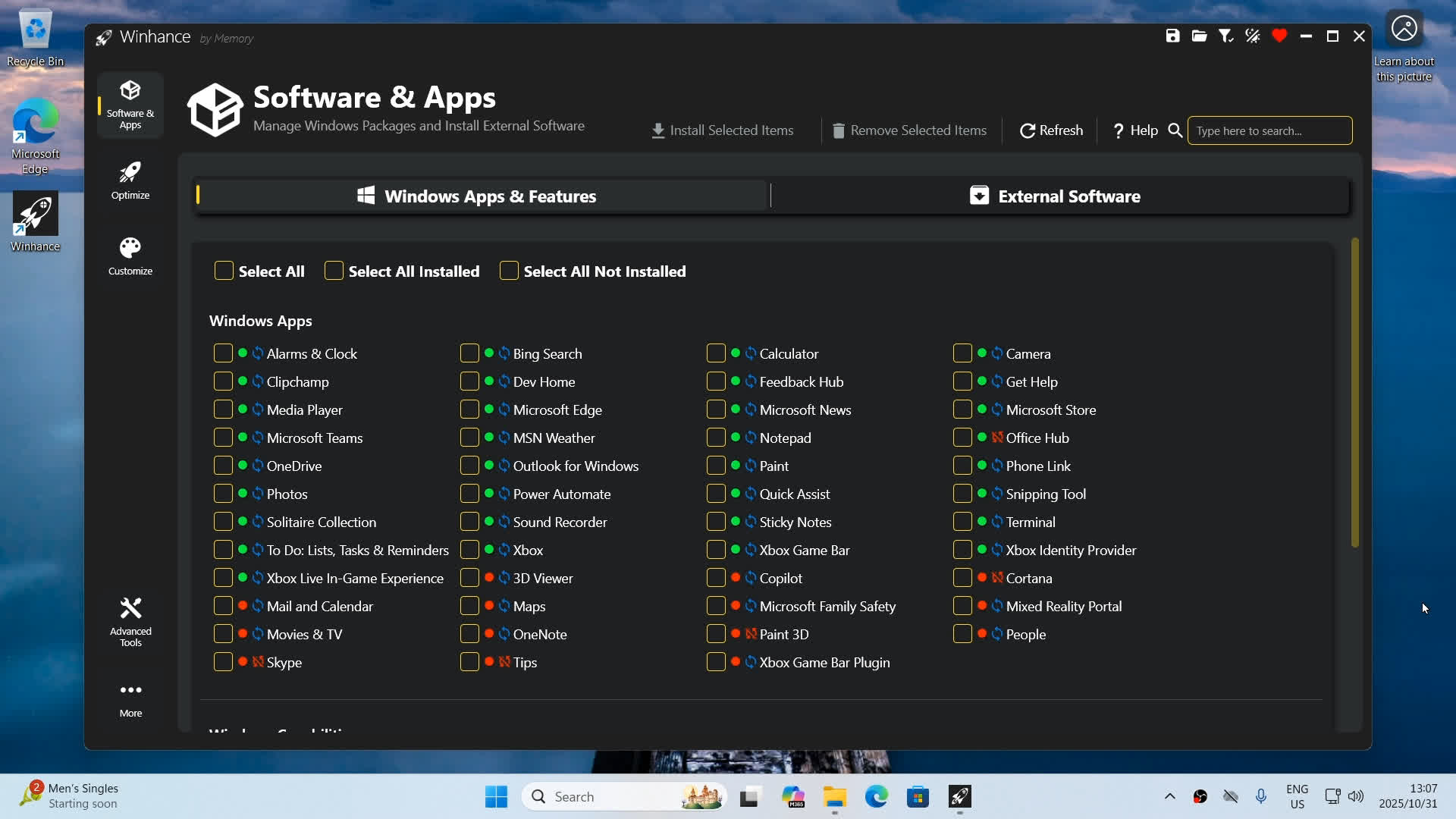
Install or Remove Windows Apps & Features
- Microsoft Edge, OneDrive, Copilot, Recall and other Windows Packages, Capabilities and Optional Features
Install Additional External Software like:
- Browsers, Multimedia Apps, Document Viewers and any other apps you need when setting up a fresh Windows installation
Optimizations
Enhance your system for better performance with access to:
- Privacy & Security Settings
- Power Settings
- Gaming & Performance Settings
- Windows Update Settings
- Notification Settings
- Sound Settings
Customizations
Customize your Windows experience with access to:
- Windows Theme (Light/Dark Mode) Settings
- Taskbar Settings
- Start Menu Settings
- Explorer Settings
Configuration System
Save and restore your perfect Windows setup with ease:
Export Configuration
- Save all current Winhance settings to a config file
Import Configuration
- Import your own custom configuration file or apply the recommended Winhance config for effortless debloating and optimization
Advanced Tools
Professional-grade tools for advanced Windows customization:
WIMUtil - Windows Installation Media Utility
- Create custom Windows ISO with autounattend.xml and integrated drivers
Autounattend.xml Generator
- Generate automated setup files based on your current selections in Winhance
What's New
Features
- Builder Mode – build a Winhance config file or autounattend.xml without changing anything on the PC you're sitting at. Flip the new mode switcher to Builder, set everything the way you want it, and save the result as a Winhance config or an autounattend file ready for deployment on other machines.
- Sponsors & Supporters page – the exit donation dialog is gone. In its place, an in-app page (heart icon or the More menu) recognizes the businesses and individual supporters who keep Winhance free. It works offline and is fully localized.
- Change History – Winhance now keeps a receipt of everything it does. ChangeHistory.txt records every setting change (before and after values) and every app install or removal, with clear headers for config imports and bulk actions. Open it from the More menu.
- Hebrew language support – Winhance is now available in 29 languages.
- New Explorer customizations: desktop icon visibility toggles, This PC folder visibility, an icon cache size setting, and automatic thumbnail cache cleanup.
- New "All apps view" setting for the redesigned Windows 11 Start menu, and the Windows 11 system tray icons setting is now a dropdown with more control.
- App-local UI zoom – press Ctrl +/-/0 or use Ctrl+MouseWheel to scale the whole app, just like a browser.
- New External Apps: EA app, Ubisoft Connect, Battle.net, Rockstar Games Launcher, PowerShell, and Helium Browser.
Bug Fixes
- Layouts no longer clip when the Windows text size slider is set above 100%.
- Accessibility: Narrator now announces setting names on toggles and dropdowns, previously unlabeled buttons are labeled, and progress updates are announced.
- Silent updates now respect your custom install location instead of reverting to the default.
- Cancel in Review Mode no longer clears your app selections.
- OneNote is now detected correctly for Win32 Click-to-Run installs.
- Clean Start Menu applies more reliably by also writing the group policy path.
- WinGet errors are no longer silent – error details now show in the terminal output.
- Fixed a startup crash on older Windows builds caused by a .NET runtime regression.
- Config import now converts power setting values correctly and no longer re-applies an already-active power plan.
Improvements
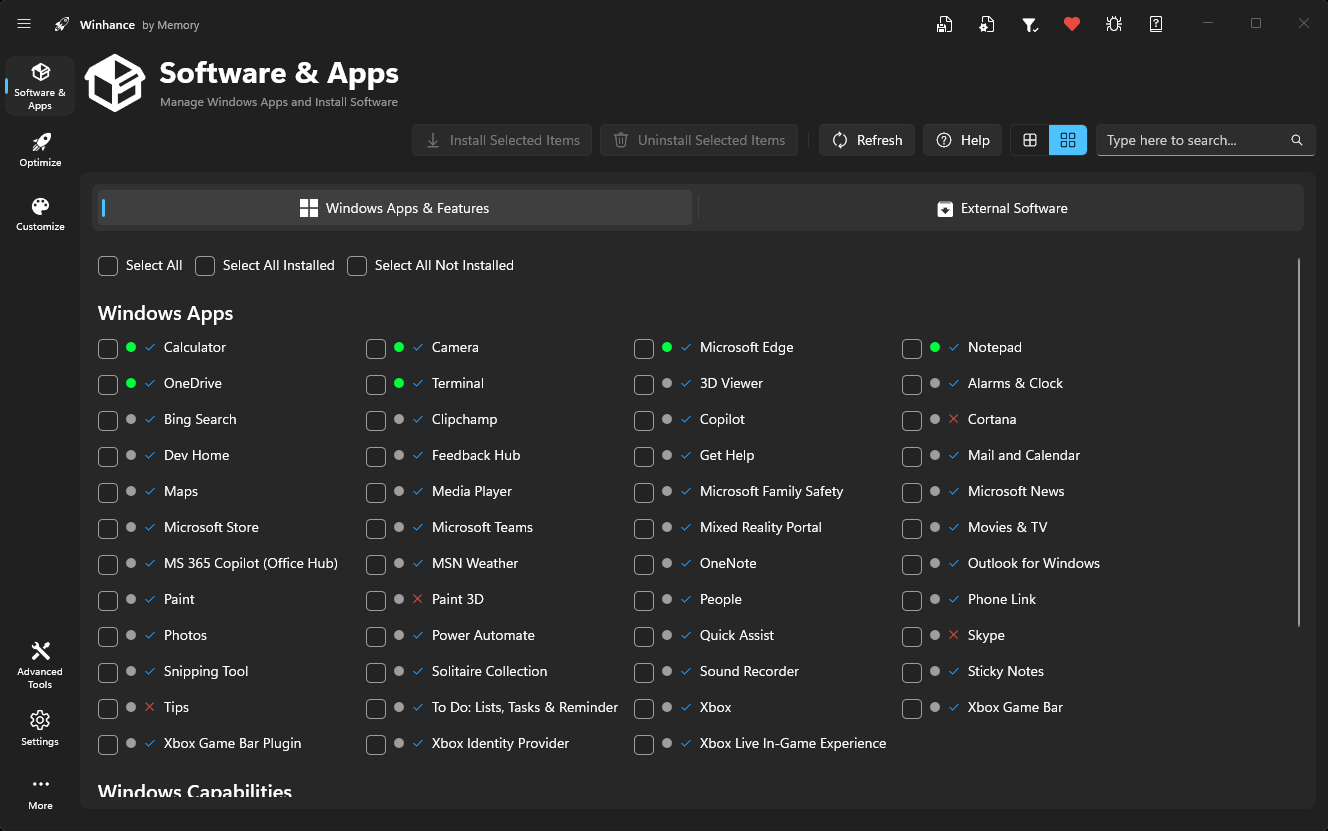
- App icons load noticeably faster and cover almost everything now, including legacy capabilities and optional features – they come from a dedicated, checksum-validated icon repository and are fetched in parallel.
- Software & Apps polish: per-icon tooltips, extra table columns, an app sort dropdown, relocated search, and a cleaner compact view.
- A warning now appears when the Connected Devices Platform Service is set to Manual or Disabled, since some Windows features depend on it.
