
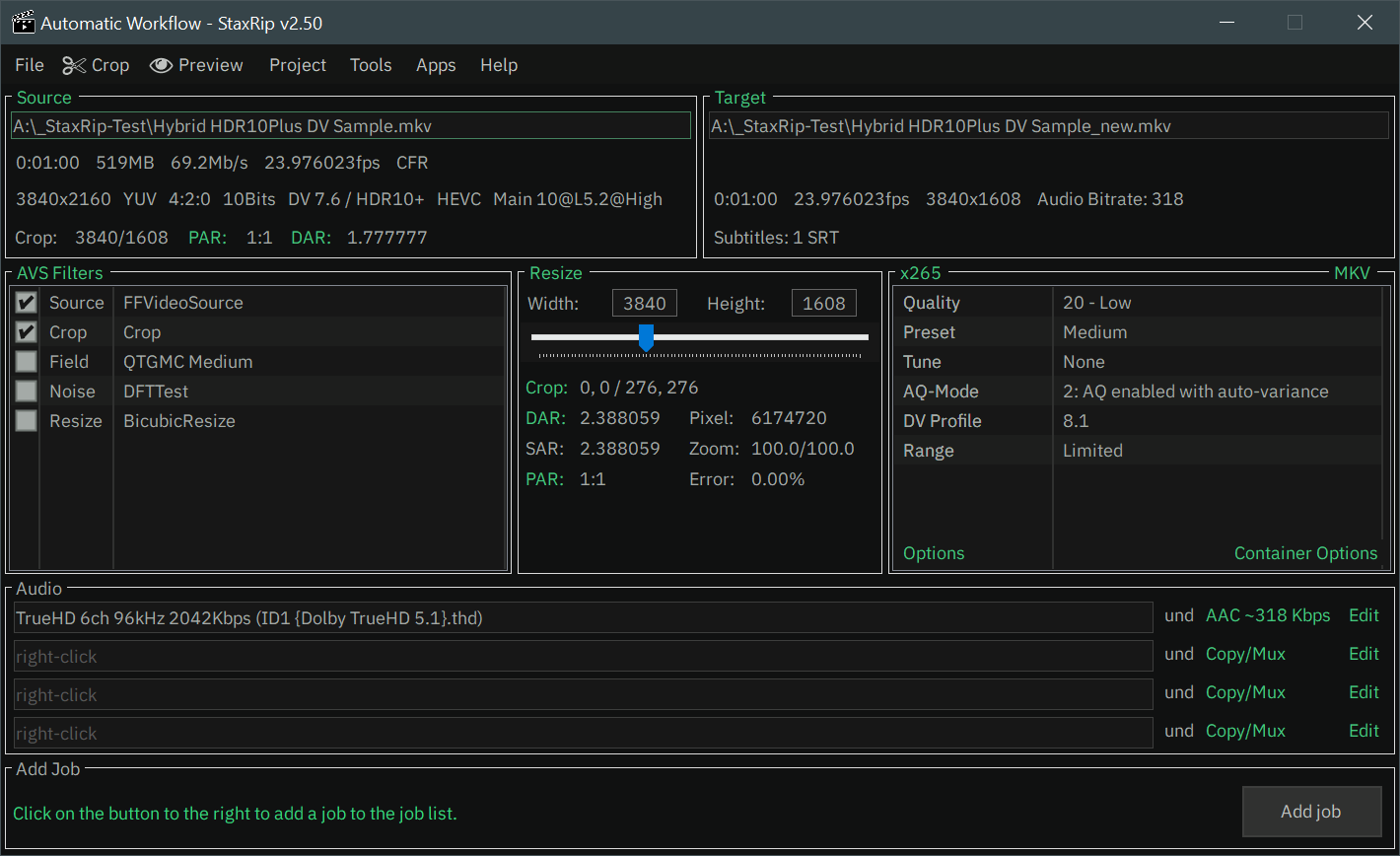
StaxRip is a powerful, free, and open-source video encoding application for Windows that gives users professional-level control over video compression, conversion, and processing. Built as a flexible graphical interface (GUI) around some of the most advanced encoding engines available, StaxRip allows you to transform raw or existing video files into highly optimized formats with precision and efficiency.
Features
Multi-Encoder Support
StaxRip integrates industry-leading encoding engines like x264, x265, SVT-AV1, and NVEnc, giving users complete control over compression efficiency, quality tuning, and compatibility. Whether your goal is maximum quality, smallest file size, or fastest processing the speed.
Professional-Level Video
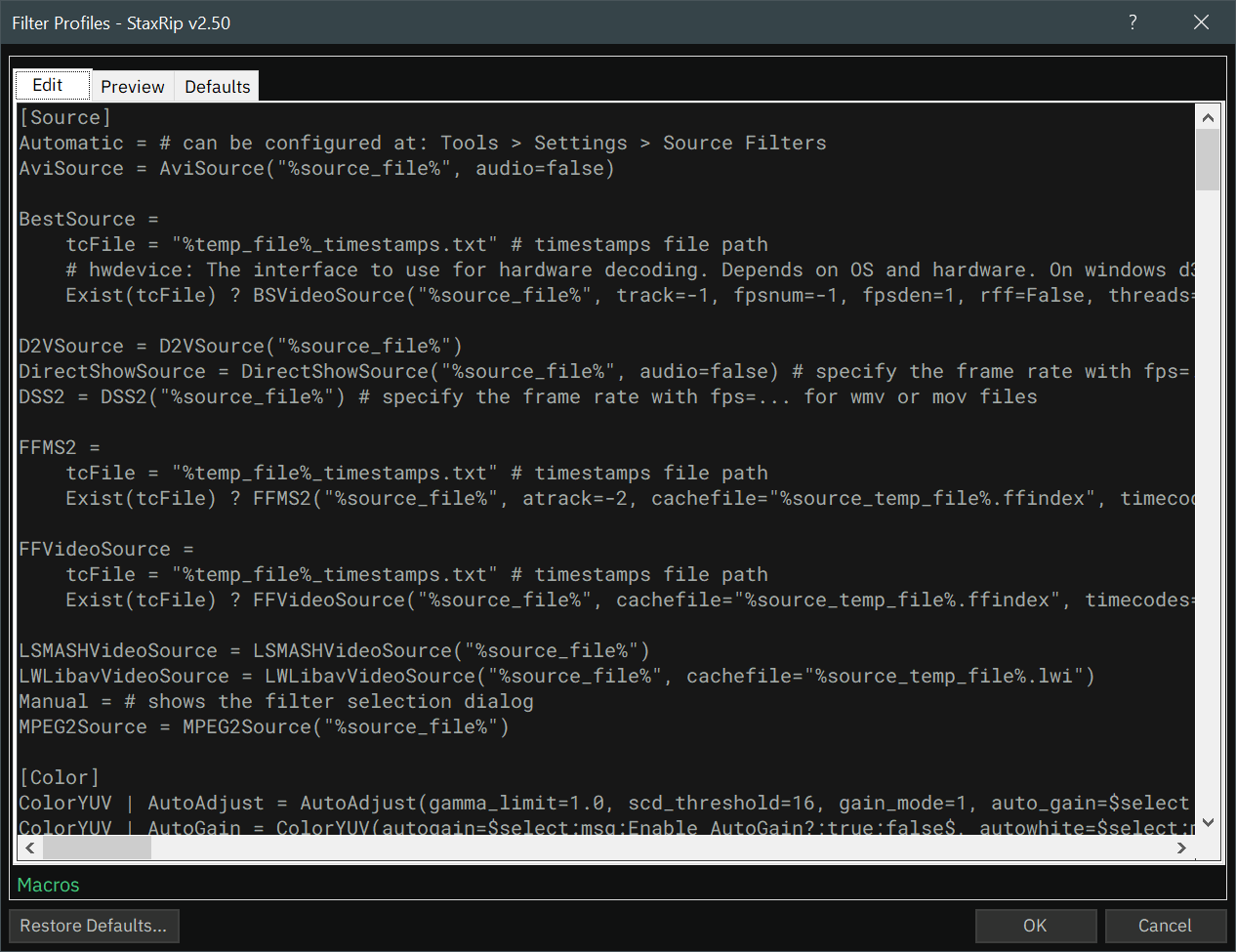
Through deep integration with AviSynth and VapourSynth, StaxRip enables advanced filtering and scripting capabilities. Users can apply denoising, sharpening, resizing, cropping, deinterlacing, color correction, and custom processing scripts all with precise control over the final output.
Hardware Acceleration
StaxRip supports GPU-based encoding, significantly reducing processing times compared to CPU-only workflows. With hardware acceleration options, users can process high-resolution content such as 4K or large batch projects much more efficiently, making it ideal for power users.
Quality Control Modes
Instead of simple presets, StaxRip provides advanced rate control options including CRF (Constant Rate Factor), bitrate targeting, and multi-pass encoding. This allows users to strike the perfect balance between visual quality and file size, whether they are archiving.
Powerful Windows Interface
Despite its advanced capabilities, StaxRip provides a structured and organized interface for Windows users. It simplifies complex encoding workflows without removing access to expert-level controls making it powerful yet practical for serious users.
Intelligent Job Queue
The built-in job queue system enables users to schedule multiple encoding tasks in sequence. This automation saves time and ensures smooth workflow management, especially when handling large media libraries or recurring encoding projects.
Supported Formats
Video Containers
- MP4
- MKV
- AVI
- MOV
- MP4
- MP4
- WebM
- MPEG
Audio Formats
- AAC
- FLAC
- MP3
- Opus
- AC3
- DTS
- WAV
- OGG
Codecs & Encoders
- x265/HEVC
- x264/AVC
- AV1
- VP9
- MPEG-
- ProRes
- QSV
- NVENC
What's New
- General: Fix restoring of last used template within/after File Batch
- Audio: Fix AC4 channel selection causing crash (#1930)
- Audio: Improve audio track setting when "all" is used
- UI: Fix Template Selection in rare cases
- FFmpeg: Change FFV1 output extension to MKV
- SvtAv1EncApp-HDR: Remove Essential parameters again
- Introduced in v2.50.6, but now unnecessary due to Tritium
- SvtAv1EncApp-HDR: Add "--photon-noise" parameter
- SvtAv1EncApp-HDR: Add "--photon-noise-chroma" parameter
Add tools
- SvtAv1EncApp v4.0.1-27+8-487dab04c-[Mod by Patman]-x64-clang22.1.0 [SVT-AV1-Tritium]
Update tools
- eac3to v3.60
- SvtAv1EncApp v4.0.1-118+74-cfcfbacc5-[Mod-by-Patman]-x64-clang22.1.0 [SVT-AV1]
- SvtAv1EncApp v4.0.1-15+59-534fdf4d5-[Mod by Patman]-x64-clang22.1.0 [SVT-AV1-HDR]
- vvencFFapp v1.14.0 r583-316087e