Logitech MX Master 4 mouse expected to feature haptic feedback

Alfonso Maruccia

Posts: 2,508   +934
Staff
Haptic Rodents: Over the past few years, we've seen some truly unusual takes on the traditional PC mouse design. Now, Logitech is reportedly preparing to upgrade its premium MX Master line with a rarely seen feature: physical feedback tied to user actions.
According to a comprehensive leak from the German website WinFuture, Logitech is preparing to launch its new MX Master 4 mouse. This model is designed to replace the MX Master 3S, which debuted in 2022 as an upgrade to the MX Master 3 and remains one of the best wireless mice available today.

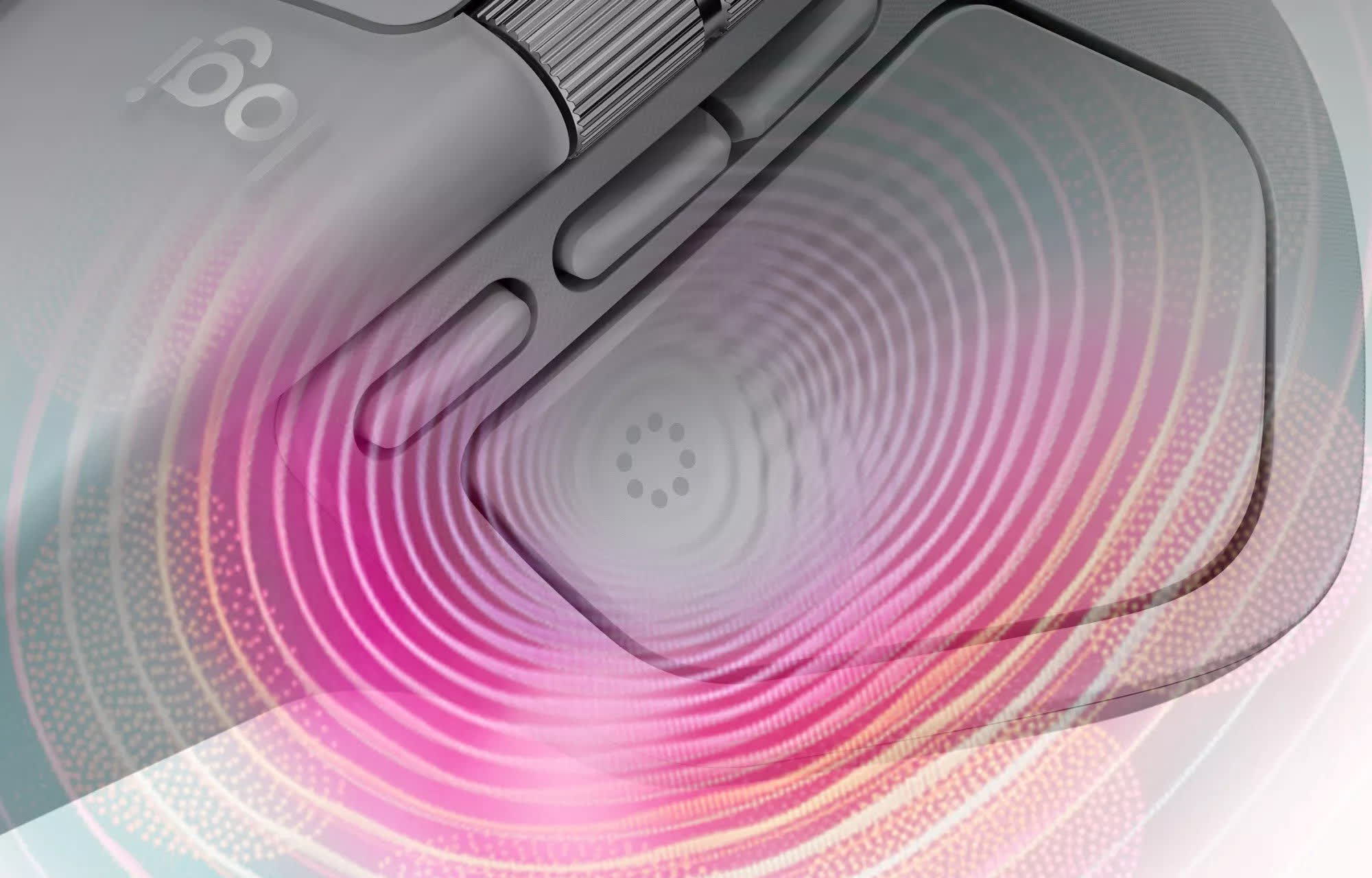
The MX Master 4 will introduce haptic feedback – an uncommon feature in mice, even in a world where you can find models with built-in fans or even fragrance dispensers. Logitech has branded this feature as "Haptic Sense," WinFuture reports, and placed it in the thumb rest area.

An integrated motor will make the mouse vibrate during specific actions, which could include clicking on web links or receiving notifications. The Haptic Sense feature will be fully customizable, allowing users to adjust both vibration intensity and the actions that trigger feedback.

The MX Master 4 is based on an updated version of its predecessor's design, now featuring improved durability and a lighter, textured surface. The two primary buttons – out of a total of eight – are made of transparent plastic and, according to Logitech, are 90 percent quieter than the already nearly silent MX Master 3S buttons.
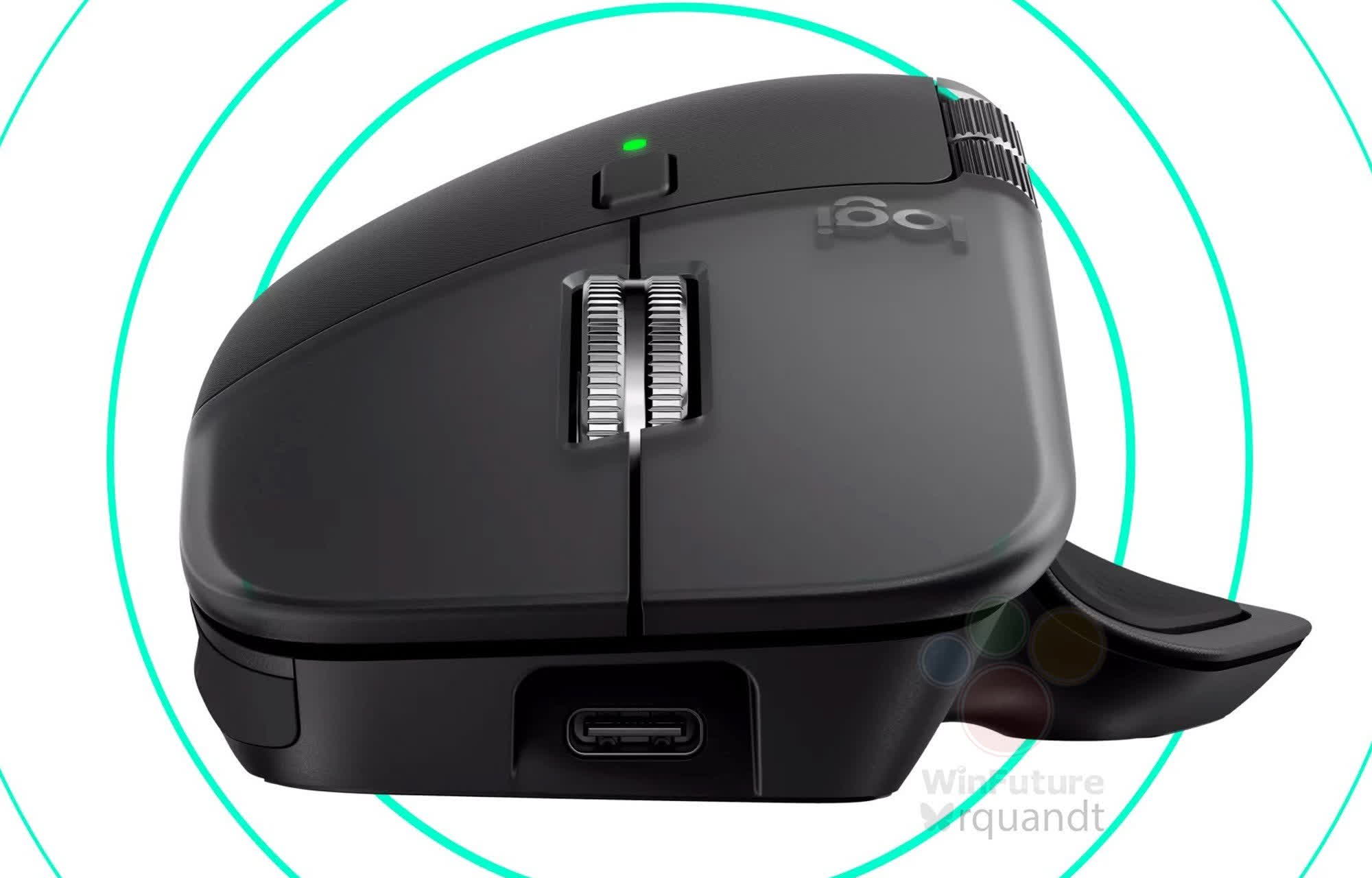
Additional design changes in the new MX Master 4 include "actions ring" located in the thumb rest area, which can be configured to perform quick user-defined actions. The mouse's core specifications remain the same as the MX Master 3S: an optical sensor with a resolution range of 200 to 8,000 DPI, a rechargeable 500 mAh battery rated for up to 70 days of use, and support for both Bluetooth 5.0 and Logitech's Bolt wireless dongle.

According to WinFuture, all the information and images were obtained through the European Patent and Trade Mark Office, and Logitech has allegedly been preparing the mouse's debut for several months. The MX Master 4 will support multi-device connectivity, and additional versions for Mac and business customers are expected. The mouse will be available in two color options: light grey and graphite.

Pricing is expected to start at €130 (around $150), with availability scheduled for September 30. Logitech is also emphasizing its sustainability efforts: the MX Master 4 uses 27 percent recycled materials overall, including 100 percent recycled cobalt in the battery and 48 percent to 54 percent recycled plastics in the light grey and dark grey editions, respectively.

Permalink to story:

 
Sounds interesting, I wonder if this could be adapted for haptic feedback from games, but I also wonder how the vibrations might affect accuracy or the cursor bouncing around.
 
It’s interesting for sure. Always wondered why no one came up with dynamic wasd keys for a keyboard with range of motion. Example is you need to follow a npc in a game, so with a controller this is easy to adjust your player speed, slight up on the stick, with keyboard not so much, it’s a hard on/off.
 
It’s interesting for sure. Always wondered why no one came up with dynamic wasd keys for a keyboard with range of motion. Example is you need to follow a npc in a game, so with a controller this is easy to adjust your player speed, slight up on the stick, with keyboard not so much, it’s a hard on/off.
Keyboard is for typing. For gaming get azeron or a controller. My biggest issue is wasd is used instead of esdf. I remapped that wherever possible.
 
It’s interesting for sure. Always wondered why no one came up with dynamic wasd keys for a keyboard with range of motion. Example is you need to follow a npc in a game, so with a controller this is easy to adjust your player speed, slight up on the stick, with keyboard not so much, it’s a hard on/off.
Already available since wooting introduced a keyboard with magnetic switches.
https://wooting.io/post/what-are-hall-effect-keyboard-switches

Doesn't work with all games and from what I understand it works by the keyboard pretending to be a joystick. Keyboard keys have been binary for far too many decades for it to get implemented properly at this point. So either you need to do some software trickery having the keyboard switch modes when certain software is run which is what wooting seems to do or put a hardware switch on the device to have it switch between the modes.

Iirc for the BIOS there is even more constraints in how a keyboard is expected to behave compared to say windows.

Other manufacturers have jumped on the bandwagon since then so it's not just wooting anymore but it does require magnetic or optical (laser) switches.

Keyboards switches are expected to work in a binary way, it's either pressed or not pressed. That's why the classical switch designs typically worked by simply connecting two contacts to complete an electrical circuit (inside the switch under the keycap a bit of metal connects two other bits of metal).

Source: me. I got fairly far into designing a custom keyboard before giving up on it and considered using magnetic (HALL effect) switches.
 
Too bad. DOGE striped our dept. budget. I used to get the latest model whenever they came out. now we only allowed to buy the cheap ones.
 
Give me this haptic feature on an updated version of the Logitech MX Ergo (and add a Hyperscroll wheel function as well) please!
 
Is gonna be sold as dlc/addons on top of what will be an outrageous price? I mean, that's their whole plan right? Mouse as a service?
 
Weird way of spelling g600...;)
I'll up you one more: G604.
Combines the best of MX and G series into one.

Mine started double clicking so instead of getting a whole new mouse (or two) for productivity and gaming I swapped out the switch board with switches (no soldering necessary). It was tedious, but very cheap and worked perfectly.
 
Back