

Take full control of your privacy and keep your personal data secure with NordVPN. Hide your IP address, encrypt your internet connection, and browse at lightning-fast speeds – all with just a tap.
Our next-generation AES-256 encryption and advanced security protocols shield you from hackers, trackers, and anyone trying to spy on your activity. Download NordVPN for Windows, macOS, iOS, Android, Linux, or even set it up on smart TVs and routers – and explore the internet with confidence, completely risk-free.
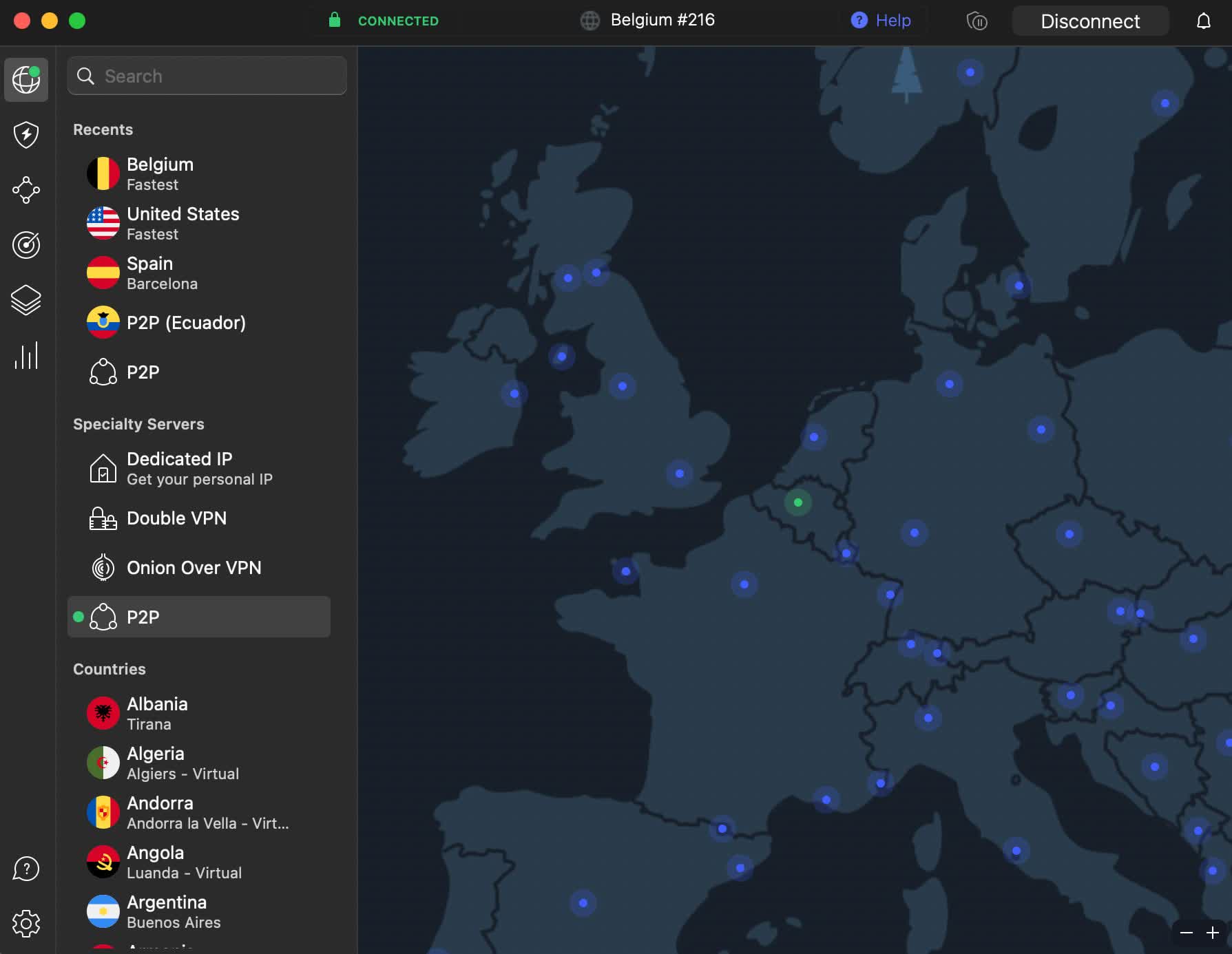
Is it better to use the NordVPN app or the browser extension?
The desktop app provides full system-wide protection by routing all your internet traffic through the VPN, while the browser extension only encrypts traffic from the browser itself. For complete privacy and security, most users prefer the desktop app, but the extension can be useful for quick access and lighter browsing sessions.
Why can't I find NordVPN in my country's app store?
In some regions, the NordVPN app may be restricted or hidden due to local laws and regulations. If this happens, you can still download the app directly from the official NordVPN website. On mobile devices, you may need to change your app store region or download the APK file for Android directly from NordVPN's site.
Do I need a subscription before downloading the app?
No, you can download and install the app before purchasing a subscription. However, you won't be able to connect to any servers until you log in with an active account. Some users download the app first to explore the interface and then decide which plan to buy.
How do I install NordVPN for Linux?
Simply type in this command in the terminal:
sh <(wget -qO - https://downloads.nordcdn.com/apps/linux/install.sh) -p nordvpn-gui
Once you've entered the command, the installation will automatically set up the GUI version, ensuring a smooth transition from the previous CLI setup. The GUI will initially be available through DEB and RPM packages, with a Snap version following soon. It uses the same core as the CLI version, which means you'll get the same high security and performance you've come to expect from NordVPN.
Features
Your browsing, truly private
Don't let prying eyes follow you online. NordVPN protects your browsing activity from third parties, cybercriminals, and intrusive ads by encrypting your traffic and masking your IP address. With NordVPN, what you do online stays private – the way it should be.
Protection for every device, everywhere
One account covers up to 6 devices at the same time, so you can stay secure whether you're at home, at work, or on the go. Use NordVPN on PC, Mac, smartphones, tablets, routers, and more – all with one simple download.
The content you want, without limits
Access the internet without restrictions. Choose from over 8,200 servers in 160+ locations for safe, reliable, and ultra-fast connections to your favorite websites, streaming services, and apps – no matter where you are in the world.
What's New
Windows NordVPN 8.11.0.0
- From now on, Dark Web Monitor takes you directly to your Nord Account dashboard, where you can conveniently manage your monitored email addresses and review found leaks. You'll still get alerts in the app, but the full details unfold on the web.
- If you're a proud owner of a dedicated IP, you'll find it at the top of your server list for faster access. If not, you'll see a friendly banner instead – with an option to hide, of course.
- We've also included a few fixes to keep your VPN running smoothly, just as it should.
macOS NordVPN 10.10.1
- We've tinkered with the internal workings and polished some rough edges. The result? An app that's better than ever before.
- With this update, Threat Protection Pro is moving away from the old global proxy setup to a new transparent proxy extension. It's a strong security boost, so be sure to grant permission to add new proxy configurations if a notification pops up.
- We've strengthened our defenses! Grab the latest update for our most secure version yet.
NordVPN for Linux now comes with a full GUI
For years, Linux users have relied on NordVPN's command-line interface (CLI) to make their online activity more secure. While functional, it wasn't always the most intuitive way to connect. But now, the wait is over! NordVPN has officially introduced a convenient graphical user interface (GUI) for Linux, making safer browsing easier to enjoy than ever.
With this new GUI, you get the best of both worlds – all the security of the CLI version, now with an easy-to-use, visually engaging experience. The new GUI makes it significantly easier to use NordVPN without having to type in complicated commands. It's the same intuitive NordVPN experience our users come to appreciate on Windows, macOS, and mobile. With a few clicks, you can now connect to a server, adjust settings, and monitor your VPN connection. Just click, connect, and stay more protected.
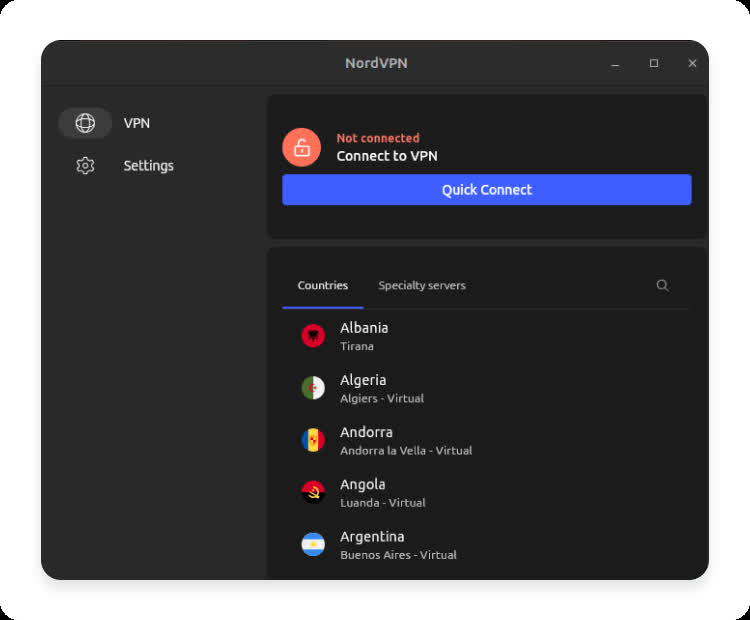
The GUI also comes with light and dark modes, allowing you to choose a theme that suits your preference.
However, it's important to note that it's not a brand-new application but an evolution of our trusted CLI-based app that Linux users know and love. It offers the same reliability and security with the addition of our latest features, including support for post-quantum encryption and NordWhisper.
