

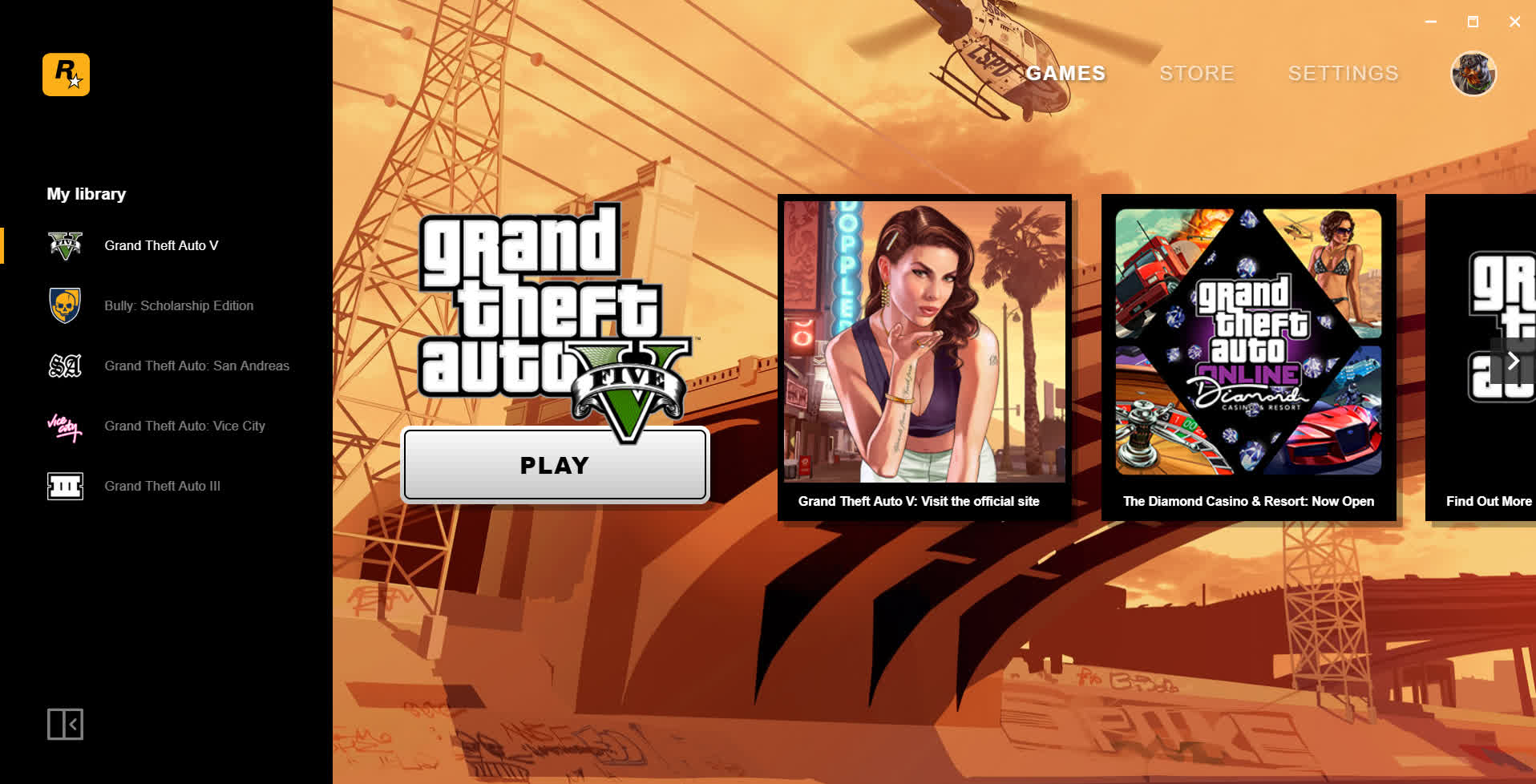
The Rockstar Games Launcher is a new Windows desktop application that allows you to quickly and easily access your Rockstar Games PC collection in a single place, across both digital and disc-based titles including ones purchased from various other digital stores. You can also use the Launcher to shop for new Rockstar Games PC titles to add to your collection.
The Rockstar Games Launcher comes with a host of features including the addition of cloud save functionality to all supported titles, the ability to keep your Rockstar Games PC library updated automatically, and ways to follow all the latest Rockstar Games news from directly inside the Launcher.
Do I need the launcher to play Rockstar games bought on Steam?
Yes, currently it's required. Rockstar mandates that even Steam versions launch through their own launcher. This also affects Steam's Family Sharing functionality-those games can no longer be shared with others.
What features does it support for downloaded games?
Games purchased through the launcher come with full feature support, including:
- Purchase, download, and install in one place
- Automatic updates
- Launching via the launcher dashboard
- Cloud save syncing (for supported titles)
- Access to game settings and DRM support
Is the Rockstar Games Launcher secure?
Yes, It uses two-factor authentication (2FA) to protect your account and payment information.
Can I play Rockstar games through this launcher on Linux or Steam Deck?
Yes, While it's a Windows app, users have had success using compatibility tools like Proton in Steam. By adding the launcher as a non-Steam game and pointing to the correct Proton build, it can launch and run (including games like Red Dead Redemption 2) with tweaks such as proper target paths and DLL overrides.
To use Proton through Steam, simply open Steam on your Linux system, go to Settings > Compatibility, and enable Steam Play for all titles. Then select a Proton version from the dropdown. When you launch a Windows-only game, Steam will automatically download and apply Proton-no manual installation needed.
Select PC game titles are not currently supported. Visit https://support.rockstargames.com for more info.
Features
- Play the latest Rockstar PC Games.
- Save your games in the Cloud.
- Shop the best collection of Rockstar games.
- The Rockstar games launcher include automatic updates.
