

Photon Studio is a free desktop image editor with layers, masks, adjustment tools, smart objects, and native PSD support. It runs entirely on your device, including features like subject selection and background removal.
Does Photon Studio support Photoshop PSD files?
Yes, Photon Studio can open and save PSD files, making it possible to work with Photoshop documents while retaining supported layers and other editable elements.
Does Photon Studio require an internet connection?
No, image editing and processing are performed locally, including features such as subject selection and background removal.
Can Photon Studio fully replace Adobe Photoshop?
For many everyday editing tasks, potentially. Photon Studio supports layers, masks, adjustment layers, smart objects, effects, and retouching tools, but Photoshop still offers a much broader range of advanced features and integrations.
Does Photon Studio use AI features in the cloud?
No, its machine-learning features are designed to run locally on your computer rather than uploading images to a remote service.
Are any Photon Studio features locked behind a paywall?
No, Photon Studio is currently free to use, with no subscriptions, paid tiers, or features locked behind a paywall.
Features
Organize layers, groups and masks
Use groups, masks, adjustment layers, smart objects and layer effects to edit individual parts of your document.
Adjust color and retouch photos
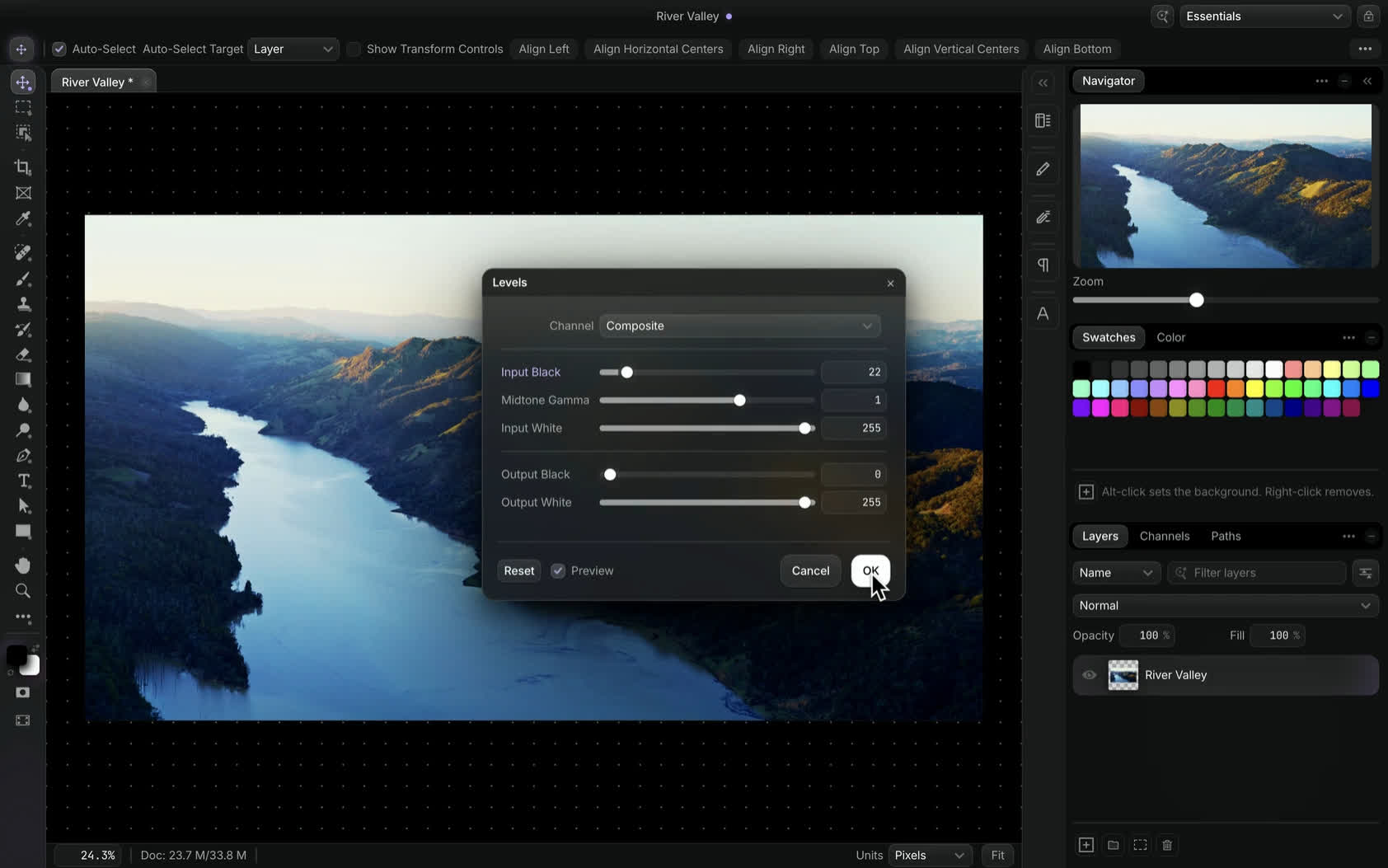
Curves and levels with a live preview, healing brushes, the clone stamp, content-aware fill and Liquify.
Add text, shapes and gradients
Create editable text, vector shapes and Pen paths. Paint with brushes and customize colors and gradients.
Select subjects and remove backgrounds
Select the subject or remove the background in one action. The model runs locally, so the image never leaves your computer.
Open and save Photoshop files
Photoshop documents open with their layers intact, and save back as PSD. Review format limitations before saving.
Use familiar Photoshop shortcuts
Familiar Photoshop shortcuts, plus searchable commands so you can find a tool without digging through menus.
Your files stay on your computer
Photon edits locally. There is no upload step, no queue, and no account needed to open a file and work on it. Even subject selection and background removal run on your own machine.
Liquify
Reshape parts of an image with Liquify's warp tools.
Curves
Adjust brightness and contrast with a live Curves preview.
Command search
Search for tools and commands by name.
Layer effects
Add shadows, glows, strokes and overlays, then adjust their settings.
