

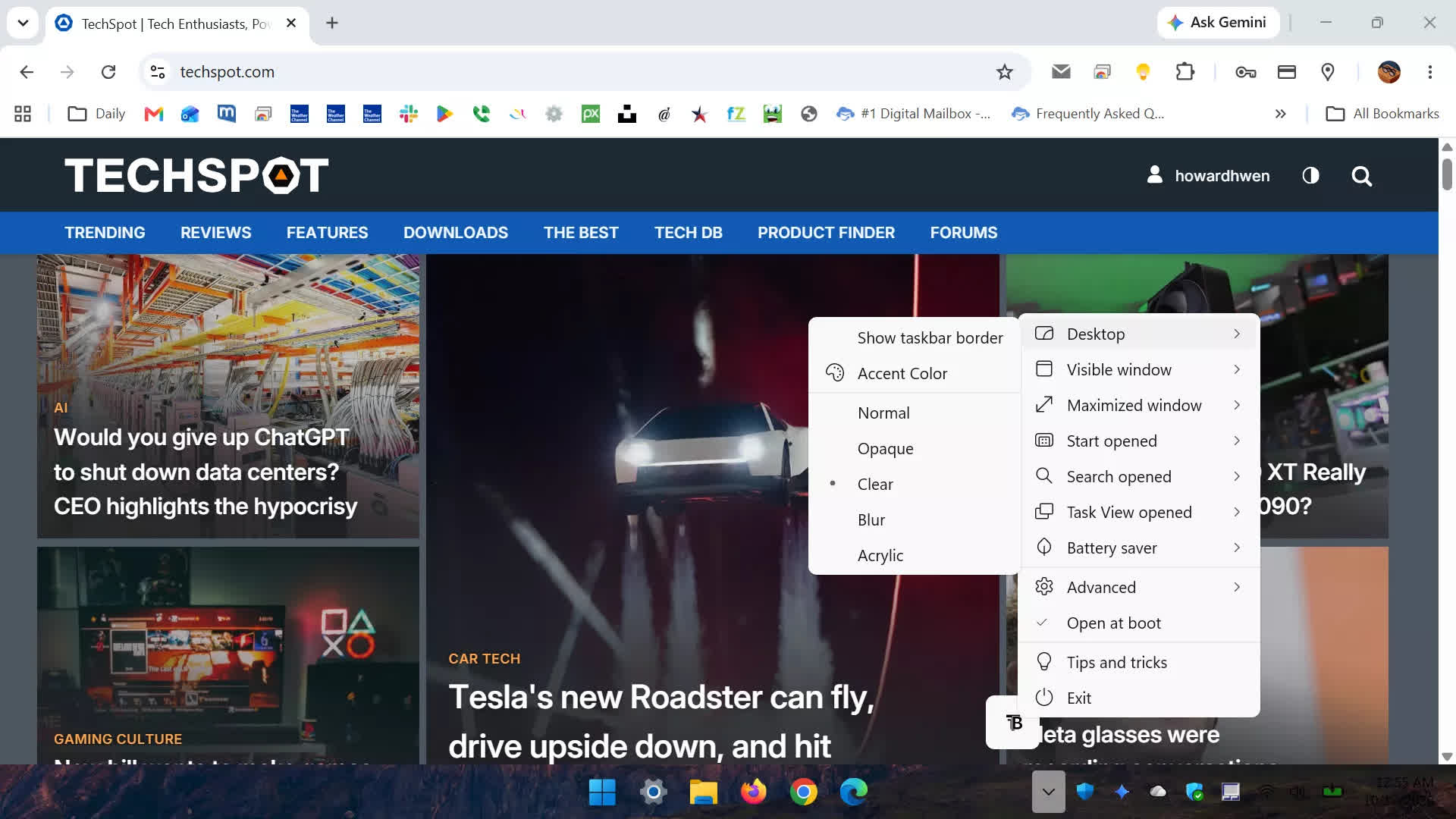
TranslucentTB is a free, open-source utility that lets you customize the appearance of the Windows 10 and 11 taskbar with transparency, blur, acrylic effects, and custom colors. It can automatically change the taskbar's appearance depending on which applications or Windows features are in use, while consuming minimal system resources.
Features
Customizable Taskbar
Choose between Normal, Opaque, Clear, Blur, and Acrylic effects.
Custom Colors
Adjust taskbar colors and transparency using an advanced color picker with live previews.
Dynamic Appearance
Automatically change the taskbar's style when windows are opened or maximized.
Context-aware Customization
Apply different taskbar styles when opening the Start menu, Search, or Task View.
Independent Settings
Configure separate colors and visual effects for different taskbar states.
Windows 11 Customization
Show or hide the taskbar line based on the active mode.
Windows 10 Customization
Dynamically show or hide the Aero Peek button.
Lightweight Performance
Uses minimal RAM and almost no CPU resources while idle.
Third-party Compatibility
Works alongside RoundedTB and ExplorerPatcher.
Free and Open Source
What's New
New features
- Add CTRL+ALT+SHIFT+F1 shortcut to reset dynamic state (thanks to @Wahid7852)
Bug fixes
- Make the app more resilient against re-entrency, reducing crashes.
- Fix bugs where the app would not be able to update the taskbar on certain monitors.
- Watch for package updates in the TAP
- Avoid ExplorerHooks in modern XAML taskbar
- Fix a few resource leaks in the TAP
- Fix the application not closing if you had a window previously interrupt shutdown
