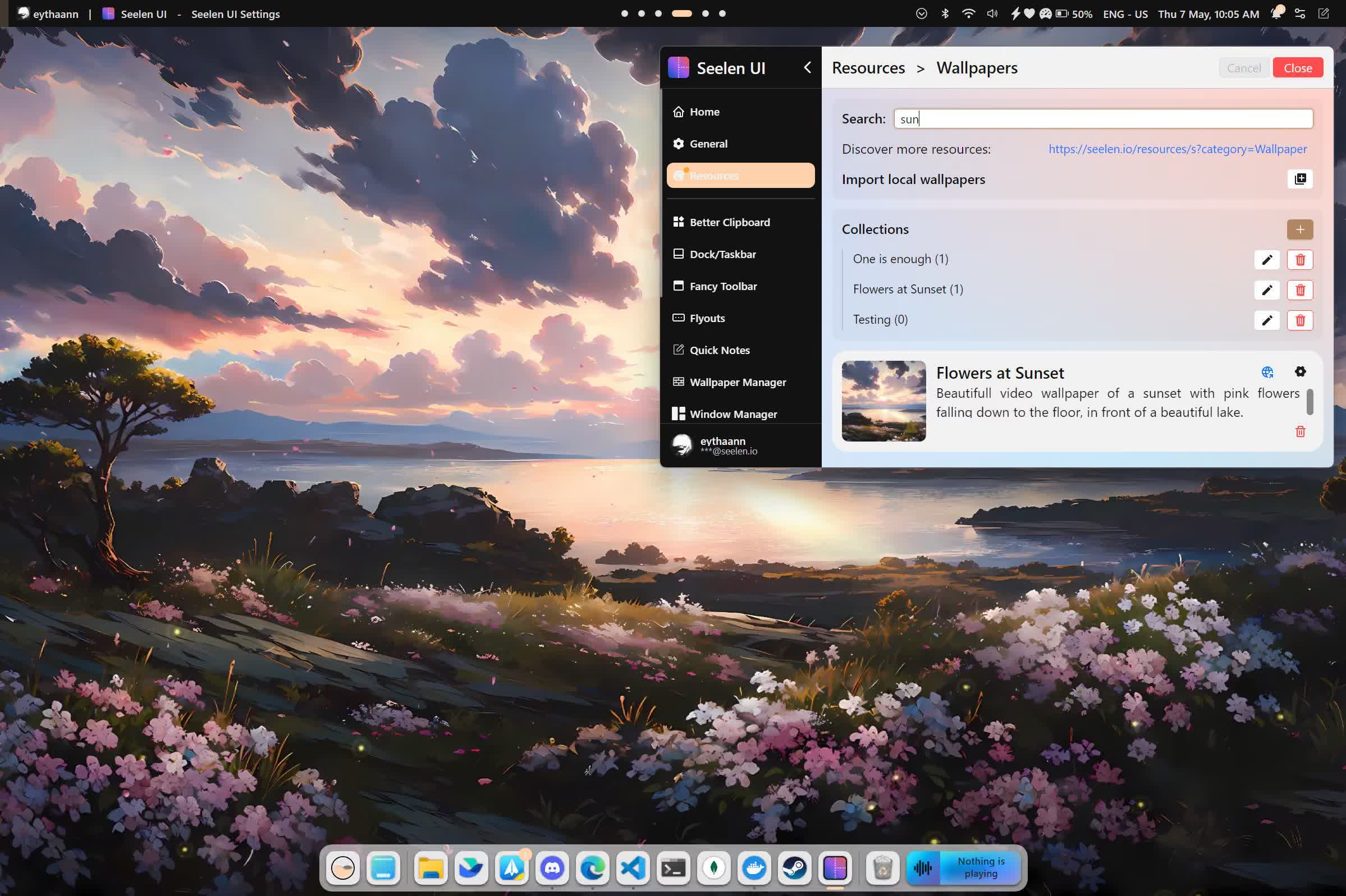
Seelen UI is an open-source taskbar replacement alternative with a macOS-style dock that can sit on any screen edge. Seelen adds a customizable top status bar, an app launcher, live wallpapers, and an automatic tiling window manager – all in one free app.
Live Wallpapers & Animated Backgrounds
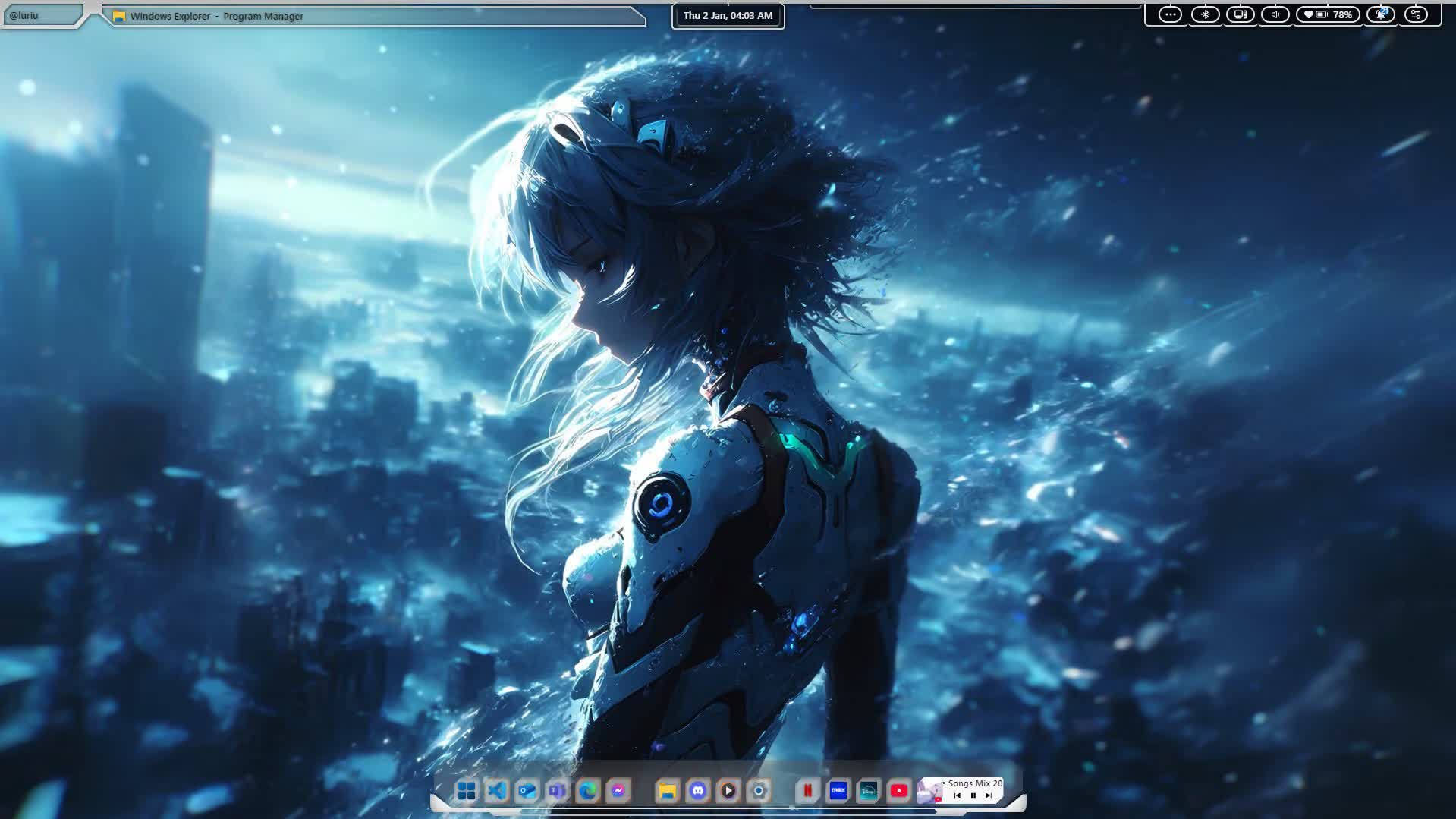
Go beyond static images. Play MP4 video files, interactive HTML/CSS/JS canvases, and music-synced backgrounds as live wallpapers. Set different wallpapers per monitor and per virtual desktop.
- Video wallpapers (MP4, WebM) with speed control
- Interactive HTML wallpapers with full Web API access
- Per-monitor and per-workspace wallpaper collections
- Blur, saturation, and color overlay controls
Automatic Tiling Window Manager
Stop resizing windows manually. Seelen UI tiles every window automatically using BSPWM, Tall, Wide, or Grid layouts – fully keyboard-driven, with float and monocle modes when you need them.
- 4 layout engines: BSPWM, Tall, Wide, Grid
- Navigate and move windows with Alt+I/K/J/L
- Float, stack, or monocle any window on demand
- Per-app rules: auto-float, auto-assign to workspaces
Dock, Toolbar & Start Menu
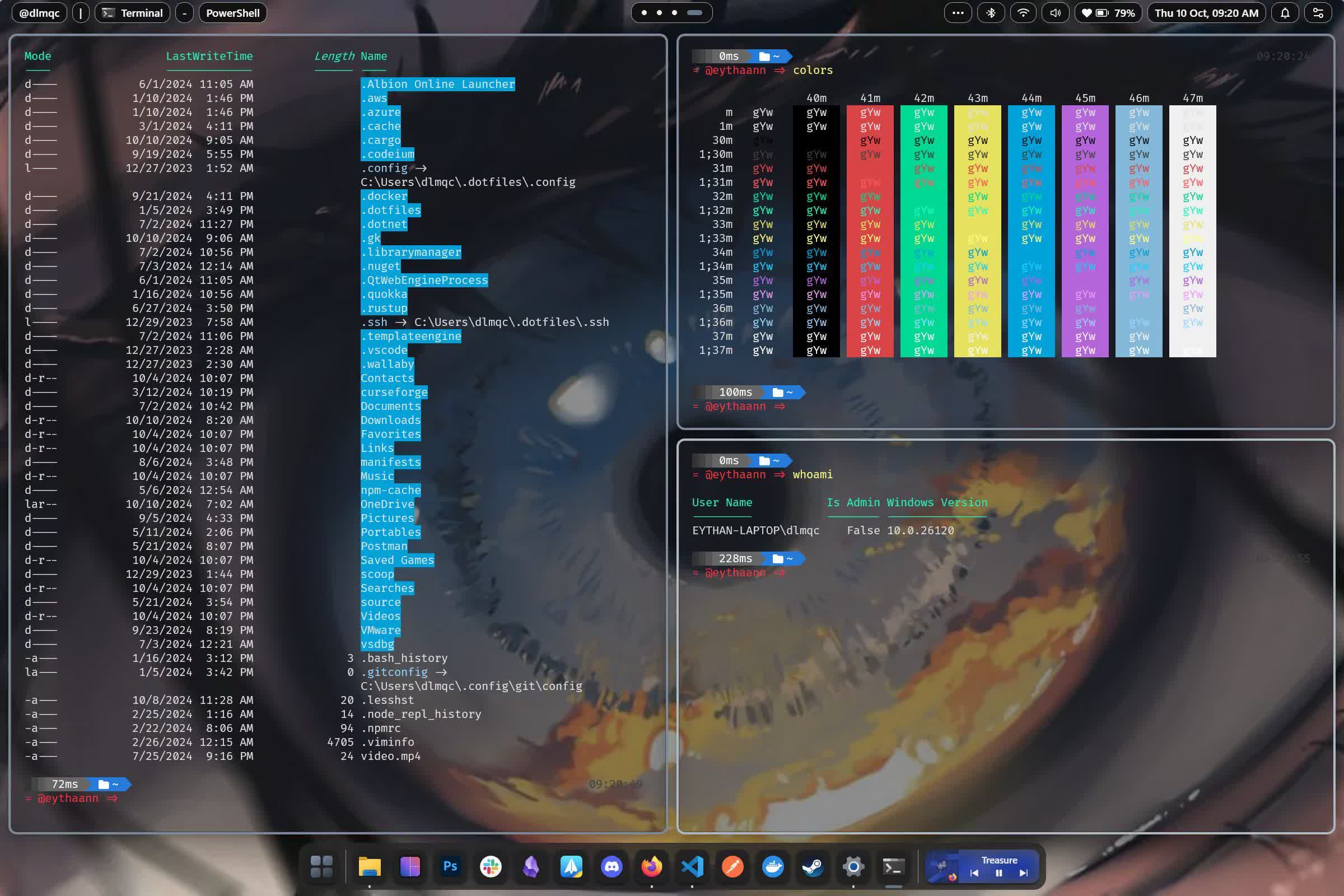
Replace the default Windows shell with something far more powerful. A smart dock with auto-hide and window previews, a fully scriptable live status bar, and a faster, more organized start menu.
- SeelenWeg dock – top, bottom, left, or right position
- Fancy Toolbar – live CPU, RAM, network, battery stats
- Smart start menu with apps, files, and web search
- Custom Alt+Tab switcher with live window thumbnails
Clock, Media & System Widgets
Bring useful information to your desktop. Media player controls, a live desktop clock, CPU and RAM monitoring, notification center, Wi-Fi, Bluetooth, and more – all as elegant, lightweight widgets.
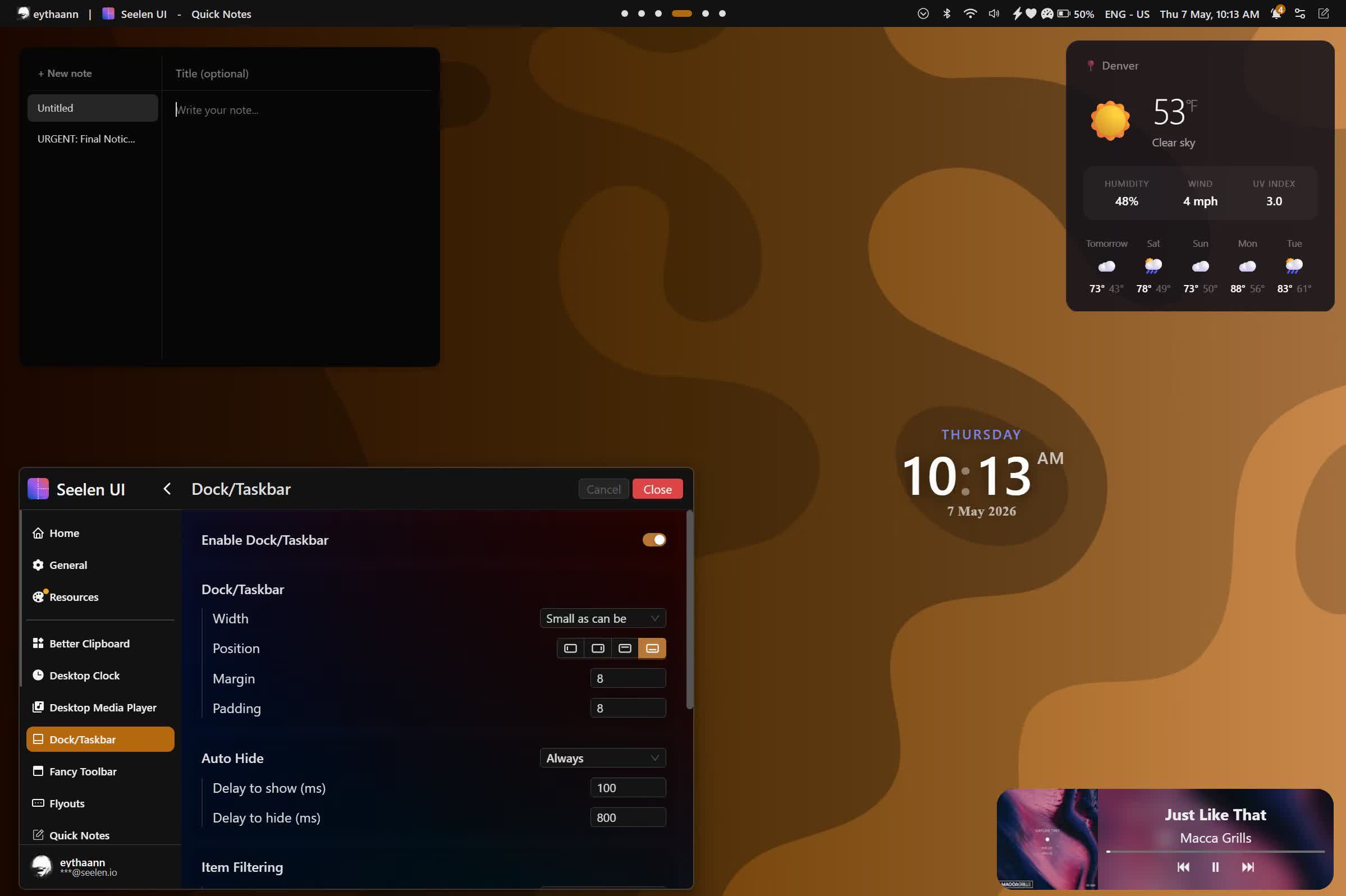
- Media controls with album art and per-app volume
- Desktop clock, calendar popup, and timezone support
- System monitor: CPU per-core, RAM, network, disk
- Notification center with Do Not Disturb toggle
What's New
Enhancements
- allow set twm layout per monitor and per workspace.
- allow hide pause message on wallpapers.
Fixed
- per-app volume sessions not showing in the media volume mixer.
- network api crashing when no connected to any network.
- system tray not showing any icon on Windows 10, and icons without registry entry being ignored on Windows 11.
Other Changes
- build(deps): bump @tauri-apps/api from 2.12.1 to 2.12.3 by @dependabot[bot] in #1924
- build(deps-dev): bump svelte from 5.57.1 to 5.57.2 by @dependabot[bot] in #1919
- build(deps): bump preact-render-to-string from 6.7.0 to 6.8.0 by @dependabot[bot] in #1923
- build(deps-dev): bump react-i18next from 17.0.15 to 17.0.16 by @dependabot[bot] in #1925
- build(deps-dev): bump express from 5.2.1 to 5.3.0 by @dependabot[bot] in #1920
- build(deps): bump tauri-plugin-updater from 2.13.0 to 2.13.1 by @dependabot[bot] in #1921
- fix(clock): resync the date tick on every update by @z1pp090 in #1909
- build(deps-dev): bump follow-redirects from 1.16.0 to 1.16.1 by @dependabot[bot] in #1929
- i18n: overhaul and polish Vietnamese localization by @chusaubanh in #1927
- build(deps): bump @dnd-kit/react from 0.5.0 to 0.5.1 by @dependabot[bot] in #1931
- build(deps): bump @dnd-kit/svelte from 0.5.0 to 0.5.1 by @dependabot[bot] in #1930
- build(deps): bump dompurify from 3.4.16 to 3.4.17 by @dependabot[bot] in #1934
- build(deps): bump preact-render-to-string from 6.8.0 to 6.8.1 by @dependabot[bot] in #1936
- build(deps): bump arc-swap from 1.9.2 to 1.9.3 by @dependabot[bot] in #1935
- build(deps): bump tokio from 1.53.1 to 1.53.3 by @dependabot[bot] in #1938