Multi-monitor OLED burn-in protection for Windows: idle dimming, HDR/SDR switching, pixel refresh tracking and game automation.
How to Install OLED-Engine
- Create a dedicated folder somewhere you own, such as Documents\OLED-Engine or C:\Tools\OLED-Engine. Don't use C:\Program Files.
- Move OLED-Engine.exe into that folder.
- Run OLED-Engine.exe.
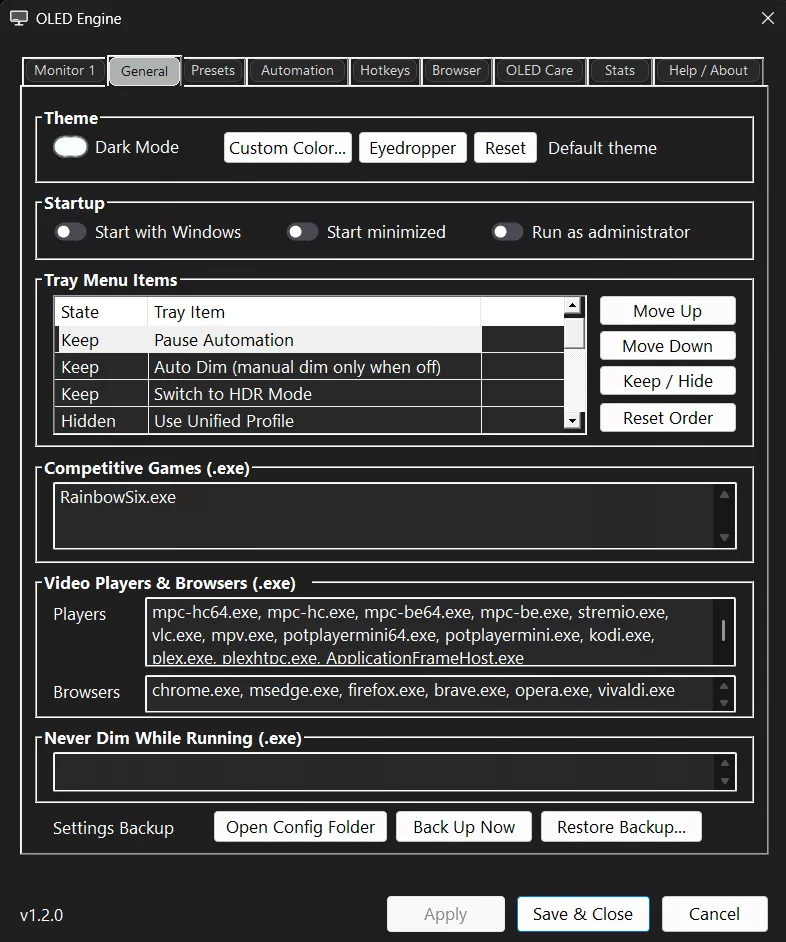
OLED Engine is portable. On first run it creates config, logs and backups folders next to the exe. Your settings live in config. To move the app, move the whole folder.
What's New
New
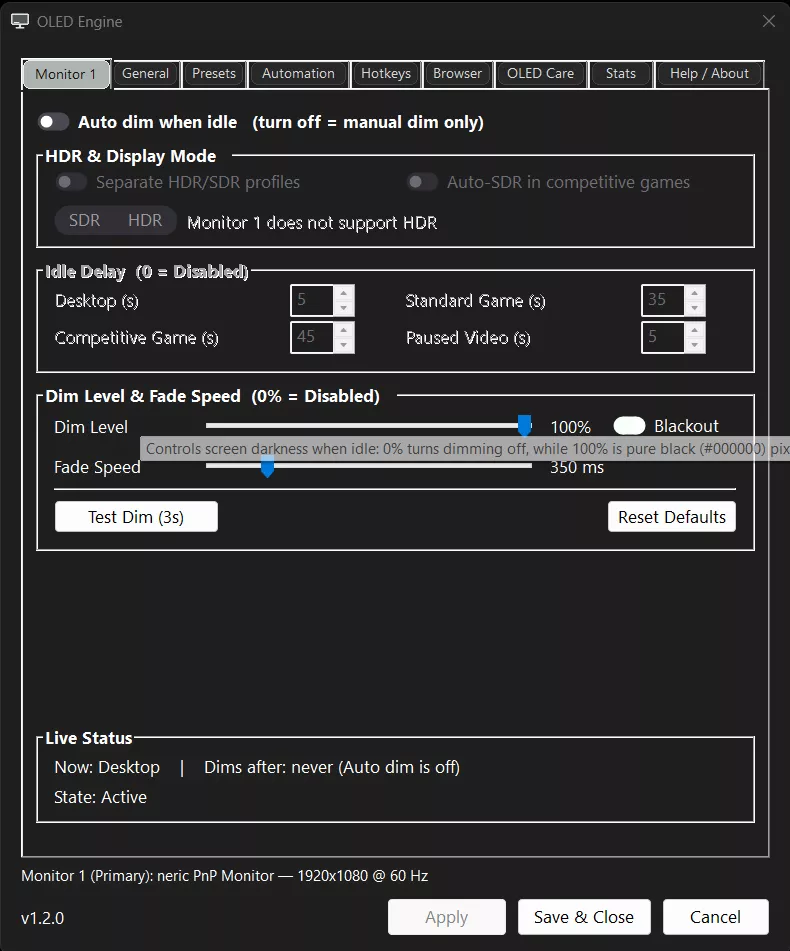
- Browser Toolbar Dimming: Integrated smart auto-dimming and blackout for browser toolbars across all major browsers, supporting fullscreen/maximized windows, any resolution, and both horizontal and vertical monitors.
- Window-Tracked Toolbar Overlays: Browser toolbar overlays now anchor directly to the active browser window and follow its position smoothly as you move or resize it.
- Desktop Icon Opacity & Fade Controls: Added a fade-transition slider for desktop icons along with an opacity slider to control icon visibility levels.
- Cursor Restore Hotkey: Added a global Ctrl + Alt + C hotkey to immediately restore the mouse cursor if it becomes hidden or goes missing.
- Independent Cursor & Icon Toggles: Separated cursor hiding and desktop icon hiding into standalone toggles so each feature operates independently.
Fixes
- Secondary Monitor Wake Failure: Fixed an issue where secondary displays dimmed properly but failed to wake when the primary display was not indexed as Monitor 1; all monitors now wake reliably at manual-dim speed with a failsafe to clear stuck overlays.
- Settings UI Blur & Scaling: Fixed DPI scaling and rendering issues that caused the Settings GUI to look blurry or pixelated.
- Persistent Hidden Cursor on Launch & Exit: Disabled cursor hiding by default on fresh installs and ensured the system cursor always restores cleanly when exiting the app.
- Mid-Session Cursor Flicker & Icon Hiding: Decoupled cursor and desktop icon hiding into separate feature loops to reduce mid-session flickering and visibility issues.
Performance
- General Performance & Wake Speed: Applied general runtime optimizations and accelerated secondary monitor wake routines so dimming overlays clear instantaneously.
Improvements
- Help & About Layout: Resized and reorganized the Help / About tab for a cleaner, less cluttered release notes display.