The PC monitor market isn't just racing ahead for gamers. Displays built for work, creative pros, and everyday productivity are evolving just as quickly: think bigger panels, sharper resolutions, richer color accuracy, and more ports, all at prices that don't sting as much as they used to.
If you're hunting for a display that's not all RGB lights and high refresh rates, we've rounded up the best options from across the spectrum. From budget-friendly workhorses to sprawling 4K behemoths with studio-grade color, these picks draw on critics and user reviews, plus our own hands-on testing. And if you're curious about gaming, we've also pulled in a few standouts from our Best Gaming Monitors guide.

- Best for Most (Value)
- Best for Content Creation
- Best for Enthusiasts
- Best for Gaming
- Best Portable Monitor
- Best Budget
Best for Most (Top Value) Monitors
Dell UltraSharp U3225QE | LG UltraGear 32GR93U


Picking the best overall monitor was no easy task this year. While the Dell UltraSharp 32 4K Thunderbolt Hub Monitor is expensive, it stands head and shoulders above the rest for doing everything so well.
The picture quality on this 32-inch display is outstanding. A next-generation IPS Black panel pushes contrast to a class-leading 3,000:1, so spreadsheets appear crisper and photos gain OLED-like depth without the downsides of potential burn-in or the higher prices those displays command. It comes factory-calibrated, with 99% DCI-P3 coverage and a Delta E of less than 1.5.
As expected, it is 4K and offers a 48 to 120Hz refresh rate with VRR. This makes scrolling through work feel buttery smooth and also works well for high-frame-rate gaming.
The standout feature, however, is the Thunderbolt 4 hub, which gives the monitor its name. One cable can deliver video, data, and up to 140 W of charging, while a second Thunderbolt 4 port lets you daisy-chain a second display.
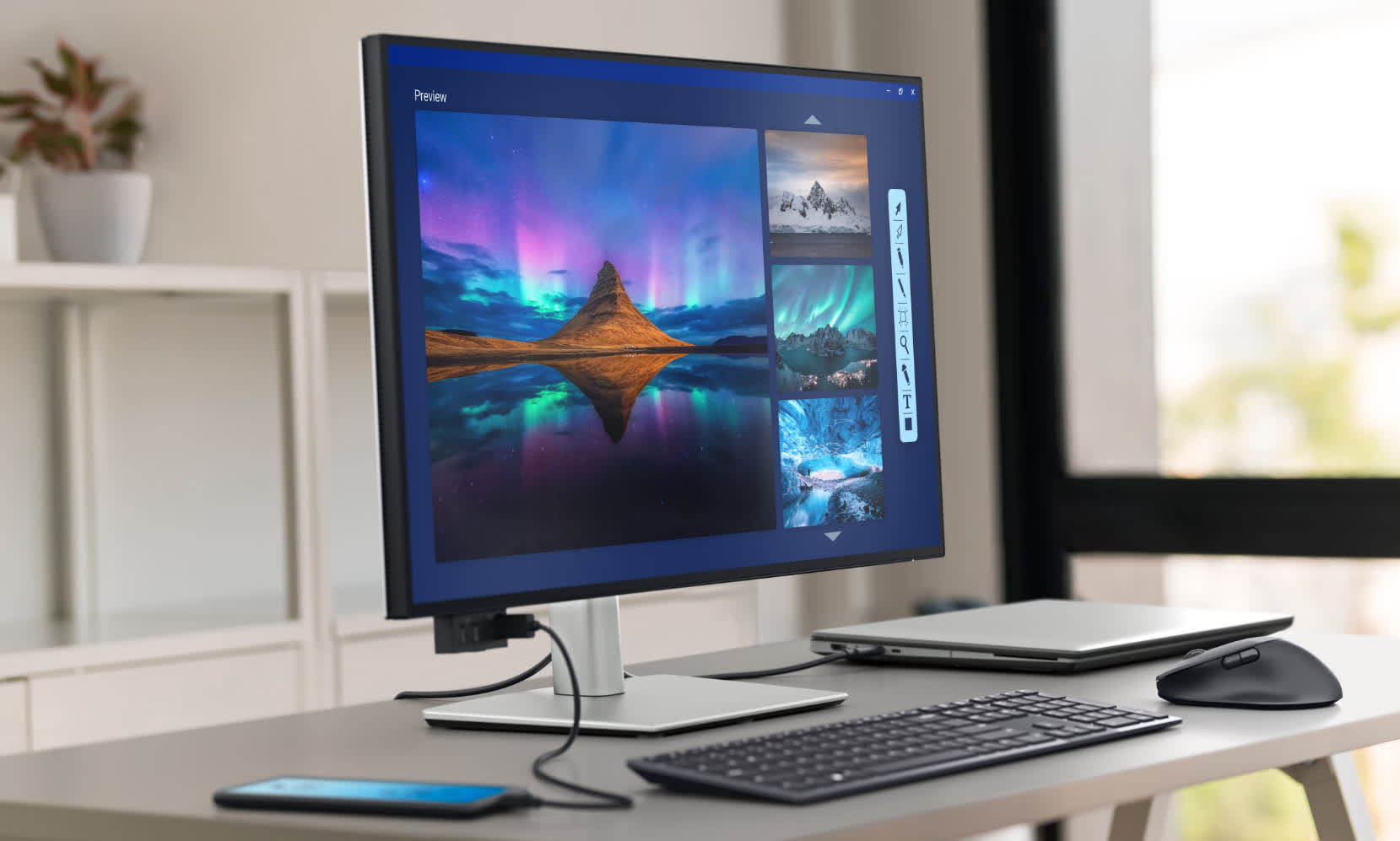
Dell also includes an Ethernet jack, seven downstream USB ports, HDMI 2.1, and front connectors that slide out from the lower left bezel. This allows you to replace a separate dock and keep your desk clean.
A built-in KVM switch lets you use one keyboard and mouse across both a work laptop and a personal desktop with a single tap. Add in excellent text clarity, wide viewing angles, and a fully adjustable stand, and you have the complete package.
There are really only two potential downsides to the Dell UltraSharp U3225QE: it lacks built-in speakers, and it sells for between $899 and $999. Nevertheless, it's a near perfect all-rounder.
Smaller, but just as good
Dell UltraSharp 27 4K Thunderbolt Hub (U2725QE)
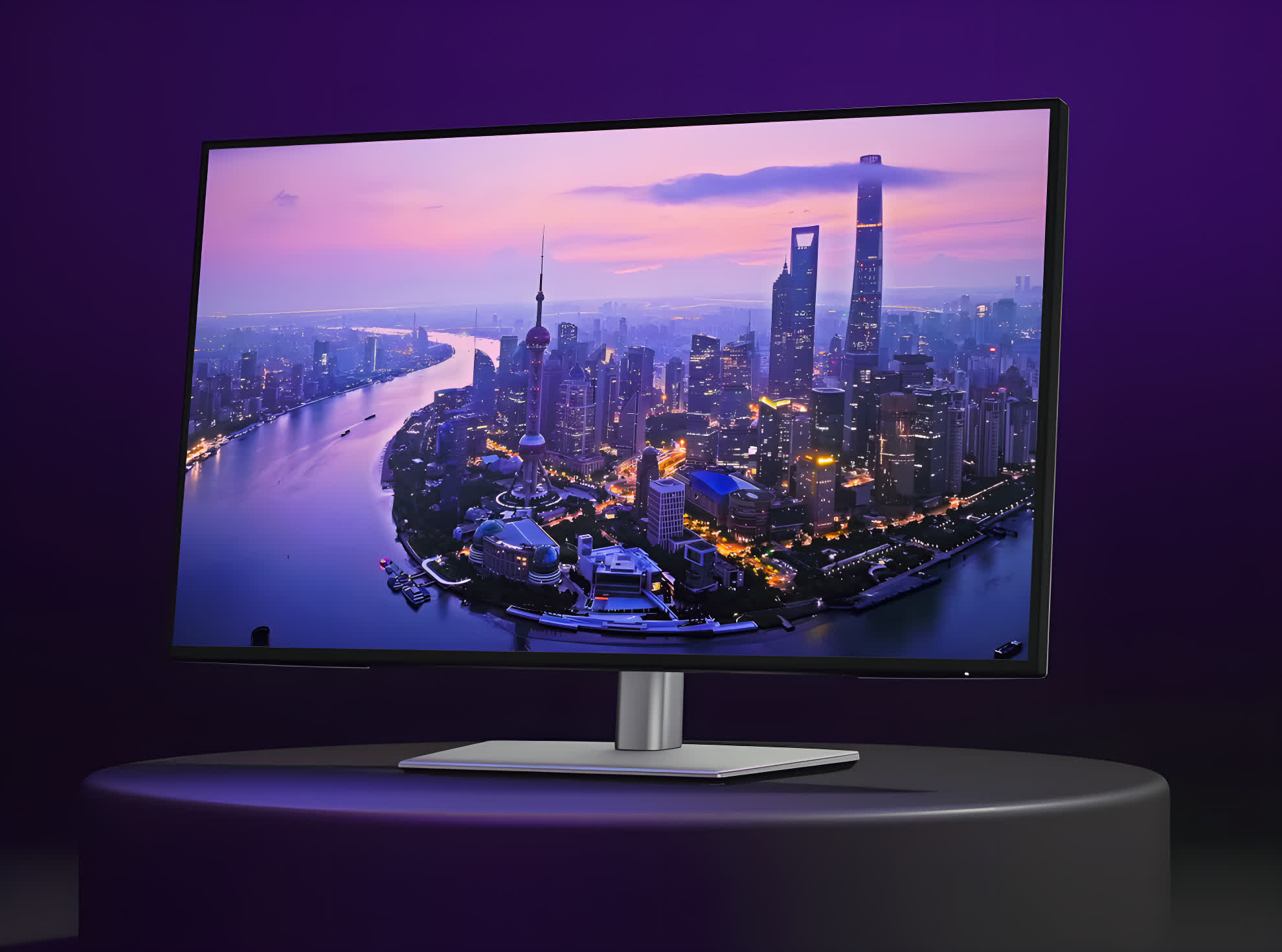
If you want all the features of the U3225QE at a lower price and do not mind losing five inches of screen space, Dell makes a 27-inch version of our top pick: the U2725QE. Priced at around $759, you can save up to $250 by choosing the smaller display. You also get a higher pixel density on this 4K panel, with 163 ppi compared to 140 ppi on the larger model.
LG's Option is Almost Half the Price
LG UltraGear 32GR93U
For another excellent 4K 32-inch monitor at almost half the price of Dell's display, there is our previous winner: the LG UltraGear 32GR93U. This model can often be found for around $550 and offers a higher 144Hz refresh rate.
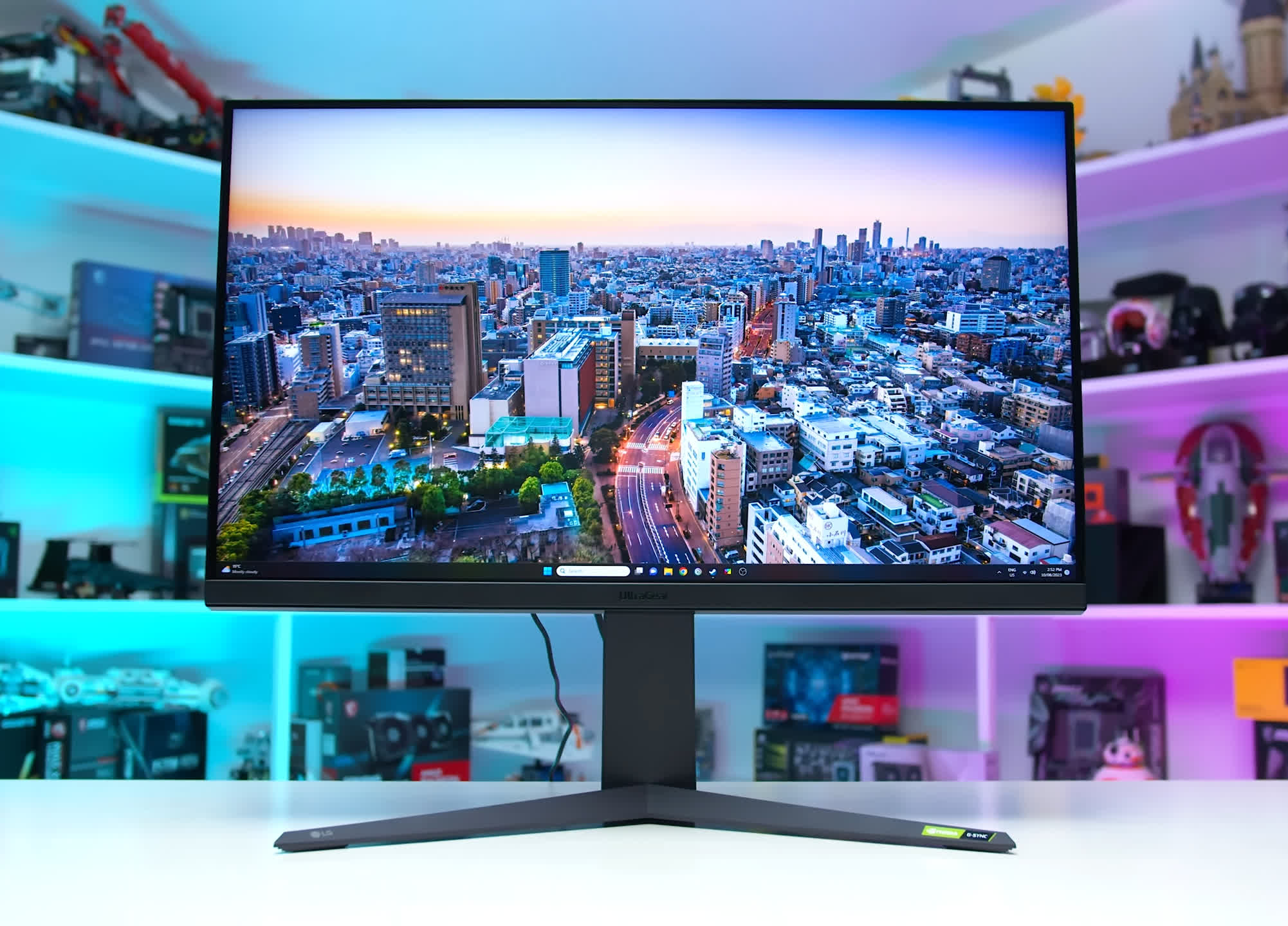
The LG delivers impressive factory color tuning, an excellent sRGB mode, hardware calibration support, strong DCI-P3 coverage, and good brightness. It is compatible with both G-Sync and FreeSync Premium and includes HDMI 2.1. For anyone who wants a large monitor equally suited for work and play, including console gaming, it remains one of the best options available.
Best Monitors for Content Creation
Asus ProArt PA32UCDM | BenQ PD3225U

The Asus ProArt PA32UCDM is the first 32-inch 4K QD OLED panel designed specifically for creative pros, and it shows. The Samsung panel delivers per-pixel contrast and 1,000 nits of HDR brightness. Factory modes hit every major color spec – from sRGB and Adobe RGB to BT.2020 – within a Delta E margin of less than 1.5.
A 240Hz refresh rate plus 0.1ms pixel response time makes scrubbing high-fps footage or animating in After Effects smear-free, while two Thunderbolt 4 ports (one 96 W upstream, one daisy chain) and HDMI 2.1 mean a single cable can feed video, power and a second display. The all-metal chassis is slim, silent (no fan) and fully adjustable.
Compared with its predecessor, the PA32DC, the UCDM feels like a generational leap. Both models measure 32 inches and carry Asus' 3-year burn-in warranty, but the QD OLED version doubles peak HDR output, quadruples the refresh rate, and adds Thunderbolt 4. The older model has the advantage of an integrated motorized colorimeter and slightly sharper text due to its conventional RGB stripe OLED, but it is limited to a 60Hz refresh rate and lacks HDMI 2.1. The biggest difference is the price: the UCDM is $1,899, nearly $1,300 less than the $3,199 PA32DC.
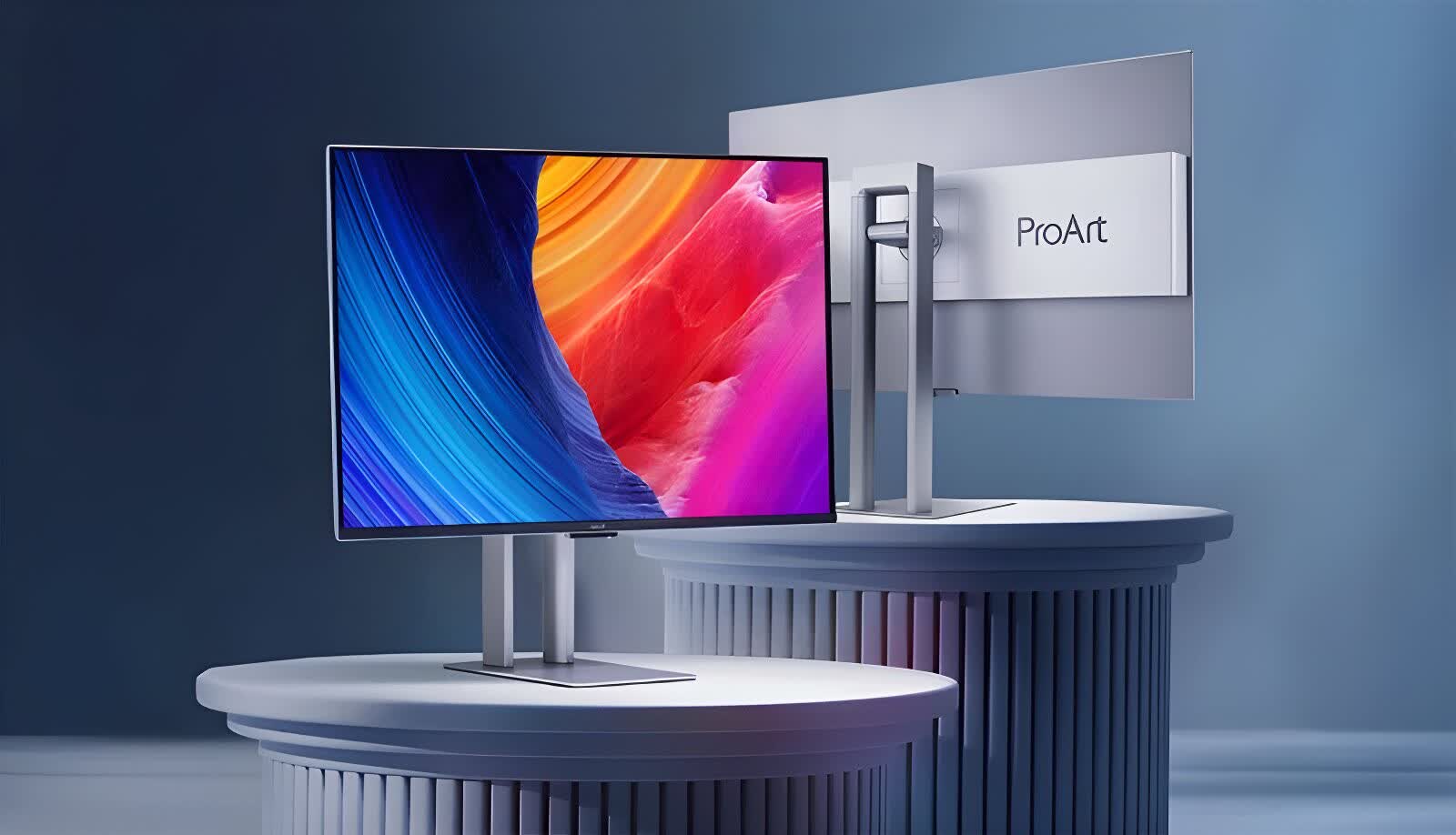
Connectivity isn't the PA32UCDM's strong suit. Asus drops DisplayPort entirely and the downstream USB hub offers just one Type-C and one Type-A port, forcing creators with multiple drives or capture devices to use a separate dock.
If you can live with that, the PA32UCDM combines uncompromising color accuracy, blistering speed, and sensible pricing better than any other creative class monitor.
A Cheaper Option
BenQ PD3225U
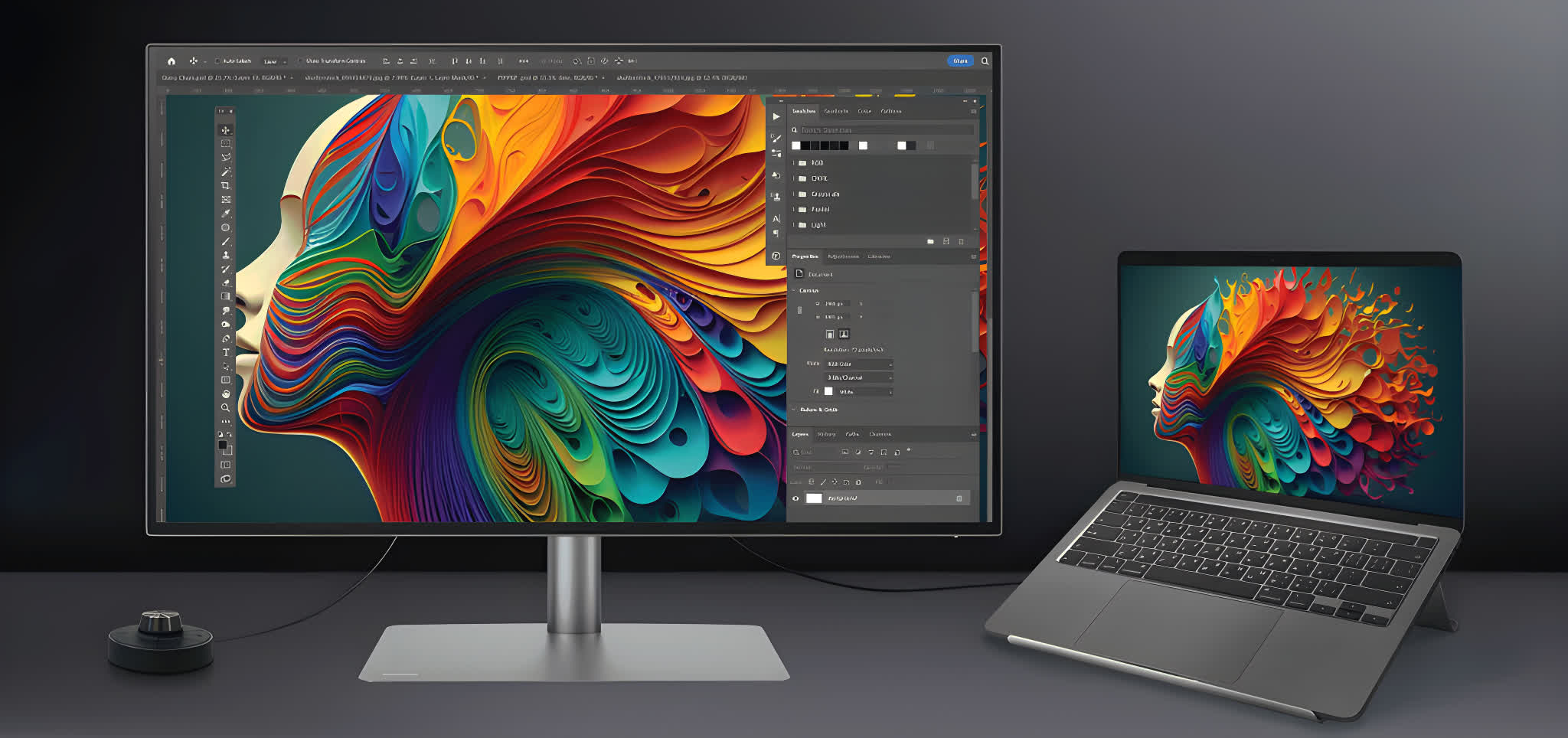
The BenQ PD3225U may be marketed heavily toward Apple users, but it should not be overlooked by Windows creators who want accurate, true-to-life color. Its 32-inch 4K IPS Black panel delivers a 2,000:1 native contrast ratio and covers 98% of P3, 99% of Rec. 709, and 100% of sRGB straight out of the box. It also arrives factory calibrated with a Delta E of less than 2.
Twin Thunderbolt 3 ports carry video, data, and 85 W of power, while a built-in KVM, two HDMI ports, and one DisplayPort round off the other features. There's also an ICCsync M Book mode that clones your MacBook's color profile so both screens match perfectly.
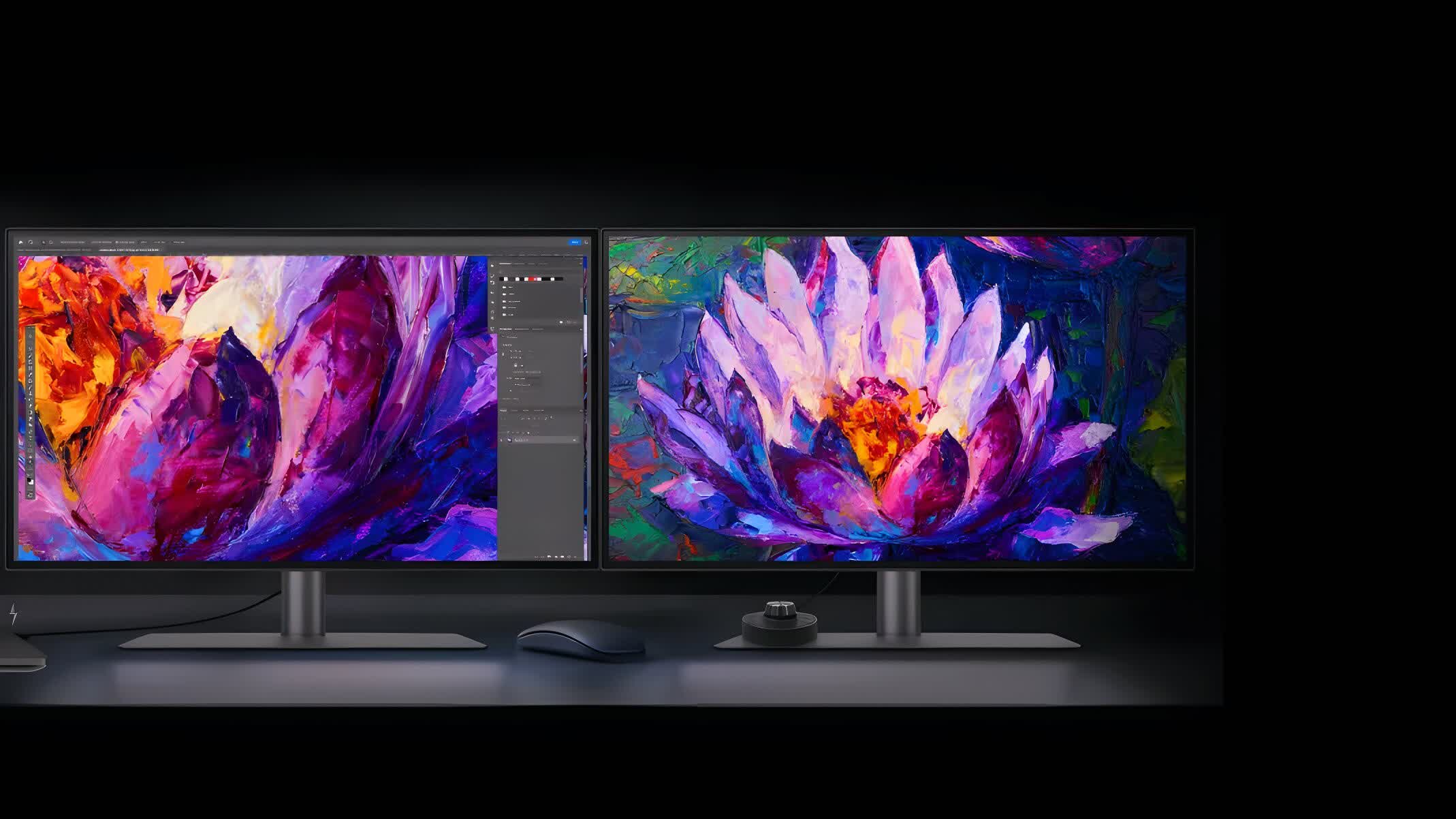
Brightness peaks at around 400 nits and the panel is limited to 60Hz, so HDR highlights lack punch and motion is not especially fast. Even so, it remains an excellent monitor, and at $1,099 it is roughly $400 less expensive than the 27-inch Apple Studio Display.
Best Monitors for Enthusiasts
LG Ultragear 45GX950A | Dell UltraSharp U4025QW

If you're in the market for the best ultrawide monitor, we recommend the top-of-the-line LG 45GX950A, a massive 45-inch 5120 x 2160 WOLED running at 165Hz. It's an enormous and highly immersive display – perfect for gaming – offering one of the most impressive experiences available today.
Compared to earlier 45-inch ultrawide OLEDs, this one is significantly better thanks to its higher resolution and improved pixel density – text is now sharp and readable. You also get fantastic motion performance from OLED technology, along with strong HDR support via per-pixel dimming, deep contrast, and high brightness.
Dual-mode support is included as well, allowing a switch to 2560 x 1080 at 330Hz for better clarity in fast-paced games.
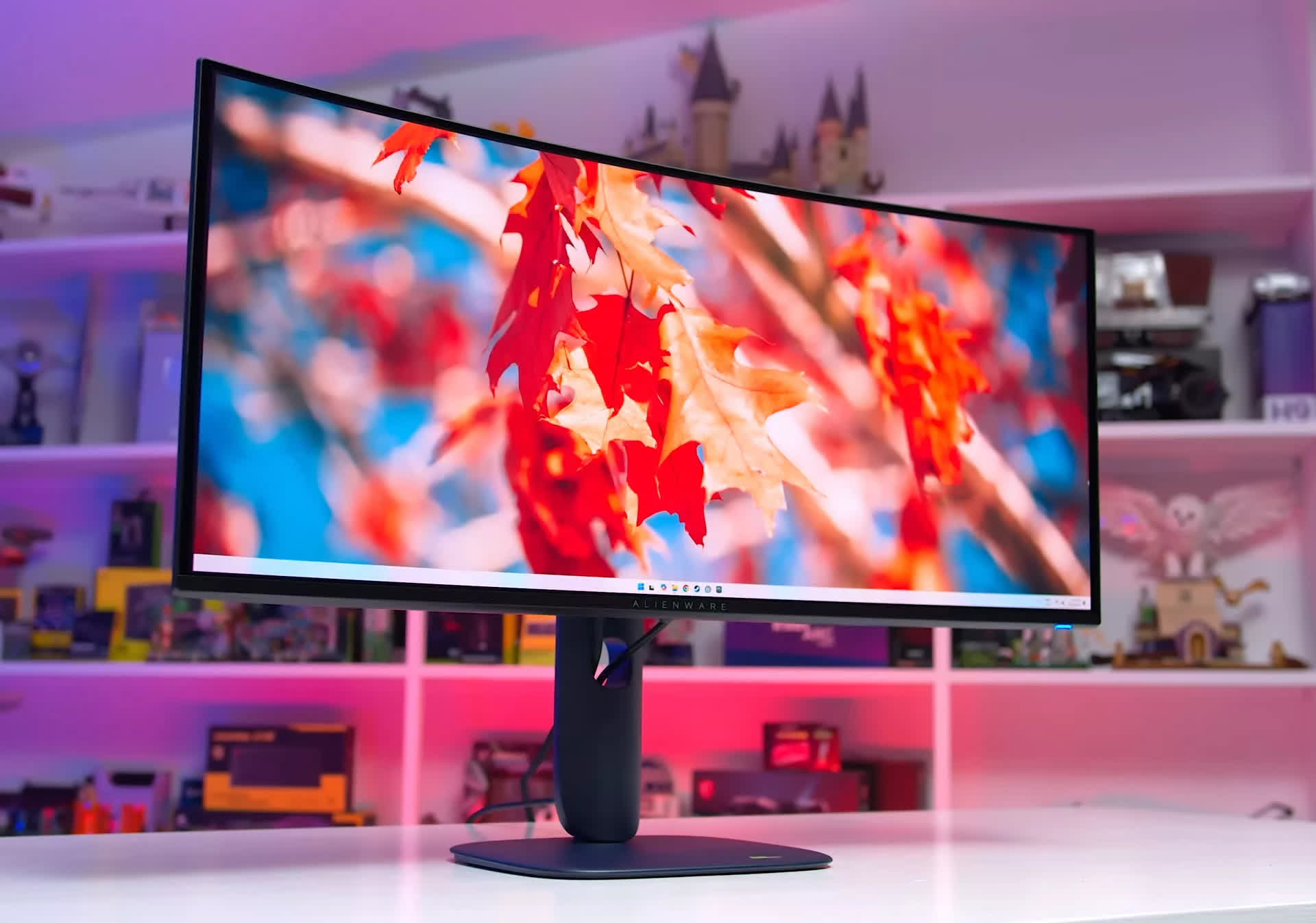
We're not big fans of the 800R curve, but an adjustable-curve version is expected later this year. This is also a very expensive display, priced at $2,000, making it one of the more expensive monitors in this guide. It's an exceptional product otherwise.
Productivity-Focused Alternative
Dell UltraSharp U4025QW
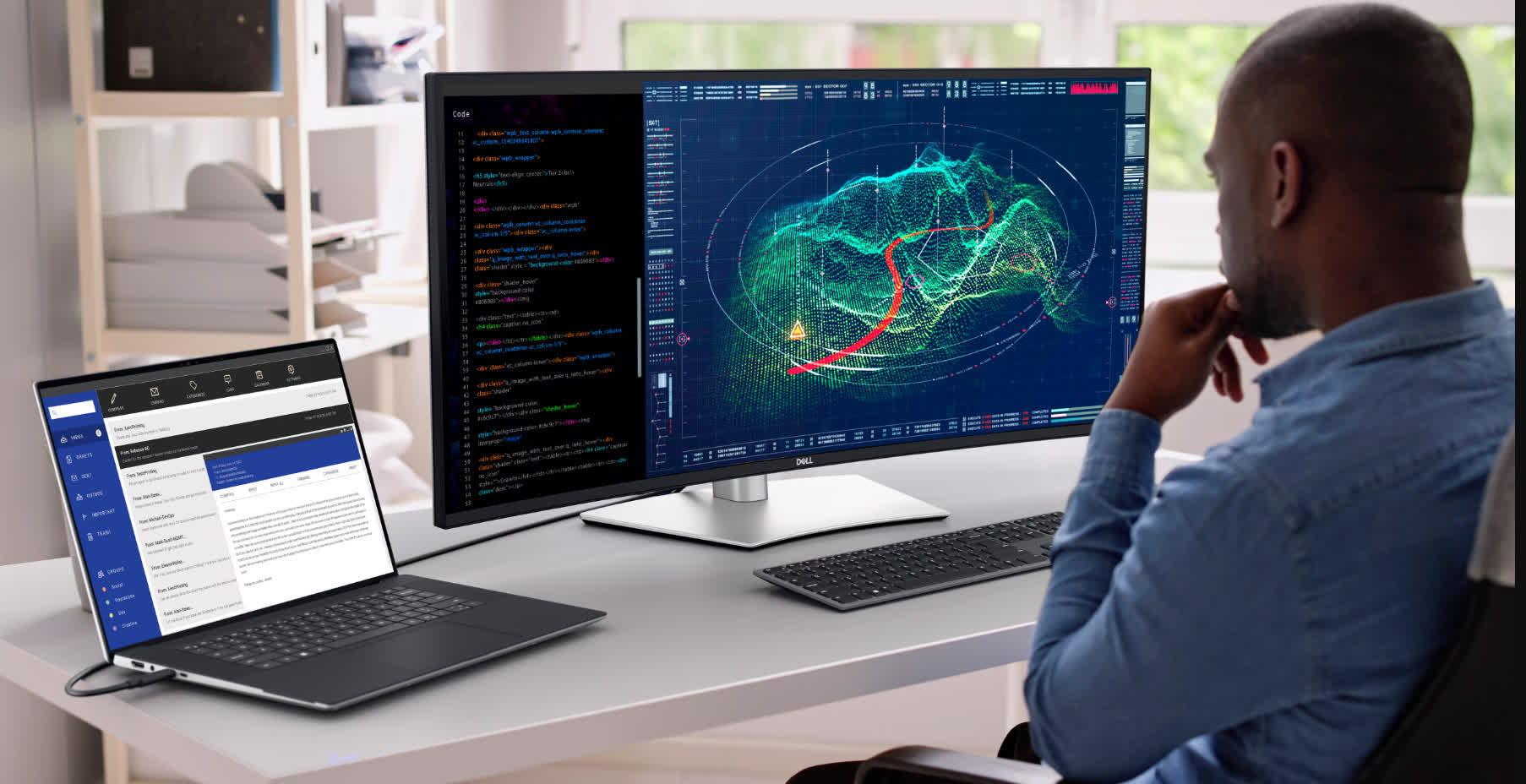
Stretching 39.7 inches across a very gentle 2500R curve, Dell's flagship UltraSharp packs a 5K × 2K (5120 × 2160) IPS Black panel that offers a deep-black contrast ratio of 2,000:1.
Factory calibration lands a Delta E of less than 2 while covering 99% DCI-P3, Display-P3 and full sRGB/BT.709. The panel now hits 120Hz, making it feel smoother than its 60Hz predecessor, yet pixel density still sits at a crisp 140 ppi.
Like the smaller U3225QE, the U4025QW comes with a Thunderbolt 4 hub. One cable feeds video, data, and up to 140W to a laptop, while a second Thunderbolt port, HDMI 2.1, DP 1.4, and a 2.5 GbE NIC turn the monitor into a full docking station. Another similarity is the pop-out front panel, which hides quick-access USB-C and A ports.
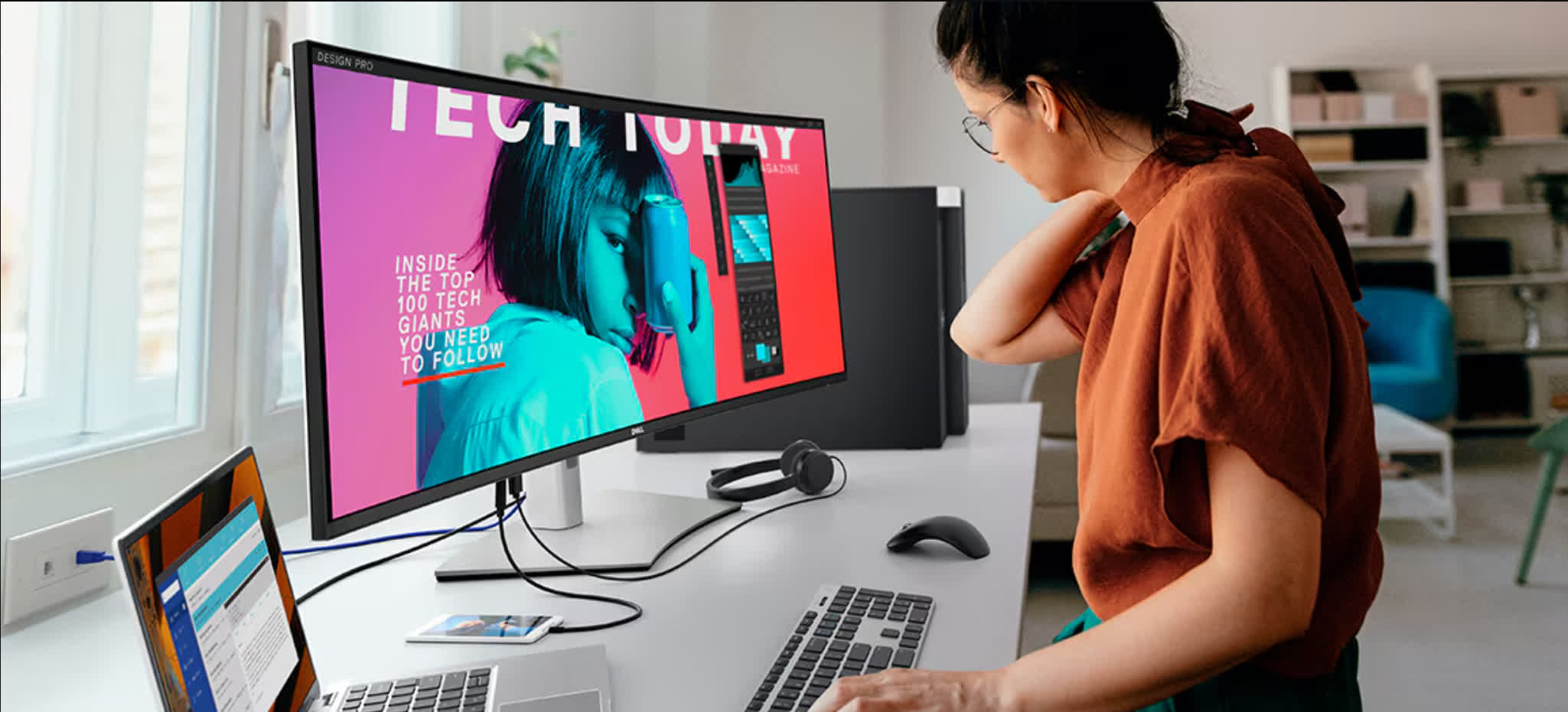
There's an on-board KVM plus internal MST that lets you split the huge desktop into two virtual 2560 × 2160 screens or juggle two computers with a single keyboard-mouse set. Twin 9W speakers and ComfortView Plus blue-light filtering round out an all-day work setup.
Response times are a bit sluggish for a 120Hz panel, Dell's basic edge-lit local dimming means HDR peaks lack OLED-style punch, and at $2,099, it carries a monstrous price. If you have the budget and the GPU horsepower to drive 11 million pixels, though, no other monitor packs this much color-accurate real estate, port versatility, and single-cable convenience into one elegant, desk-friendly package.
Best for Gaming
Choose Your Favorite 4K OLED

The best gaming monitors are all 4K OLEDs, available in 32-inch or 27-inch sizes depending on your preference. We find the larger size more immersive, and so they take the overall crown – but know that either way you're getting an exceptional gaming experience.
4K OLEDs stand out thanks to their combination of high-end specs and outstanding performance. The best 4K OLEDs feature 240Hz refresh rates, robust feature sets, and superb responsiveness. OLED panels deliver lightning-fast response times, resulting in unmatched motion clarity. They also offer incredible contrast and HDR capabilities due to per-pixel lighting, true black levels, and a wide color gamut. The image quality on a good OLED panel is consistently stunning in terms of sharpness, vibrancy, and contrast.
As we've stated in previous monitor guides and in our reviews of these monitors, there are plenty of strong 4K OLED options, many of which we recommend at the right price.
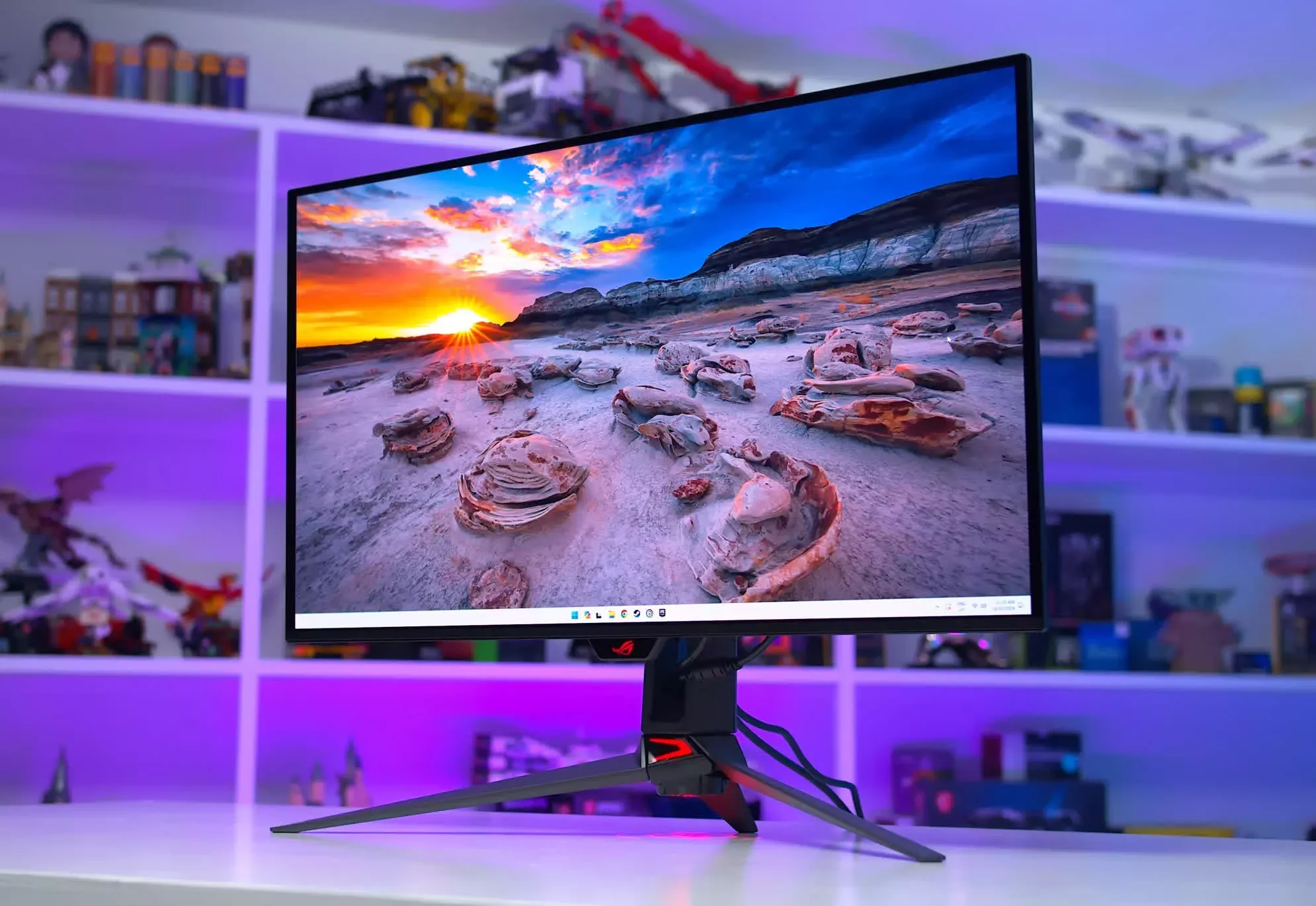
Asus ROG Swift PG32UCDM 32"
The best overall 32-inch gaming monitor is the Asus ROG Swift PG32UCDM, which uses a 4K 240Hz QD-OLED panel. It has the most complete feature set and top-tier performance, including excellent HDR accuracy, black frame insertion, and Dolby Vision support. It's typically the most expensive option, too, with pricing starting around $1,200.
Other solid options using the same panel include MSI's lineup (MPG 321URX, MAG 321UPX, and MPG 322URX), which tend to be more affordable with fewer premium features. The 321UPX is often available for just $900, which is an excellent deal. The Gigabyte FO32U2 is also worth a look; priced under $1,000, it provides great value and could be the best option depending on regional pricing.
If you prefer a curved screen, the Dell Alienware AW3225QF offers that variant. For those who want a matte finish instead of glossy, there's the Samsung Odyssey G81SF. And if you're interested in a dual-mode panel, the Asus ROG Swift PG32UCDP provides a 32-inch 4K WOLED experience with an additional 1080p/480Hz mode, which can be particularly useful for fast-paced multiplayer gaming.
4K OLEDs in 27-inch Sizes
If a 27-inch size suits you better, we've tested four excellent options. The Asus ROG Swift PG27UCDM is the top performer, essentially a smaller version of the 32-inch flagship.
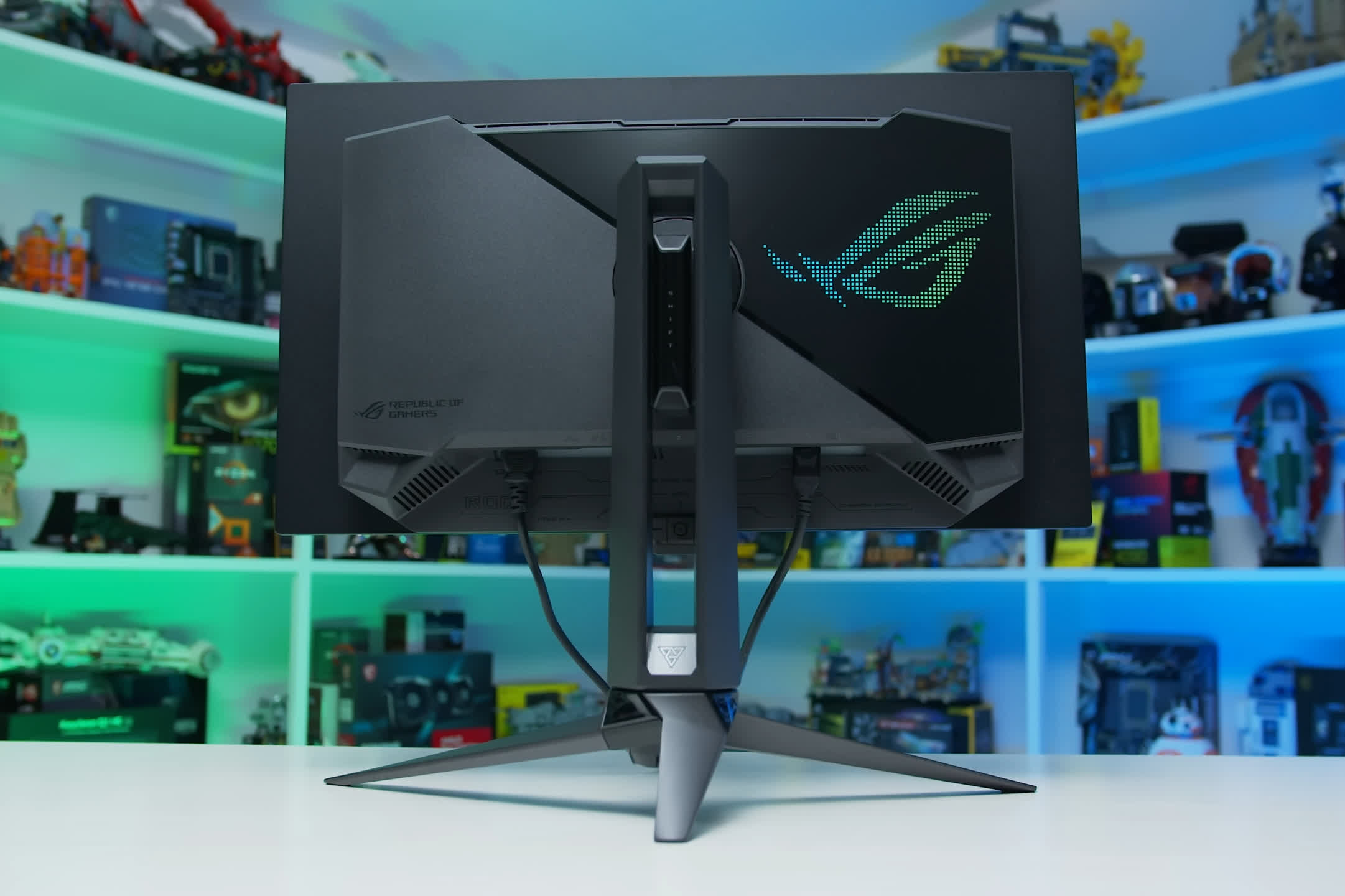
Asus ROG Swift PG27UCDM
You can also get the same experience for a few hundred dollars less with the ROG Strix XG27UCDMG. This 27-inch 4K 240Hz QD-OLED lacks Dolby Vision and DisplayPort 2.1 support, but currently sells for $200 less and otherwise matches the PG's performance.
We also recommend the Dell Alienware AW2725Q, which is often the most affordable 27-inch option in many countries. It performs similarly to the Asus models, though with slightly fewer features. At around $800, it's arguably the best value in this category right now.
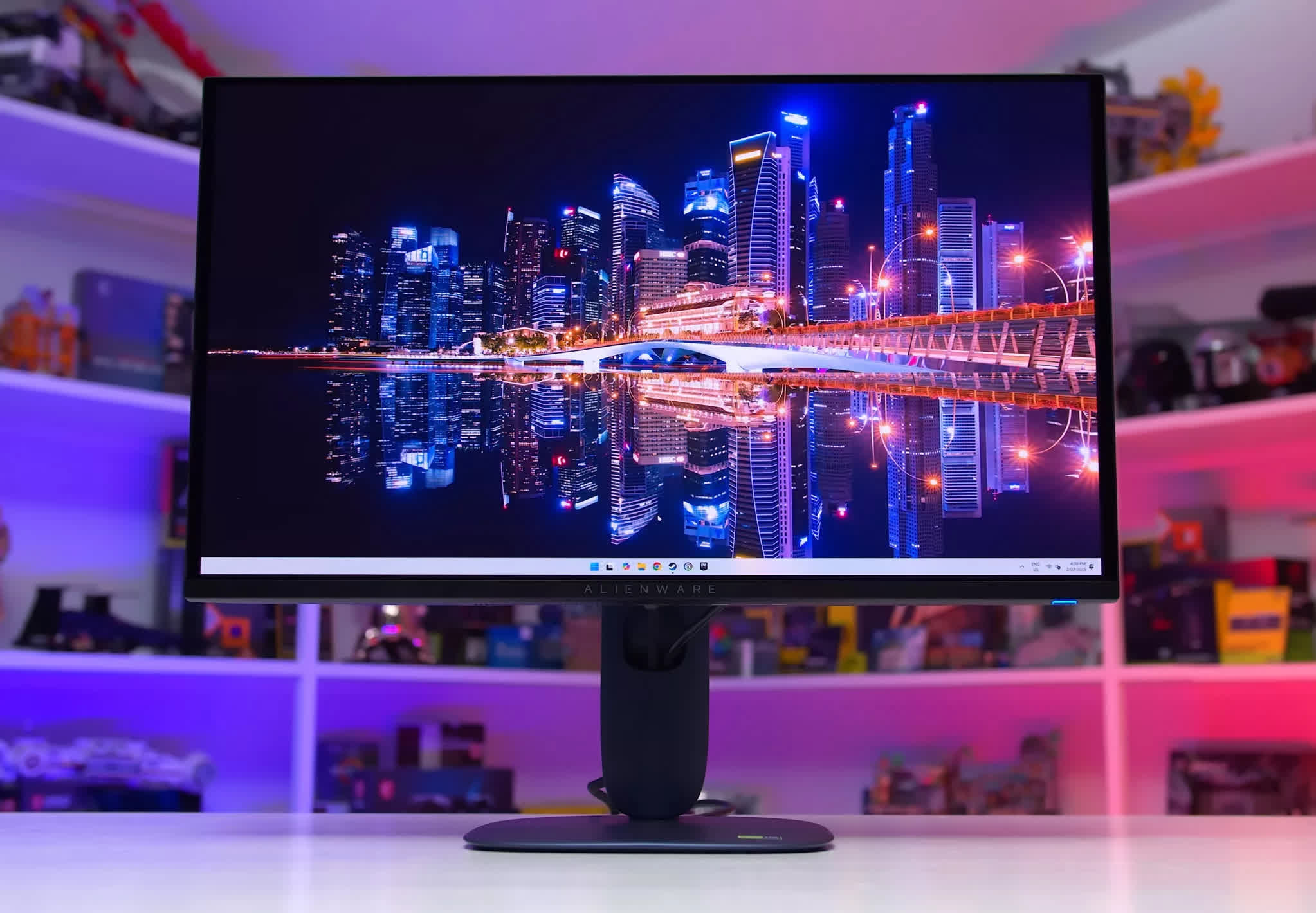
Dell Alienware AW2725Q
One important consideration with OLEDs is the risk of permanent burn-in, their main drawback compared to LCDs. If you primarily use your monitor for gaming, this is unlikely to be a problem. However, if you plan to use it extensively for desktop applications or productivity work, it may not be the ideal choice.
Best Portable Monitors
Espresso Pro 15" | NexiGo NG17FGQ

Espresso shrank its pro-grade 17-inch portable into a 15.6-inch slab that still pushes full 3840 x 2160 resolution, 10-bit color, and 100% Adobe RGB. A laminated IPS screen hits an unusually bright 550 nits, so while it lacks HDR, you can grade photos in sunlight, then make edits with the optional pen thanks to 10-point touch support.
All that glass and aluminium weighs just 1.7 pounds and measures 0.35-inches thick, meaning it slides into the same slot as most 14-inch laptops without a bulging sleeve.
Two USB-C ports handle power and DisplayPort Alt Mode, so one cable from your MacBook, Surface, or even an iPad drives the panel and reclaims your second port. The magnet-clad Stand+ snaps on in seconds and lets you float the screen above or beside your laptop in portrait or landscape – much tidier than the kick-stand plates that many similar products rely on.

At $699, the 15 Pro costs as much as some 27-inch desktop 4K monitors, and the tiny down-firing speakers are almost phone-like, so keep earbuds handy. Still, if you crave a color-accurate 4K canvas that travels light and sets up faster than an airline tray table, nothing can match this one.
Our Previous Pick is Still Great
Nexigo NG17FGQ
For gamers looking for something light that can be hooked up to your laptop or tablet on the go, check out the Nexigo NG17FGQ. This 17.3-inch portable monitor is designed for those seeking high performance on the go, featuring a full HD IPS panel and delivering crisp visuals with excellent color accuracy.
The standout feature is the incredible 300Hz refresh rate, combined with a fast 3ms response time. Brightness peaks at 300 cd/m², which is decent but might not suffice for outdoor use. The monitor also covers over 100% of the sRGB color gamut and around 77% of the DCI-P3 spectrum.
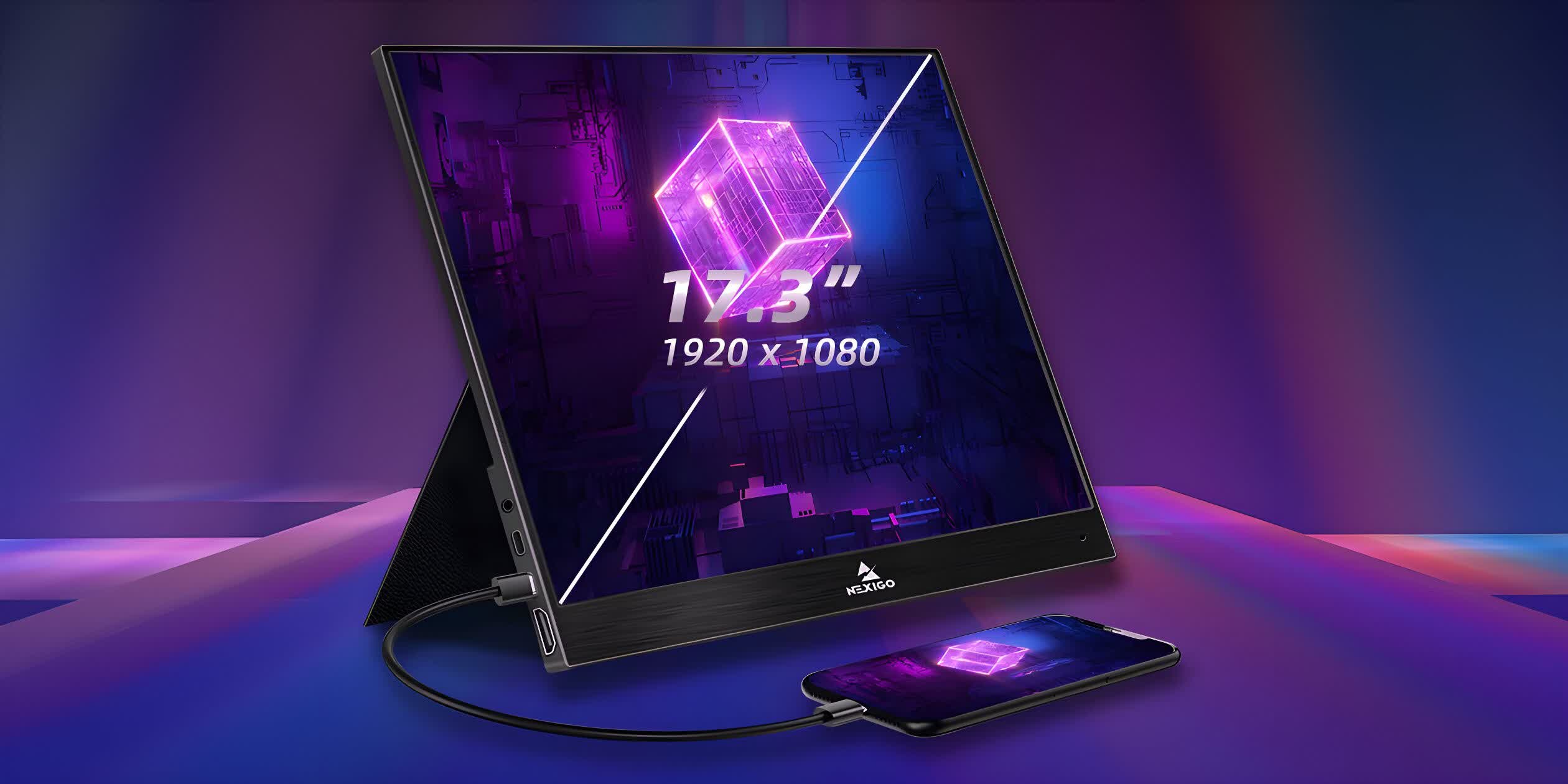
A key advantage of the NG17FGQ is its versatile connectivity, including two USB-C ports and one HDMI port. The HDMI port supports up to 240Hz, while the full 300Hz refresh rate can be achieved through a USB-C connection. It also includes a USB-A port for charging other devices.
The design is sleek and portable, featuring a brushed aluminum frame and a rigid folding cover that doubles as a stand. The monitor also includes small built-in speakers and a 3.5mm headphone jack.
While the NexiGo is priced at a premium ($449), it offers good value with its high refresh rate and gaming capabilities. Some minor drawbacks include the lack of built-in overdrive settings and the reliance on a handheld remote for navigating the OSD, which can be cumbersome. Additionally, it doesn't officially support G-Sync, though it still performs well without screen tearing.
Lenovo ThinkVision M14e
The Lenovo ThinkVision M14 was another previous winner of this category, and it remains a good alternative for those looking for a portable and affordable display at $275.
Packing a 14" 1080p 60Hz screen, the M14 is bright, with reasonable viewing angles and crisp text display. It uses an IPS panel, so it doesn't have a high contrast ratio and it's not ideal for darkened rooms. With a screen brightness of 250 nits, it handles reflections and glare well, though it's not suitable for outdoor use.

In terms of connectivity, there are just two USB Type-C ports. Unless you have a laptop or tablet that features DisplayPort Alt Mode, then you'll need to use one of them to power up the M14. However, it does offer charging pass-through, so it's possible to charge the device that the monitor is displaying.
With calibration, the M14's color accuracy is good for a monitor of this type, but even the default settings are perfectly acceptable.
Best Budget Monitors
MSI MAG 275QF | Dell S2722QC 27

Value-oriented 1440p IPS LCDs are currently selling for $150 to $200, which means you pay roughly 25 to 50% more than low-end 1080p options. For that extra cost, you get a larger screen – 27 inches vs. 24 inches – which is far better for productivity and gaming, along with a higher resolution and significantly better pixel density. That combination results in a much more capable product. At this price, the trade-off is fair: a 25 percent increase in screen size and an 80 percent increase in pixel count.
There are many good options in the segment, but we'll mention some monitors that consistently offer the best value... one such standout is the MSI MAG 275QF.
While its build is basic and the fixed-height stand is subpar, the panel performs well. It's a no-frills experience with an sRGB-only color gamut, but it delivers strong color accuracy, a 180Hz refresh rate, decent response time tuning through the mid-range, wide viewing angles, and overall solid IPS performance. Priced between $180 and $200, it offers excellent value – and is often even more affordable in markets outside the US.
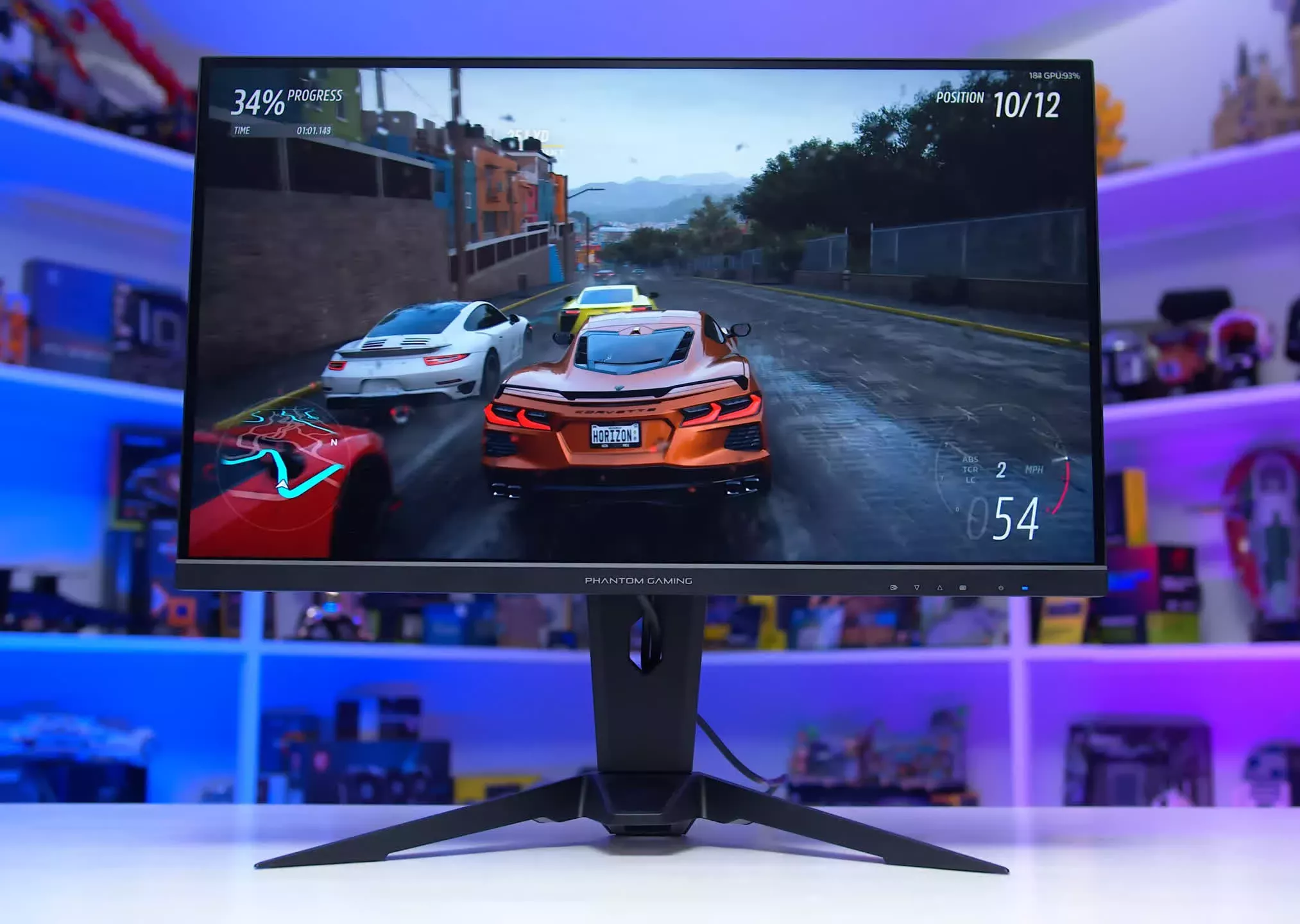
Asrock PG27QFT2A
We also like the Asrock PG27QFT2A, which features a similar 1440p 180Hz IPS panel. It's not as well-tuned as the MSI model, but it tends to be as affordable and includes a height-adjustable stand.
Another option that occasionally delivers excellent value is the Asus ROG Strix XG27ACS. Normally, it's too expensive for this category – a 27-inch 1440p 180Hz IPS LCD with variable overdrive priced near $300 isn't competitive, especially when you could get an HDR-capable or 4K monitor instead.
However, we've seen it drop to around $200 on rare occasions, and at that price, it's a top-tier pick. It's the best-performing 1440p 180Hz LCD we've tested in terms of response times, and other aspects of the display are also excellent. If it hits that price point, it's absolutely worth considering.
LG 27GL850
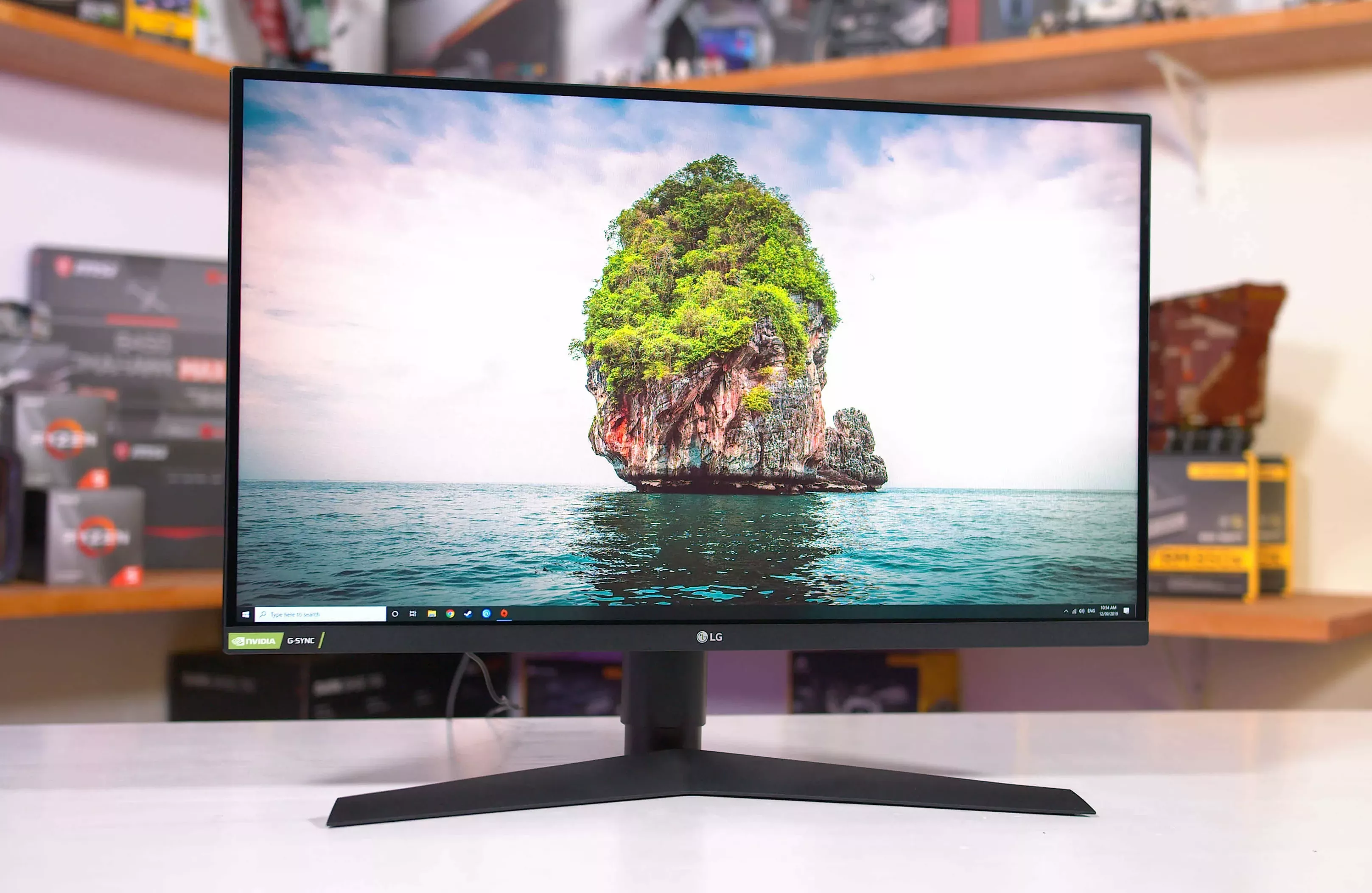
LG also tends to be competitive in this space with several variants like the 27GL83A, 27GL850, 27GP850, and 27GP82B. These are iterations of a similar platform, and while each has slight differences, they're all solid choices – especially when priced below $200.
At those prices, you're essentially getting a premium monitor from a few years ago at a big discount.
What we find harder to justify are 1440p 180Hz-ish LCDs priced above $250. At that point, you're encroaching on higher-end territory. For around $300, you could get the Gigabyte M27UP 4K monitor, multiple 240Hz models, or HDR-capable options. At that price, a standard 1440p 180Hz IPS just doesn't offer enough to stand out.
For 4K Work and Productivity
Dell's S2722QC
You can grab a sharp 4K screen for wallet-friendly money these days, and Dell's S2722QC shows just how much you can get for well under $400. Sitting around $325-$360 on Amazon, it falls into the budget slot while adding a few quality-of-life extras you don't normally see at this end of the chart.
This 27-inch IPS panel is aimed squarely at desk work: 163 ppi text clarity, factory-quoted 99% sRGB coverage, and a healthy 350-nit SDR peak keep spreadsheets, code windows, and photos looking crisp in normal lighting.
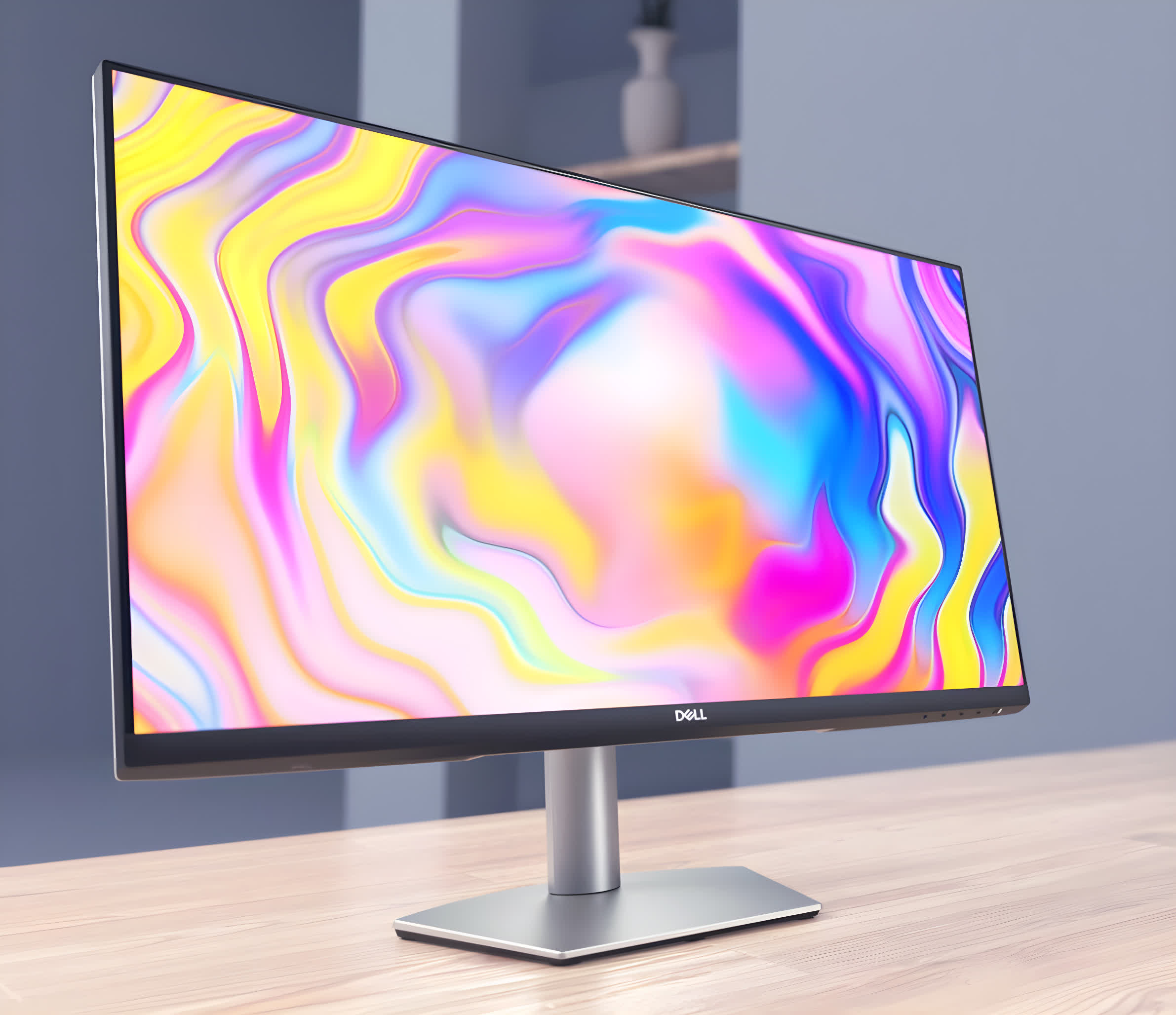
A single USB-C port carries up to 65W of power delivery, turning the monitor into a one-cable dock for most laptops and adding two downstream USB-A ports for peripherals. Ergonomics are also a step up from most bargain 4K options, with height, swivel, pivot and tilt all on the menu.
Like most IPS budget panels, the S2722QC tops out at 60Hz and only manages a typical 1,000:1 contrast ratio, so blacks look grayish in a dark room. And while Dell advertises HDR10 signal handling, the lack of local dimming or wide-gamut coverage means you won't mistake this for a true HDR display.
Still, if you're after an affordable 4K workhorse that tidies your desk with one USB-C cable – and you can live without high-refresh gaming or inky-black shadows – the Dell S2722QC punches well above its price bracket.