

HWiNFO64 offers comprehensive, real-time data on every component in your PC, including CPU, GPU, motherboard, RAM, drives, sensors, and more. With highly detailed reports, customizable alerts, and extensive logging features, HWiNFO64 is trusted by enthusiasts, system integrators, and IT professionals alike.
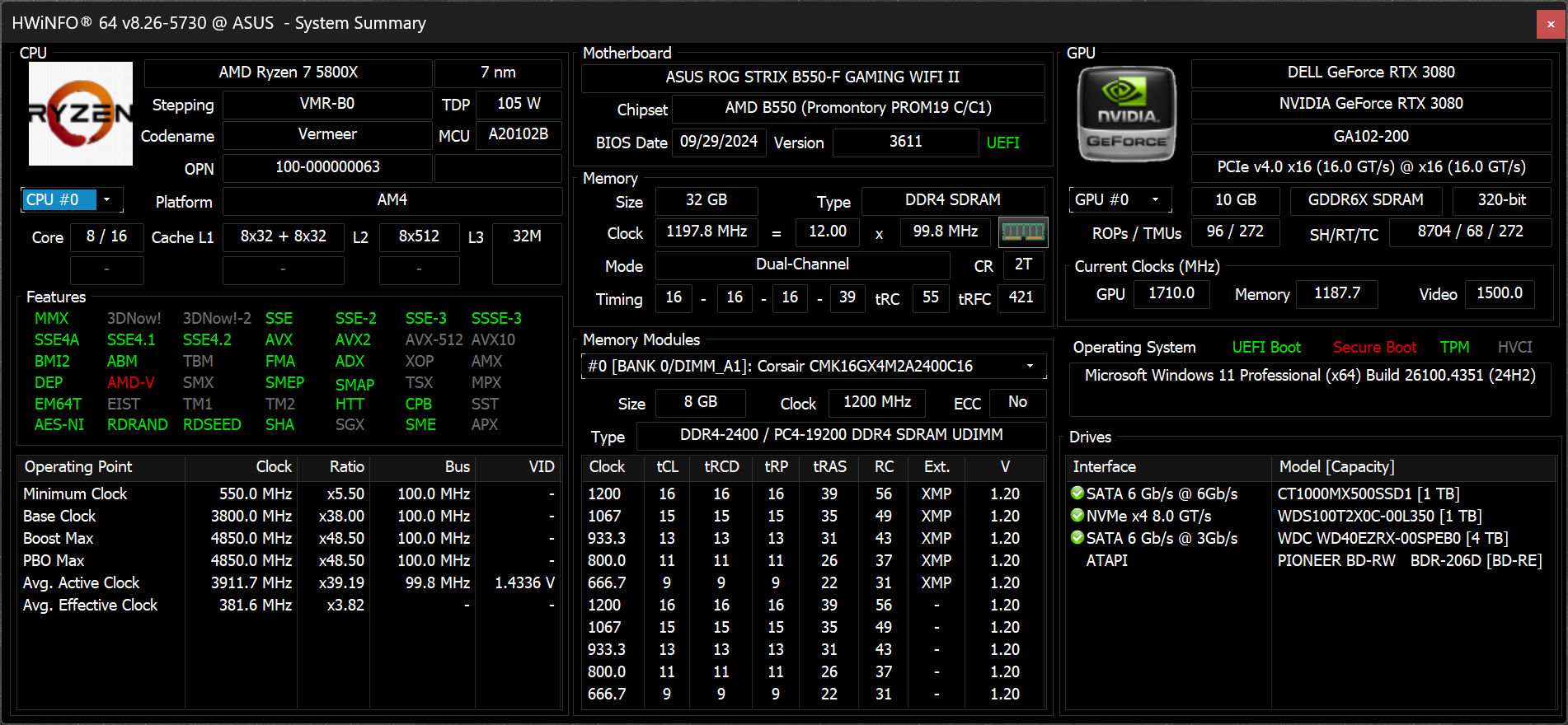
Whether you're benchmarking, overclocking, or ensuring system stability, HWiNFO64 delivers accurate and up-to-date hardware insights in a clean, configurable interface.
Which values should I monitor when using HWiNFO64?
The most useful readings to track are CPU core temperatures, CPU package temperature, GPU temperature, VRM temperatures, and key voltages. For AMD CPUs, Tdie or Tctl is commonly used; for Intel, the highest core temperature is important. The "Sensors only" mode gives a focused view, and enabling logging helps track performance or diagnose issues over time.
Is HWiNFO CPU and GPU temperature accurate?
Yes, HWiNFO data is reliable and accurate and will inform you about everything it possibly can about your computer. The information is split in 3 windows: a system summary, a full report, and active sensor readings.
Can HWiNFO64 show VRM temperatures?
Yes, HWiNFO64 can monitor VRM temperatures if your motherboard provides access to that data. VRM temperatures often appear labeled as "VRM" or "MOS" in the sensors list. If no such label appears, it's likely your motherboard doesn't include a sensor for that component.
Can HWiNFO control fans?
Technically, yes, HWiNFO shows you real-time data on hardware components and allows you to manually control fan speeds. However, you must use this feature carefully. HWiNFO was primarily designed to show system information. If you're looking to control CPU and GPU fan speeds you should take a look at SpeedFan or FanControl, which are specialized tools, both are free and have been tested extensively.
Is HWiNFO compatible with Windows 7?
Yes, HWiNFO is compatible with Windows 7. Depending on your OS, you should choose the corresponding HWiNFO version. HWiNFO32 is compatible with Windows 95 32-bit and later, HWiNFO64 is compatible with Windows XP 64-bit and later. There is also a DOS compatible version.
Features
Comprehensive Hardware Information
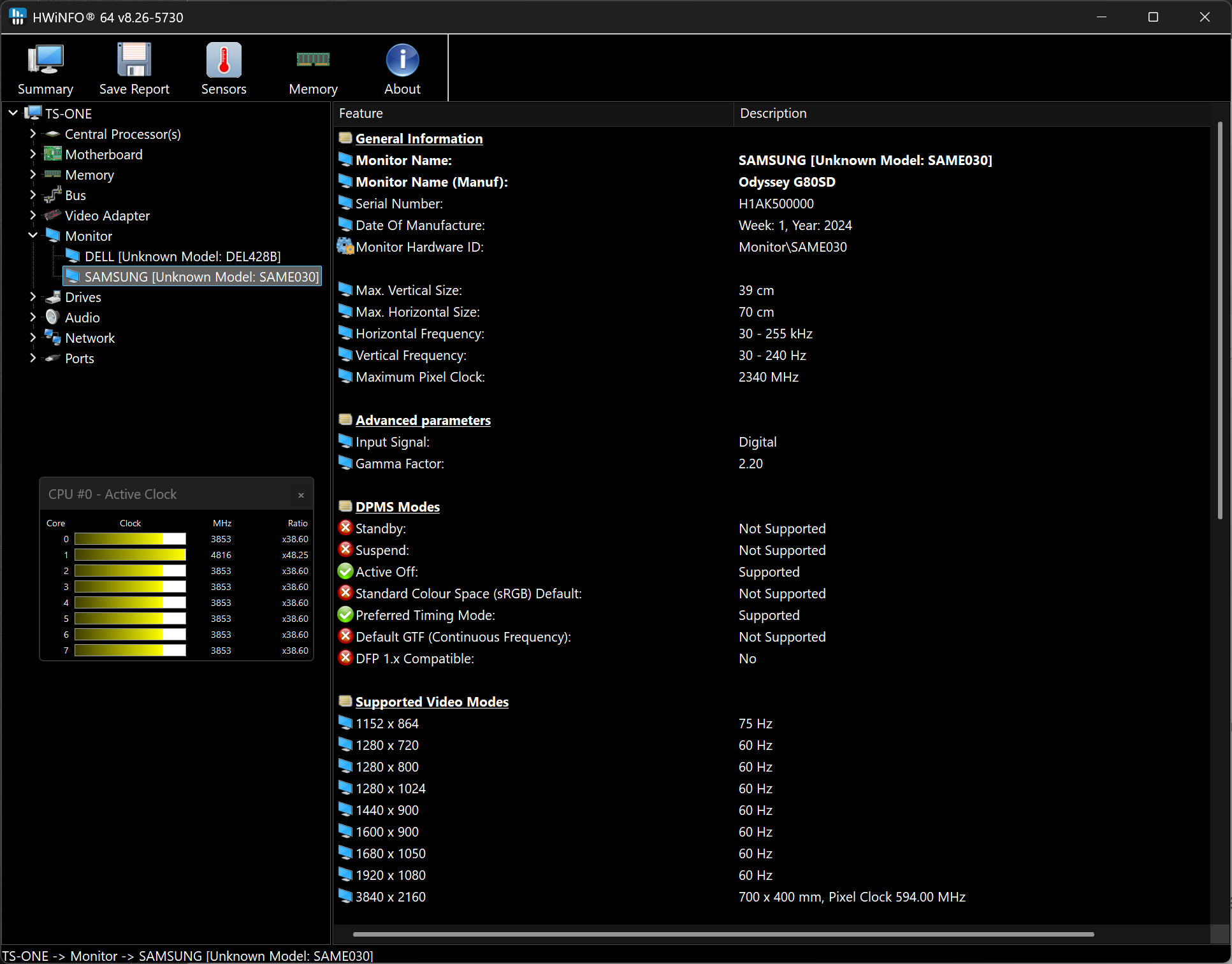
Exhausting information about hardware components displayed in hierarchy unfolding into deep details. Useful for obtaining a detailed hardware inventory report or checking of various hardware-related parameters.
System Health Monitoring
Real-time monitoring of a variety of system and hardware parameters covering CPUs, GPUs, mainboards, drives, peripherals, etc. Useful for detection of overheating, overload, performance loss or failure prediction.
Extensive Reporting
Full hardware hierarchy, or quick summary overview. Export into XML, CSV, HTML reports. System monitoring in customizable tables, graphs, tray icons, OSD.
Alerting and Extensions
Customizable alerts on any parameter monitored with user-defined actions. Interfacing with other applications and 3rd-party extensions.
What's New
- Added reporting of monitored process name to RTSS sensor title.
- Added workaround for NVML crash during GPU driver update.
- Fixed NZXT Kraken Elite V2 support.
- Fixed reporting of negative temperatures for NVIDIA GPU memory chips.
- Added ability to show multiple values on one line in OSD.
- Fixed reporting of PCH power on Intel Panther Lake and later.
- Added reporting of Fan Duty for Thermal Grizzly WireView Pro II.
- Added options to insert notes into json sensor log.
- Improved Nova Lake QS support and fixed SA VID reporting.
- Enhanced sensor monitoring on ASUS X870 MAX series.
- Fixed a bug in moving sensor item down in the list.
- Added reporting of NVMe power states supported.
- Added reporting of Dolby Vision Support.
- Fixed custom user sensor in HKLM path.
- Fixed access to PCIe extended space on legacy systems (XP).
