

Unlock the full potential of the operating system and control every aspect of the experience in a safe and time-saving manner. You can configure, optimize, clean, repair, and tweak Windows to your preference, having all the settings you need at your fingertips.
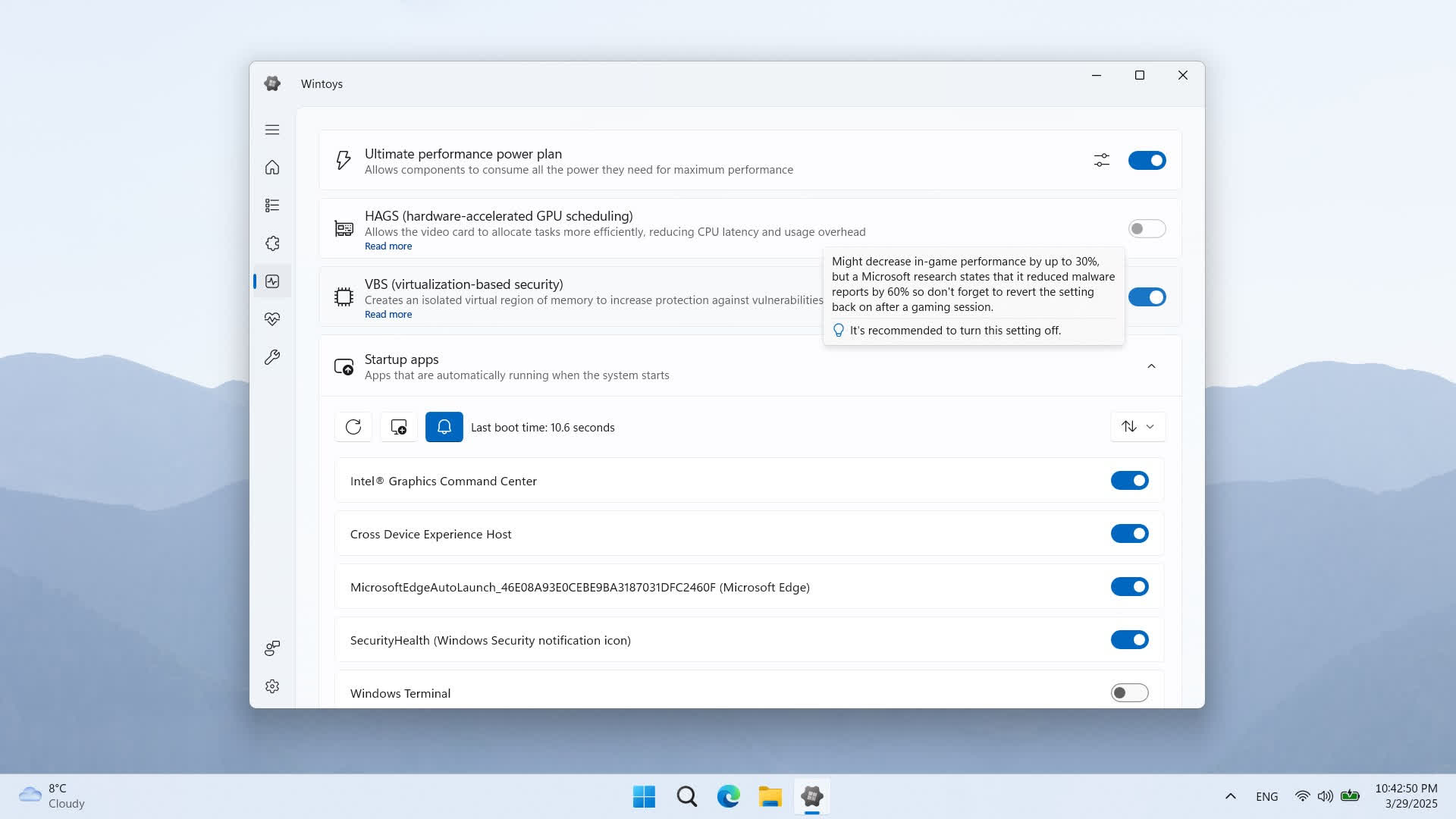
Features
- Speed up your Windows and increase the framerate in certain games just by tweaking some settings.
- Keep your Windows clean and free up your storage using the built-in cleaner feature.
- Run the most advanced repair tools available in Windows in a few clicks. Bye bye terminal!
- Take control over ads and privacy related settings.
- Personalize your desktop and learn cool new features that are worth using in Windows.
- Uninstall any app, even those apps that don't have an uninstall option in Windows.
- Find out which services you don't need and safely disable them with only two clicks.
What's New
- Added num lock on by default option under tweaks/system
- Added co-installers option under health page
- Added driver updates option under health page
- Improved welcome screen end presentation flow UX (the button will now be easier to spot)
- A lot of storage cleaner improvements like support for all browser release channels (Beta, Dev, Canary, Nightly, etc.) and new paths and categories to scan for files
- New advanced reset/troubleshoot network dialog that's replacing the flushing DNS one, with multiple options to reset the network
- Added startup items from the Startup folder execution delay option
- Relocated the list of startup applications, will be displayed in a content dialog for a better scrolling experience
- When setting the Windows updating mode to manual, notifications will no longer annoy the user, being fully manual
- Added application window minimum height and width
- Lots of bug fixes and other improvements
- Upgraded to .NET 9 and Windows App SDK 1.7
- Designed a new logo, with colors dinamically adapting to your theme (light or dark)
- Revamped the welcome experience (it's now fullscreen and includes a shortcut for system restore)
- Added a neat titlebar app icon animation will play when the app opens
- Added system settings restoration: you can now undo all the changes to the state when the app was first opened; even settings changed by the system itself will be detected
- Redesigned sorting and filtering dropdowns across all pages and improved their performance
- Added storage system property on the Home page, with on-hover details about partitions, disk type, disk interface, disk model and disk serial number
- Added uptime system property on the Home page
- Settings that require an explorer.exe restart will no longer automatically restart it, letting you to choose the right moment; you will be informed that a restart is requierd with the Action required button from the bottom left, which once clicked will offer you the option to restart explorer.exe
- Lots of File explorer options, like the classic interface from Windows 10
- Added Digital Markets Act option under Tweaks > System; unlocks exclusive features for EEA (European Economic Area)
- Bug fixes
