

LM Studio supports any GGUF Llama, Mistral, Phi, Gemma, StarCoder, etc model on Hugging Face. LM Studio does not collect data or monitor your actions. Your data stays local on your machine. It's free for personal use. For business use, please get in touch.
With LM Studio, you can:
- Run LLMs on your laptop, entirely offline
- Chat with your local documents (new in 0.3)
- Use models through the in-app Chat UI or an OpenAI compatible local server
- Download any compatible model files from Hugging Face 🤗 repositories
- Discover new & noteworthy LLMs right inside the app's Discover page
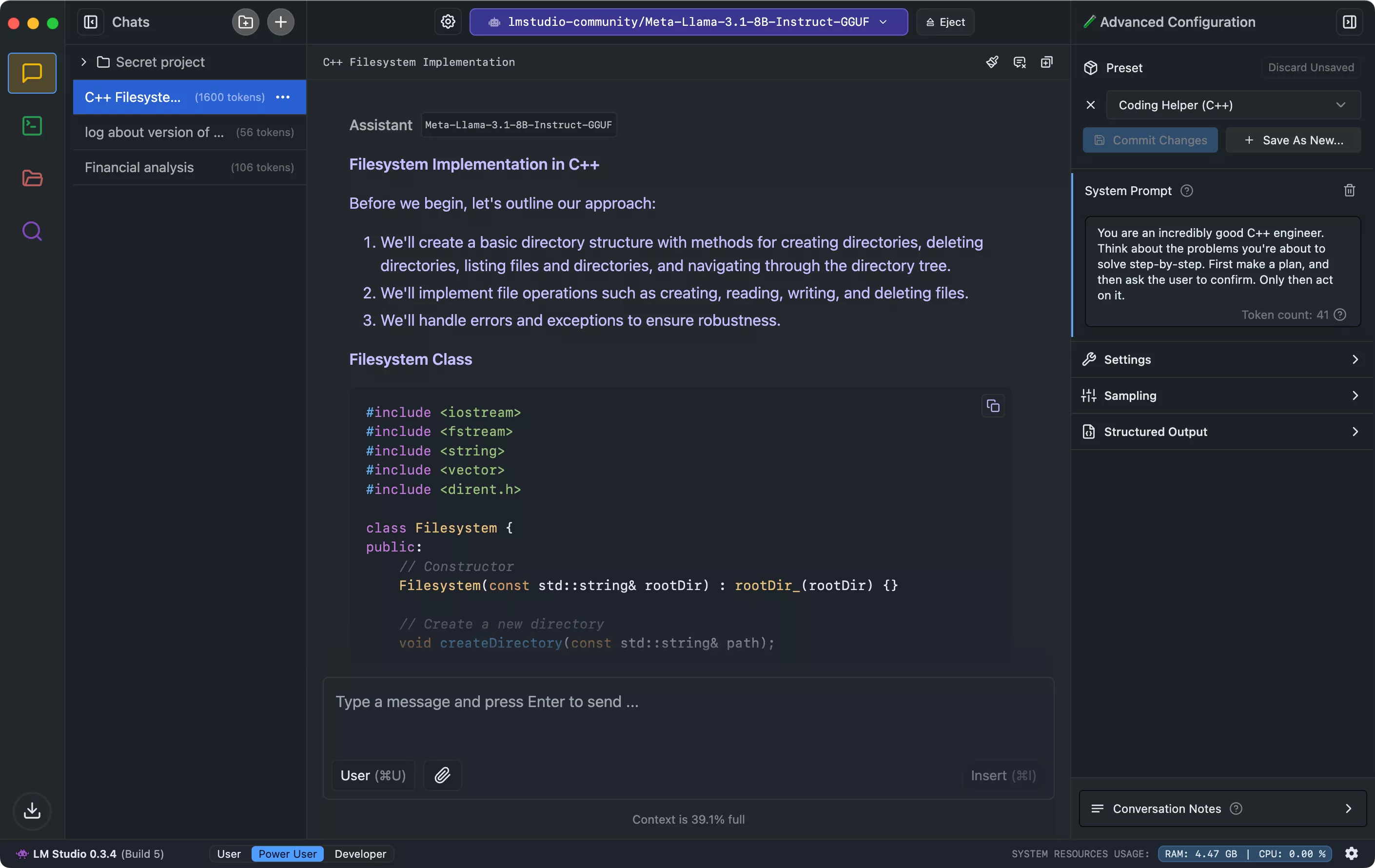
What's New
0.4.24 - Release Notes
Build 1
- [LM Studio Engine Protocol] Added advanced llama.cpp argument overrides for GGUF model loading
- Improve DSpark and DFlash assistant drafters compatibility heuristics
- Fixed the Loaded Instances UI showing an incorrect context length
- Fixed /api/v1/chat splitting text and image inputs into separate user messages
- Improved sign-in reliability
0.4.22 - Release Notes
Build 1
- Support for DFlash, DSpark, and MTP assistant drafters
- Requires llama.cpp engine version 2.29.1 or newer
- Added support for images returned by tools in OpenAI-compatible /v1/responses and /v1/chat/completions, and Anthropic-compatible /v1/messages
- [Linux] Fixed AppImage startup on systems without FUSE 2
- [Linux] Fixed AppImage startup when Chromium sandboxing is unavailable
- [Linux] Fixed lms wake-up for AppImage installations
- [Linux] Fixed desktop icons for .deb installations
- [Linux] Enabled in-app updates for AppImage and .deb installations
- [Linux] Improved recovery after canceling .deb update authorization
- [Linux] Fixed keyboard shortcuts becoming unavailable after window focus changes on Wayland
0.4.21 - Release Notes
Build 2
- Improved llama.cpp model-load error messages
- Update advanced load settings for mmap, mlock, and direct io for llama.cpp engines 2.28.1 and newer.
Build 1
- Support for local server API key in enterprise internal network endpoint mode
0.4.20 - Release Notes
Build 1
- Support for enterprise internal network model endpoint
- Added support for using this device's models in Bionic over LM Link
- [LM Studio Engine Protocol] Added a developer setting to control the Llama.cpp engine log level
0.4.16 - Release Notes
Build 2
- Lm Link no longer requires waitlisting
- Updated default context length to 8k tokens
Build 1
- Introducing Locally, LM Studio's mobile app. Available on iPhone and iPad.
- Use LM Link in Locally to take your largest LM Studio models on the go
- Security hardening
- [GGUF] Fix multi-GPU selection bugs affecting GPU ON/OFF and Priority Order on some CUDA 12, ROCm, and Vulkan setups
Previous Release Notes:
0.4.11 - Release Notes:
- Support for updated Gemma 4 chat template
Previous Release Notes:
LM Studio 0.4.0 highlights include:
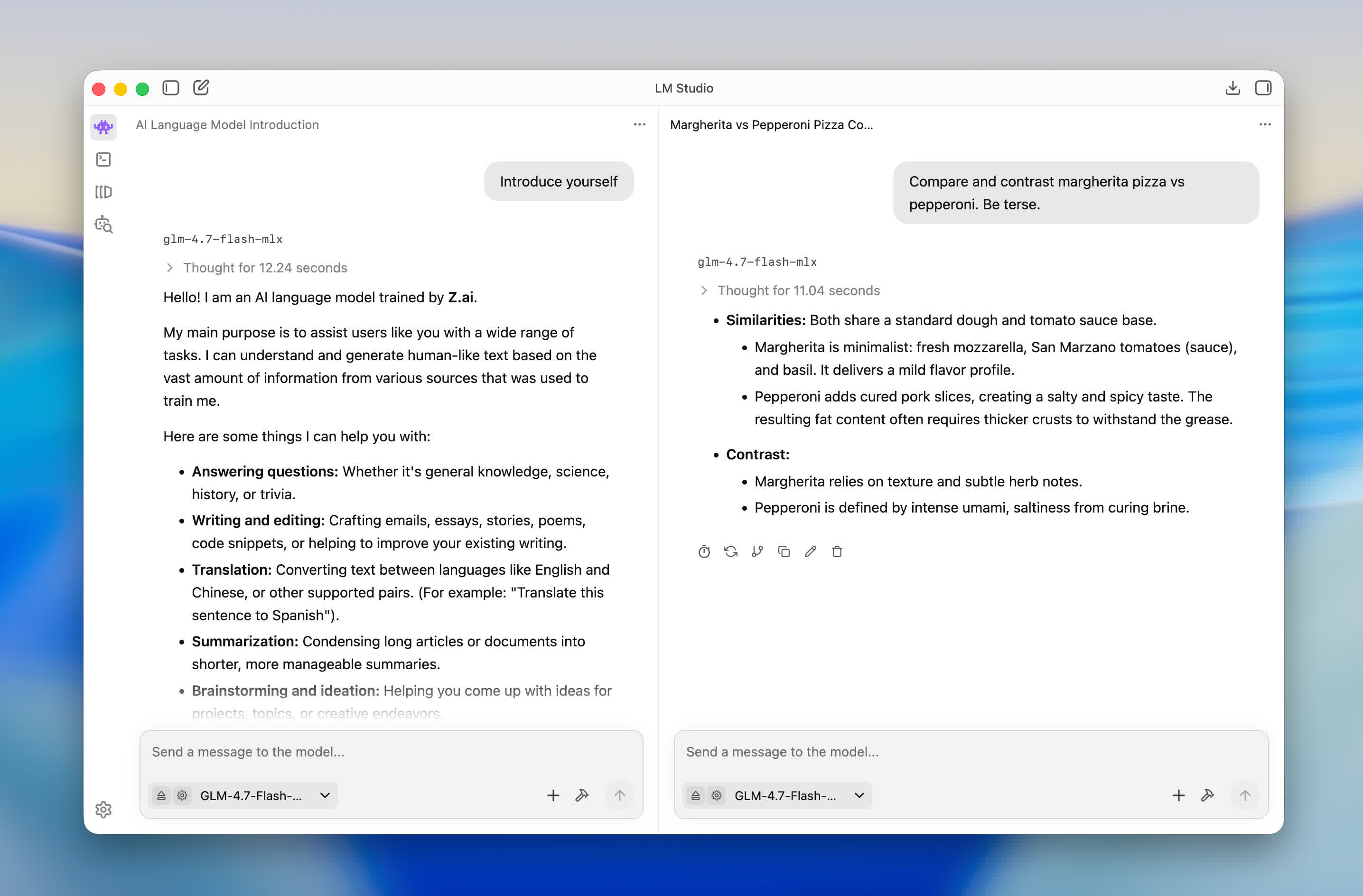
- Deploy LM Studio's core on cloud servers, in CI, or anywhere without GUI.
- Parallel requests to the same model with continuous batching (instead of queueing).
- New stateful REST API endpoint: /v1/chat that allows using local MCPs.
- Refreshed application UI with chat export, split view, developer mode, and in-app docs.
Minimum requirements:
- M1/M2/M3/M4 Mac
- AWindows / Linux PC with a processor that supports AVX2.
Does LM Studio collect any data?
No. One of the main reasons for using a local LLM is privacy, and LM Studio is designed for that. Your data remains private and local to your machine.
Can I use LM Studio at work?
We'd love to enable you. Please fill out the LM Studio @ Work request form and we will get back to you as soon as we can.
