

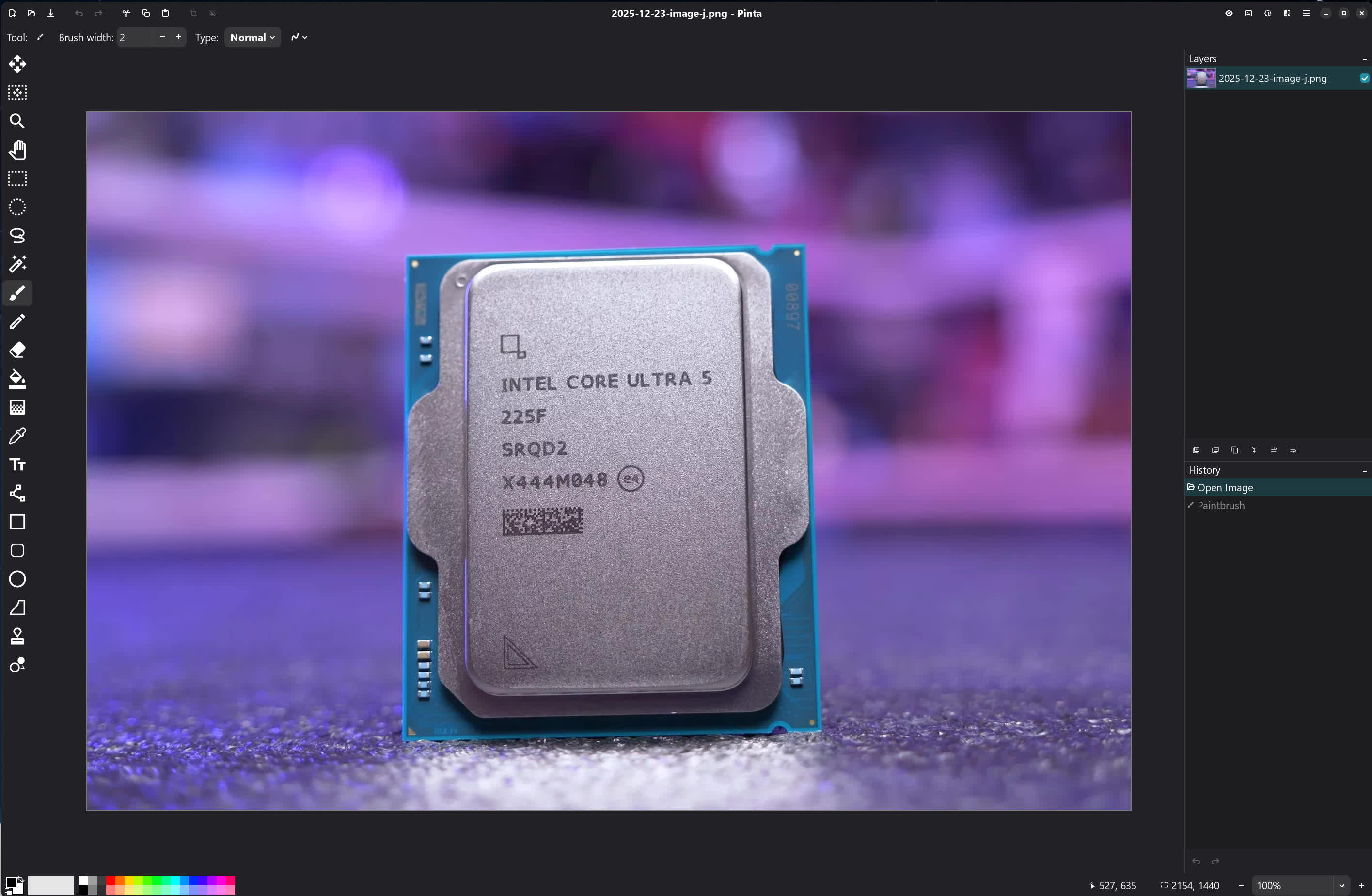
Pinta is a lightweight, open-source image editor, often described as a more capable alternative to Microsoft Paint. It's designed to be simple and fast, but with just enough power for everyday image editing.
Is Pinta free to use?
Yes. Pinta is completely free and open-source. There are no ads, subscriptions, or feature locks, making it a solid option for casual users and classrooms alike.
Can Pinta handle layers and effects?
It can. Pinta supports multiple layers, blending modes, and a selection of common effects such as blur, sharpen, color adjustments, and distortions-enough for most everyday editing tasks.
Who is Pinta best for?
Pinta is ideal for users who want quick image edits, annotations, or simple artwork without learning a complex interface. It's especially well-suited for beginners, students, and anyone who finds full-scale editors overkill.
Do I need a powerful machine to run Pinta?
No. Pinta is lightweight, launches fast, and places minimal demands on RAM or GPU resources. It runs comfortably on older PCs, low-end laptops, school computers, and even virtual machines.
What are good alternatives if I need more advanced tools?
If you want extra features without stepping into full professional territory, Paint.NET is a popular upgrade on Windows. For advanced photo manipulation, compositing, and complex workflows, GIMP or Krita are better suited-though both come with a steeper learning curve.
Features
Smooth Workflow
Life is best lived uncomplicated, and that's the foundation of Pinta's intuitive, streamlined approach to image editing. With a clean, direct approach to visual editing, creating feels seamless and natural.
Work happier, not harder-Pinta's efficient design is perfect for anyone, at any level. New and experienced users alike will love the journey from inception to completion.
Familiar Interface
Jump right in with the tools you know and love. Whether you're using the essentials, like select, crop, rotate or resize, or wielding advanced features like clone, recolor, or magic wand, Pinta just works.
The best tools do just what you need, just how you want-then get out of the way. Pinta lets you focus on creating, staying flexible so you can stay in control.
Quick, powerful effects
With a wide array of effects and adjustments, you can get real results in real-time, thanks to live previews that respond as you make your tweaks.
Step beyond the pixels with a wide array of brilliant effects you can apply on the fly. Bring new life to photos and other images without the hassle of manual transformations.
Unlimited Undo
Missed a step? No problem-Pinta lets you keep moving without hesitation. Just retrace your actions and pick up where you left off.
Whether you're fine-tuning or exploring new ideas, Pinta gives you the freedom to experiment, knowing no mistake is ever permanent.
Adjustments and Effects
Pinta includes over 35 adjustments and effects for tweaking your images.
What's New
This is a bug fix release for Pinta 3.1
Fixed
- Fixed issues with some icons failing to load under certain GTK versions (#2078, #1950)
- Fixed crash when right-clicking on a layer in certain scenarios (#1940)
- Fixed bug with the gradient tool creating unnecessary history items (#2060, #2059)
- Fixed crash when setting gamma to zero in the Levels dialog (#2035, #2041)
- The right click menu for layers now includes options to move the layer up or down in the layer stack (#2004, #2007)
Note: Windows requires .Net 4
