

Neo combines search, chat, and productivity into one seamless experience that feels less like a browser and more like an extension of your mind. Neo is an AI-native companion built to make your browsing smarter, safer, and more productive. It's currently available for macOS and Windows. Mobile apps for iOS and Android are coming soon.
Can I use Chrome extensions with Neo?
Yes. Norton Neo is based on Chromium, so it supports most Chrome-compatible extensions, and you can import bookmarks, passwords, and history from other browsers.
Is Neo free to use?
Yes. Neo is free to download and use with an activation code during early access. Premium features may come later, but the core experience will always remain free.
How does the AI assistant work?
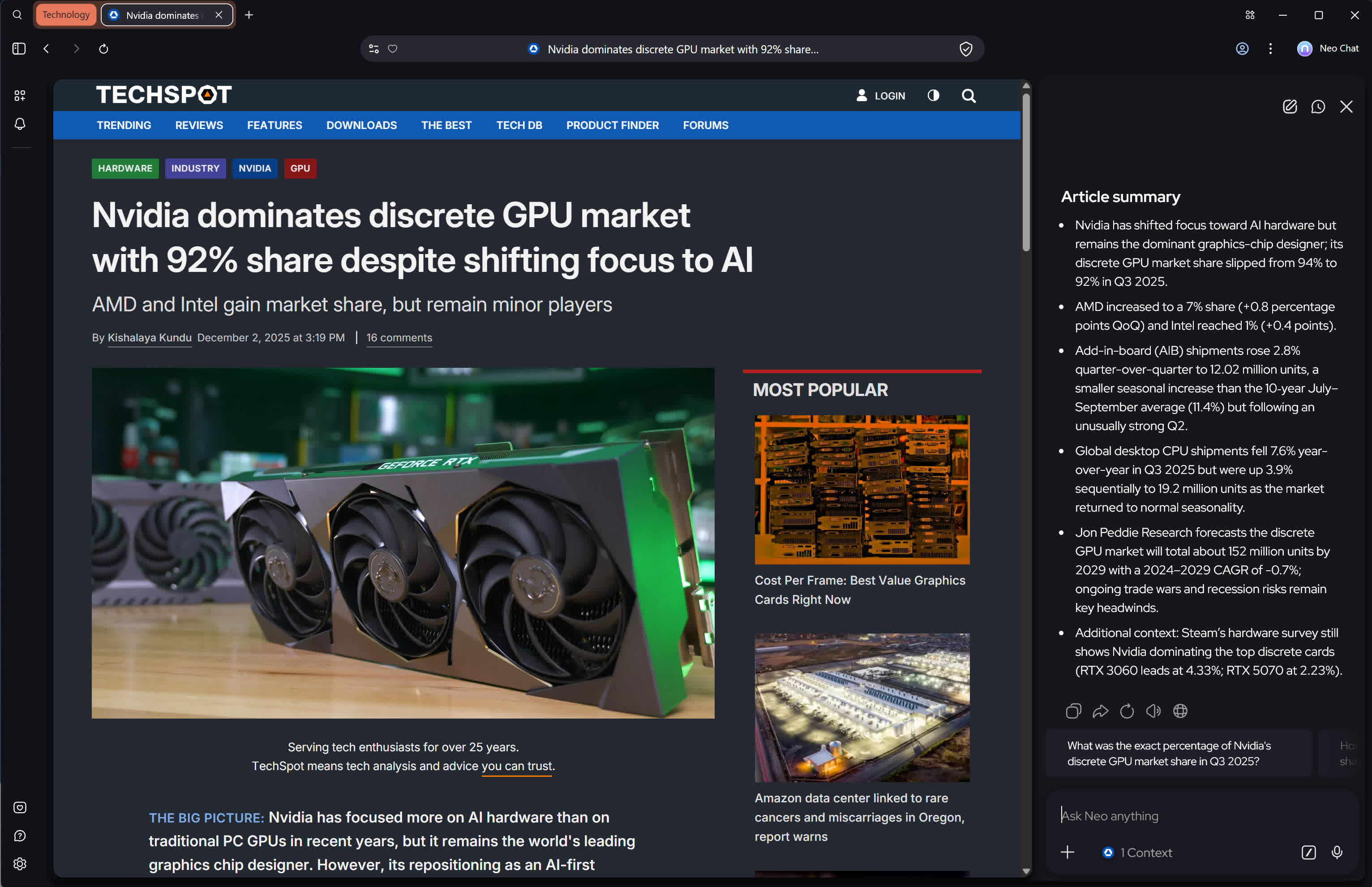
Neo's "Magic Box" lets you use natural language to search, ask questions, or request summaries of pages. It analyses the content you visit and provides quick, context-aware answers directly in the browser.
Is Norton Neo more secure than Chrome or other browsers?
Norton Neo includes Norton's security layers-WebShield, phishing protection, tracker blocking, and ad-blocking-so it provides stronger built-in protection than most default browsers without relying on extra extensions.
Is my data sent to the cloud when using the AI features?
Some AI features may require cloud processing, but according to Norton the browser uses strict privacy controls and does not sell user data. You can manage how much data is shared in the browser's privacy settings.
Features
Private by Design
Real security, not slogans. Norton WebShield and built-in ad blocking ship on day one. Configurable Memory lets you decide what to keep. Your personalized feed and reminders run locally, not from a cloud profile.
Local-First Hybrid AI
Neo runs AI on your device whenever possible-faster, safer, and private by default. Cloud processing happens only when you choose, keeping control in your hands.
Proactive, Context-Aware Support
Neo reads the moment and responds intelligently. It summarizes, fetches context, and organizes your workspace without interrupting your flow.
AI Built In, Not Bolted On
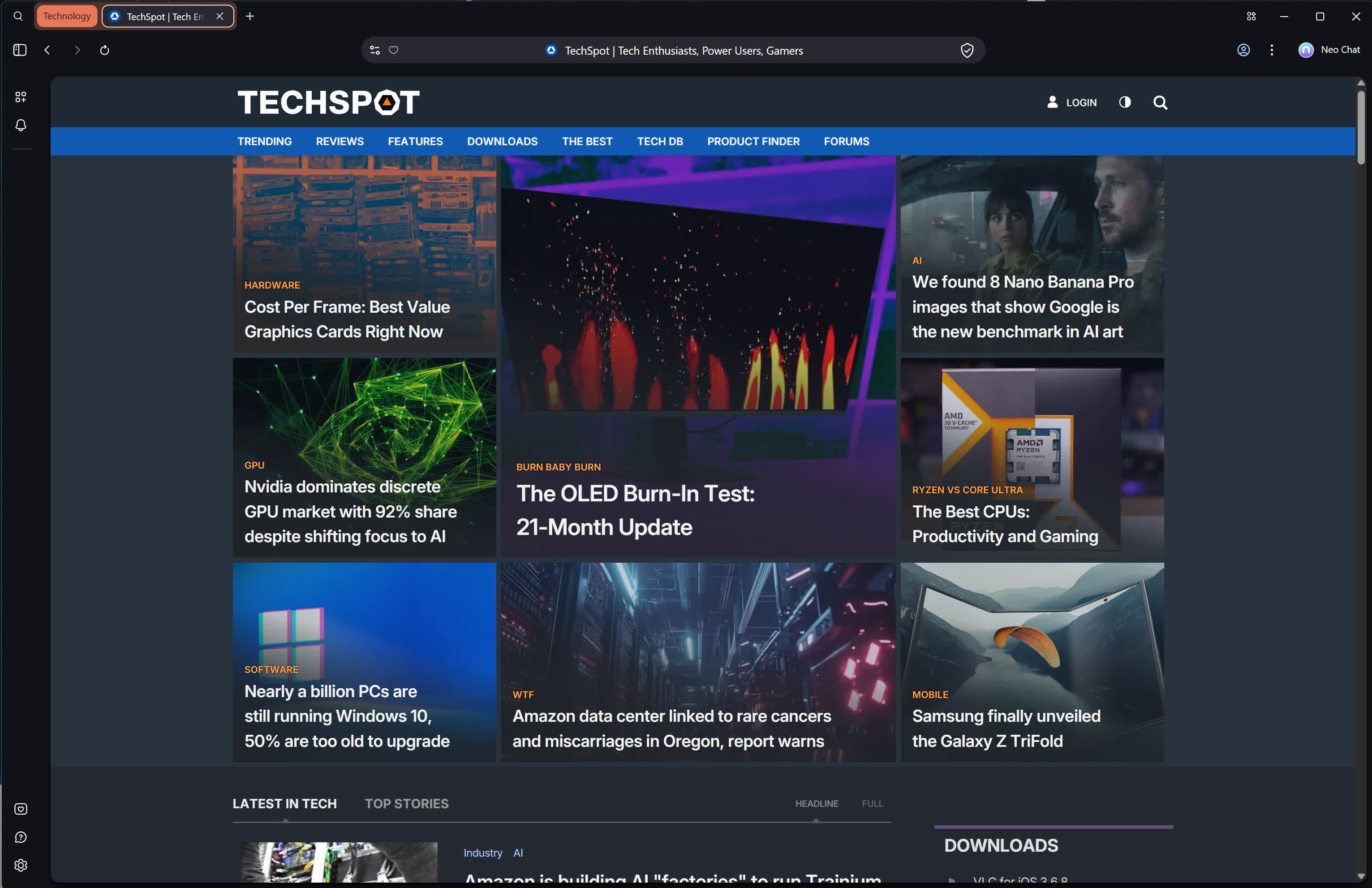
Magic Box unifies search, chat, navigation, and actions in one input. The AI Side Panel understands the page you're on. Typing Assistant helps wherever you write. Peek & Summary lets you preview before you click.
Outcomes Without Prompts
One-click actions like Summarize, Extract, or Draft get things done instantly. Neo moves you from idea to result with fewer steps and zero prompt fatigue.
Productivity-First Workspace
Smart Tab Grouping keeps your browser organized by task and topic. Direct Navigation and Quick Access jump straight to what matters so you stay focused on creating, not managing.
