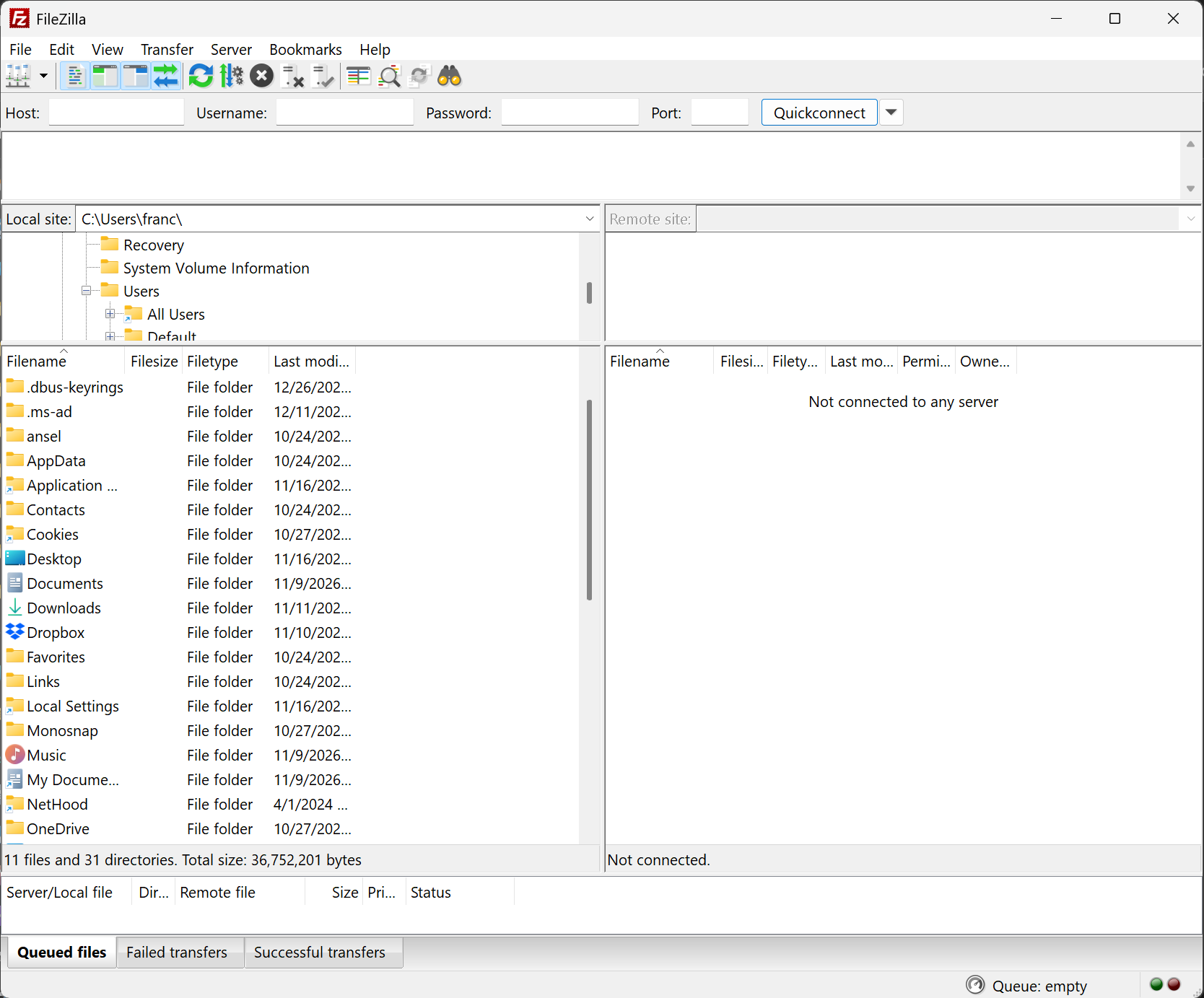
FileZilla is a small but powerful FTP client with many features. it includes a site manager to store all your connection details and logins as well as an Explorer style interface that shows the local and remote folders and can be customized independently.
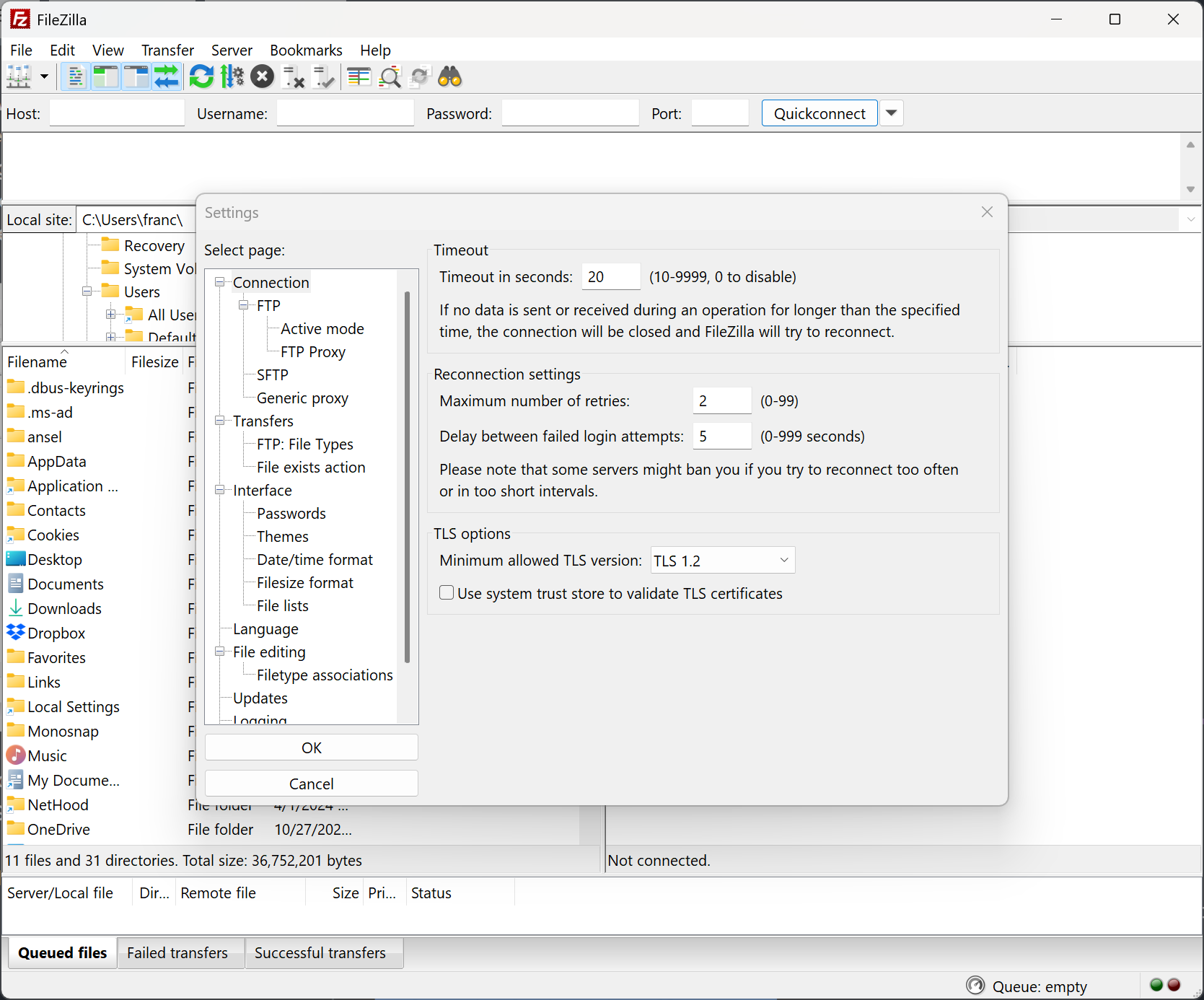
The program offers support for firewalls and proxy connections as well as SSL and Kerberos GSS security.
Additional features include keep alive, auto ascii/binary transfer and more. A nice program for beginners and advanced user alike.
Features
- Easy to use
- Supports FTP, FTP over SSL/TLS (FTPS) and SSH File Transfer Protocol (SFTP)
- Cross-platform. Runs on Windows, Linux, *BSD, macOS and more
- IPv6 support
- Available in many languages
- Supports resume and transfer of large files >4GB
- Tabbed user interface
- Powerful Site Manager and transfer queue
- Bookmarks
- Drag & drop support
- Configurable transfer speed limits
- Filename filters
- Directory comparison
- Network configuration wizard
- Remote file editing
- Keep-alive
- HTTP/1.1, SOCKS5 and FTP-Proxy support
- Logging to file
- Synchronized directory browsing
- Remote file search
You can download the Filezilla source code here.
What's New
- macOS: Fixed a regression in toolbar sizing with certain screen resolutions
- Updated to libfilezilla 0.59.0 and fzssh 1.5.2
- Fixed various crashes
- FTP over TLS: Add strict PROT P requirement, disconnect if input buffer is non-empty after AUTH
- MSW: File editing now disallows setting direct associations to cmd.exe and powershell.exe
- FTP: If the experimental "Strip VMS revisions" is set in filezilla.xml, filenames were not correctly sanitized when connecting to FTP servers configured with server type VMS in the Site Manager
- FTP: Passive mode data connections are now always established to the same IP address as the control connection, this can be reverted to previous behavior in the Site Manager on a per-site basis