Sign up for a new account or log in here:
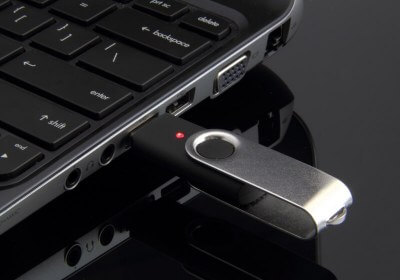
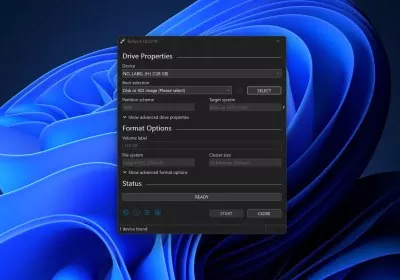
Back when the Windows 8 Consumer Preview hit the Web, we offered a basic guide on configuring a virtual machine. With Windows 8's Release Preview available and the final version inching toward completion, we figure it's a great time to offer a similarly easy step-by-step walkthrough on installing Windows 8 with a USB drive.
If you're familiar with the process, there isn't much for you to see here, but this should serve as a quick confidence booster for anyone who hasn't installed an operating system recently.
| Trending | Featured |
Get free exclusive content, learn about new features and breaking tech news.
TechSpot on: