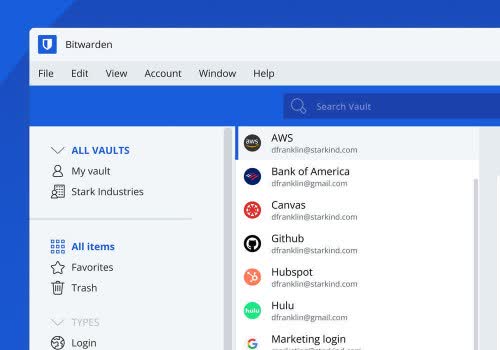
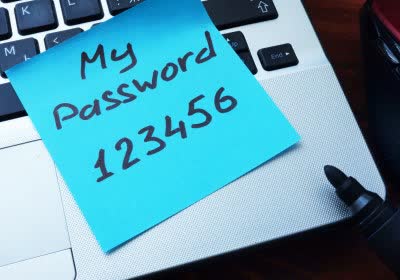
Stop juggling weak or repeated passwords. Our favorite password manager Bitwarden makes life simpler and safer to store your logins and auto-fill them across sites. Bitwarden is open-source and offers a generous free account. Check out more in our essential apps feature.
1Password will now allow users to register and sign in with passkeys in your desktop browser and on iOS 17. Use passkeys to sign in to compatible websites, including Amazon, Google, Microsoft and more.
KeePassXC is a secure and open-source password manager for desktop operating systems. Its latest release fixes macOS issues and improves some UI elements. It comes highly recommended for cloud-free password storage.
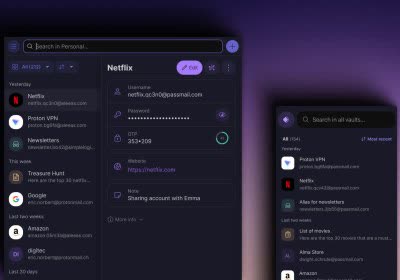
Proton Pass is end-to-end encrypted for everything you store in the app. The free plan also includes a "hide-my-email" feature for when you sign up for online accounts.
Dashlane saves, encrypts and stores your vault in the cloud letting you access your vault from any device. On its free plan you can store an unlimited number of passwords and other sensitive data.
PSA: Hackers can steal your username and password for a website using an embedded iframe. It's a weakness for all password managers, and most have addressed the flaw in various ways, including issuing warnings when users are on a login page with an iframe or not trusting subdomains. Bitwarden is the sole exception, having determined in 2018 that the threat was not significant enough to address.