It's an issue that has been very frustrating for users
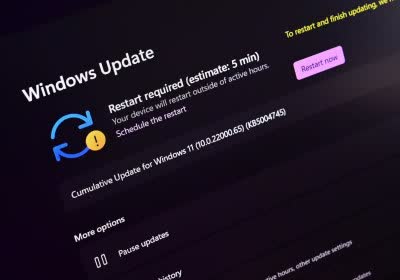
In brief: Microsoft's latest update to Windows 11, version 24H2, began rolling out earlier this month. Chief among the improvements is a speedier update process. The new version is a significant step forward in the Redmond firm's ongoing efforts to improve the Windows experience as slow updates have long been a source of frustration among users.
Microsoft hasn't spotted an attack in the wild yet, but it will take time to develop a mitigation
What just happened? Another day, another security flaw discovered in Microsoft Windows. The latest arrives courtesy of research presented at the Black Hat security conference, which revealed a design flaw in the Windows Update architecture that allows critical OS components to be downgraded by manipulating the update process.
Users using BitLocker encryption should keep their recovery keys handy
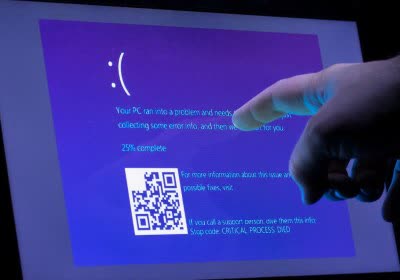
Facepalm: Windows users who have encrypted their PCs with BitLocker might have trouble rebooting after installing a July OS update. Microsoft instructs those impacted to refer to the standard BitLocker recovery procedure. The issue is one of many that have hit the operating system in recent weeks, including the CrowdStrike disaster that caused BSODs across the globe.
It also should improve security since many users tend to delay patches because they must reboot
Something to look forward to: Already available in Xbox, hot patching would theoretically delight gamers – if it didn't require virtualization-based security to be turned on thus eroding performance. But many other Windows 11 users should be thrilled not to have to reboot every time there is a security update.
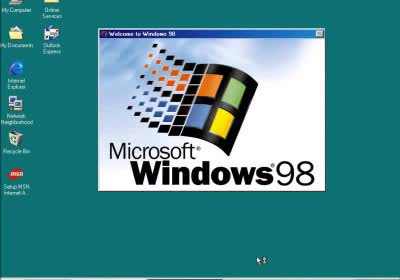
In a nutshell: Retro computing enthusiasts recently launched a new site that restores update functionality to classic versions of Microsoft Windows operating systems, allowing users to update dated OSes like they used to back in the day from the Windows Update website.
22H2 is the final version of Windows 10, support ends October 2025
Bottom line: Windows 10 hasn't received significant new features in a while since Microsoft pivoted to Windows 11, but the company has now confirmed it ceased developing major updates for the older operating system. The shift comes despite Windows 11's struggles to overtake its predecessor in user adoption.