|
1GB PC 4000 DDR -
$125
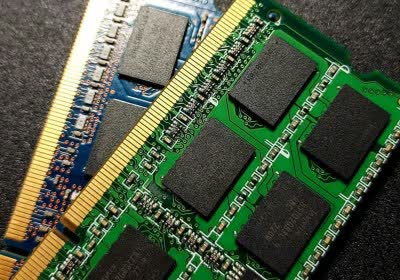
One of the simplest ways to ensure your computer runs buttery smooth is loading it up with plenty of memory. Since this computer will be used for multimedia and gaming, the recommendation is no less than 1GB of memory. If you aren’t interested in hitting the 2000MHz FSB mark, PC3200 DDR will work just as well for you at 1600MHz and you’ll save a little extra cash. As always, quality memory (Crucial, Corsair, OCZ and so on) is important to avoid complications, but often times you can get by with the cheap stuff too. If you are overclocking – you know the drill – Get the good stuff!
Samsung SyncMaster 940B -
$375
I love this LCD and I think you will too. Being an onsite technician, I get to work with a lot of different equipment and sit down in front of many types of displays. When I saw this display and asked about the price, I knew it would fit perfectly into this article. It isn’t the fanciest looker, but the image is brilliant and rich and that’s what really counts here. The 8ms response time ensures ghost-free gaming and it is also 19”, which is a great size for any multimedia computer. The specs include 1280x1024 SXGA resolution, 700:1 contrast ratio and 300 cd/m2 brightness.
Creative Labs
Audigy 2 Value -
$35
The Audigy 2 Value is just that – A great value. It features virtually the same performance and sound as its more expensive brother, but at a much lower cost. Keep in mind that any system board you buy these days will come with onboard sound, and if audio performance and quality isn’t a big deal to you, this card is optional. The Audigy 2 Value will be a good choice if you are a gamer (compatibility, spatial sound and less CPU overhead) or into multimedia.
Speakers
Logitech X-230 2.1 -
$30
or
Logitech
X-530 5.1 -
$50
When it comes to speakers for our mid-level guide, I think these two choices cover the bases pretty well. Both the Logitech X-230 and X-530 are great sounding speakers, despite their low cost. The X-230 is a 2.1 system for stereo sound and the 530 is a 5.1 system for those of you looking for more spatial depth. They also look as nice as they sound and compliment our system very well. If you’re sticking with onboard sound, then you can easily settle for a more basic set of speakers for $10-20.
Western Digital Caviar 250GB SE16 -
$120
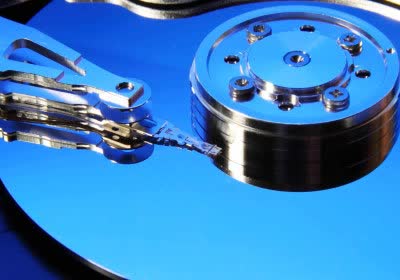
We have so many options when it comes to drive configurations since RAID & SATA have become standard, but a single drive will work very well for our mid-range system. The WD 250GB Caviar provides plenty of space and some top-end performance from a 7200 RPM drive thanks to 16MB cache and a high platter density. There are plenty of other drives from Maxtor, IBM/Hitachi and Seagate with similar capacities and performance, so don’t feel like you are stuck with WD if you want a great drive. If 250GB sounds like a ridiculous amount of space to your needs, then by all means grab a smaller capacity drive. The price difference isn’t substantial though so I feel you’ll do yourself some good by investing in a larger capacity drive which can be potentially useful for many years.
|