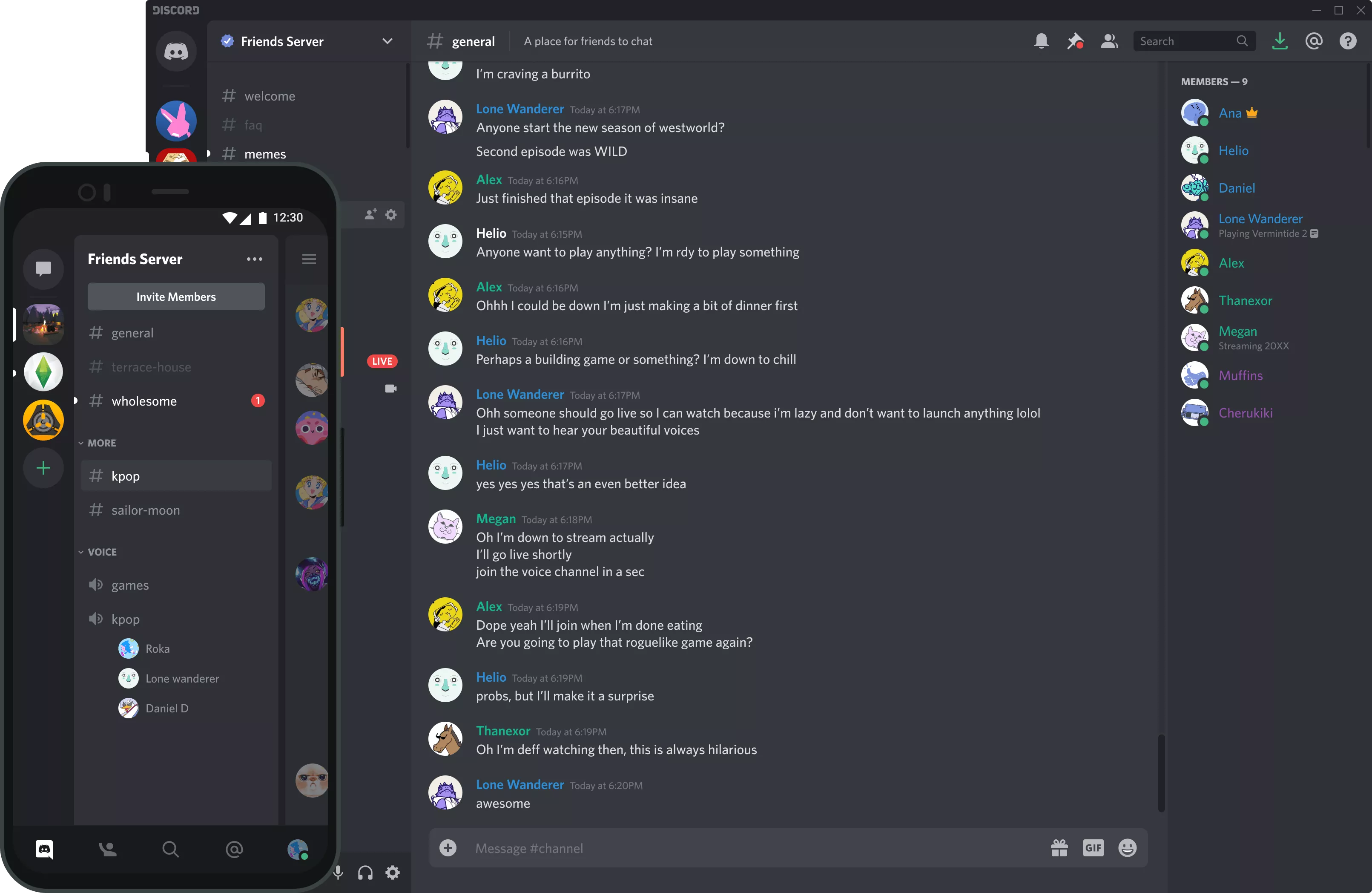
Discord is a cross-platform voice and text chat app originally designed for gamers, but since finding mainstream popularity, all kind of communities have migrated to it. Even TechSpot staff have moved away from Slack to use Discord full-time for team collaboration and communication.
Is Discord better than Zoom?
Zoom and Discord serve two different purposes. Discord is great for small and big team communication and collaboration via text or voice. Zoom is better suited for real-time online meetings and presentations.
Is Discord only for gamers?
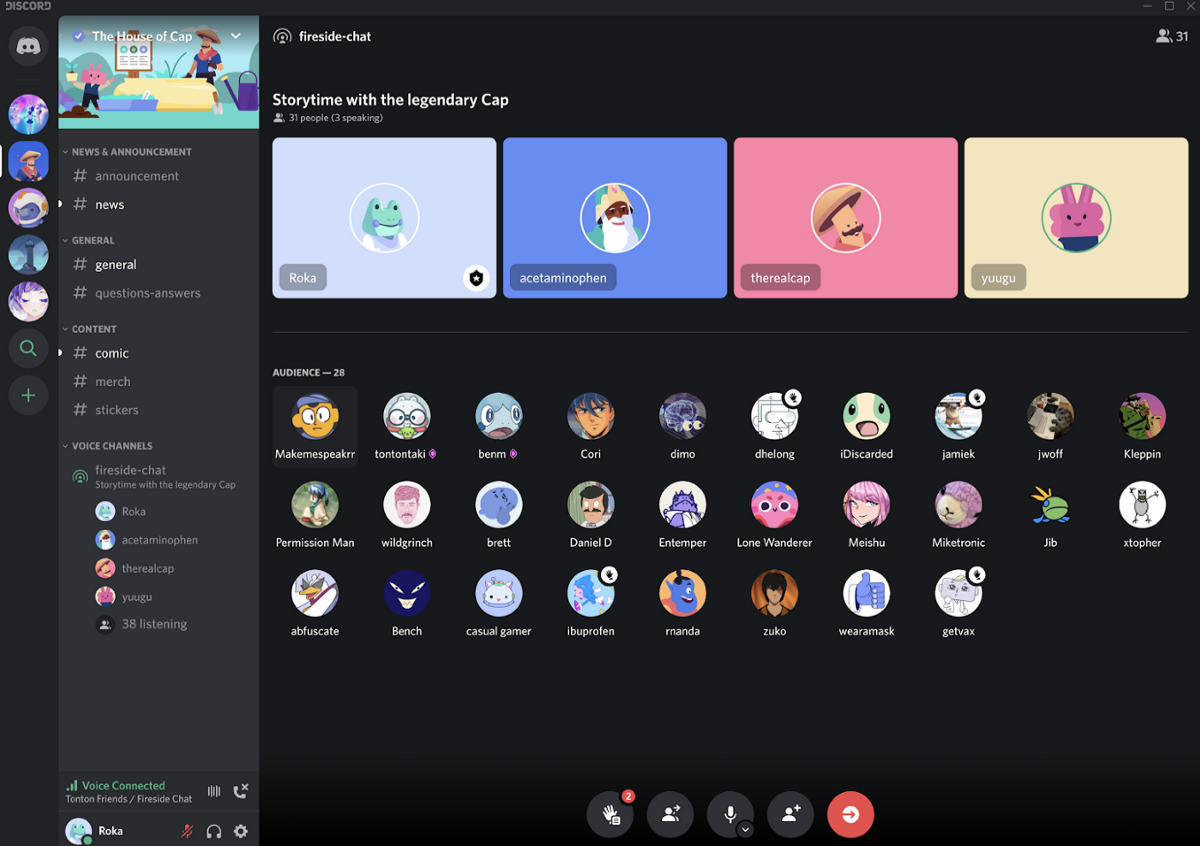
Discord is great for gaming and voice chat. That's how Discord got started but today all kinds of communities have migrated to it. Just like Microsoft Teams or Slack, Discord offers public and private servers that anyone can create and join for free, and today it's widely used for team communication and collaboration.
Is Discord encrypted?
Discord uses basic encryption methods like TLS to protect text and images in transit but does not offer end-to-end encryption like WhatsApp or Telegram. Other community oriented platforms offer similar safety features for written messages, but some like Microsoft Teams do offer end-to-end encryption for VoIP calls.
Is Discord free?
Discord is free for voice, text, and video chat options with no restrictions. There is an optional "Nitro" paid membership that offers extra benefits, but even setting up a private server for your business can be done with no additional cost.
Is Discord safe?
Although Discord is a great messaging app, the platform does not offer end-to-end encryption for text or audio/video communication. While your data is encrypted in transit to Discord servers, it is stored on said servers. Even when you use the app's privacy settings to disable their ability to "Use data to improve Discord," they still collect this data and store it in their database.
Discord Nitro Basic and Nitro: What's the Difference?
Our most-popular Nitro plan unlocks access to all the available Nitro perks, including custom emoji and stickers anywhere, HD video streaming, and an expanded selection of our newly-released Activities, just to name a few.
Nitro Basic includes a selection of some of the most-loved Nitro features that help you better express yourself on Discord, including custom emoji anywhere, bigger file uploads, and more.
We're excited to continue growing Nitro and give users more ways to have fun and create lasting memories on Discord. In the United States, Nitro Basic will be available for $2.99 per month. For those living outside the United States, pricing is viewable within your User Settings > Nitro page once it's rolled out.
Features

Discord was created to bring people together around games. You've taught us that it can be used for so much more. People use Discord for all kinds of hanging out: from live karaoke nights, to screenshare group painting, to virtual wedding parties. People create Discord servers for gaming, yoga classes, comedy fan clubs, and even run entire podcasting businesses. Discord is for anyone who could use a place to talk with their friends and communities.
Download Discord and experience modern chat:
- Voice chat: Join voice channels and chat with your group
- Real-time messaging: Share video, images, and text in rich chat
- Push notifications: Never miss a thing with @mentions and direct messages
- Instant Invite: Easily add friends to your voice server by sharing the Instant Invite link
- Direct messages: Send one-to-one private messages
- Multiple server support: Manage all your game chat groups in one client
- Organizable channels: Keep discussions on topic through structured communication
What's New
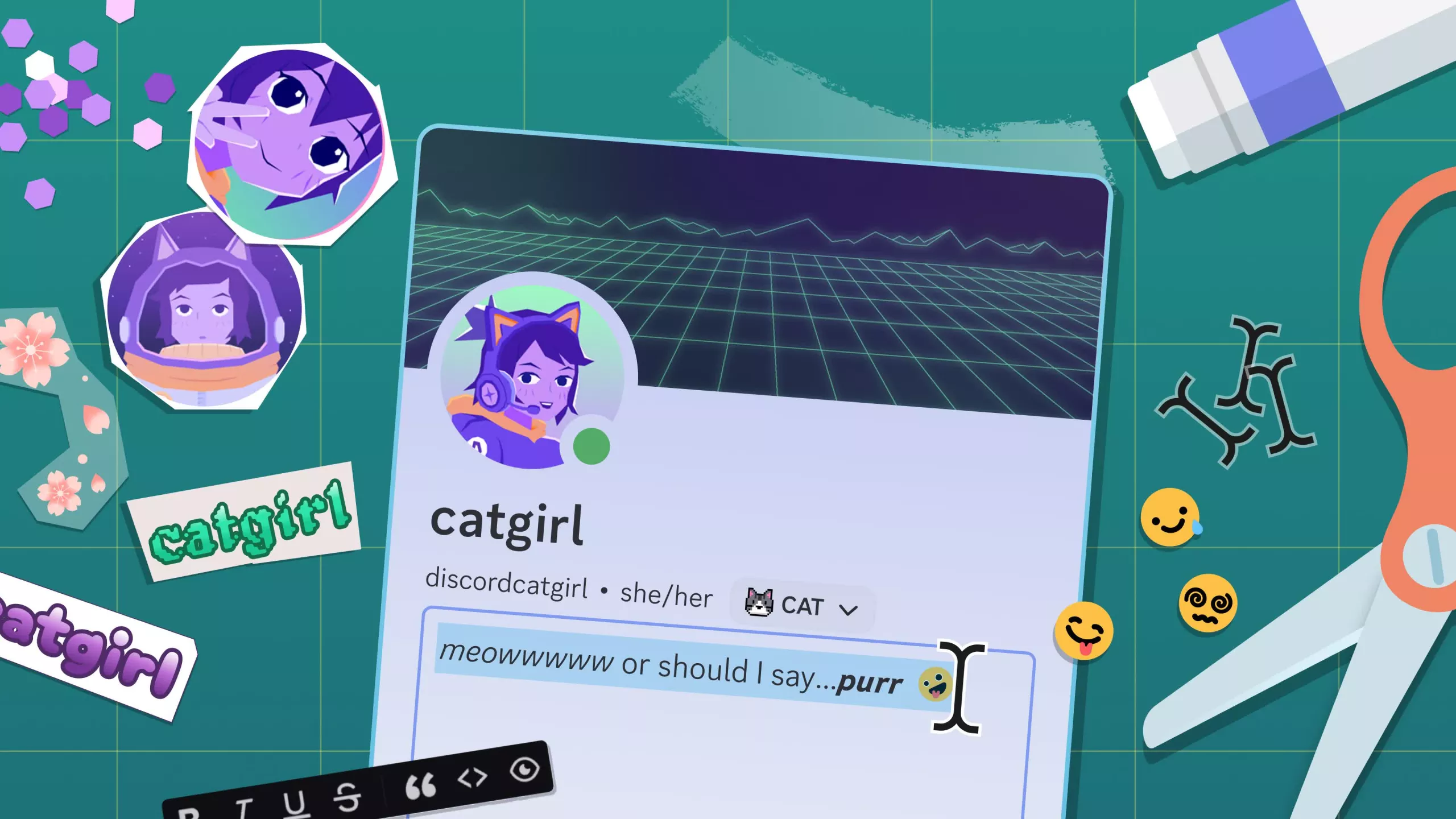
Make a BOLD first impression with new formatting tools on desktop to help put the finishing touches on your bio without having to memorize Markdown. Apparently, it's called a "WYSIWYG" editor, which is really fun to say. WYSIWYSIWYSIWIG.
We've shipped another portion of our User Settings redesign:
- Activity is now Games & Apps
- Content & Social is now Messaging Permissions
- Related settings, such as Authorized Apps/Connections and OS-specific pages/keybinds, have been consolidated for clarity.
- We've made language and style updates across several settings pages, including Data & Privacy and Activity Privacy.
We upgraded our Desktop client to using Electron 42, which aside from general maintenance best practices on our end, yielded some incremental improvements to CPU usage of our app.
Now it's time for a LOITWAODL, or: a List Of Improvements That Were Added On Discord Lately:
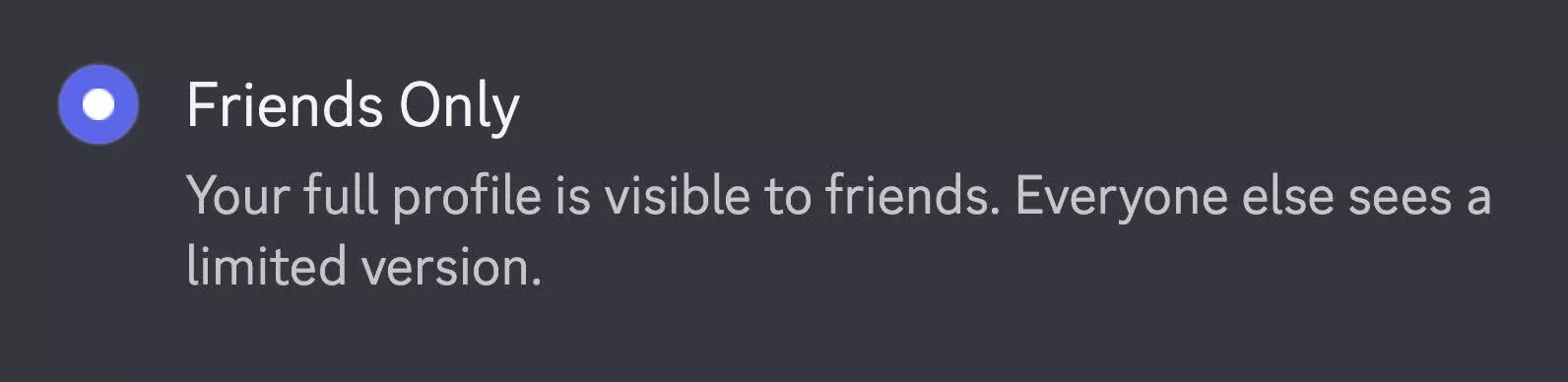
You can now set your profile as "Private." Blind others with the majesty of your bio with everyone, just smaller servers, or just those you actually have added as a friend.
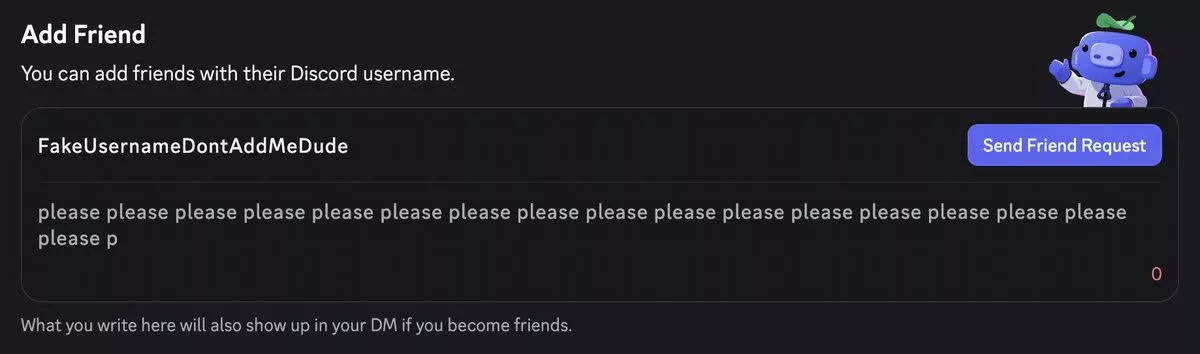
Attach a note when sending a friend request so your future buddy knows why you're adding them, that way they won't ask "who the hell is this again??"
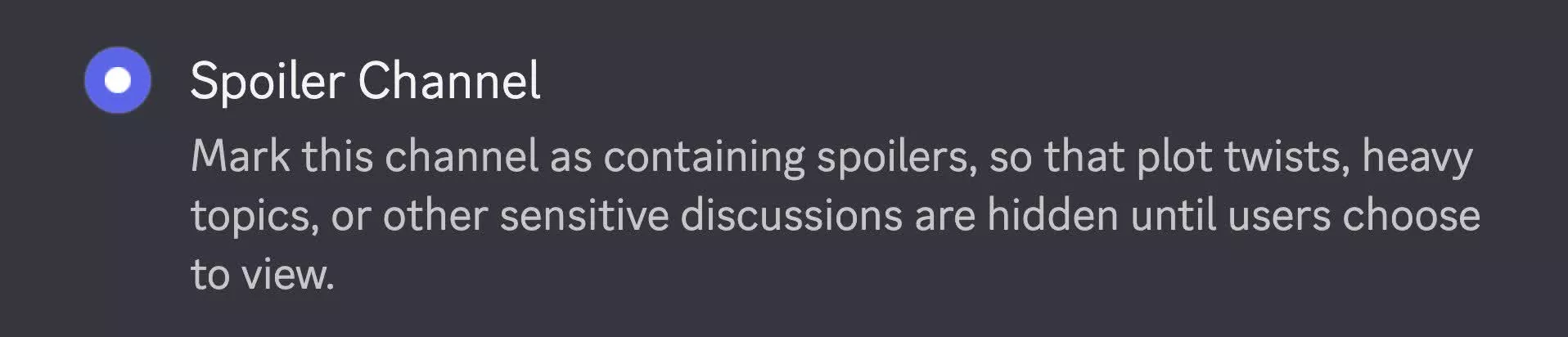
New spoiler channels make server members say "yeah man i wanna see it" before viewing a text channel, without moderators having to mark the entire channel as Age Restricted as a workaround.
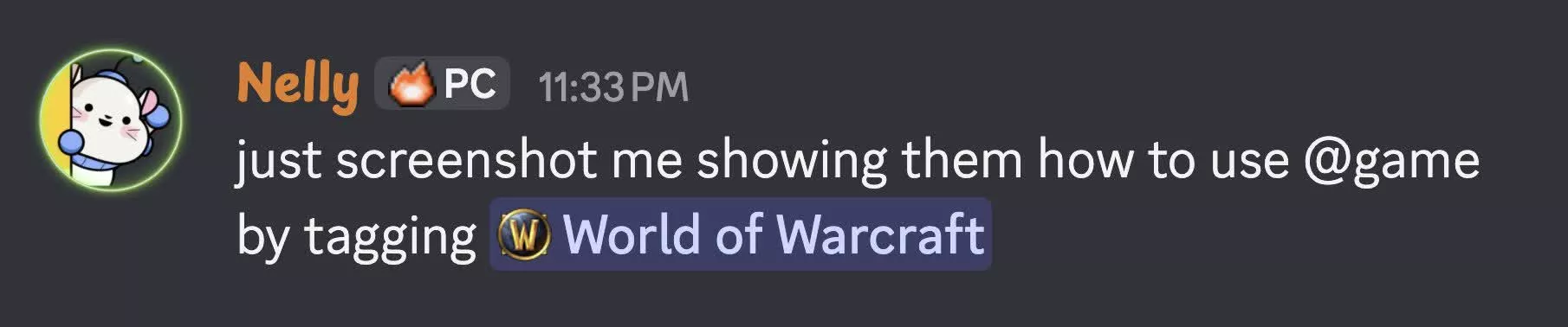
On desktop, share a game by mentioning it. By typing @game, you can search for any game with a Discord profile and embed it in your message, like <@game Palworld> or <@game Sunderfolk>. Mobile support in the works!
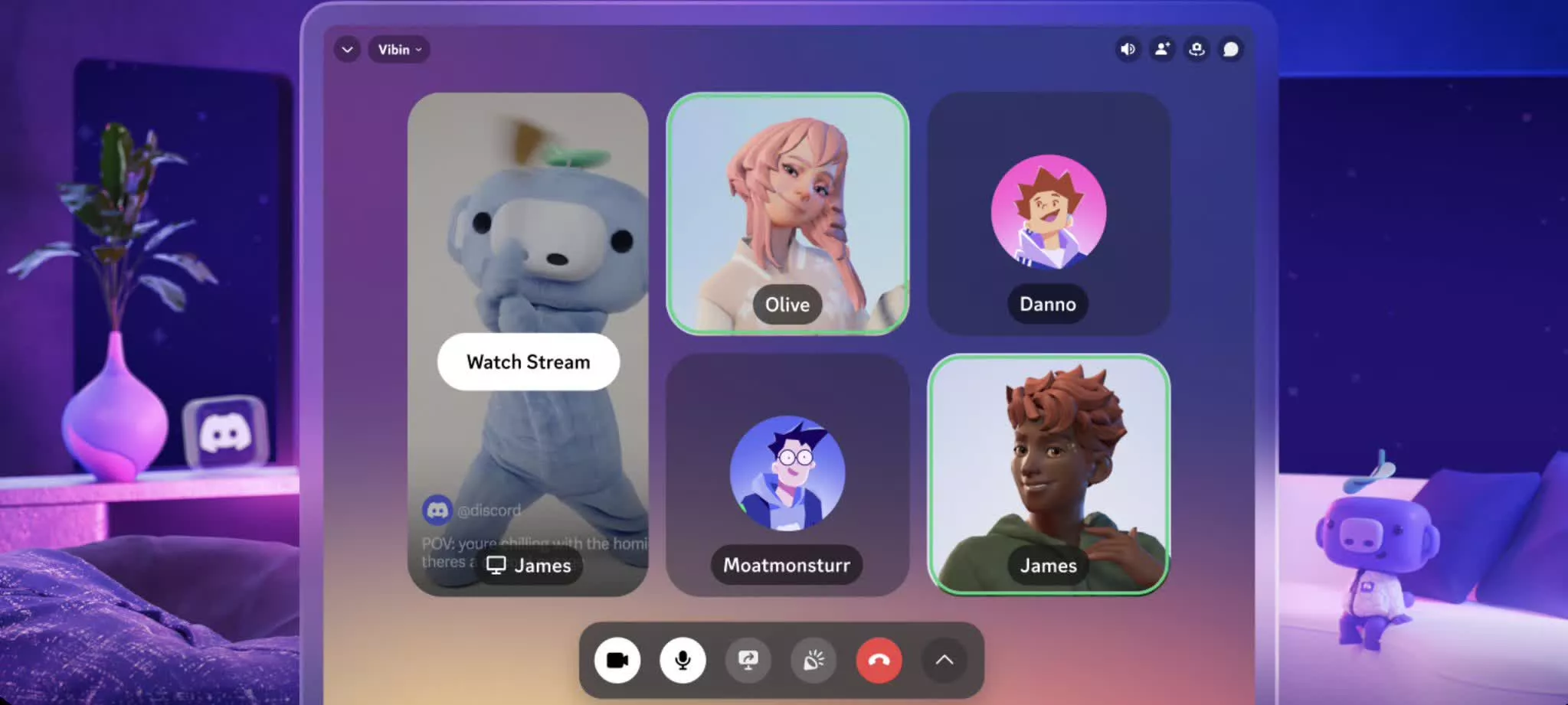
Goggle-wearers rejoice: Discord's on Meta Quest! Keep the app pinned in your virtual environment while playing a VR game, or like, boiling eggs. With your headset on.
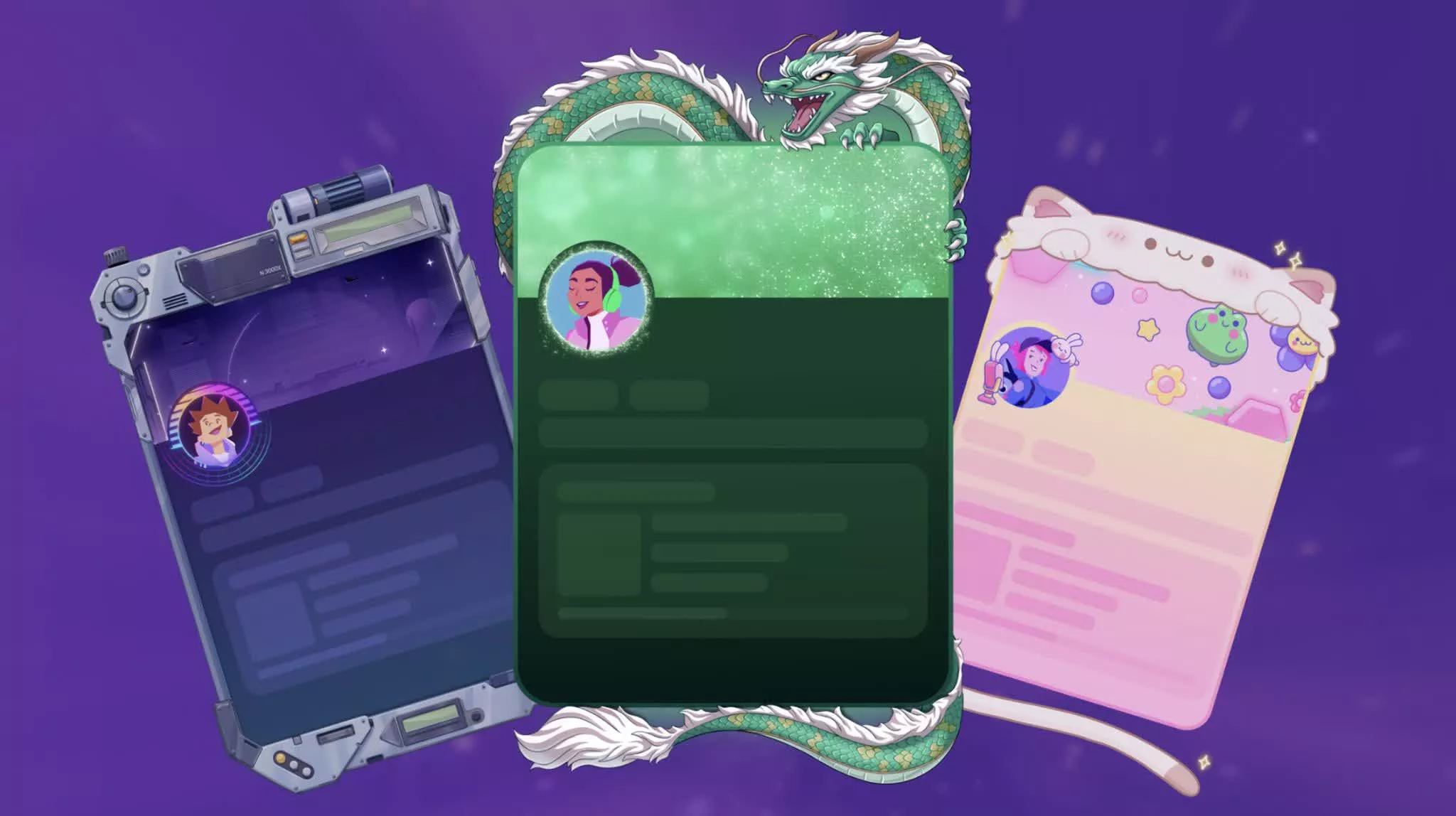
Frame your picture-perfect profile by adding one of the newest profile customization options in the Shop: Frames!