How to Keep Using Internet Explorer in Microsoft Edge with IE Mode
If you use Windows and need to access a website that doesn't support modern browsers, you can still manage to do it thanks to a hidden option in Microsoft Edge called "IE Mode."
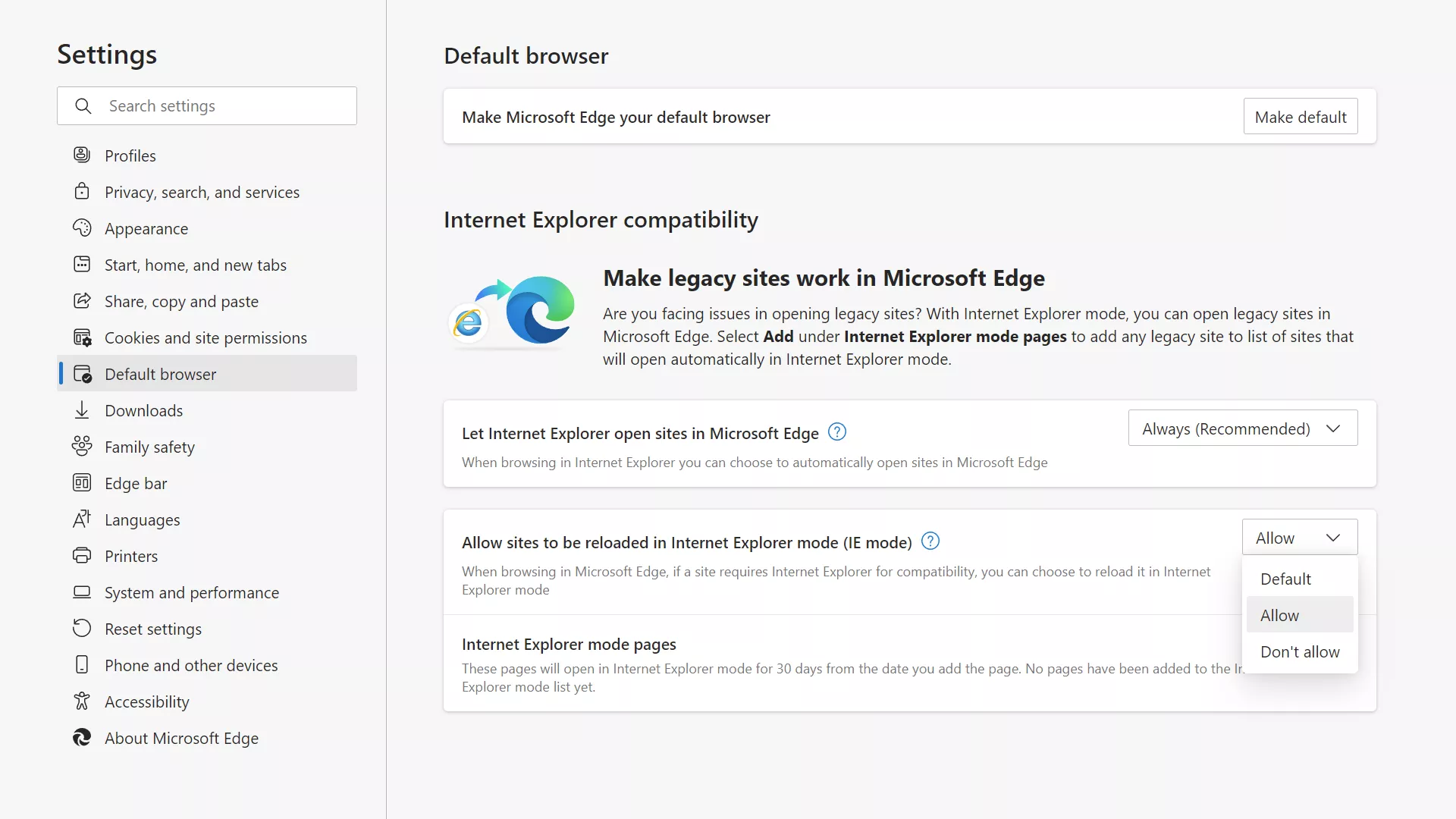
If you use Windows and need to access a website that doesn't support modern browsers, you can still manage to do it thanks to a hidden option in Microsoft Edge called "IE Mode."
Learning Microsoft Word's ins-and-outs can be very rewarding, making you more productive, plus your colleagues will also appreciate a Microsoft Word guru by their side.

Microsoft's Game Pass has slowly become a must-have for hardcore PC and Xbox gamers. With hundreds of great titles and lots of day-one releases, here are a few pro tips you should know about.

Not to be confused with DLSS, Nvidia's DLDSR (Deep Learning Dynamic Super Resolution) is a method of supersampling that renders supported games at a higher resolution than your monitor's native resolution.
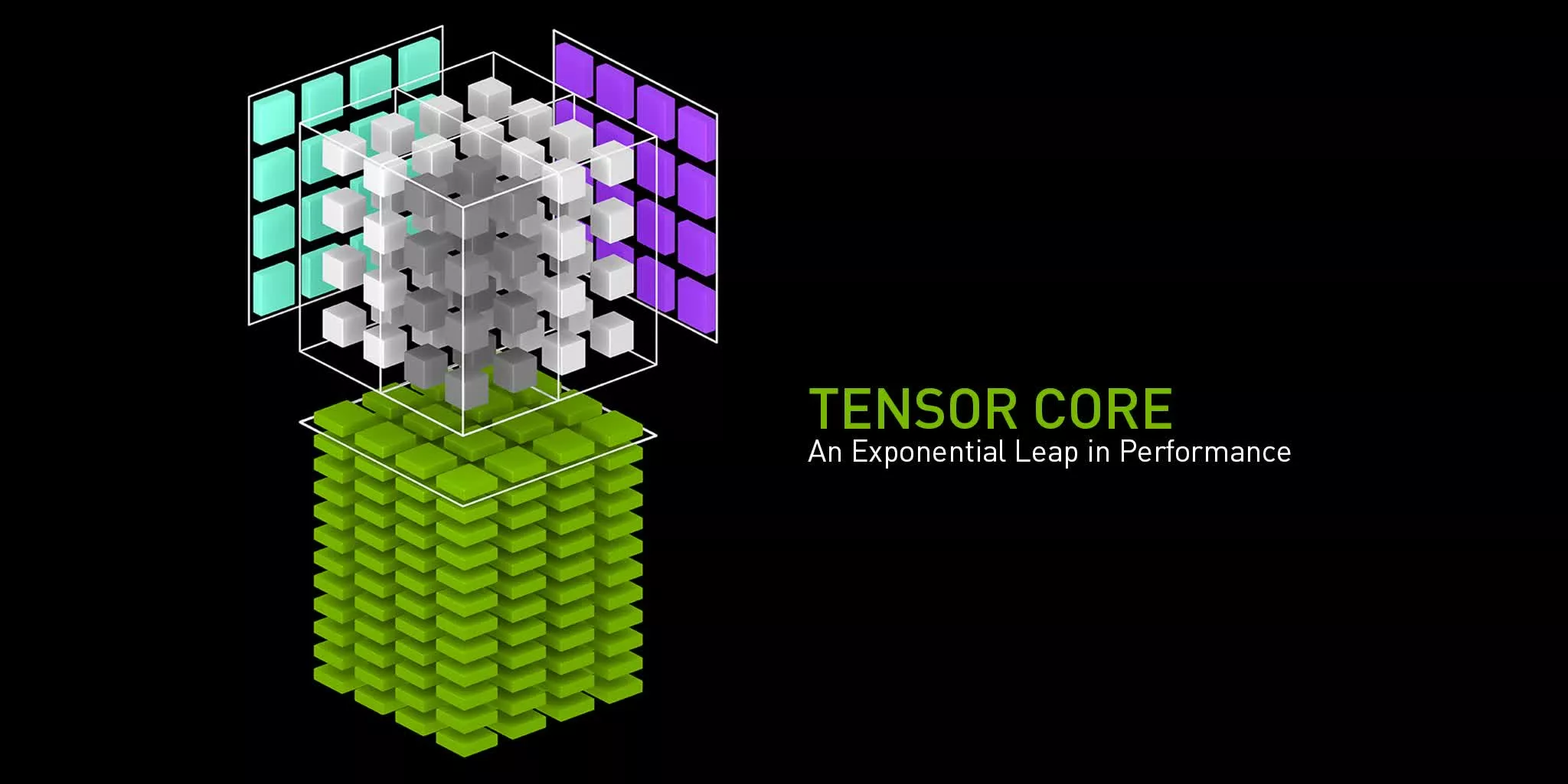
Data loss is rampant these days and a good backup strategy can save you from losing access to important information. In this guide, we explore how to export and download Gmail emails for safekeeping.
If you want to neatly share PDF pages or extract info from a PDF without relying on ugly screenshots, you should convert them to JPG images. Here's how you do it in the most effortless manner.

Google Search can be a very powerful tool and in this guide we'll go through some useful tips and best practices to use it to its full potential and make searching for information more precise and effective.

Amazon Echo devices offer a multitude of functions, but those with built-in camera and screens have a particularly useful feature: they can double as security cameras.

Many of you may be familiar with Windows God Mode. It does not make your PC immortal, but puts an icon on your desktop that gives quick access to any setting you might need, with over 200 settings available.

If you've made the jump to Windows 11, chances are you won't like some of the changes made to the Taskbar, Start Menu, and File Explorer. However you can fix many of these with a few tweaks and tools.

#ThrowBackThursday Like all electronic devices, PCs don't last forever, and the parts inside them will eventually fail. While it's easy to replace a broken device, the same can't be said for the data stored in your machine.

#ThrowBackThursday Learn all that you can do in the Windows Command Prompt, from useful commands everyone should know to more advanced tweaks and troubleshooting features.
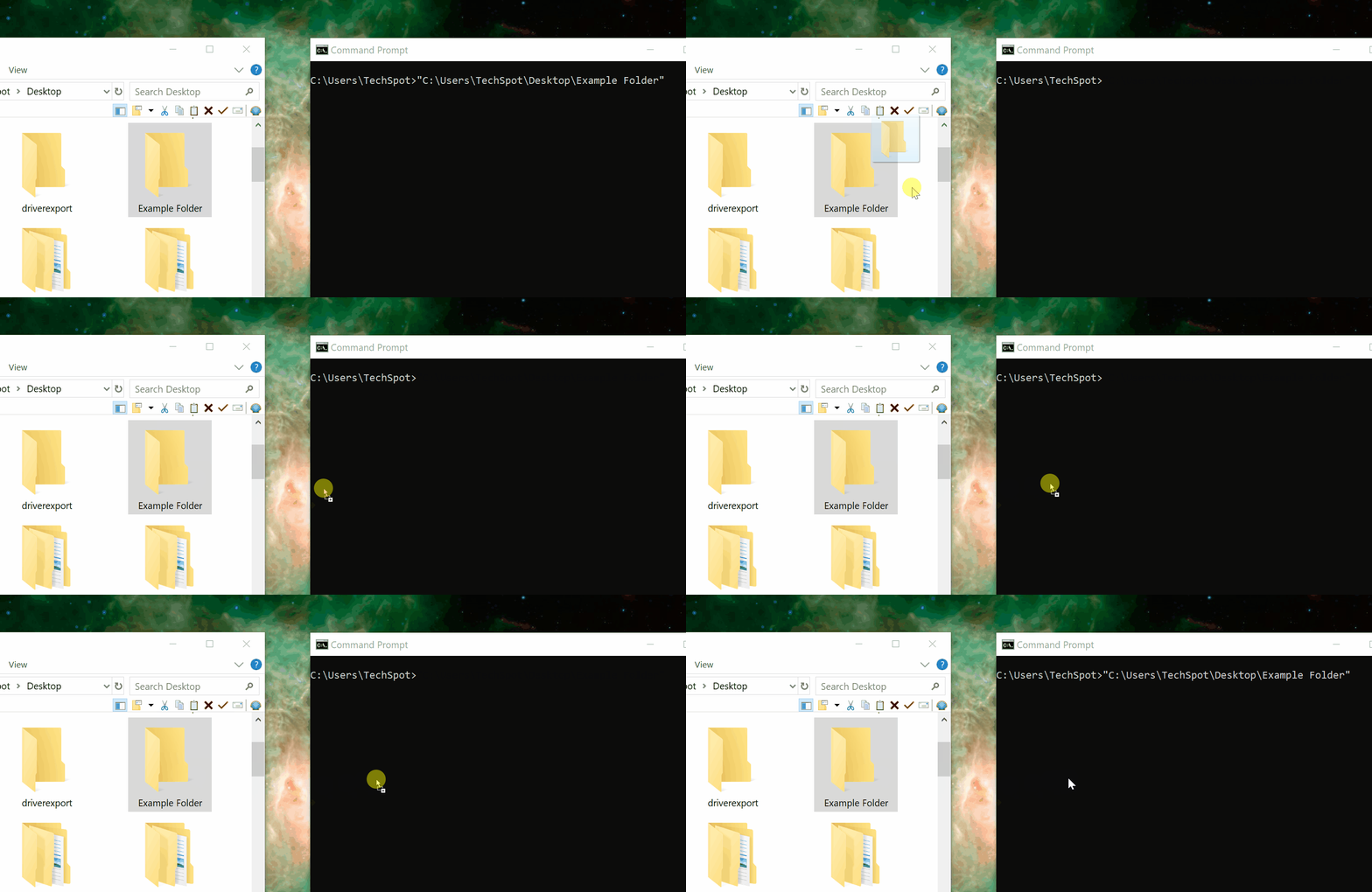
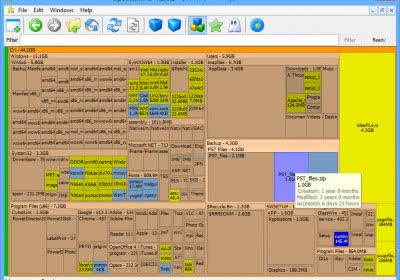
A common reason to move your game install files is that you've added a new faster or larger drive to your system. Redownloading is impractical, so here's how you can move your Steam games and many others in a few simple steps.

With a few easy tweaks, the Windows taskbar can save you time and display more information while taking up less screen real estate... and become less disturbing.

With games now taking up dozens of gigabytes, and Windows updates needing more space than they used to, you may find your drive filling up more often. Here are a few tricks to help you clear clutter and free up space in Windows.


Screen tear or input lag? To vsync or not to vsync? For the longest time, this was an either-or question in the PC gaming space. You could either have a tear-free, properly frame-paced image or low input latency. But here's a trick to try.

Resolution scaling is a great option if you're looking to gain an additional 10-15% performance after tweaking settings. If you're playing at a high resolution like 4K, and you combine res scaling with image sharpening, the results are often very close to native.

#ThrowBackThursday As a TechSpot reader you've surely opened software as an admin on Windows before, maybe as recently as today. But do you know what happens under the hood of Windows when you tell the OS to run a program as an administrator, and why is this process necessary in the first place?

You can have a super fast gaming PC with an RTX 3080 onboard and other speedy components. And yet, if you have a slow connection, your online gaming capabilities will be severely limited. Here are a few things you can try that can improve your existing connection.

#tbt x2 Left unchecked, it won't take long for the Windows context menu to become cluttered, and we bet there's at least one program on your context menus that you never use.

#tbt Windows 10 introduced a "3D Objects" File Explorer shortcut that takes up unnecessary space by default. This article shows how to remove that annoyance and other such shortcuts (Music, Videos, etc), so you can personalize as you want.


We want to help with a few helpful tips for working from home, not only of what you can do, but what you probably shouldn't. Our hope is that we can contribute with ideas that will get you than ready to tackle the challenge.
