FluentCleaner ditches the bloat with a new 3.5 MB Classic edition
FluentCleaner Classic swaps the WinUI 3 shell for a portable 3.5 MB WinForms build on .NET Framework 4.8, no runtime install needed. Same cleaning engine, just far less overhead than the standard app's 140 MB footprint. The result is a fast, no-frills cleaner that runs on virtually any Windows installation.
DLSS Swapper creator issues malware warning over user-submitted DLLs
This is your daily reminder to avoid downloading random DLLs from untrustworthy websites
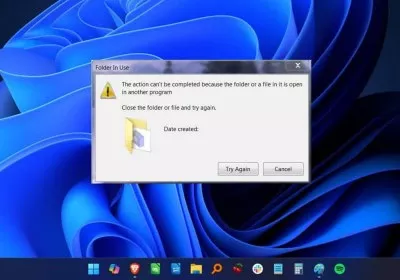
Microsoft's own Azure CTO is still annoyed by Windows' "file in use" error
Mark Russinovich is still explaining why Windows blocks file deletion
GM just updated 250,000 EVs to sell power back to the grid
Your GM electric car can now act as a tiny power plant, the catch is the $20,000 setup fee
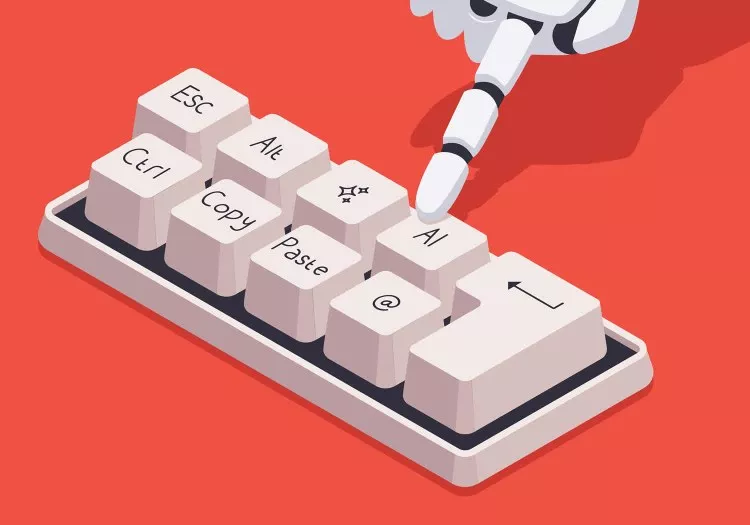
Are you actually using AI on your PC?
Beyond the hype, what does AI actually do for you?
PowerToys 0.99.1 boosts multi-monitor management
The latest PowerToys update brings new tools like Power Display for multi-monitor brightness control and Grab and Move for simpler window handling, along with refinements to modules like Command Palette and Keyboard Manager.
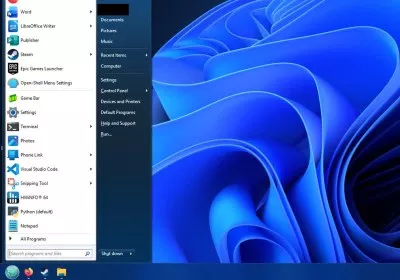
Windows 11 users are still fixing the Start menu with third-party tools
While Microsoft rethinks where they've failed with Windows 11, many users rely on tools like Open Shell, Start11, StartAllBack, and ExplorerPatcher to take back control of the UI. Open Shell remains a free favorite with a customizable Windows 7-style menu, while Start11 and StartAllBack offer more polished tweaks for modern systems. ExplorerPatcher rounds things out as another powerful free option.
Stop the Slop: 8 Tools That Clean Up Windows 11
If Windows 11 feels cluttered with AI features, ads, and background services, these popular free tools help strip out the bloat, disable telemetry, and give you more control over the OS.
US grid battery storage hits record, even as clean energy incentives are rolled back
America's power grid just crossed a battery tipping point
YUMI exFAT adds smarter drive prep options
YUMI remains a reliable pick for building multi-boot USB drives, especially if you like having control over how your media is set up. The latest release introduces a handy new preparation menu: users can now reserve unformatted space and choose the target filesystem upfront, making it easier to fine-tune a USB stick for specific use cases or future expansion.
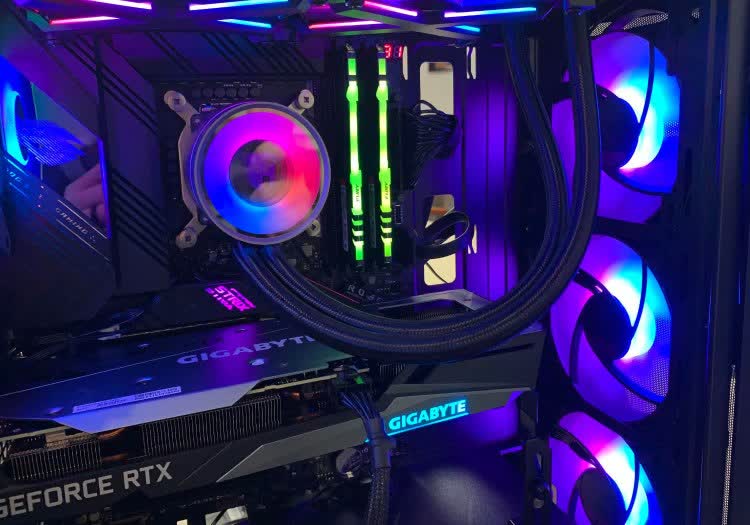
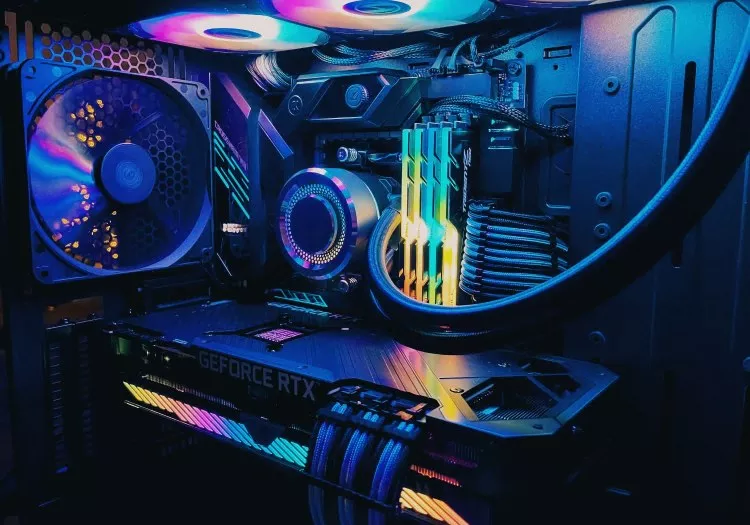
HWMonitor provides a simple view of PC hardware temperatures and voltages
HWMonitor tracks essential system metrics such as CPU and GPU temperatures, voltages, fan speeds, and power usage. It offers a quick snapshot of hardware behavior, making it useful for routine monitoring and basic troubleshooting.
Microsoft is baking Sysmon directly into Windows 11 and Windows Server
The power-user enterprise tool will become easier to deploy and maintain at scale
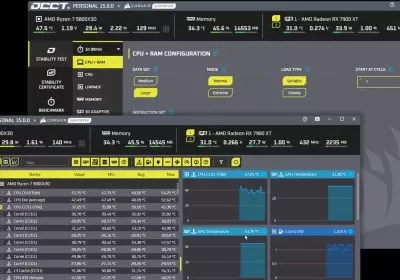
OCCT 15 launches with storage benchmark, smarter GPU tests, and coil-whine detection
OCCT 15 delivers a major update with a new storage test modeled after CrystalDiskMark, plus enhanced GPU diagnostics through an improved 3D adaptive test that detects errors more precisely and adds a coil-whine detection feature.
HWMonitor is a free tool for real-time hardware monitoring
HWMonitor provides real-time data about your system's components, including CPU and GPU temperatures, fan speeds, voltages, and power usage. It's a popular choice for diagnostics, overclocking, and checking system stability. See more recommendations in our Essential Apps feature.
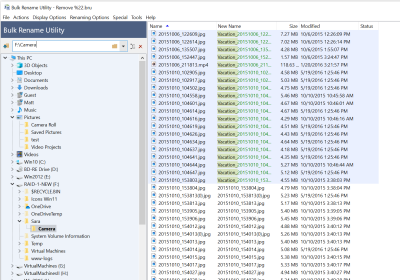
Bulk Rename Utility is a free and powerful tool for batch file renaming
Bulk Rename Utility lets you rename multiple files and folders at once using rules and filters. It offers options like adding or removing text, numbering files, replacing characters, or even renaming based on metadata such as dates, image EXIF data, or music tags.
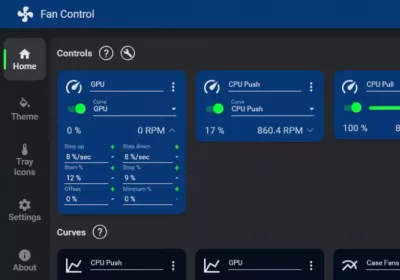
FanControl gives you full control over system cooling
FanControl lets you create custom fan curves and temperature sensors on Windows. It supports dynamic speed control for case, GPU, and some PSU fans, and includes a plugin system for third-party sensors. Check out more in our Essential Apps feature.
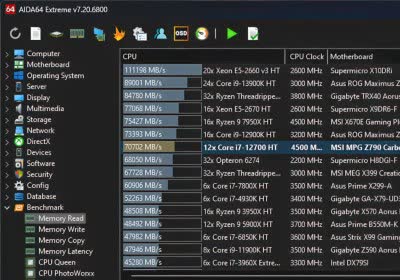
AIDA64 update adds CPU, GPU, and display support enhancements
The latest AIDA64 update enhances accessibility with improved text scaling and SensorPanel upgrades, including new gauges and display options. It also adds early support for AMD Zen 6 and Intel Wildcat Lake CPUs, PCIe 7.0, and updated details for new AMD, Intel, and Nvidia GPUs.
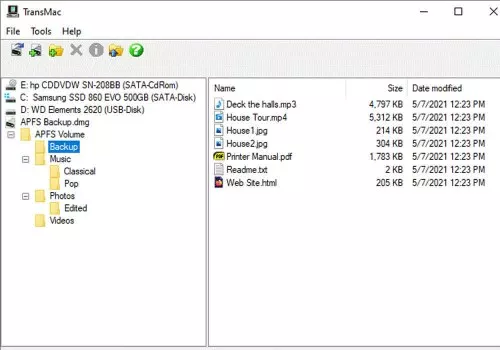
Unlock Mac-formatted drives on Windows with TransMac
If you're a tech-savvy Windows user who often works across macOS environments, TransMac is one of those rare utilities that earns its keep. It unlock access to Mac-formatted drives (HFS+, APFS) directly from Windows, letting you create macOS bootable USBs, DMG files, or recovering data from otherwise unreadable Apple drives.
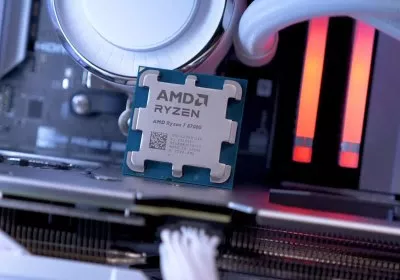
CPU-Z 2.15 adds support for the latest CPUs and GPUs
CPU-Z version 2.15 adds support for Ryzen AI Max, Ryzen AI series and Radeon RX 9070 GPUs. It also includes support for Nvidia's RTX 5070 Ti and 5070, new GPU compute unit details in the Graphics tab and a new Validation Statistics page.
DLSS Updater is a free utility that updates all your games to the latest DLSS version
DLSS Updater automatically scans your installed games and updates them to the latest Nvidia DLSS DLL version available. It supports games installed via Steam, Epic store, Ubisoft, GOG, EA and Battle.net.
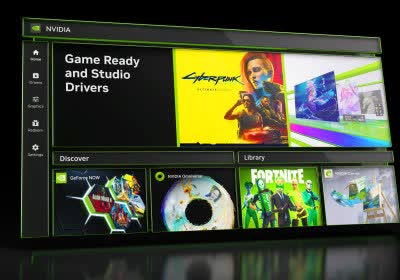
The new Nvidia app, featuring one-click overclocking, is now available for download
The Nvidia app unites Control Panel and GeForce Experience functionality. The latest beta features one-click overclocking, support for AV1 SDR and HDR encoding, and the ability to record gameplay at 120 FPS.
HWiNFO 8.00 adds a new FPS and system statistics overlay
HWiNFO 8.00 introduces a new OSD feature, enabling users to monitor FPS along with system statistics including CPU and GPU temperatures, RAM usage, and more.
AIDA64 Extreme diagnostics tool improves GPU monitoring
AIDA64 Extreme 7.20 features a revamped UI with a configurable toolbar, three new dark modes, and enhanced sensor monitoring for RTX 3000 and RTX 4000 GPUs, among other improvements.
ReShade 6.0 adds ray tracing and mesh shading APIs, RTX Remix support
ReShade is a free program designed to enhance the graphics of games and videos. The latest version introduces APIs for ray tracing and mesh shading, creating even more immersive environments.